I have tried but still not working
What is your AuthServer:Authority value?
What are the logs after setting the AuthServer:Authority ?
There is no account module in your Web project.
Please add <PackageReference Include="Volo.Abp.Account.Pro.Public.Web.OpenIddict" Version="8.1.1" /> to it and try again.
You can create a new template project to compare the csproj file.
hi
Can you also share the screenshot of the project structure? Do you have AuthServer project?
These classes are in the Volo.Abp.Account.Pro.Public.Web.OpenIddict package.
btw, can you share your csproj file of backed?
hi
The base class of LoginModel should be Volo.Abp.Account.Web.Pages.Account.OpenIddictSupportedLoginModel and the LoggedOutModel namespace is Volo.Abp.Account.Public.Web.Pages.Account LoggedOutModel
hi
Have you tried that?
https://support.abp.io/QA/Questions/7178/SystemInvalidOperationException-IDX20803-Unable-to-obtain-configuration-from-%27httplocalhost44395well-knownopenid-configuration%27#answer-3a1281eb-547b-98e3-ba12-1a21983d3197
Also, there is an etc/docker folder in the template project that you can refer to.
If your project doesn't have,You can try to create a new template project to see it.
hi
We are not experts in Docker. You can give it a try. I think it is possible.
If you face any problems, you can provide feedback here.
Please set the correct AuthServer:Authority URL in your docker environment.
Example:
{
  "AuthServer": {
    "Authority": "http://backoffice-authserver",
    "RequireHttpsMetadata": false,
    "MetaAddress": "http://backoffice-authserver",
    "SwaggerClientId": "MyProjectName_Client_Id"
  }
}
The link can be reached on your computer. But the container is in Docker.
There are different networks between Docker and your computer.
hi
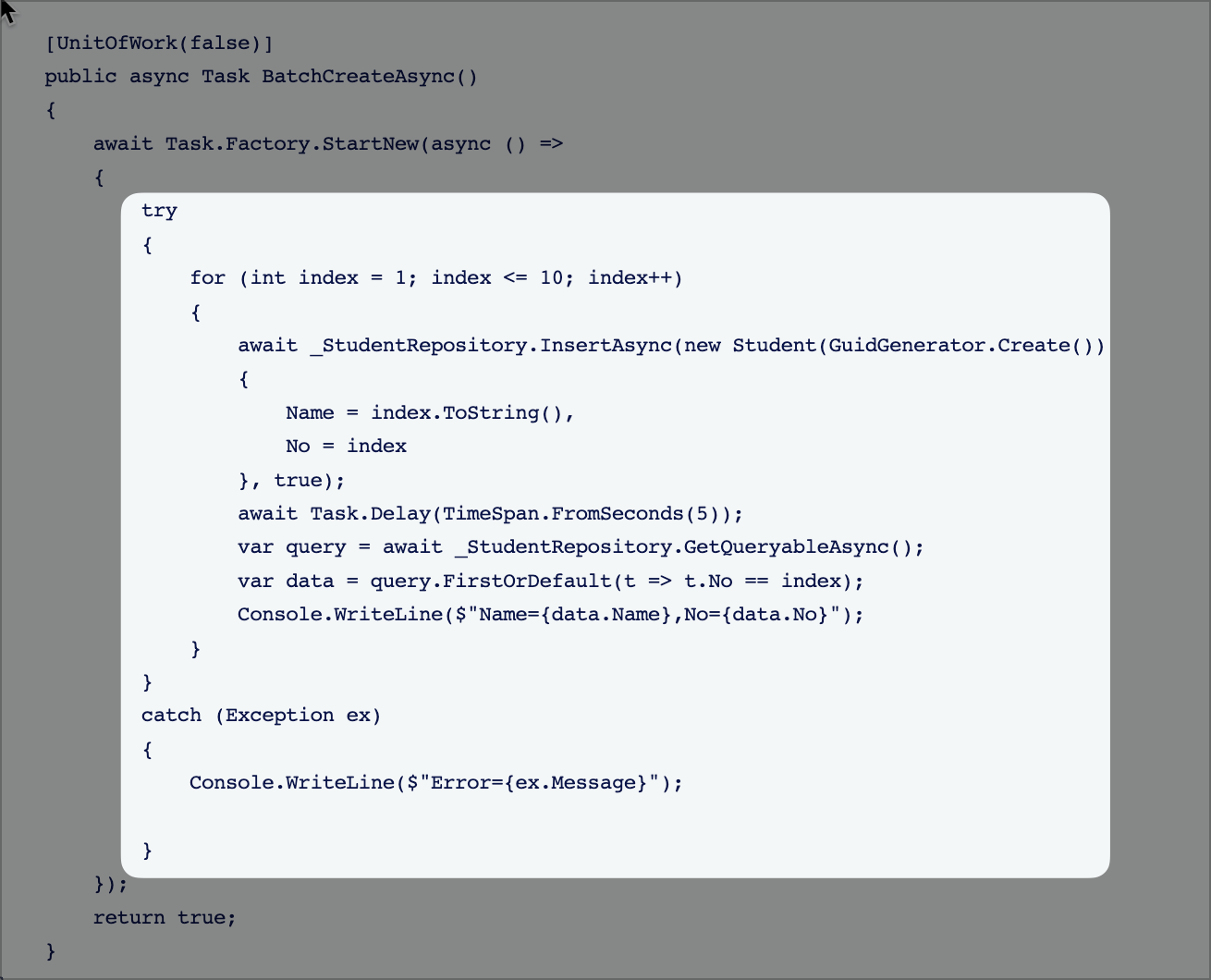
Please create an uow in your thread method. https://docs.abp.io/en/abp/latest/Unit-Of-Work#begin-a-new-unit-of-work