The script in production and local is different.
It is exactly equal to the fresh new template.
Yes
when published it doesn't.
How did you publish the website?
hi
I found the problem.
The abp.js of your website/project is not up to date.
https://github.com/abpframework/abp/blob/dev/npm/packs/core/src/abp.js
Please try to update it in package.json of API/AuthServer project and re-run the abp install-libs command to update the libs.
hi
Hi, I tried the latest version, same issue
Please share this project and the steps, I will download it to test.
liming.ma@volosoft.com
Thanks
hi
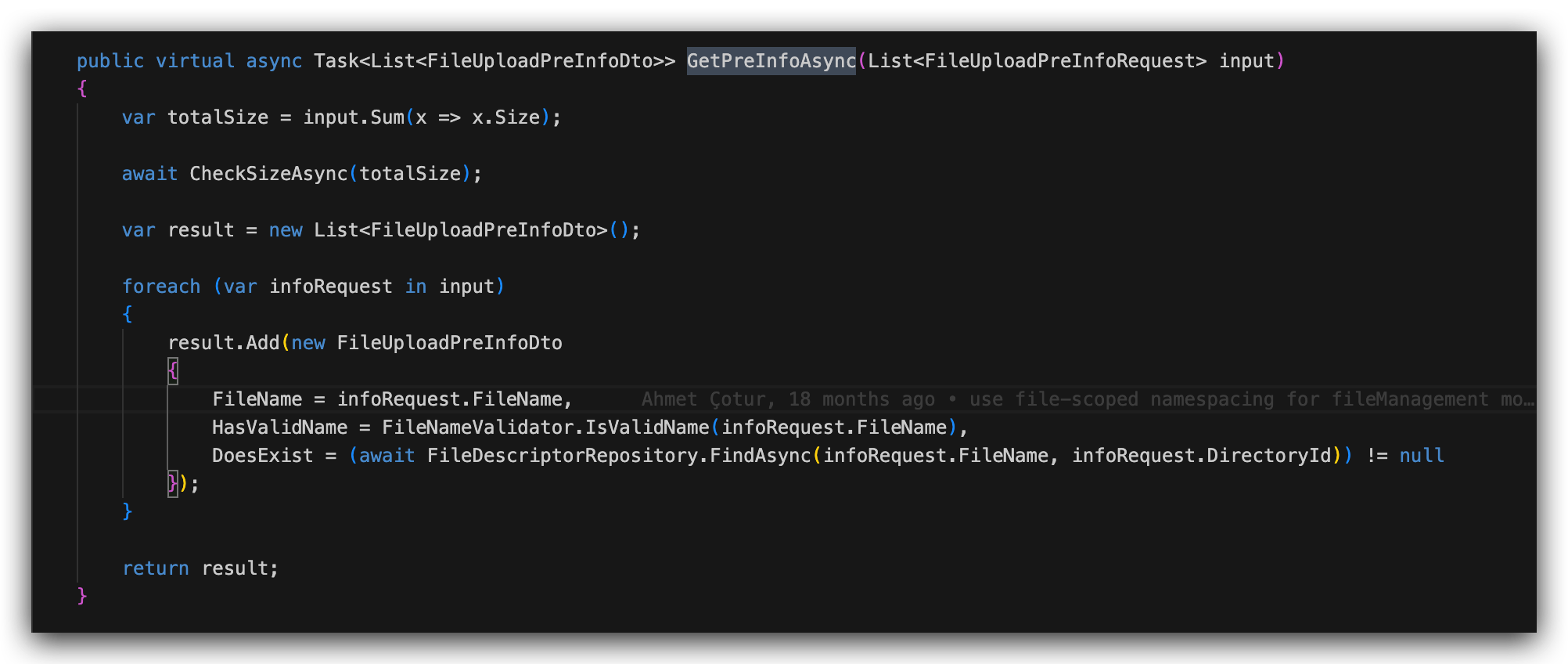
The source code of PreUploadInfo
hi
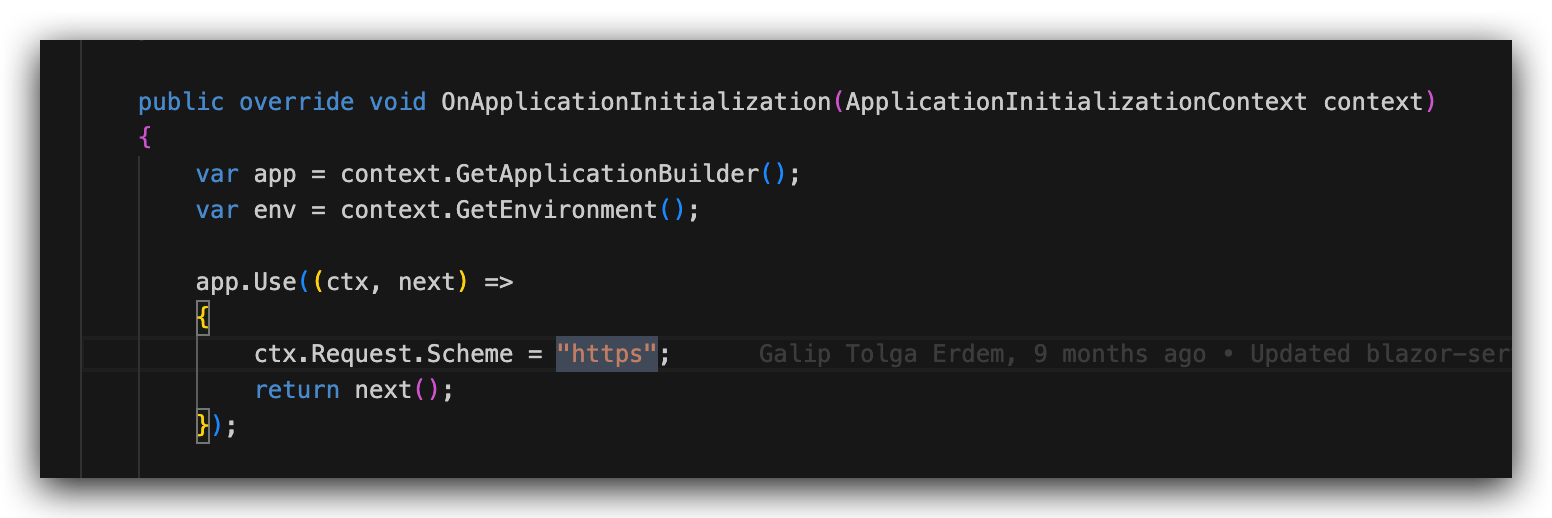
Try to set the current Scheme to https in the pipeline.
public override void OnApplicationInitialization(ApplicationInitializationContext context)
{
    var app = context.GetApplicationBuilder();
    var env = context.GetEnvironment();

    app.Use((ctx, next) =>
    {
        ctx.Request.Scheme = "https";
        return next();
    });
hi
The antiforgery token could not be decrypted.
This is usually the key of ASP.NET Core Data Protection has changed.
You can try to clear the cookies or test it on browser's private mode.
https://learn.microsoft.com/en-us/aspnet/core/security/data-protection/configuration/overview?view=aspnetcore-7.0
导致CPU都在写日志,程序根本跑不动
一般来说写日志不会影响性能.
不过你可以覆盖这种行为.
https://github.com/abpframework/abp/blob/dev/framework/src/Volo.Abp.AspNetCore.Mvc.Client.Common/Volo/Abp/AspNetCore/Mvc/Client/RemoteLocalizationContributor.cs#L159
Thanks. I will check it online first.
hi
About pfx file
https://support.abp.io/QA/Questions/4662/Need-help-to-create-authserverpfx-file









