Hello again,
Is there a way to get access to 'abp-page' markup - let's say add a class or directive to it - without replacing the components inside it (which makes no sense, because it is not the behavior or data we need to affect)?
You cannot inject a new directive for an element declared in DOM since the change detection of Angular does not support dynamic directive addition. I suggest you to re-consider your style overrides that may break these specific parts.
Another question: is it OK that there are nested router outlets - ours and yours - in ABP pages (highlighted in the screenshot above)? If - no, if there a way to fix that?
This should not break the responsiveness behavior since they are just Angular view placeholders.
Thank you for providing extra details. Could you share the error log for the problem if exists?
Hello again,
This page is designed in a different way than the pages we show a data table. All pages are constructed to be responsive including the last one you mentioned, and it looks different with the default design:
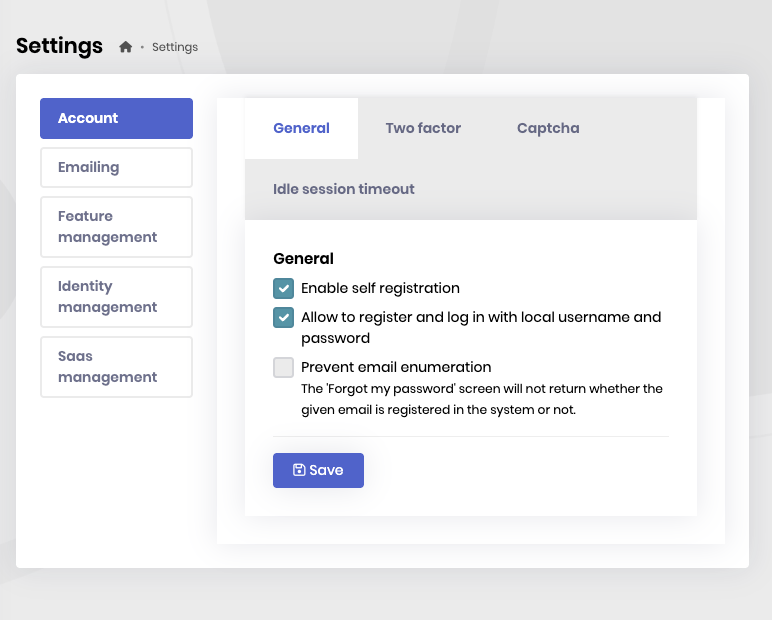
Maybe the described problem is related to the fact that we are using our "theme"? But we still need to make ABP page be rendered properly:
As you have also previously mentioned about your custom theme that may end up into these issues.
P.S. Please inform your site support team regarding this very page loading in desktop browser - it's very slow each time due to numerous slow API requests (it does not occur each time - the problem is usually observed at "cold start" - when I open this page every day for the first time).
We are optimizing these pages based on the reports if you mean this support page.
You can let us know if you need further assistance. Thank you for your cooperation.
Hello,
Here is the modal showing the application details.
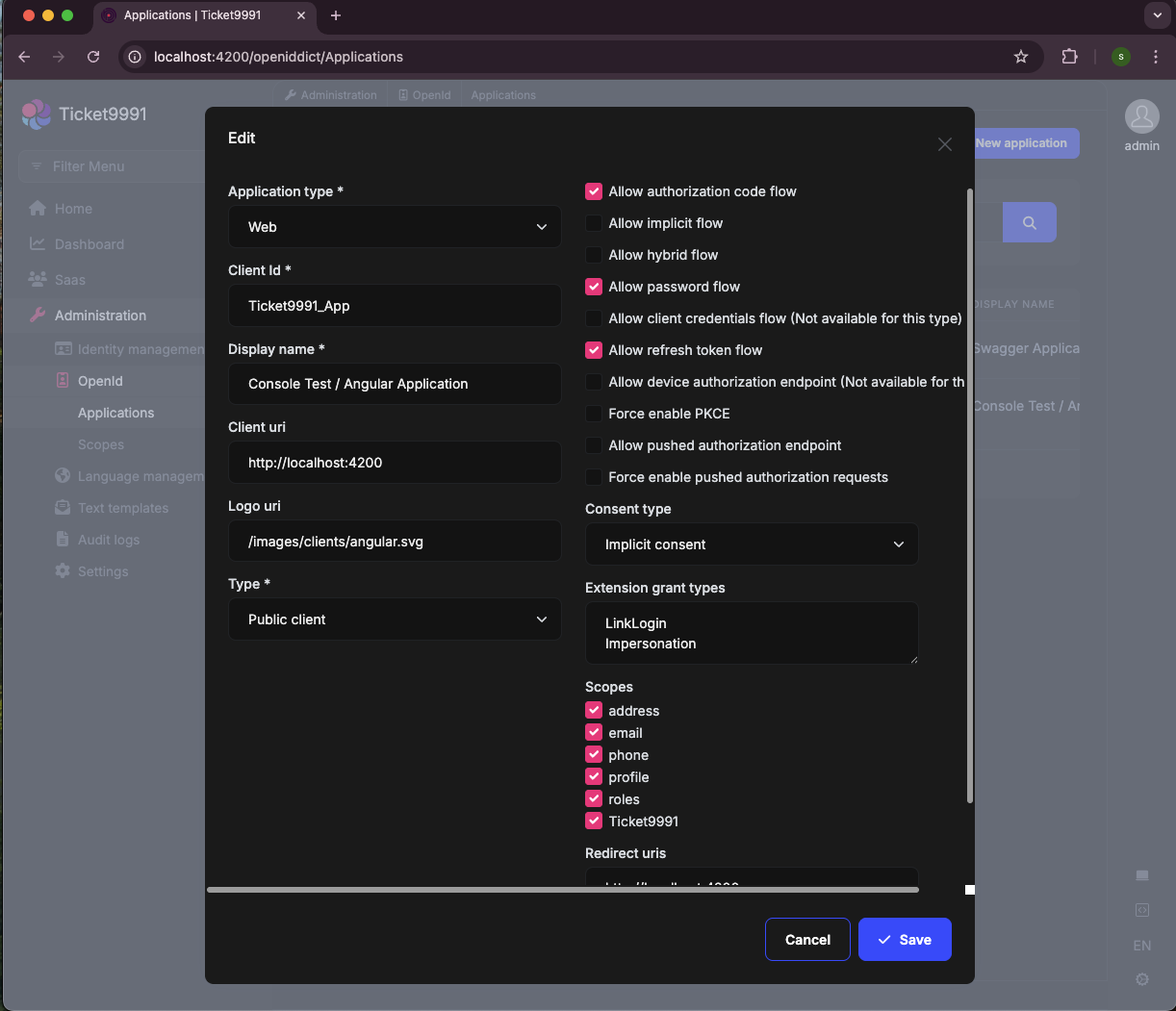
I want to remind that I am just customizing the login pages and do not make any other modification on the application. If you have made another change, this may trigger an error.
Hello again,
I have followed the instructions you have shared above. Then, changed the authorization flow to password instead of code like this
//angular/src/environments/environment.ts
//...
const oAuthConfig = {
  issuer: 'https://localhost:44366/',
  redirectUri: baseUrl,
  clientId: 'Ticket9991_App',
  // responseType: 'code', comment out or make it 'password'
  scope: 'offline_access Ticket9991',
  requireHttps: true,
  impersonation: {
    tenantImpersonation: true,
    userImpersonation: true,
  },
};
I am also sharing a sample project that may guide you: https://drive.google.com/file/d/1yFZRSyyuvxtCOHmrGEA1zauEWKBsxe7C/view?usp=drive_link
Hello,
Maybe the described problem is related to the fact that we are using our "theme"? But we still need to make ABP page be rendered properly:
Thank you for providing extra details about your application. Regardless of the versions and your own theme configuration seem fine, this part is designed to be used with the scroll when needed.
If you need to change this behavior, you can check these source code https://github.com/abpframework/abp/blob/dev/npm/ng-packs/packages/components/extensible/src/lib/components/extensible-table/extensible-table.component.html
https://swimlane.github.io/ngx-datatable/#/
However, you will need to override/replace the current package elements. You will need to reach source code to do so. You can check this page for this either: https://abp.io/docs/latest/suite/source-code
You can let us know if you need further assistance. Thank you for your cooperation.
Hello,
I have checked your case. However, I need to know how you have configured the device detection structure since we normally do not set such behavior by default.
I am suspecting an access token lifetime customization is made or anything is added to trigger such change.
That would the best if you could also specify how your browser redirects to the default route. Maybe you could share the request details that ends up here. If you think that this part is confidential and you do not want to share in this thread, you can reach me via e-mail. Here is my address sumeyye.kurtulus@volosoft.com
Hello,
Thank you for giving details about the problem. However, I could not produce the same problem on both lepton and lepton-x themes. That would be the best if you could share the related dependencies in your package.json
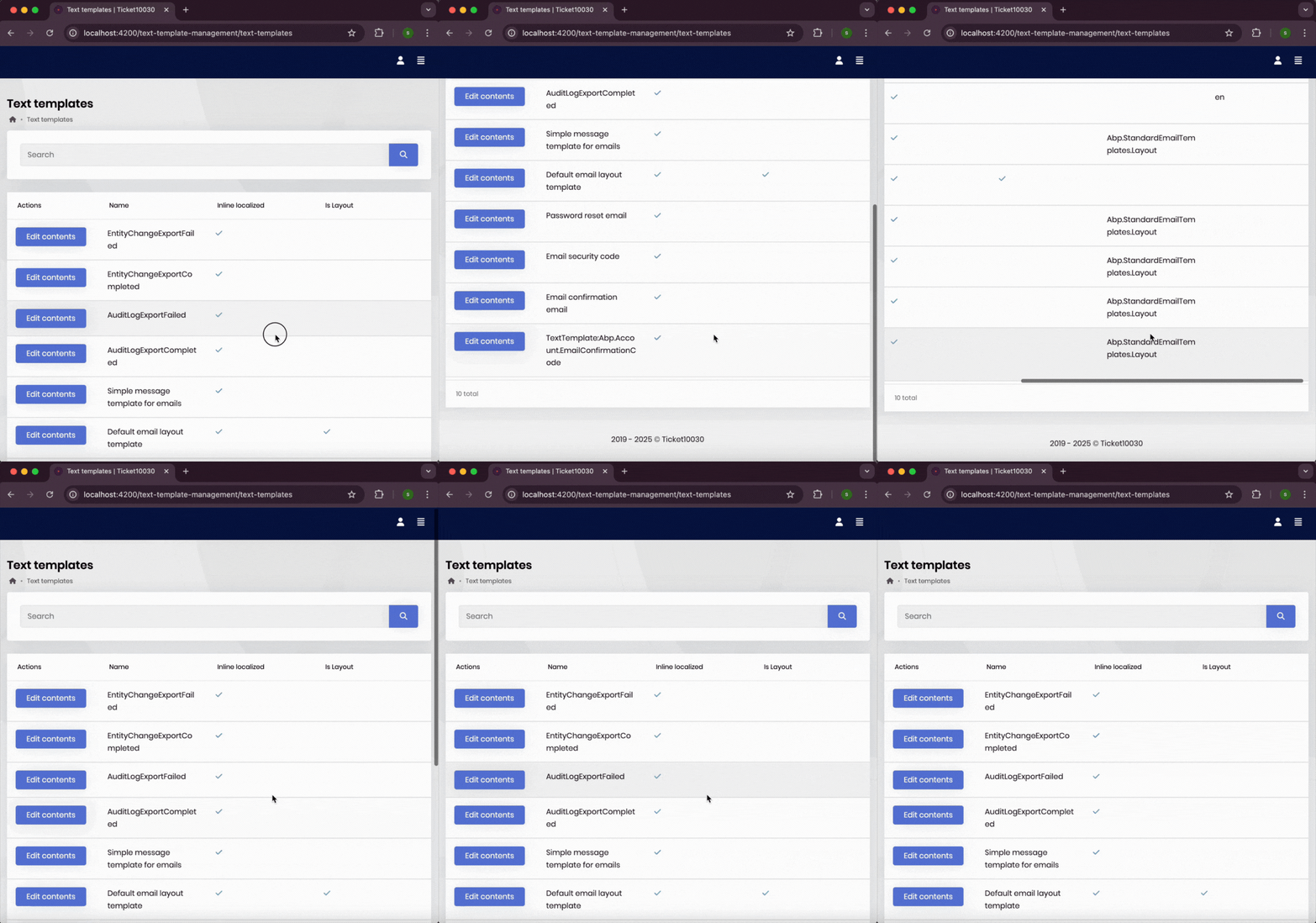
Thank you again for checking and responding. Since then the styles are used in a correct way by the customStyle parameter, the problem should be resolved.
Speaking of APP_INITIALIZER, here is how we have managed these kind of migrations:
// Before
export const LEPTON_THEME_NAV_ITEM_PROVIDERS = [
  {
    provide: APP_INITIALIZER,
    useFactory: configureNavItems,
    deps: [NavItemsService],
    multi: true,
  },
];

export function configureNavItems(navItems: NavItemsService) {
	return () => {
    navItems.addItems([
      // ...
    ]);
  };
}
// After
export const LEPTON_THEME_NAV_ITEM_PROVIDERS = [
  provideAppInitializer(() => {
    configureNavItems();
  }),
];

export function configureNavItems() {
  const navItems = inject(NavItemsService);
  // No need to return anything, since it is a modular function
  navItems.addItems([
    // ...
  ]);
}
You can also reach related 🔗 Angular documentation
It should be something misconfigured that affected this particular part as I suppose.
export const LEPTON_THEME_STYLES_PROVIDERS = [
  provideAppInitializer(() => {
    configureStyles();
  }),
];

export function configureStyles() {
  const injector = inject(Injector);
  // ...
  initLayouts(injector);
}

export function initLayouts(injector: Injector) {
  const replaceableComponents = injector.get(ReplaceableComponentsService);
  // we do not return this as we use provideAppInitializer instead of APP_INITIALIZER
  replaceableComponents.add({
    key: eThemeLeptonComponents.ApplicationLayout,
    component: ApplicationLayoutComponent,
  });
  replaceableComponents.add({
    key: eThemeLeptonComponents.AccountLayout,
    component: AccountLayoutComponent,
  });
  replaceableComponents.add({
    key: eThemeLeptonComponents.EmptyLayout,
    component: EmptyLayoutComponent,
  });
}
You can let us know if you need further assistance on this. Thank you for your cooperation.
Thank you again. This usage should also be working fine.
This problem shold not be related to the usage of APP_INITIALIZER since it is just depracated. That would be the best if you could share a minimal, reproducible example or a screenshot of how your application is broken (via e-mail if you do not want it to be seen here)









