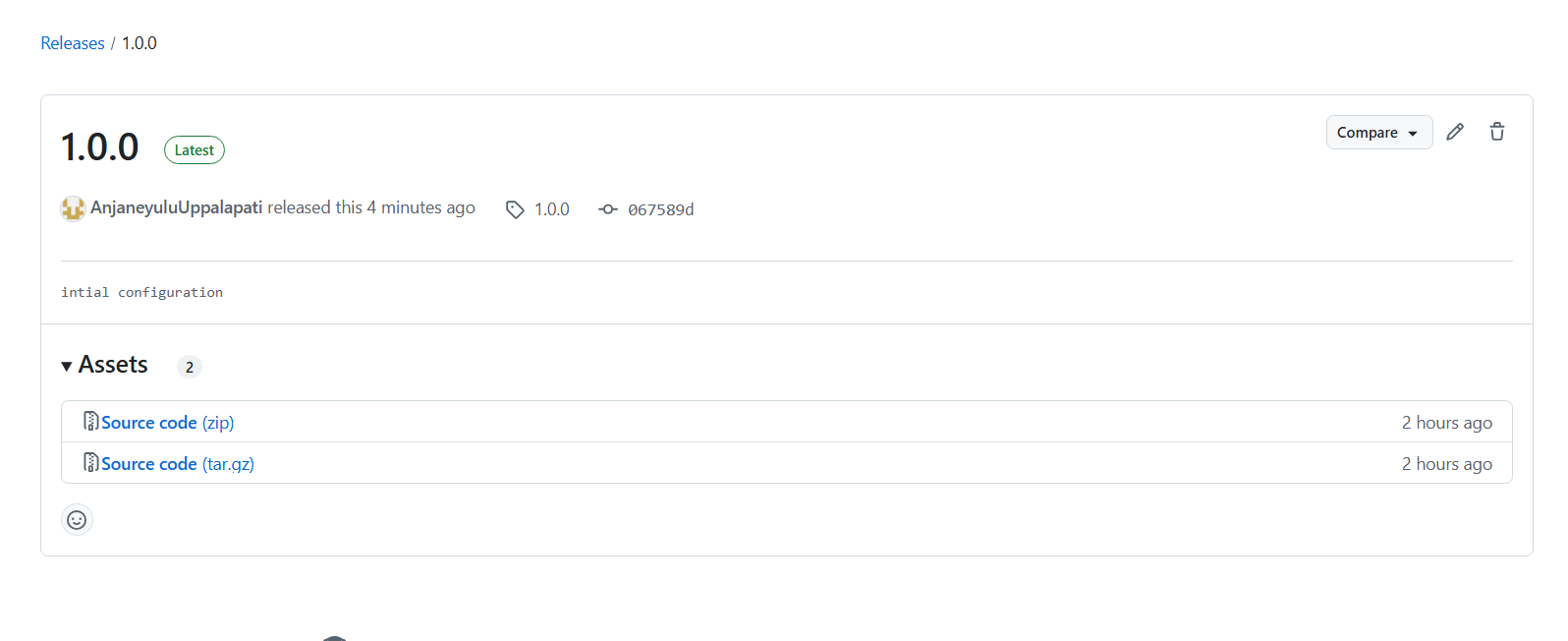
I have created the release for the github main branch. But still same issue
An unhandled exception occurred while processing the request. ArgumentException: 'main.0.0' is not a valid version string. (Parameter 'value')
If i build my application and published to a server.
When ever i update the documentation, will it automatically update in the publised server page.
So if i do filesystem project it should help me with the cases where i dont reach internet. Am i correct ?
I have created a new docs project with same structure as abp
doc en index.md docs-nav.json docs-params.json docs-lang.json
Its branch is in "main" branch and added the project giturl as follows. {"GitHubRootUrl":"https://github.com/XXXXXXXXXXXXXXXXXXXXXXX/DemoDocumentation/tree/{version}/Docs","GitHubAccessToken":"github_pat_XXXXXXXXXXXXX","GitHubUserAgent":""}
When i try to access https://localhost:44317/documents/en/demo/latest
I got this exception.
An unhandled exception occurred while processing the request.
ArgumentException: 'main.0.0' is not a valid version string. (Parameter 'value')
NuGet.Versioning.SemanticVersion.Parse(string value) Volo.Docs.GitHub.Documents.Version.SemanticVersionHelper.IsPreRelease(string version) Volo.Docs.Pages.Documents.Project.IndexModel+<>c.<GetLatestVersionInfo>b__137_0(VersionInfoViewModel v) System.Linq.Enumerable.TryGetFirst<TSource>(IEnumerable<TSource> source, Func<TSource, bool> predicate, out bool found) System.Linq.Enumerable.FirstOrDefault<TSource>(IEnumerable<TSource> source, Func<TSource, bool> predicate) Volo.Docs.Pages.Documents.Project.IndexModel.GetLatestVersionInfo(List<VersionInfoViewModel> versions) Volo.Docs.Pages.Documents.Project.IndexModel.TrySetVersionAsync() Volo.Docs.Pages.Documents.Project.IndexModel.SetPageAsync() Volo.Docs.Pages.Documents.Project.IndexModel.OnGetAsync()
Also i have one more question? Do i need to build my project everytime i update my docs project or Will it directly pull from the git in runtime.
In such case if im hosting my application in OnPrem deployment, where application maynot have access to internet, what could i do ?
Thanks,
Hi maliming,
Thanks for the Update. It really helps me.
What i understand is that its a bug and we are extending the doc index model as a temporary fix now.
It will be fixed in next versions, correct ?
Thanks, Waiting with hundred eyes for your response
I have commented the VirtualFile explorer code .
My docker compose file
version: '3.7'
volumes: xsenseid_rabbitmq: networks: xsenseid: external: true
services: rabbitmq: container_name: rabbitmq image: rabbitmq:3.12.7-management-alpine volumes: - xsenseid_rabbitmq:/var/lib/rabbitmq networks: - xsenseid ports: - "15672:15672" - "5672:5672" redis: container_name: redis image: redis:7.2.2-alpine networks: - xsenseid ports: - "6379:6379" xsenseid-app: container_name: xsenseid-authserver image: xsenseid-authserver # Name of your built image depends_on: - rabbitmq - redis networks: - xsenseid environment: - ASPNETCORE_ENVIRONMENT=Production - ASPNETCORE_URLS=http://+:80 ports: - "8080:80" # Adjust port if necessary
Redis and rabbitmq are running . Im able to connect to these instances from the host machine when i run the authserver from visual studio both in debug and release mode.
But somehow when i run the authserver image in docker , im getting this log. Normally im not able to see logs or container is existing in few seconds.
docker run -e DOTNET_CLI_TELEMETRY_OPTOUT=1 -e DOTNET_PRINT_TELEMETRY_MESSAGE=false -e ASPNETCORE_ENVIRONMENT=Development xsenseid-authserver -----> with this im able to see the exception
If i do docker run -e DOTNET_CLI_TELEMETRY_OPTOUT=1 -e DOTNET_PRINT_TELEMETRY_MESSAGE=false -e ASPNETCORE_ENVIRONMENT=Production xsenseid-authserver ---------> I dont see any error or logs
Exception: XSenseID.AuthServer terminated unexpectedly! Volo.Abp.AbpInitializationException: An error occurred during the initialize Volo.Abp.Modularity.OnApplicationInitializationModuleLifecycleContributor phase of the module Volo.Abp.Identity.AbpIdentityProDomainModule, Volo.Abp.Identity.Pro.Domain, Version=8.3.1.0, Culture=neutral, PublicKeyToken=null: An exception was thrown while activating Volo.Abp.Identity.Session.IdentitySessionCleanupBackgroundWorker -> Volo.Abp.DistributedLocking.MedallionAbpDistributedLock -> λ:Medallion.Threading.IDistributedLockProvider.. See the inner exception for details. ---> Autofac.Core.DependencyResolutionException: An exception was thrown while activating Volo.Abp.Identity.Session.IdentitySessionCleanupBackgroundWorker -> Volo.Abp.DistributedLocking.MedallionAbpDistributedLock -> λ:Medallion.Threading.IDistributedLockProvider. ---> StackExchange.Redis.RedisConnectionException: It was not possible to connect to the redis server(s). Error connecting right now. To allow this multiplexer to continue retrying until it's able to connect, use abortConnect=false in your connection string or AbortOnConnectFail=false; in your code.
Thanks,
If possible we can connect on teams call or anyother means to resolve this quickly. Appreciate your efforts and anticipating early resolution
Hi I have shared the link in email
Added steps.txt in the folder for the details
Hi , I have shared the logs
After that when i try to go to my project and try /documents im navigating to homepage
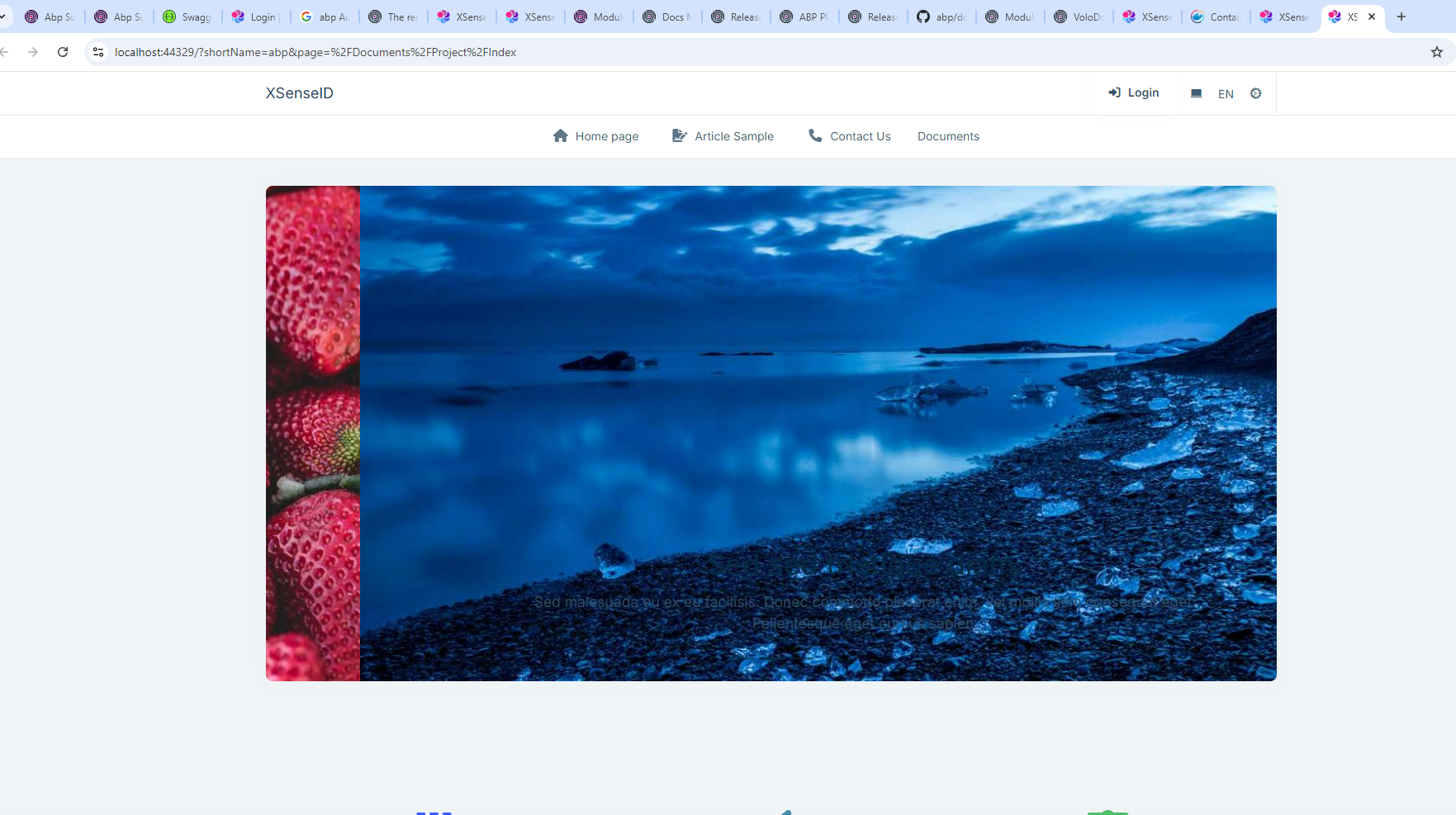
While my expectation is to see abp docs









