Hi @lalitChougule
ApplicationLayoutComponent destroys when a user log out. Therefore, all subcomponents belonging to this component also destroy. When logging in again, all components are reinitialized. That's why ngOnInit works again.
You can remove a nav item with an id you defined when adding.
constructor(private navItems: NavItemsService) {
 navItems.removeItem('notification-litmus');
}
Hi @edelivery
You have to specify the oAuthConfig in the environment. See the default environment file and add oAuthConfig property to the your environment by modifying it with your own configuration:
import { Environment } from '@abp/ng.core';

const baseUrl = 'http://localhost:4200';

export const environment = {
  production: false,
  application: {
    baseUrl,
    name: 'MyProjectName',
  },
  oAuthConfig: {
    issuer: 'https://localhost:44305',
    redirectUri: baseUrl,
    clientId: 'MyProjectName_App',
    responseType: 'code',
    scope: 'offline_access MyProjectName',
  },
  apis: {
    default: {
      url: 'https://localhost:44305',
      rootNamespace: 'MyCompanyName.MyProjectName',
    },
  },
} as Environment;
Hi @jurec
The problem has been resolved. We are going to release v4-1-rc.1 today. You can create a preview template after the new version released or apply this for workaround: https://support.abp.io/QA/Questions/678#answer-0c965758-2a20-a382-8274-39f9778d361f
The problem has been resolved. We are going to release v4-1-rc.1 today. You can create a preview template after the new version released or apply this for workaround: https://support.abp.io/QA/Questions/678#answer-0c965758-2a20-a382-8274-39f9778d361f
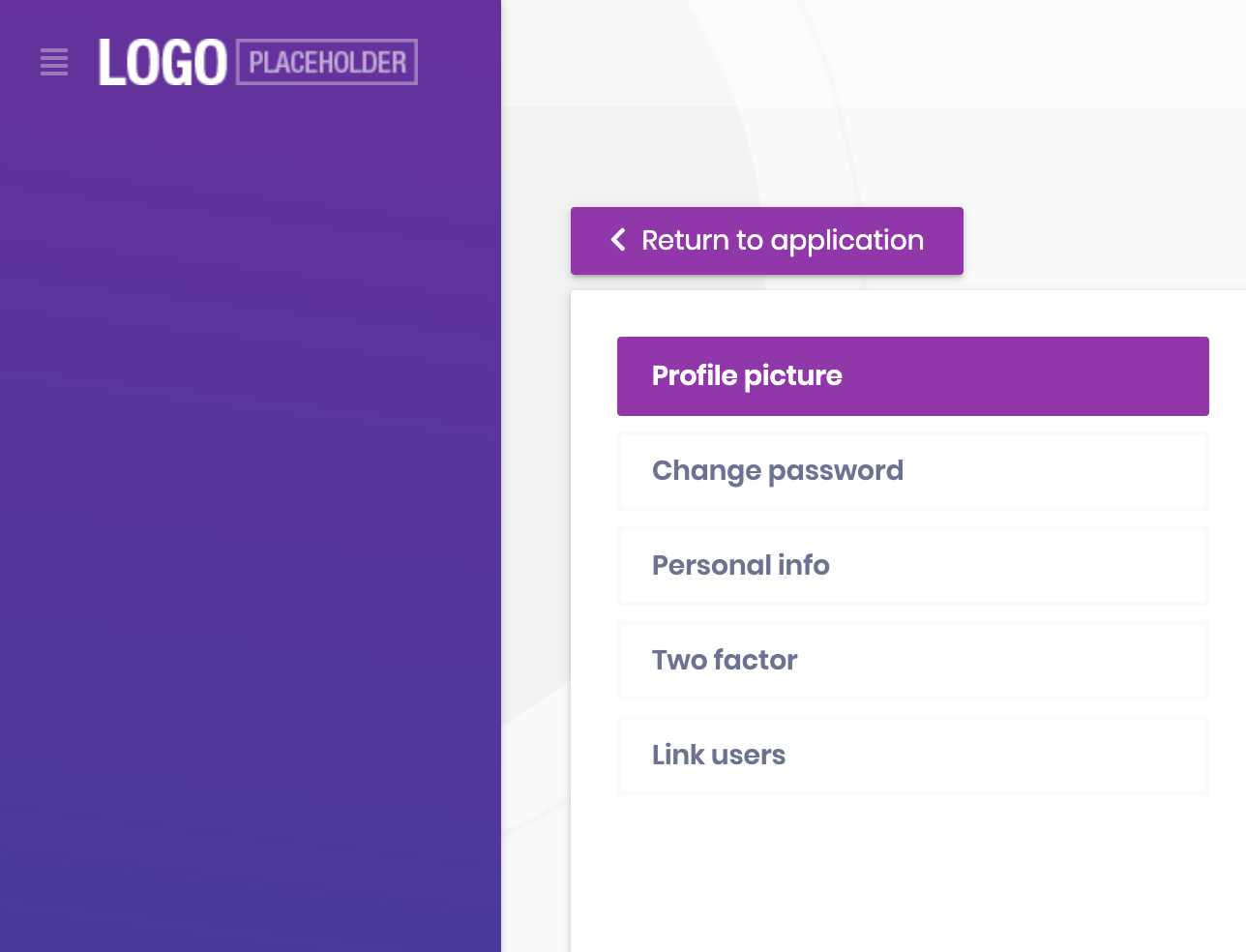
Angular sidebar:
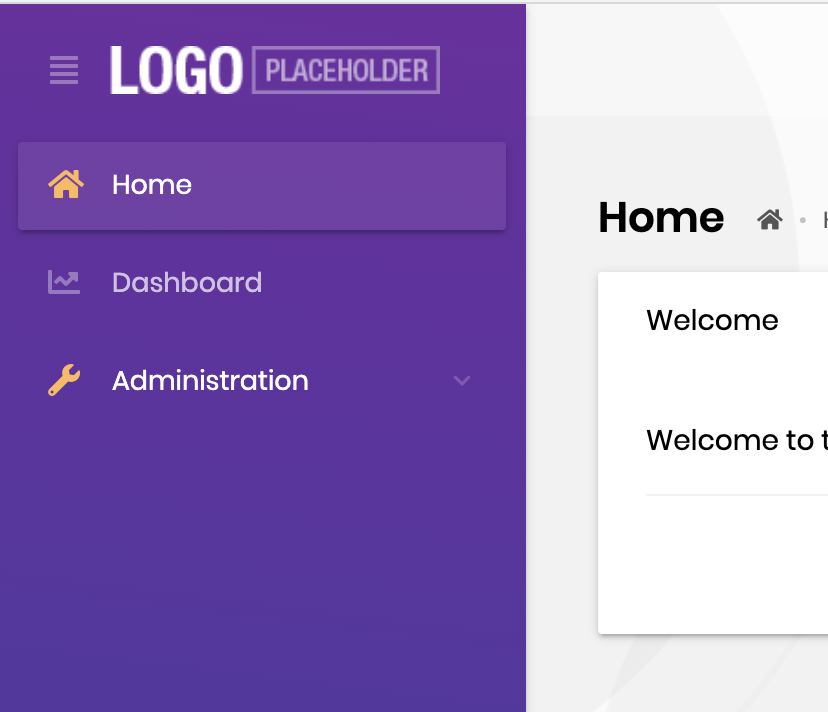
Sidebar of the MVC:
Temporary solution
You can add resolutions to the bottom of package.json as shown below to fix the problem until the new version is released.
{
  "name": "MyProjectName",
  "version": "0.0.0",
  "scripts": {
    "ng": "ng",
    "start": "ng serve --open",
    "build": "ng build",
    "build:prod": "ng build --configuration production",
    "test": "ng test",
    "lint": "ng lint",
    "e2e": "ng e2e"
  },
  "private": true,
  "dependencies": {
    "@abp/ng.components": "~4.0.1",
    "@abp/ng.core": "~4.0.1",
    "@abp/ng.setting-management": "~4.0.1",
    "@abp/ng.theme.shared": "~4.0.1",
    "@angular/animations": "~11.0.0",
    "@angular/common": "~11.0.0",
    "@angular/compiler": "~11.0.0",
    "@angular/core": "~11.0.0",
    "@angular/forms": "~11.0.0",
    "@angular/platform-browser": "~11.0.0",
    "@angular/platform-browser-dynamic": "~11.0.0",
    "@angular/router": "~11.0.0",
    "@volo/abp.commercial.ng.ui": "~4.0.1",
    "@volo/abp.ng.account": "~4.0.1",
    "@volo/abp.ng.audit-logging": "~4.0.1",
    "@volo/abp.ng.identity": "~4.0.1",
    "@volo/abp.ng.identity-server": "~4.0.1",
    "@volo/abp.ng.language-management": "~4.0.1",
    "@volo/abp.ng.saas": "~4.0.1",
    "@volo/abp.ng.text-template-management": "~4.0.1",
    "@volo/abp.ng.theme.lepton": "~4.0.1",
    "rxjs": "~6.6.0",
    "tslib": "^2.0.0",
    "zone.js": "~0.10.2"
  },
  "devDependencies": {
    "@abp/ng.schematics": "~4.0.1",
    "@angular-devkit/build-angular": "~0.1100.0",
    "@angular/cli": "~11.0.0",
    "@angular/compiler-cli": "~11.0.0",
    "@angular/language-service": "~11.0.0",
    "@types/jasmine": "~3.5.0",
    "@types/jasminewd2": "~2.0.3",
    "@types/node": "^12.11.1",
    "codelyzer": "^6.0.1",
    "jasmine-core": "~3.6.0",
    "jasmine-spec-reporter": "~5.0.0",
    "karma": "~5.1.1",
    "karma-chrome-launcher": "~3.1.0",
    "karma-coverage-istanbul-reporter": "~3.0.2",
    "karma-jasmine": "~4.0.0",
    "karma-jasmine-html-reporter": "^1.5.0",
    "ng-packagr": "^11.0.1",
    "protractor": "~7.0.0",
    "ts-node": "~8.3.0",
    "tslint": "~6.1.0",
    "typescript": "~4.0.3"
  },
  "resolutions": {
    "@abp/ng.core": "4.0.0"
  }
}
Then remove the yarn.lock file and run yarn command to reinstall packages.
Start application via yarn start command then clear localStorage and refresh the page.
Hello Ivan
The problem has fixed. We will release the v4.0.2 soon. Thanks for reporting.
Looks like even if logged in as a host ... the previous tentant name is not refreshing on the application.
@christianharo, the problem has resolved. You can see PR: https://github.com/abpframework/abp/pull/6626
Thanks for the reporting.
Reset password screen does not check confirm password to make sure it matches with the new password ...
We've crated an internal issue. We will fix the problems and release v3.3.2 soon.
Thanks for reporting.
The v4.0-final will be released on December 3. I will send you an mail that contains a working React Native UI version.









