Activities of "berkansasmaz"

I created a project as you said, I generated an entity with Suite, but I could not reproduce the error.
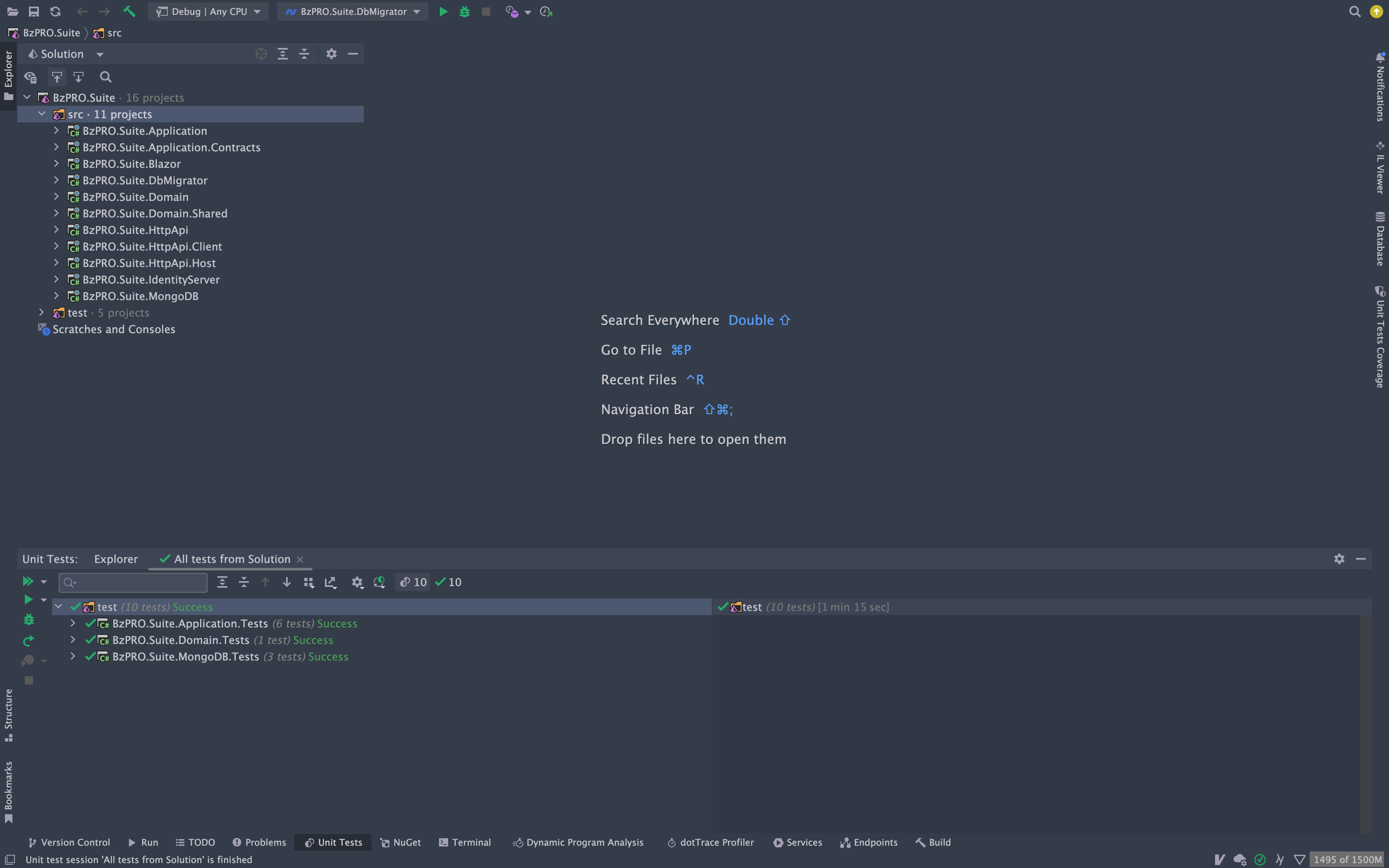
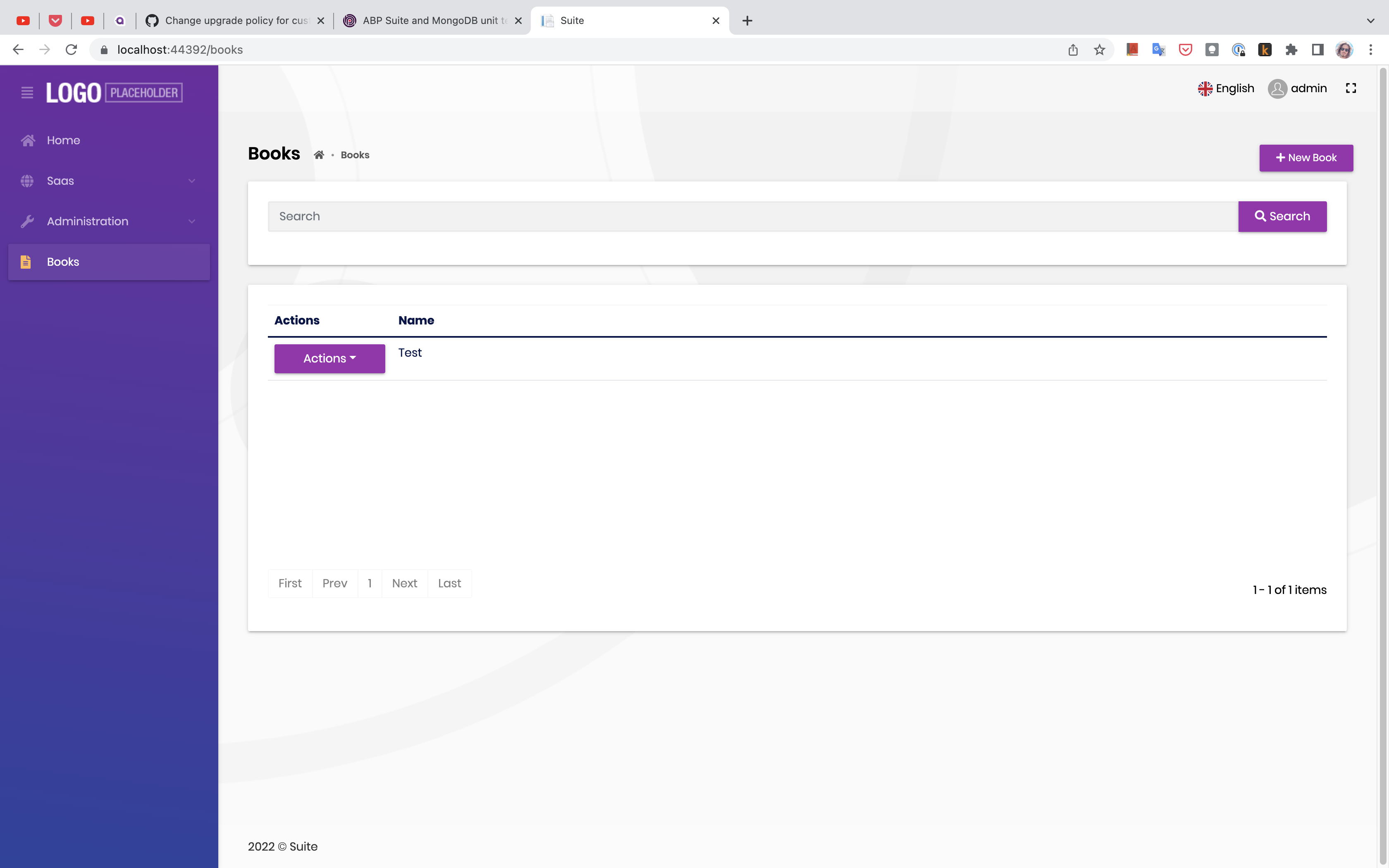
The Suite version should be the same as the version of your project, you probably had problems because of it.
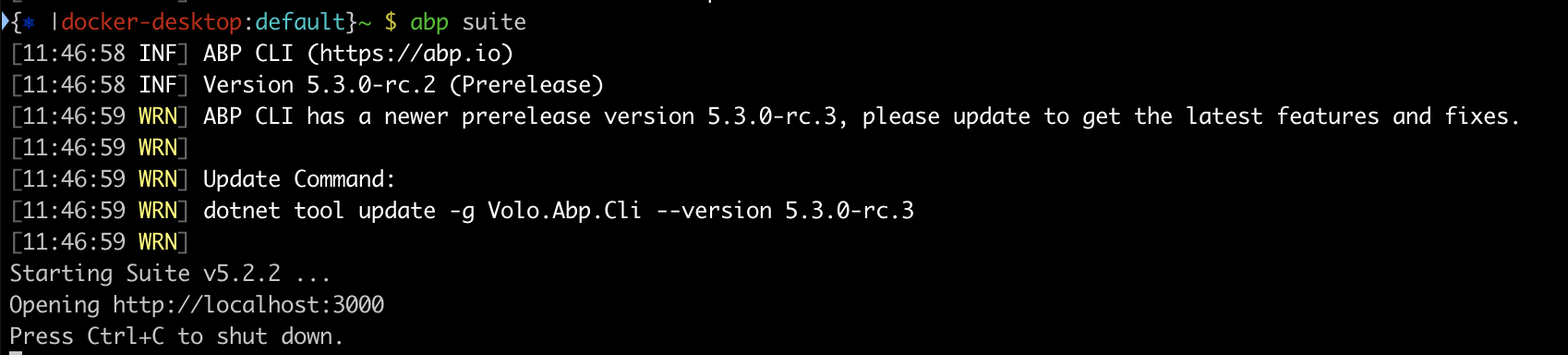
Can you try again after making the version of the Suite the same as the version of your project?

abp suite remove

abp suite install -v 5.2.2

I'm closing the issue, but feel free to open it if you encounter the problem again.

This was a temporary problem, we're sorry about that. Problem solved now, FYI.

The question seems to have been closed by the bot, but if the related problem is still not fixed, please feel free to open it.

The question seems to have been closed by the bot, but if the related problem is still not fixed, please feel free to open it.

My advice is to do this in appsetting.json, you can pass default values to AbpKafkaOptions and AbpKafkaEventBusOptions on the code side, but it may create confusion for future readers.

I think you can do it by changing the target.

In the *.MenuContributor.cs class inside the Navigation folder, you can change the target in the ConfigureUserMenuAsync method as follows:

private async Task ConfigureUserMenuAsync(MenuConfigurationContext context)
        {
            var accountStringLocalizer = context.GetLocalizer<AccountResource>();
            var identityServerUrl = _configuration["AuthServer:Authority"] ?? "";

            context.Menu.AddItem(new ApplicationMenuItem(
                "Account.Manage",
                accountStringLocalizer["MyAccount"],
                $"{identityServerUrl.EnsureEndsWith('/')}Account/Manage?returnUrl={_configuration["App:SelfUrl"]}",
                icon: "fa fa-cog",
                order: 1000,
                customData: null,
                target: "_self"
                ).RequireAuthenticated());

            context.Menu.AddItem(new ApplicationMenuItem(
                "Account.SecurityLogs",
                accountStringLocalizer["MySecurityLogs"],
                $"{identityServerUrl.EnsureEndsWith('/')}Account/SecurityLogs?returnUrl={_configuration["App:SelfUrl"]}",
                icon: "fa fa-cog",
                order: 1001,
                null).RequireAuthenticated());

            await Task.CompletedTask;
        }
    }

I could not reproduce the problem.

Here are my steps:

  1. Download template with abp new MvcTestQaLast -t app-pro -cs -csf --preview command.
  2. Run MvcTestQaLast.DbMigrator project.
  3. Run abp add-module Volo.Forms command.
  4. Run MvcTestQaLast.Web project.

Result:

You can override the js file.

In addition to adding new CSS/JavaScript file to a page, you also can replace the existing one (by defining a bundle contributor).

See more details: https://docs.abp.io/en/abp/latest/UI/AspNetCore/Customization-User-Interface#example-add-a-javascript-file-for-a-specific-page

I think you can do it by replacing the service.

https://docs.abp.io/en/abp/latest/Dependency-Injection#replace-a-service

Can you try the code below?

context.Services.Replace(ServiceDescriptor.Singleton<IDistributedEventBus, LocalDistributedEventBus>());

Showing 621 to 630 of 737 entries
Boost Your Development
ABP Live Training
Packages
See Trainings
Mastering ABP Framework Book
The Official Guide
Mastering
ABP Framework
Learn More
Mastering ABP Framework Book
Made with ❤️ on ABP v10.1.0-preview. Updated on December 17, 2025, 07:08
1
ABP Assistant
🔐 You need to be logged in to use the chatbot. Please log in first.


