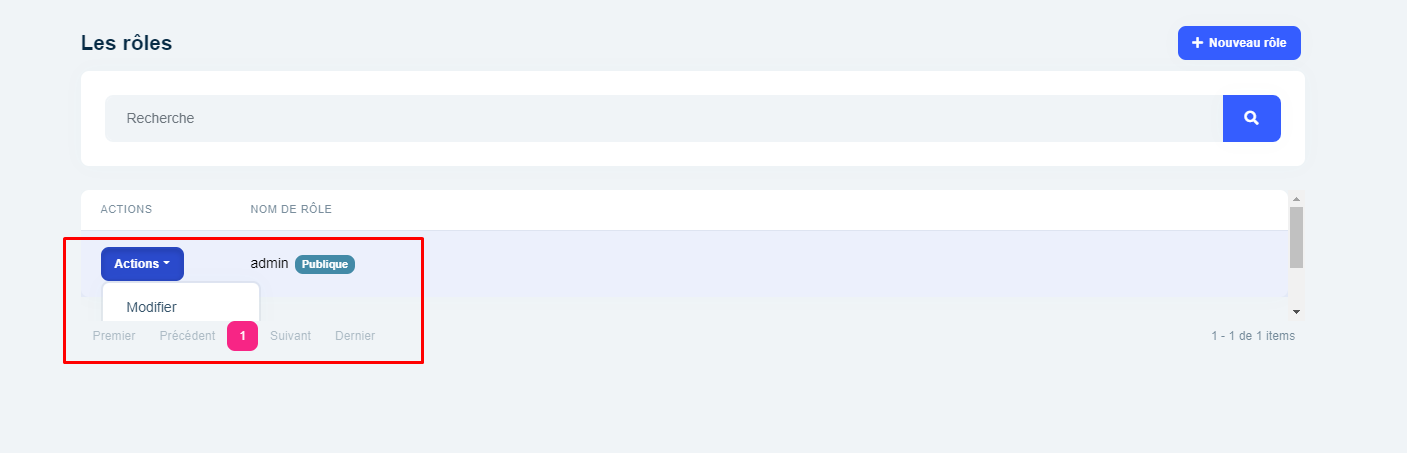
That's a strange problem, there should be a missing dependency but I couldn't reproduce it.
Can you provide the steps so that I can reproduce the problem?
As I can see it's a tiered solution with public website. You can share step by steps from a new application.
Hi @joerguth
ABP & ABP Commercial modules are independent of themes. So, your Layout names might be conflicted, can you try to remove the Lepton theme completely while using LeptonX.
As you can see, all the module pages including CMS Kit, work with LeptonX properly:
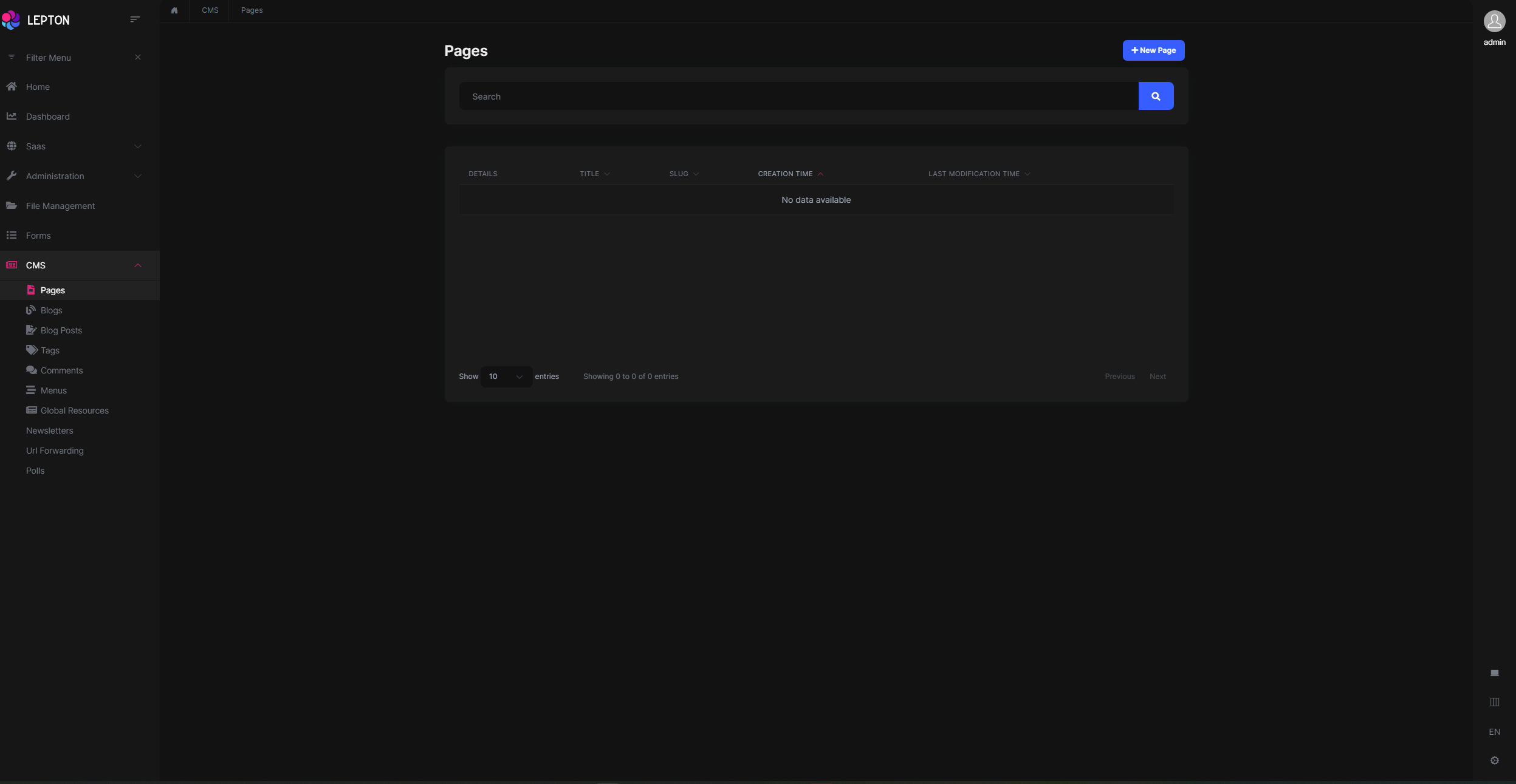
Yes its good, thanks, i don't see this line.
I little bug =>
Thanks for your feedback, We're working on this problem
You might be looking for Blazor Server documentation?
It already exists in documentation.

Can you check and inform us? https://docs.abp.io/en/abp/latest/Themes/LeptonXLite/blazor?UI=Blazor
Did you get any error while executing abp bundle command?
It seems your bundle couldn't be generated. Can you try again to run abp bundle command and share the results?
I also Like to take issue with the number of "questions" I have left - 9 (should be 10). I have asked 5 question and raised 1 bug. I hope this can be rectified as i feel a little peeved at this false tally.
Your credit has been refunded.
Also, I've created an internal issue for this. The menu behavior should be the same on all UI types.
Have you tried the following steps that I mentioned before? https://community.abp.io/posts/how-to-customize-the-login-page-of-an-abp-blazor-application-by4o9yms?_ga=2.46805796.229734245.1655108168-1327583644.1655108167
Your web application and authentication application seem different. You got this error on your authentication application.
If you have .HttpApi.Host or separated .IdentityServer project, you have to run abp install-libs command for them too.
Yeah, I know. Please check this documentation: https://docs.abp.io/en/abp/latest/UI/AspNetCore/Customization-User-Interface#completely-overriding-a-razor-page
You should create that file in that path to override it. After creating that file and pasting the content which I posted above, you're ready to customize that page. You can make changes however you want in that file.
Hi @gozdeyildirmaz
We've reproduced this problem. This is a bug for pages under Saas. I've created an internal issue and we'll fix it as soon as possible.
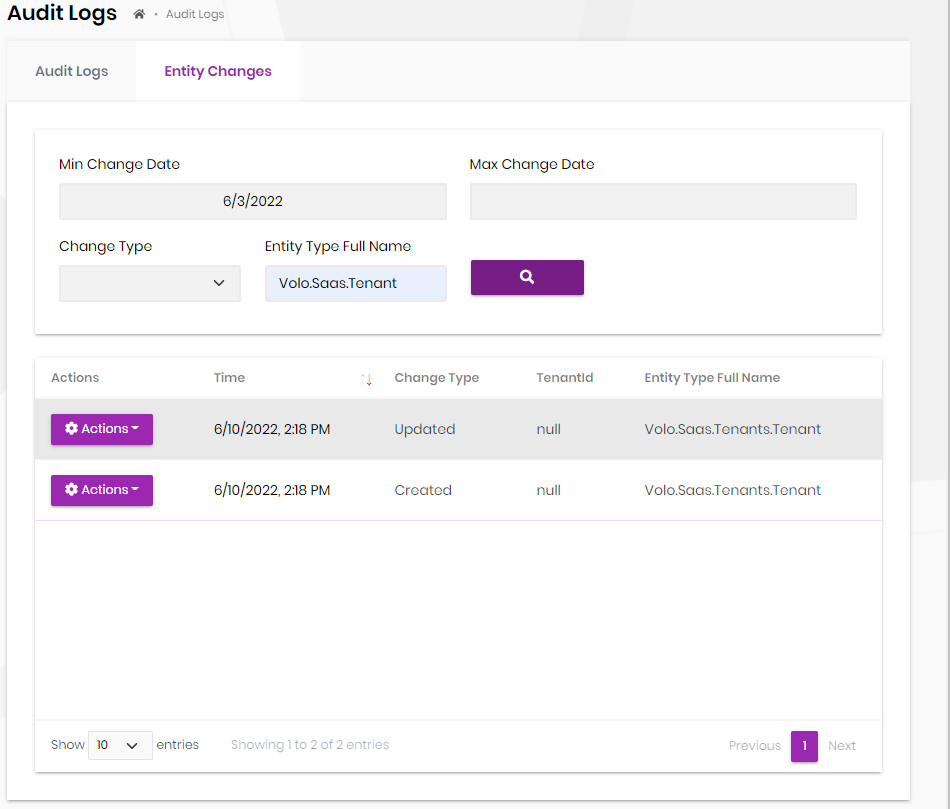
You can check the same data in Entity Changes tab in Administration -> Audit Logs page.
Go to that page and type Volo.Saas.Tenant into Entity Type input: