I reopened the question
From the other thread, what is the current status on reimplementing Docker support in ABP Commercial? Do we have a timeline?
Hi, I am trying to create a new blazor maui hybrid project with abpstudio v9 and get error at the bundle step. After many hours of digging this is what I concluded, it is an issue with the Volo.Abp.Account.Pro.Public.MauiBlazor package. Please see log from dotnet restore:
Unable to find package Volo.Abp.Account.Pro.Public.MauiBlazor. No packages exist with this id in source(s): nuget.abp.io, nuget.org. PackageSourceMapping is enabled, the following source(s) were not considered: C:\Program Files\dotnet\library-packs, Microsoft Visual Studio Offline Packages.
There seem to be some nuget issues currently based on this and other threads.
Hello, we have not made any change that would affect here. My question is whether you have customized any part that might suppress here since I cannot produce the same problem on my side.
No customization and the bug has probably been there for quite a while I would guess but does only seem to show at exactly 1200 px (at least when we have tried it).
https://abp.io/support/questions/8082/What-is-the-support-for-Docker-in-ABP-Commercial-today
hi
Can you create a new question for this? We will refund your question ticket.
Let's use the current question only to track the translation problem.
Thanks.
Added it to the genral ABP 9 bugs and issues as well as an explanation why it failed (even though you would probably need to look into this for when you upgrade).
This seems related to the topic at hand here.
Just upgraded a solution a few months old från 8.3.0 to 8.3.1 using ABP Suite which updated from
<PackageReference Include="Volo.Abp.AspNetCore.Mvc.UI.Theme.LeptonX" Version="3.3.0" />
to
<PackageReference Include="Volo.Abp.AspNetCore.Mvc.UI.Theme.LeptonX" Version="4.0.3" />
which makes the solution impossible to build with
The type or namespace name 'LeptonX' does not exist in the namespace 'Volo.Abp.AspNetCore.Mvc.UI.Theme' (are you missing an assembly reference?)
Downgrading to 3.3.0 makes it possible to build and run again.
Edit:
Seems you can upgrade to 3.3.1 but anything above that seems to break.
Edit 2:
Seems like something is broken in the final ABP 8 versions, but when we upgraded .NET to 9 and then all other packages to latest version, it seem to work.
Just tried this using latest ABP and Blazor Server template and problem seem to remain. Just like before, this only seem to happen when window is exactly 1200 px wide.
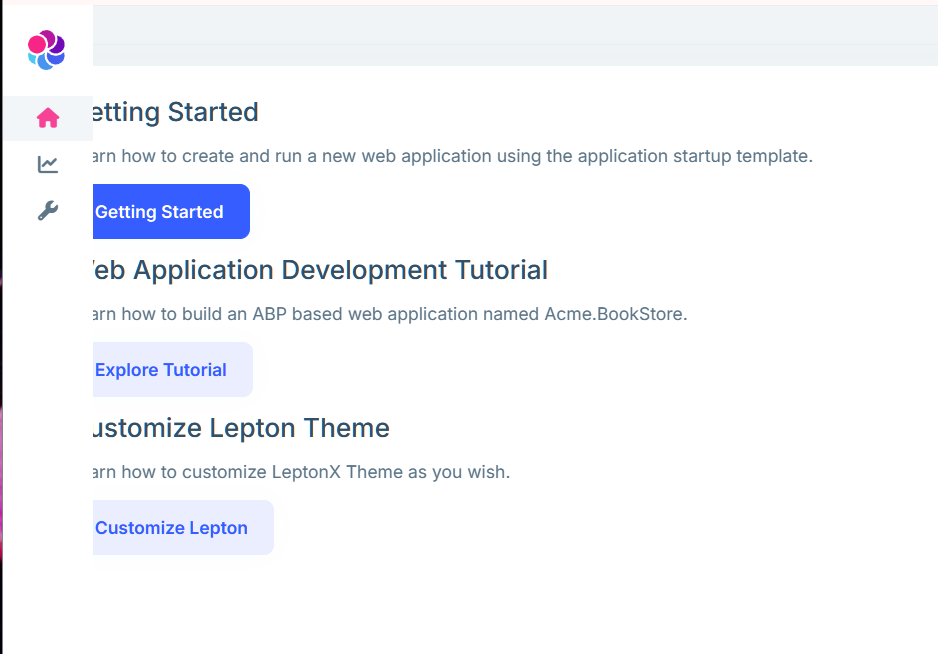
Since this ticked was closed, what is the current status on reimplementing Docker support in ABP Commercial?
https://abp.io/support/questions/8082/What-is-the-support-for-Docker-in-ABP-Commercial-today
Upgrade to 9.0.2 and now we are getting this on basically every page that contains a Blazorise Datagrid. Pleae note that we upgraded manually as ABP Studio did not seem to be updated to 9.0.2 at which point we also upgraded Blazorise to 1.7.1 so it could be related to that.
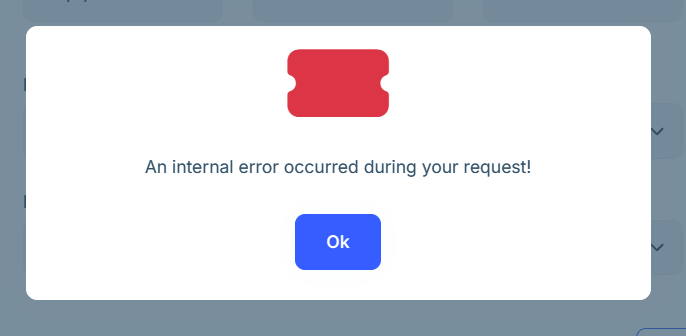
crit: Microsoft.AspNetCore.Components.WebAssembly.Rendering.WebAssemblyRenderer[100] Unhandled exception rendering component: Method not found: string Blazorise.IClassProvider.TableRowHoverCursor() System.MissingMethodException: Method not found: string Blazorise.IClassProvider.TableRowHoverCursor() at System.Runtime.CompilerServices.AsyncMethodBuilderCore.Start[<HandleVirtualize>d__47](<HandleVirtualize>d__47& stateMachine) at Blazorise.DataGrid.DataGrid1[[Volo.Abp.AuditLogging.EntityChangeDto, Volo.Abp.AuditLogging.Application.Contracts, Version=9.0.2.0, Culture=neutral, PublicKeyToken=null]].HandleVirtualize()
at Blazorise.DataGrid.DataGrid1.<OnAfterRenderAsync>d__42[[Volo.Abp.AuditLogging.EntityChangeDto, Volo.Abp.AuditLogging.Application.Contracts, Version=9.0.2.0, Culture=neutral, PublicKeyToken=null]].MoveNext()
Edit:
This does not seem to happen with Blazorise 1.6.2 which is default in 9.0.1. It is a bit tricky when ABP Studio lags behind both CLI and ABP Suite.
This just popped up (meaning "An internal error has occurred") but based on the error message it is probably not related to the translations itself but is rather a general 9.0.2 bug.
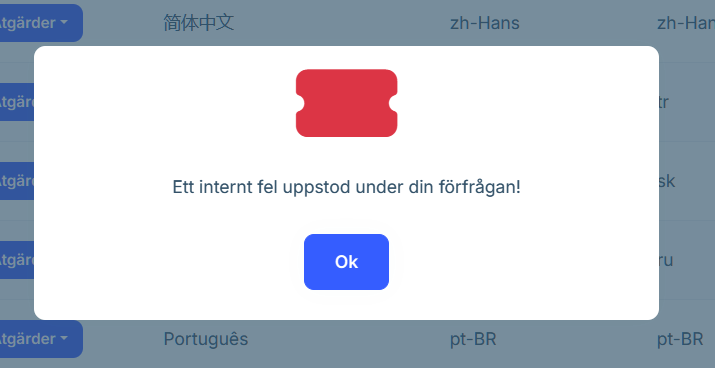
hook.js:608 crit: Microsoft.AspNetCore.Components.WebAssembly.Rendering.WebAssemblyRenderer[100] Unhandled exception rendering component: Method not found: string Blazorise.IClassProvider.TableRowHoverCursor() System.MissingMethodException: Method not found: string Blazorise.IClassProvider.TableRowHoverCursor() at System.Runtime.CompilerServices.AsyncMethodBuilderCore.Start[<HandleVirtualize>d__47](<HandleVirtualize>d__47& stateMachine) at Blazorise.DataGrid.DataGrid1[[Volo.Abp.LanguageManagement.Dto.LanguageDto, Volo.Abp.LanguageManagement.Application.Contracts, Version=9.0.2.0, Culture=neutral, PublicKeyToken=null]].HandleVirtualize()
at Blazorise.DataGrid.DataGrid1.<OnAfterRenderAsync>d__42[[Volo.Abp.LanguageManagement.Dto.LanguageDto, Volo.Abp.LanguageManagement.Application.Contracts, Version=9.0.2.0, Culture=neutral, PublicKeyToken=null]].MoveNext()
Edit:
Reported it here instead, could be due to us upgrading Blazorise at the same time https://abp.io/support/questions/8330/Bugs--Issues-v90x?CurrentPage=2#answer-3a16d259-d951-b052-1a80-5aa176a3ba90









