hi
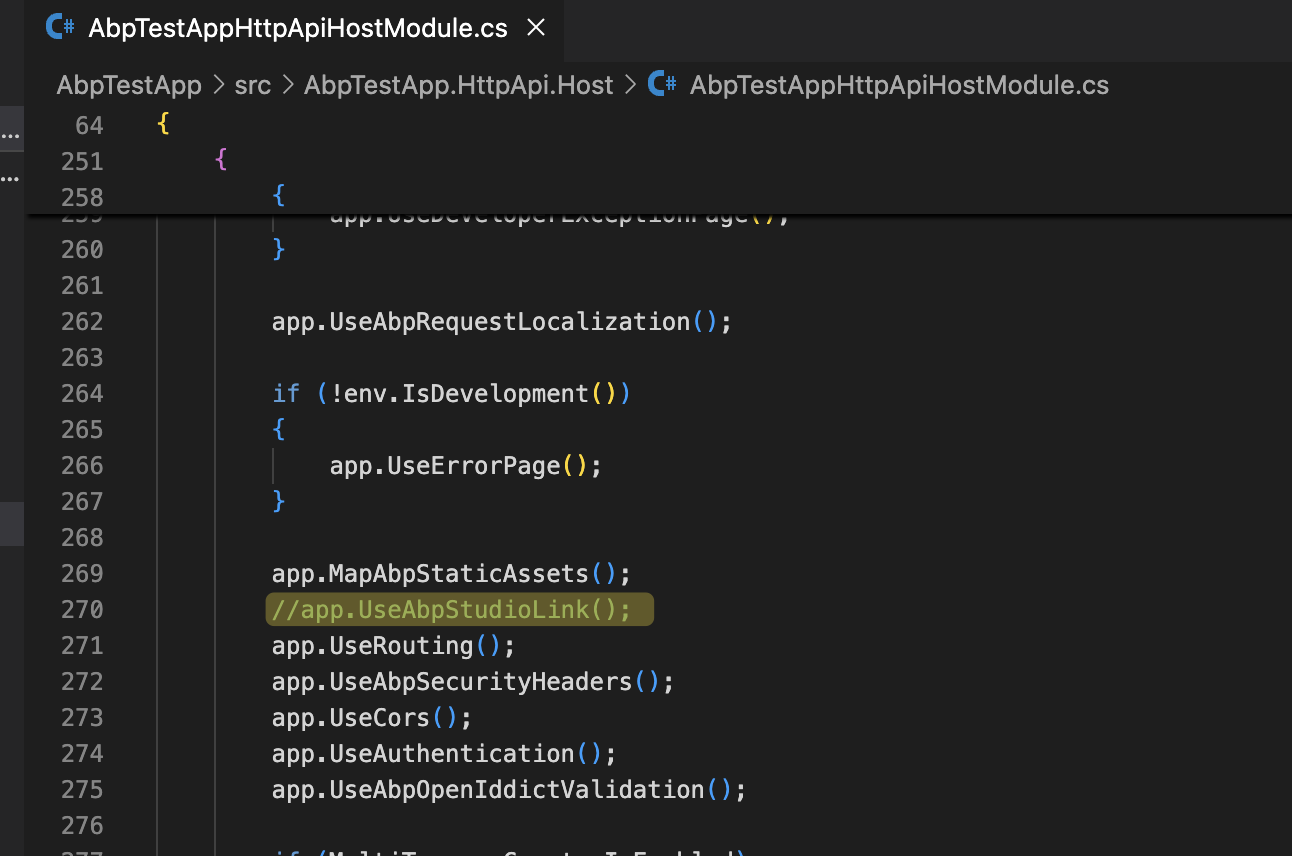
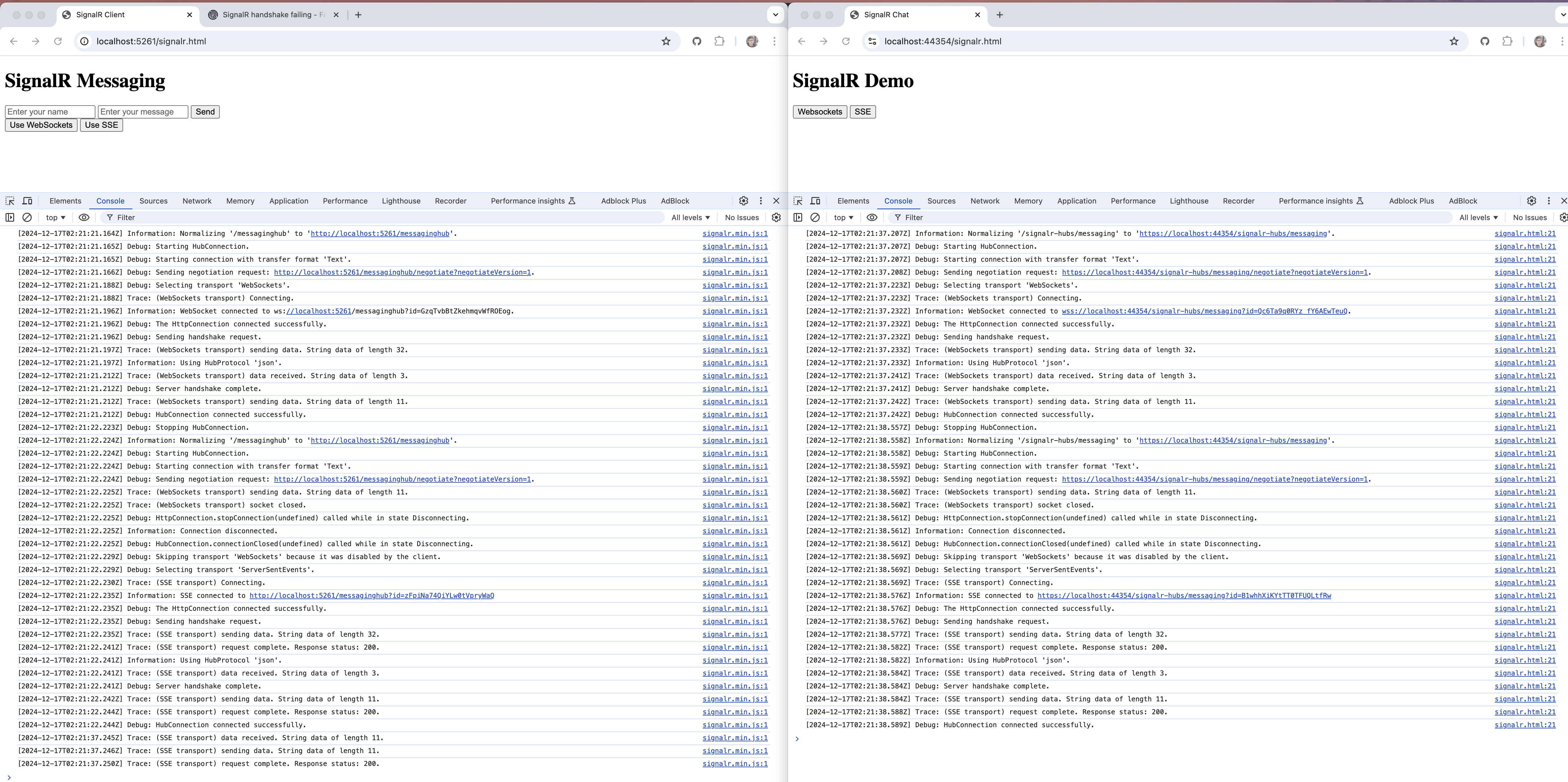
Please remove the app.UseAbpStudioLink(); then everything will work.
 ****
Okay I will speak to my host about why that feature not supported as host has full .NET 9 support.
UseStaticFiles also works. It is not a big problem.
You can put a newfavicon.svg file in wwwrrot folder then check: https://pcassistapps.net/favicon.svg
hi
Blazor is host/startup app
Blazor.Client is a Blazor wasm app. It has to be booted by Blazor.
hi
I think you can only do the feature check in the OnInitialized method.
hi
Your deployment environment doesn't support the MapStaticAssets(https://learn.microsoft.com/en-us/aspnet/core/fundamentals/static-files?view=aspnetcore-9.0#mapstaticassets) feature. This is a new NET 9 feature, and I have no idea about it.
So onto the second point which is why does the favicon not show correctly, as per screenshot above all files are in correct location I believe?
Please check this svg file in wwwroot root folder.
https://pcassistapps.net/favicon.svg
hi
You can try replacing app.MapAbpStaticAssets(); in your host module with app.UseStaticFiles();.
If there is no MapAbpStaticAssets in your host module. Can you share a test project?
liming.ma@volosoft.com
Thanks.
ok, We will test this case.
Thanks.
hi
Is your problem solved?
hi
I have confirmed the FeatureInterceptor/@attribute [RequiresFeature(Features.Pages.TestPage)] will skip the type that inherits from ComponentBase.
So you have to use code to check the feature.
Thanks.
hi
It seems these two projects have no differences after removing the //app.UseAbpStudioLink(); from AbpTestAppHttpApiHostModule
How can I test using a minimal ABP framework project the fallback does not work case?




