hi
Can you share a project to reproduce?
I will download and check it.
liming.ma@volosoft.com
hi
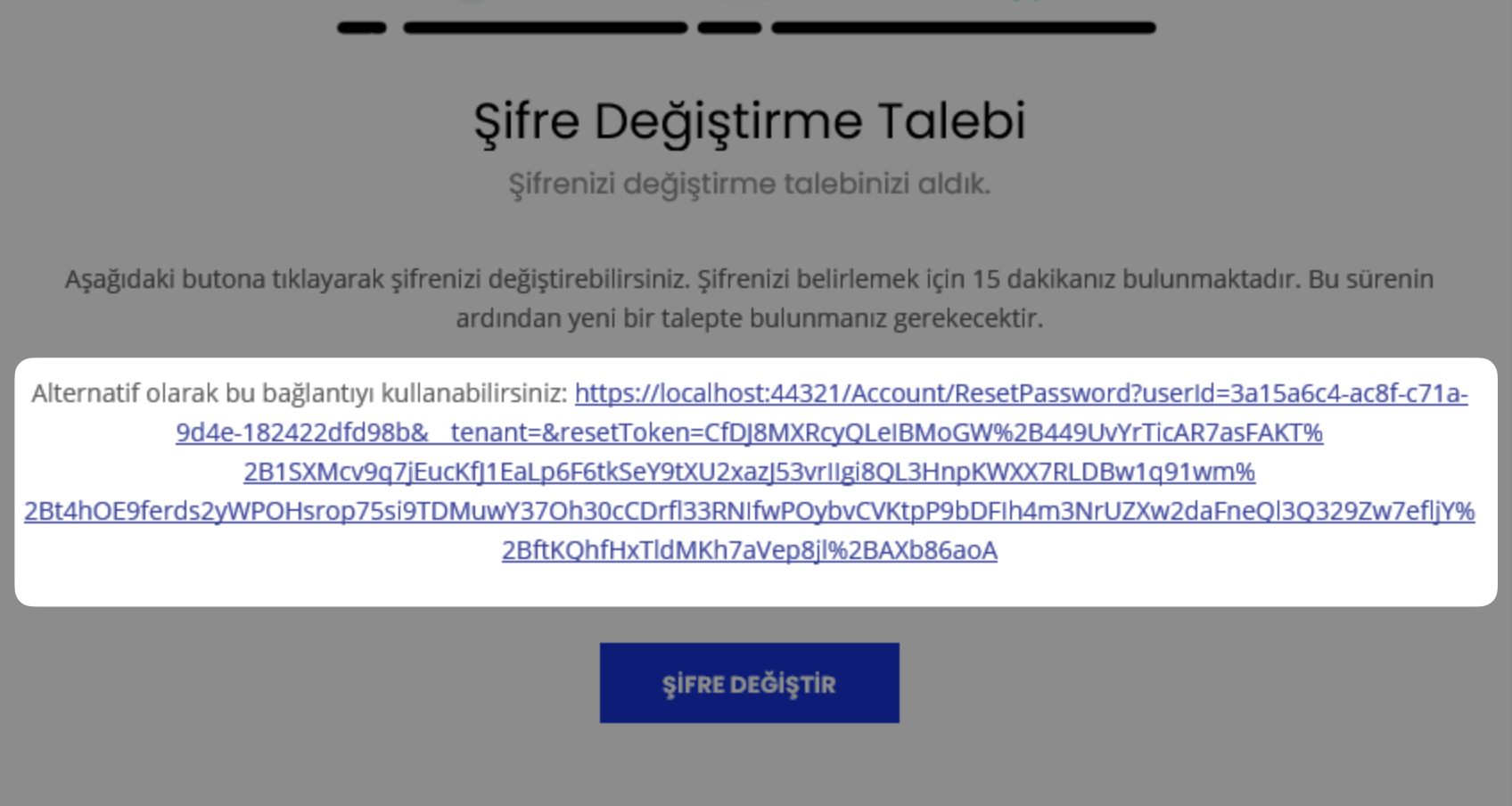
I have checked.
The account/src/Volo.Abp.Account.Pro.Public.Web/Pages/Account/ResetPassword.cshtml page can be accessed by an anonymous user.
hi
You can share the logs.txt file when you have reproduced the problem.
liming.ma@volosoft.com
Thanks.
hi
If you call the AddAbpSwaggerGenWithOAuth method. it will call the AddAbpSwaggerGen as well. so you don't need to call AddAbpSwaggerGen again. it will cause the exception.
Yes, You can try that.
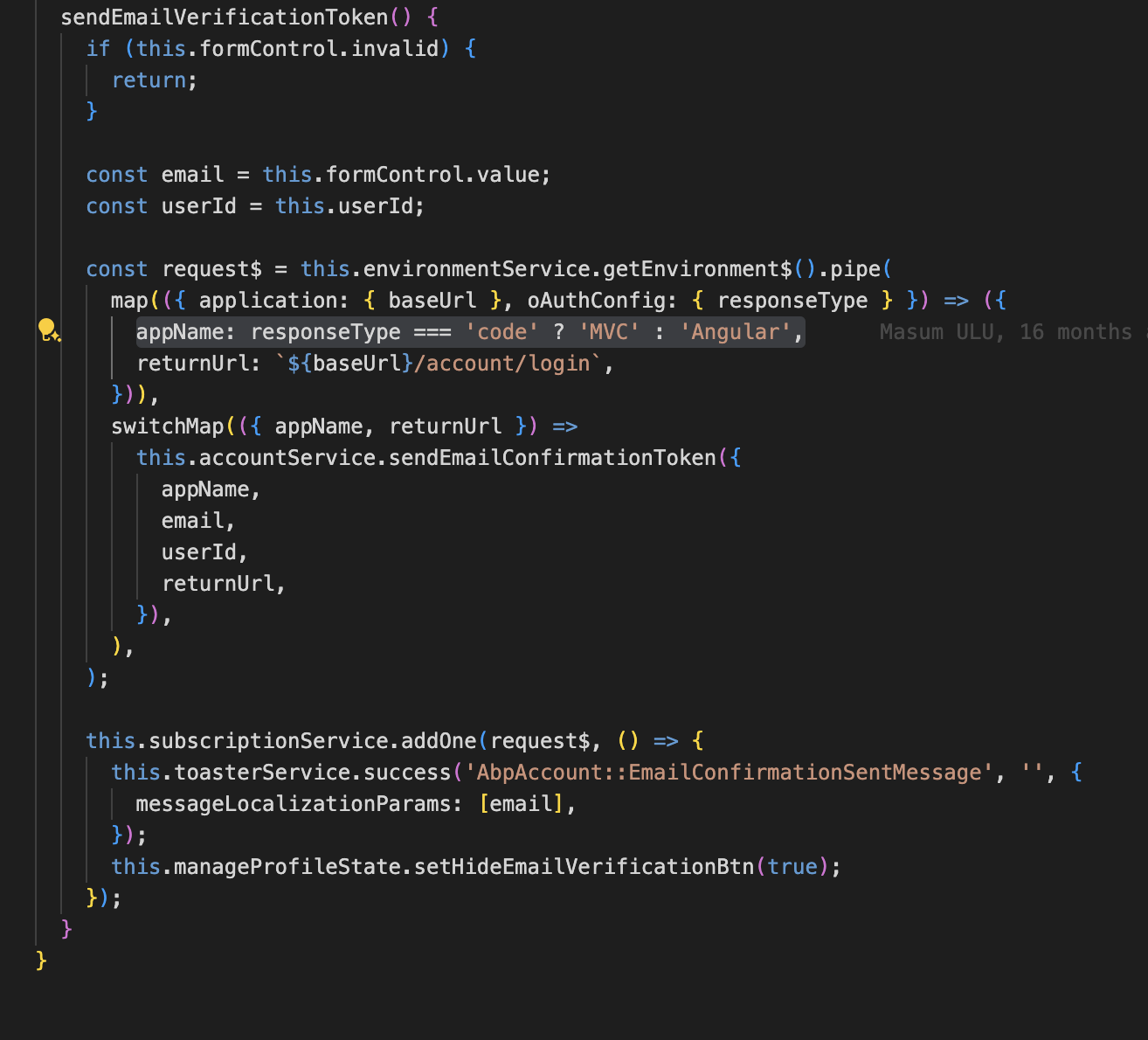
Using Angular as appName will try to get the URL from Applications["Angular"]
options.Applications["Angular"].RootUrl = configuration["App:AngularUrl"];
options.Applications["Angular"].Urls[AccountUrlNames.PasswordReset] = "account/reset-password";
options.Applications["Angular"].Urls[AccountUrlNames.EmailConfirmation] = "account/email-confirmation";
hi
account/public/src/components/personal-settings/personal-settings-email/personal-settings-email.component.ts
The source code: https://we.tl/t-fMYleMbamn
hi
Can I check it remotely?
Use zoom client to join meeting and share your screen.
https://us05web.zoom.us/j/89613221602?pwd=OgJrqsT75VIGwiHRN27bVSvwQkCrBt.1
But for some reason it always open to new page when it is clicked.
I think it opens a new tab, which is the mvc page belonging to the authserver website.
If you change the email in angular page, it will use the ["Angular"].RootUrl,
But it will use the ["MVC"].RootUrl in authserver website.
That's the reason.
I'm not sure if angular has the Account/manage page. I will confirm this.
you change add/remove permission from existing user through application UI should reflect immediately.
Through app UI will work. But you are changing the permission directly in the database.
hi
logout and re-login will not invalidate the Permission cache. You should clear the PermissionGrantCacheItem cache from Redis after changing permission in the database.




