Hi,
I've got this also
The admin menu can be showed in localhost but I've got this problem when deploying to dev server The first time I run, It show the default page with login button, then I passed the username and password and it show like this
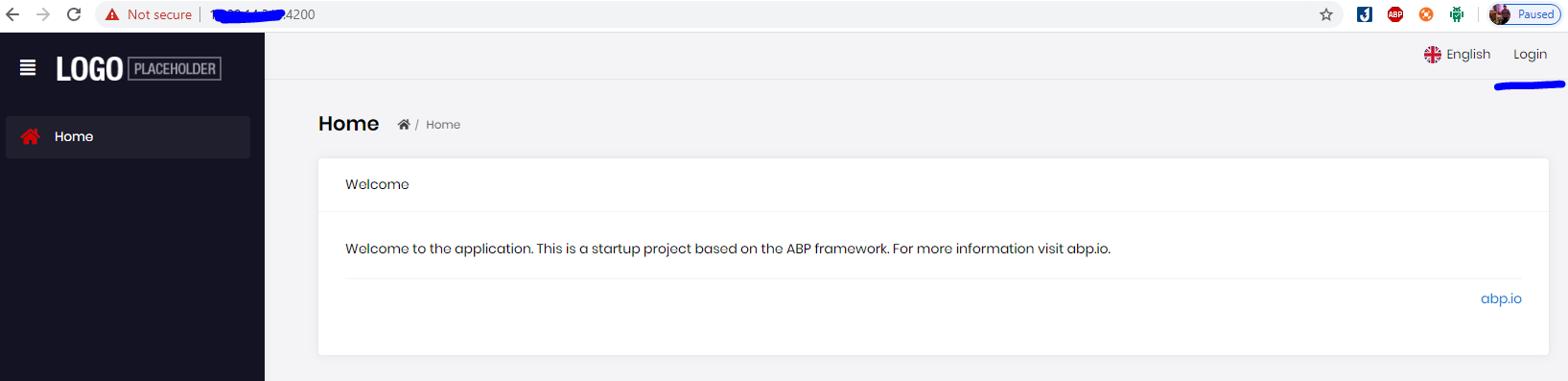
Then I refresh the page and it turned to unauthorized page
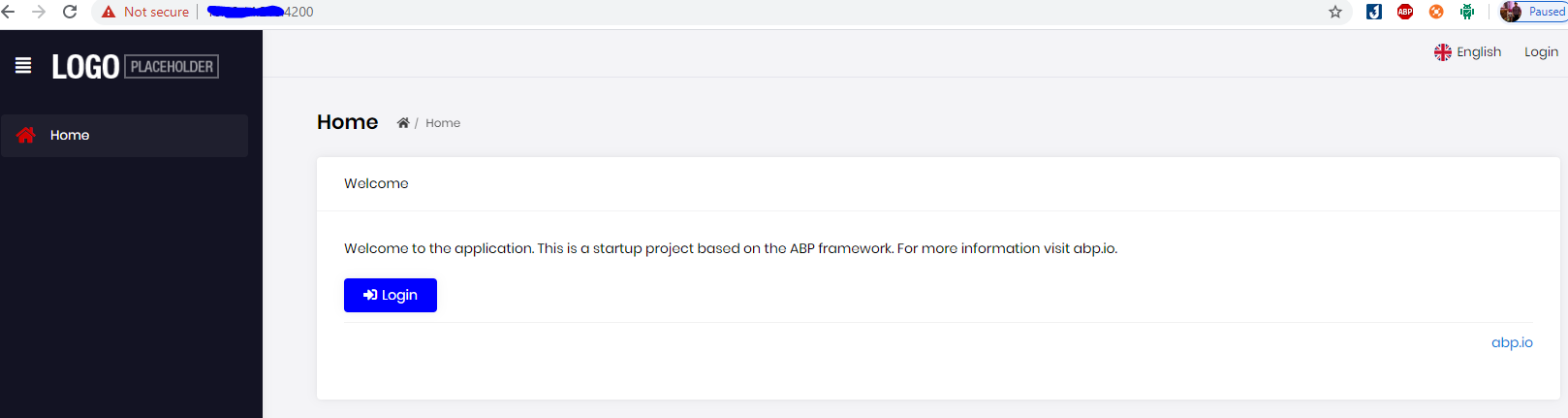
I figured it, It caused by folder permission, I have to set permission for project folder and delete node_modules and then run Yarn, then it worked!
Hi,
I run Abp suite update npm successfully but file package.json still has some old version ?
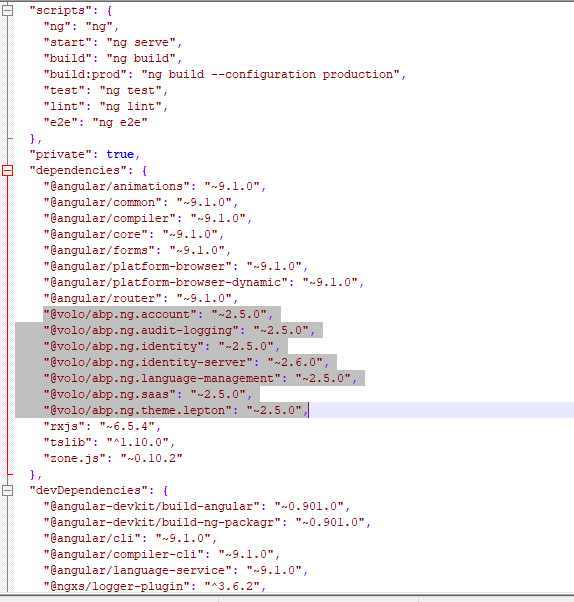
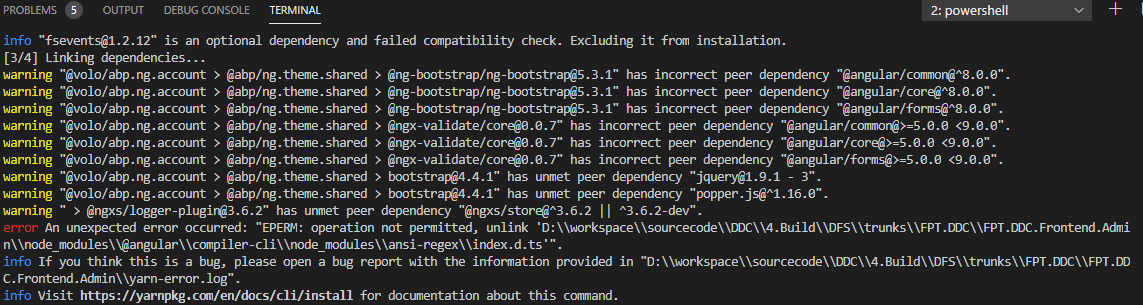
Because after update I run "yarn" to get package, I got an error
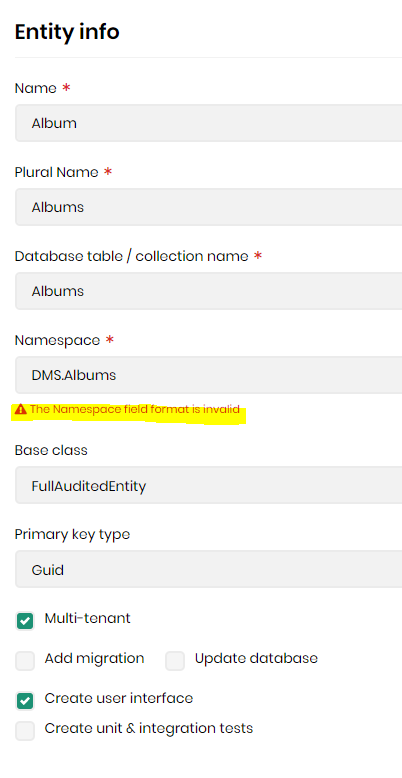
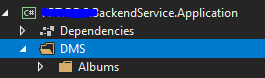
After update to v2.6.0, I got an issue when using abp suite that I cannot generate the namespace like the picture below.
Hi liangshiwei,
Does It reset the incident count limit monthly ?
And do you separate the incident and the question because maybe there will be something wrong in document or new version release we want just ask ?
Regards,
Hi,
I just want to ask how can I generate mongoDb entity with type is "Collection" in Abp Suite or if abp Suite UI is currently not supported, how do I change the files entities.json for generating ?
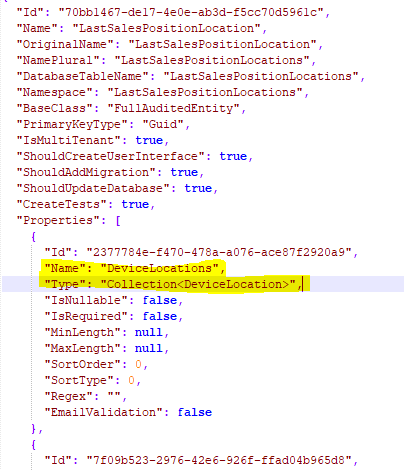
This is my Book.json, it still has Id field
{ "Id": "eb6b50df-1049-4a82-bd74-18d97d81d20c", "Name": "Book", "OriginalName": "Book", "NamePlural": "Books", "DatabaseTableName": "Books", "Namespace": "Books", "BaseClass": "FullAuditedEntity", "PrimaryKeyType": "Guid", "IsMultiTenant": true, "ShouldCreateUserInterface": true, "ShouldAddMigration": true, "ShouldUpdateDatabase": true, "CreateTests": true, "Properties": [ { "Id": "2de78020-a59d-45ce-b50d-567304461e57", "Name": "BookCode", "Type": "string", "IsNullable": false, "IsRequired": true, "MinLength": null, "MaxLength": 40, "SortOrder": 0, "SortType": 0, "Regex": null, "EmailValidation": false }, { "Id": "837e5bda-fbaf-4a05-83c6-3ca9c00ebf31", "Name": "BookName", "Type": "string", "IsNullable": false, "IsRequired": false, "MinLength": null, "MaxLength": 255, "SortOrder": 0, "SortType": 0, "Regex": null, "EmailValidation": false }, { "Id": "f42138a5-f16c-4398-b658-8a88760afb0c", "Name": "BookNumber", "Type": "int", "IsNullable": false, "IsRequired": false, "MinLength": null, "MaxLength": null, "SortOrder": 0, "SortType": 0, "Regex": "", "EmailValidation": false }, { "Id": "ac052a38-c9bf-4dca-8e70-67255bcc09da", "Name": "BookPrice", "Type": "float", "IsNullable": false, "IsRequired": false, "MinLength": null, "MaxLength": null, "SortOrder": 0, "SortType": 0, "Regex": "", "EmailValidation": false }, { "Id": "0d438639-60f3-4aee-9e21-f4a1e5ee85e4", "Name": "BookExprireDate", "Type": "DateTime", "IsNullable": false, "IsRequired": true, "MinLength": null, "MaxLength": null, "SortOrder": 0, "SortType": 0, "Regex": "", "EmailValidation": false } ], "NavigationProperties": null, "PhysicalFileName": "Book.json" }
Hi @alper,
Now I can generate the DbSet for each models. But when I run "SaveAndGenerate" I got a new issue "message": "Error occurred on DB migration step! Make sure the project is not working. Command output: Build started...\r\nBuild failed.\r\n",
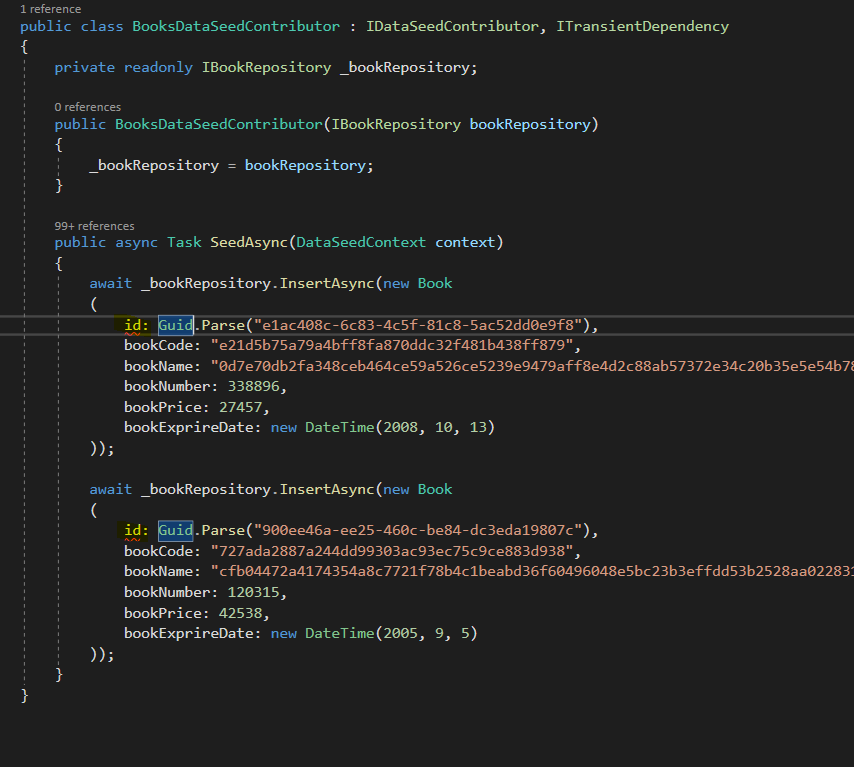
I thinks the unit test caused this problem because of there is no Id in the constructor of model. Please provide hotfix soon
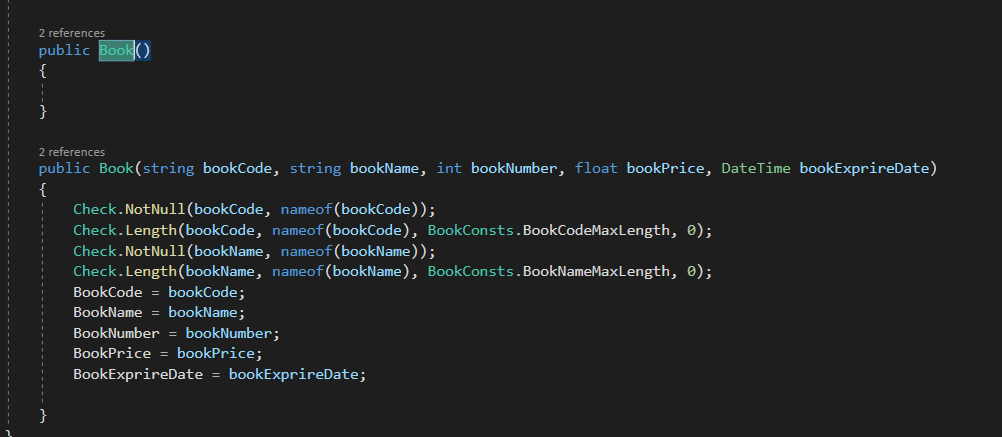
Hi @alper,
Now I can see the outdated template, but how can I compare the difference, do you have any plan to develope the function check diff. Because I customize many template and when I get the outdated one, I have to revert and then compare again

Thanks
Hi @alper,
Can you share the template's name and content Abp Suite using to generate model ?
Thanks for your support!









