






0
seansmith created
ABP Suite Angular UI Generation Issue
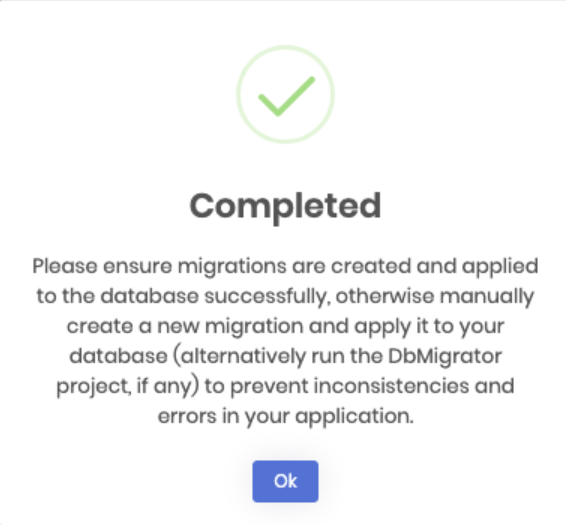
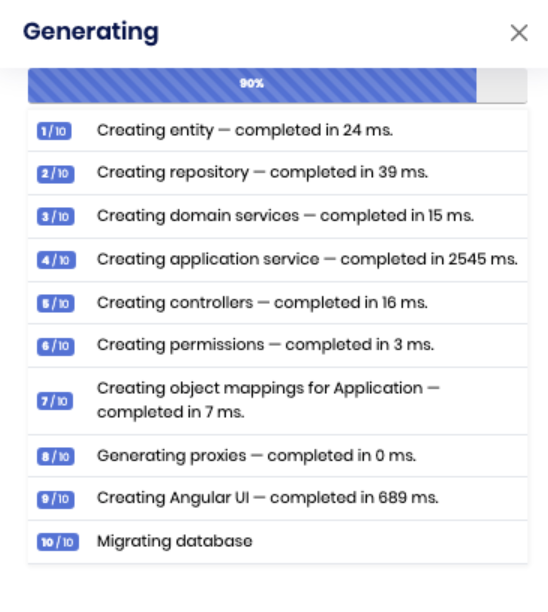
ABP Suite 10.0.2 is not auto-generating Angular UI components when creating entities from ABP Suite.
- ABP Framework version:10.0.2
- UI Type: Angular
- Database System: EF Core (SQL Server)
- Auth Server Separated (for Angular): yes
- Steps to reproduce the issue: Start with a new solution using ABP Studio > Create new microservice > ABP Suite > Create new Entity > Add Property > Save and Generate; Only the Backend file was created, and no angular component was created.
- Solution Template: Separate Identity Server, Monolithic
Markdown supported.
Copy, paste, or drag & drop images and files (max 100 MB per file, 100 MB total per post)
3 Answer(s)
-
0
Hello,
Thank you for providing the reproduction steps. However, I cannot produce the same problem on my end. That would be the best if you could provide error logs that are located in your system under such directory
.abp/suite/logsThank you for your cooperation.
Markdown supported.Copy, paste, or drag & drop images and files (max 100 MB per file, 100 MB total per post) -
0
Issue Resolution - Project Directory Path with Spaces Causes ABP Suite UI Generation Failure.
The problem was caused by spaces in the project directory path. My project was located at: C:\My Project\
Solution Applied:
- Renamed the project folder from "My Project" (with space) to "MyProject" (without space)
- Updated the project path to: C:\MyProject\
- Regenerated the Angular UI components using ABP Suite
Markdown supported.Copy, paste, or drag & drop images and files (max 100 MB per file, 100 MB total per post) -
0
I am glad to hear that your problem has been solved. Thank you for reminding us upon this.
Markdown supported.Copy, paste, or drag & drop images and files (max 100 MB per file, 100 MB total per post)


