






你好 https://learn.microsoft.com/zh-cn/aspnet/core/blazor/file-uploads?view=aspnetcore-10.0#file-size-read-and-upload-limits blazor wasm有2G的文件上传大小限制 如何实现大文件上传呢?
16 Answer(s)
-
0
你好
你没有Chrome浏览器环境?
如果是非Chrome浏览器, 这个问题无法解决, 属于浏览器的限制.
谢谢
-
0
有Chrome浏览器环境.
-
0
Chrome浏览器应该没有限制, 你现在得到了什么错误和异常信息?
-
0
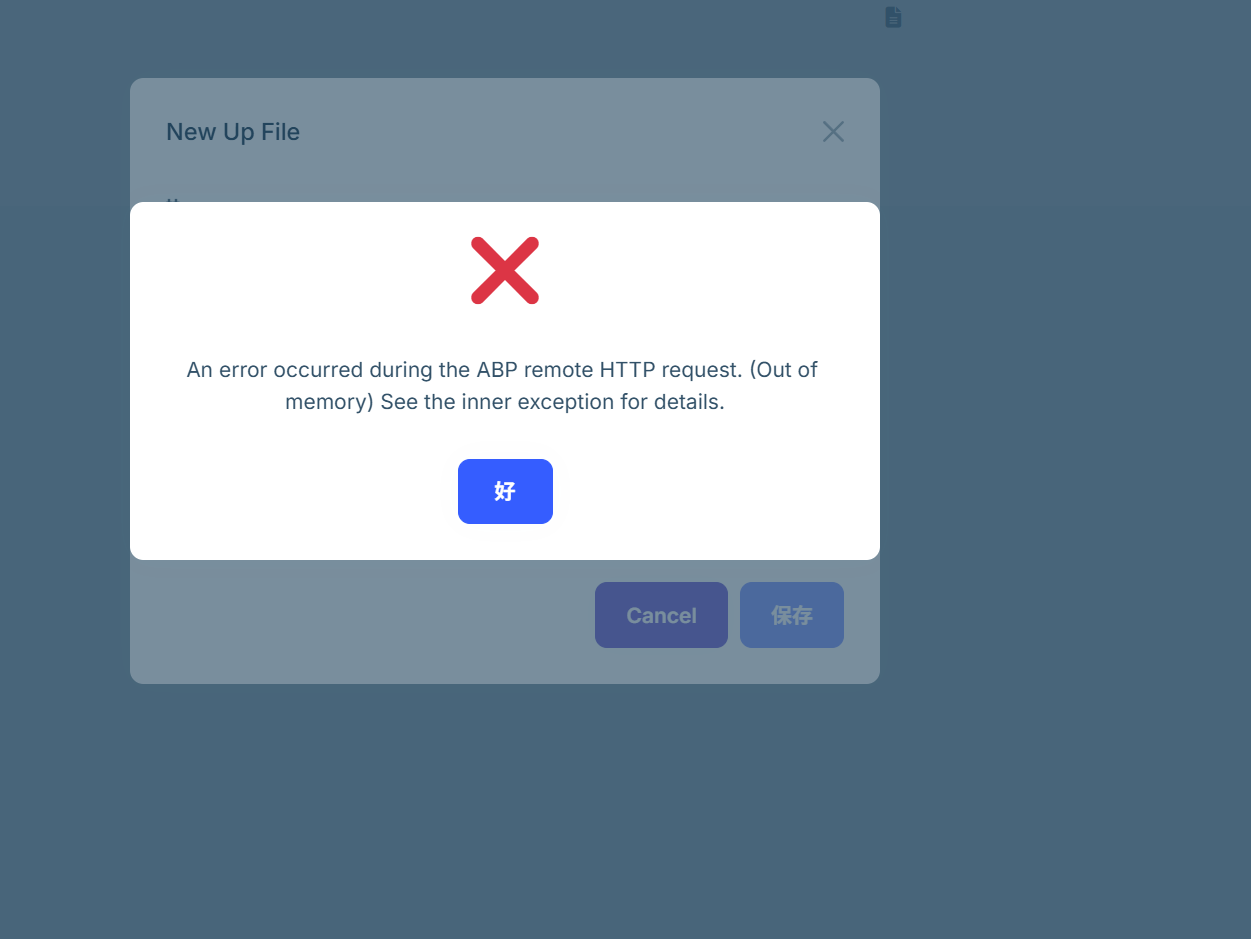
abp suite的file 属性,直接将文件 copy到少stream. 大文件的话js arry会报内存溢出
-
0
你可以分享一些代码吗? 组件的和copy stream的
-
0
private async Task<AppFileDescriptorDto> UploadFileAsync(IBrowserFile file) { using (var ms = new MemoryStream()) { await file.OpenReadStream(long.MaxValue).CopyToAsync(ms); ms.Seek(0, SeekOrigin.Begin); return await ContractAttachmentsAppService.UploadFileAsync(new RemoteStreamContent(ms, file.Name, file.ContentType)); } } 600MB左右的文件会报 内存溢出 -
0
好的, 我反馈给suite团队, 你可以使用文件流试试
private async Task<AppFileDescriptorDto> UploadFileAsync(IBrowserFile file) { // 直接使用文件流,不加载到 MemoryStream using var stream = file.OpenReadStream(long.MaxValue); return await ContractAttachmentsAppService.UploadFileAsync( new RemoteStreamContent(stream, file.Name, file.ContentType)); } -
0
info: System.Net.Http.HttpClient.Contract.LogicalHandler[100] Start processing HTTP request POST https://localhost:44333/api/contract/contract-attachments/upload-file?* invoke-js.ts:242 info: System.Net.Http.HttpClient.Contract.ClientHandler[100] Sending HTTP request POST https://localhost:44333/api/contract/contract-attachments/upload-file?* HTGL:1 The resource https://localhost:44333/_content/Excubo.Blazor.TreeViews/Excubo.Blazor.TreeViews.ggbo2a6x37.bundle.scp.css was preloaded using link preload but not used within a few seconds from the window's load event. Please make sure it has an appropriate
asvalue and it is preloaded intentionally. HTGL:1 The resource [Violation] Forced reflow while executing JavaScript took 116msblazor.web.js:1 Cannot enlarge memory, requested 2586399504 bytes, but the limit is 2147483648 bytes! 报错了.
-
0
你可以分享一个demo项目吗?
liming.ma@volosoft.com
谢谢
-
0
 已发送
已发送 -
0
好的, 我会检查你的项目
-
0
启用浏览器流上传可以解决~
-
0
是的, 你可以这样试试
private async Task<AppFileDescriptorDto> UploadFileAsync(IBrowserFile file) { // using (var ms = file.OpenReadStream(2L*1024*1024*1024)) // { // return await UpFilesAppService.UploadFileAsync(new RemoteStreamContent(ms, file.Name, file.ContentType)); // } await using (var stream = file.OpenReadStream(MaxUpFileFsFileUploadSize)) { using (var content = new MultipartFormDataContent()) { using (var fileContent = new StreamContent(stream)) { fileContent.Headers.ContentType = new MediaTypeHeaderValue(file.ContentType ?? "application/octet-stream"); content.Add(fileContent, "input", file.Name); using var request = new HttpRequestMessage(HttpMethod.Post, "https://localhost:44362/api/app/up-files/upload-file"); var token = await AccessTokenProvider.GetTokenAsync(); if (!token.IsNullOrWhiteSpace()) { request.SetBearerToken(token); } request.Content = content; request.SetBrowserRequestStreamingEnabled(true); using var response = await new HttpClient().SendAsync(request, HttpCompletionOption.ResponseHeadersRead); response.EnsureSuccessStatusCode(); var dto = await response.Content.ReadFromJsonAsync<AppFileDescriptorDto>(); return dto!; } } } } -
0
You also need to configure the backend limit.
Log.Information("Starting Uploadtest.HttpApi.Host."); var builder = WebApplication.CreateBuilder(args); builder.WebHost.ConfigureKestrel(o => { o.Limits.MaxRequestBodySize = 2L*1024 * 1024 * 1024; }); builder.Services.Configure<FormOptions>(o => { o.MultipartBodyLengthLimit = 2L*1024 * 1024 * 1024; }); -
0
你还可以继续使用应用服务而不是手动创建HttpClient
public override void PreConfigureServices(ServiceConfigurationContext context)
{
    PreConfigure<AbpHttpClientBuilderOptions>(options =>
    {
        options.ProxyClientBuildActions.Add((_, builder) =>
        {
            builder.AddHttpMessageHandler<BrowserRequestStreamingHandler>();
        });
    });
}
public sealed class BrowserRequestStreamingHandler : DelegatingHandler, ITransientDependency { protected override async Task<HttpResponseMessage> SendAsync( HttpRequestMessage request, CancellationToken cancellationToken) { request.SetBrowserRequestStreamingEnabled(true); return await base.SendAsync(request, cancellationToken); } } -
0
已经添加了 谢谢


