






0
gokalp.gunes created
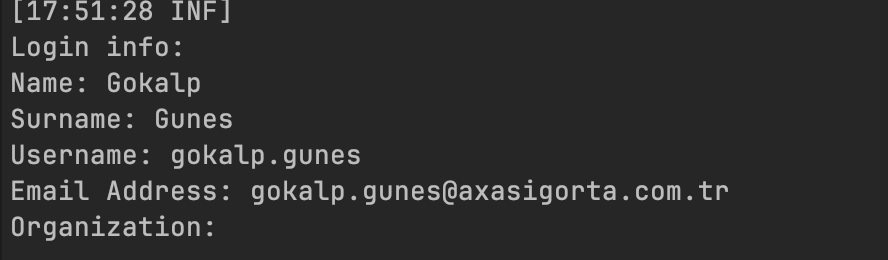
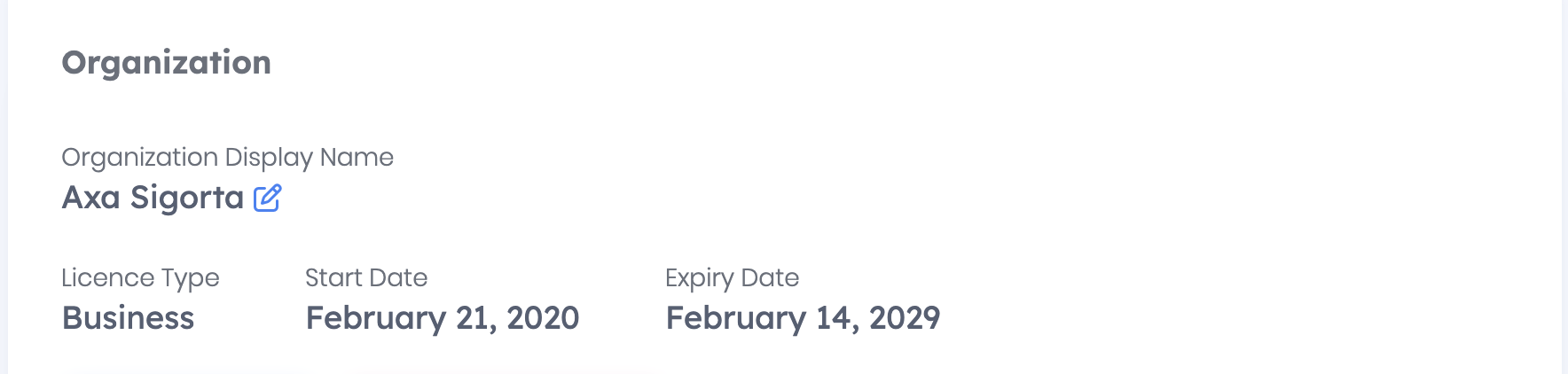
Hello, Even though I’m logged in to ABP, when I try to access ABP Suite it shows the message: ‘Please login with your account. Even after trying the logout and re-login steps mentioned in the forum, there has been no change. Please help me with this issue. Thank you.
1 Answer(s)
-
-1
- Close ABP Suite completely.
- Run these commands in a terminal (PowerShell/CMD/Bash):
abp logout abp login- Then start ABP Suite again and try to open it.
If it still shows “Please login with your account”, this is typically not a framework/runtime issue but a Suite/CLI authentication session problem. In that case, please open a commercial support ticket so the team can check your ABP account/session on the server side:
- https://abp.io/support/questions/New
Links (docs):
- https://abp.io/docs/latest/abp-suite
- https://abp.io/docs/latest/cli
This response was generated by AI. If it didn’t solve your problem, feel free to post a new answer — our support team will jump in to help you soon.


