






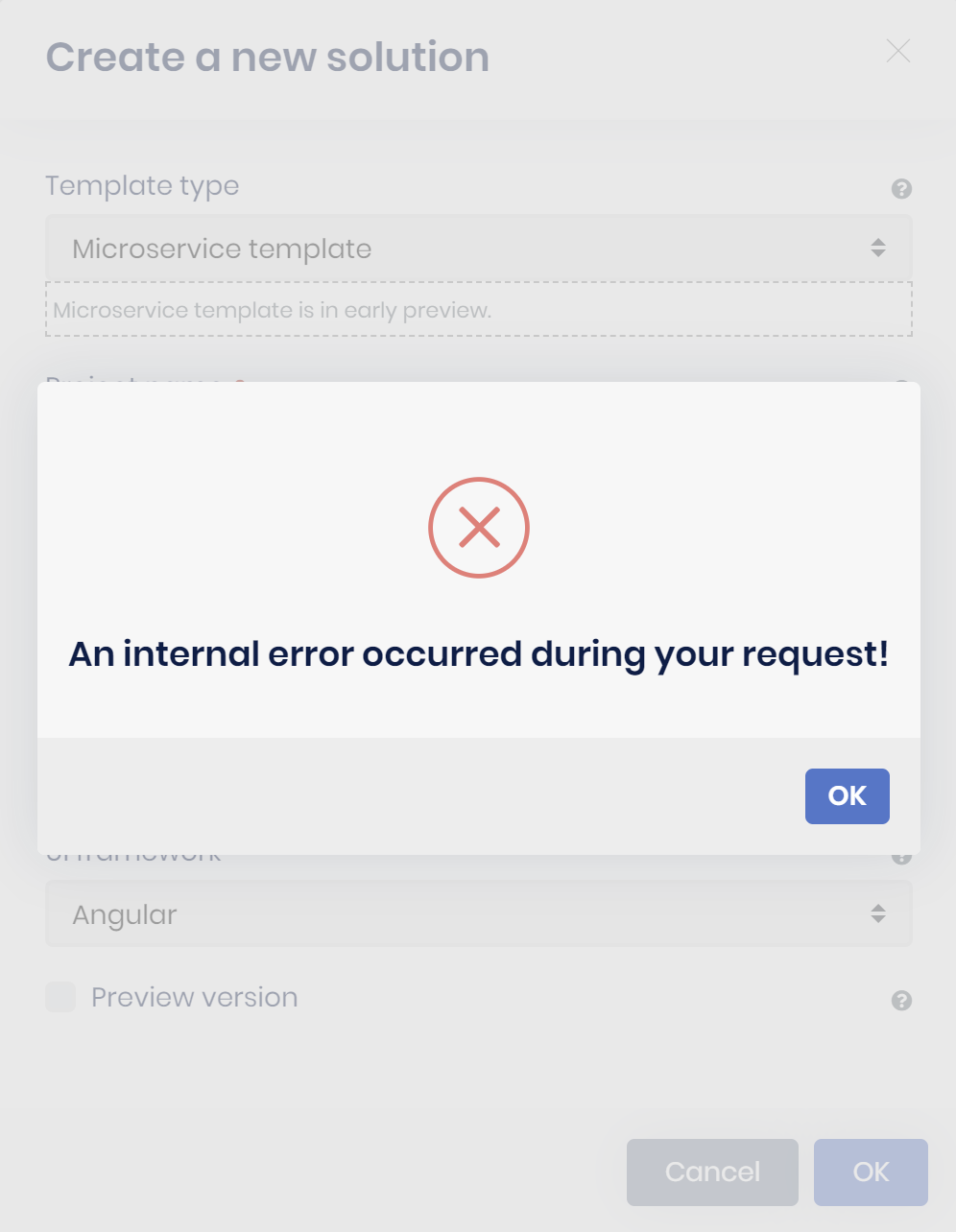
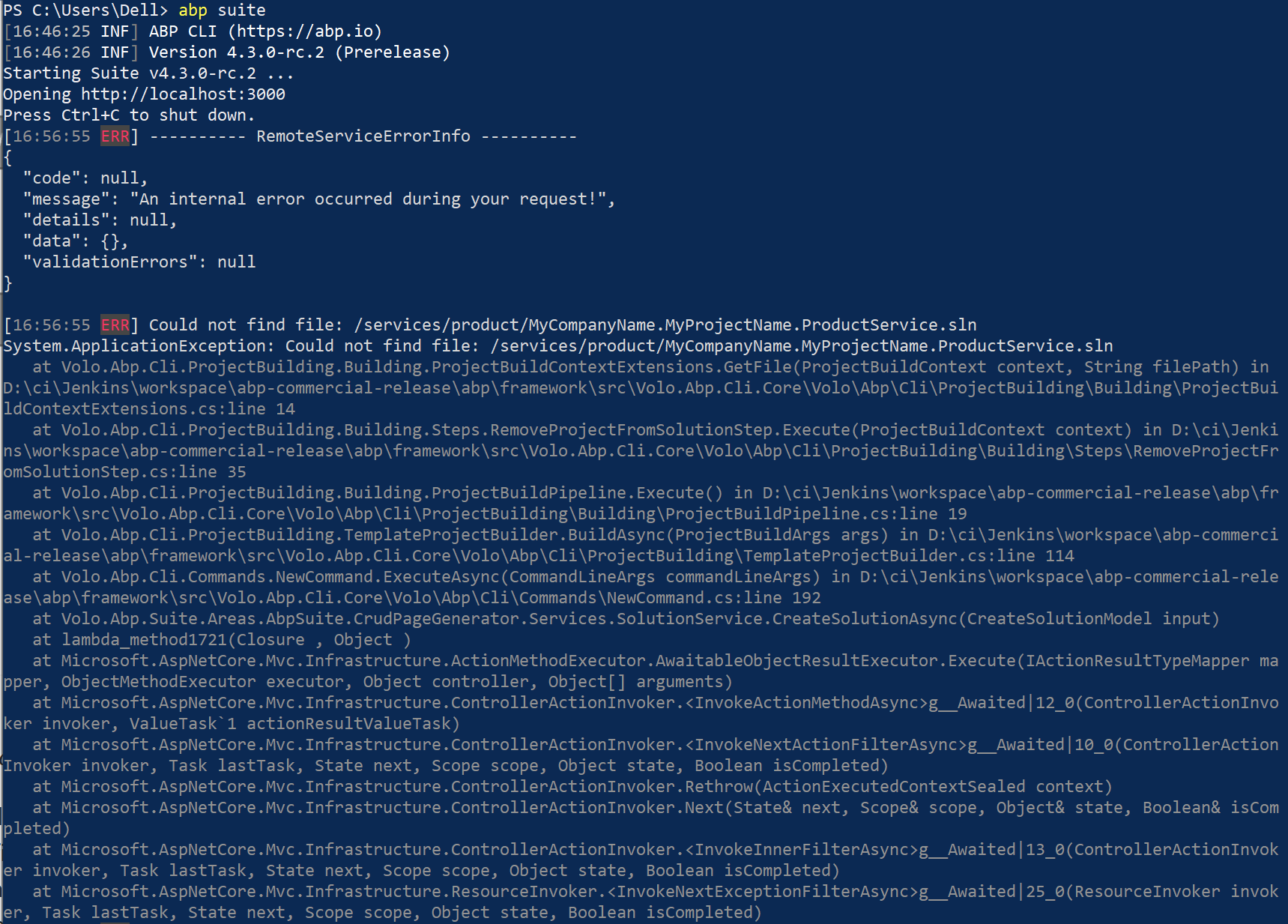
i updated the CLI and Abp Suite using the powershell script shared by alper to the latest 4.3 RC release. tried running the abp suite to create a microservices solutions with Angular UI. Also not the Preview Version Selection is disabled and am not able to select the same. It gave the following error. please suggest is i am missing something
4 Answer(s)
-
0
If you have already created a microservice template, you can check Add New Microservices to the Solution docs. May be it can help.
Markdown supported.Copy, paste, or drag & drop images and files (max 100 MB per file, 100 MB total per post) -
0
If you have already created a microservice template, you can check Add New Microservices to the Solution docs. May be it can help.
I was trying to create a new microservices solution by running the GUI template for microservices using ABP Suite. it is not creating the template itself. Please note i have upgraded to 4.3.0-rc.2 version and then tried generating the microservice template from GUI and it is givne error. the error details are given in the above link
Markdown supported.Copy, paste, or drag & drop images and files (max 100 MB per file, 100 MB total per post) -
0
I think you need to run the abp suite under your solution directory. If it doesn't work, can you try using CLI for adding new microservice to your solution template?
Under your microservice solution (where your .sln is located), from your command line; try
abp new OrderService -t microservice-service-pro --previewIt should create a new microservice named order under services folder.
Markdown supported.Copy, paste, or drag & drop images and files (max 100 MB per file, 100 MB total per post) -
0
This question has been automatically marked as stale because it has not had recent activity.
Markdown supported.Copy, paste, or drag & drop images and files (max 100 MB per file, 100 MB total per post)



