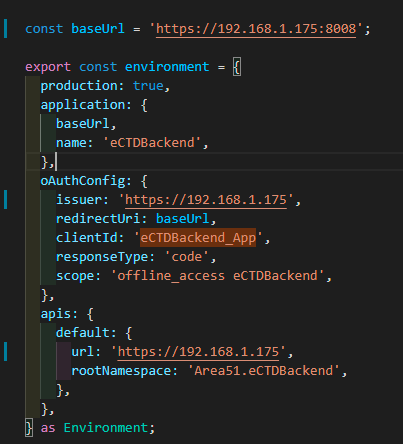
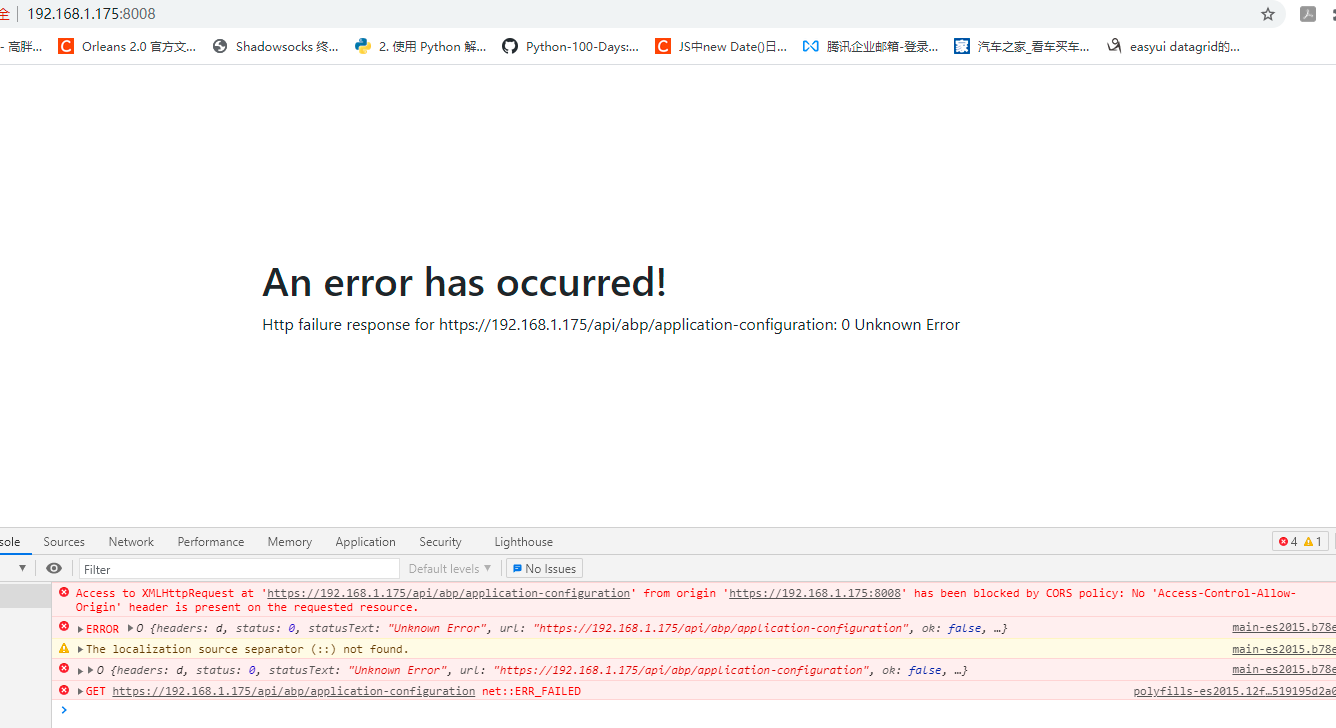
- ABP Framework version: v4.3.0
- UI type: Angular
- DB provider: EF Core
- Tiered (MVC) or Identity Server Separated (Angular): yes
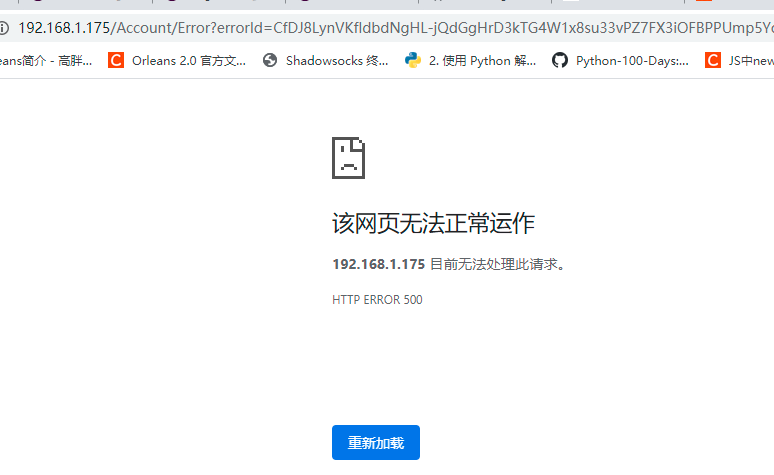
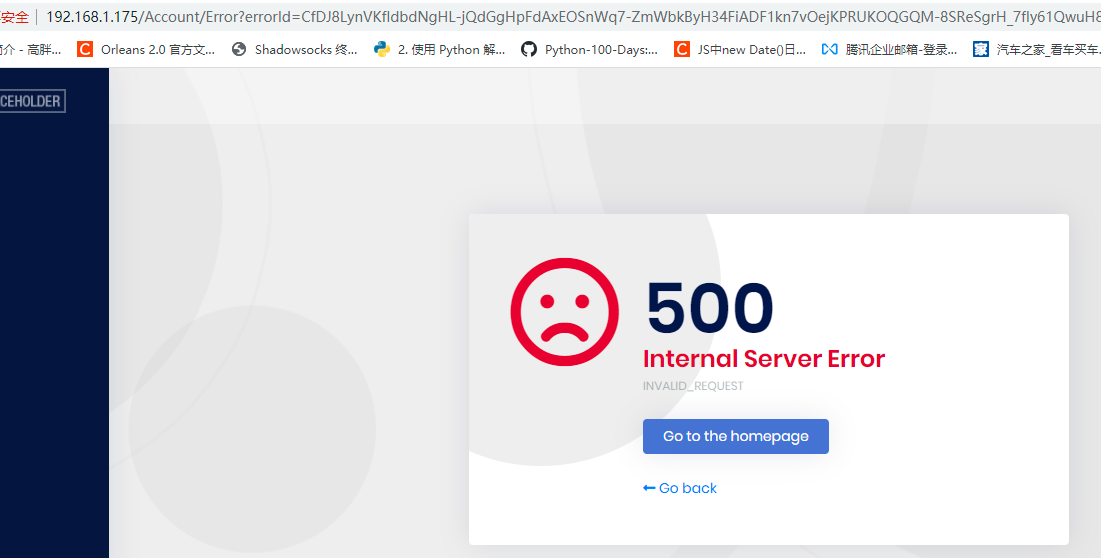
- Exception message and stack trace:
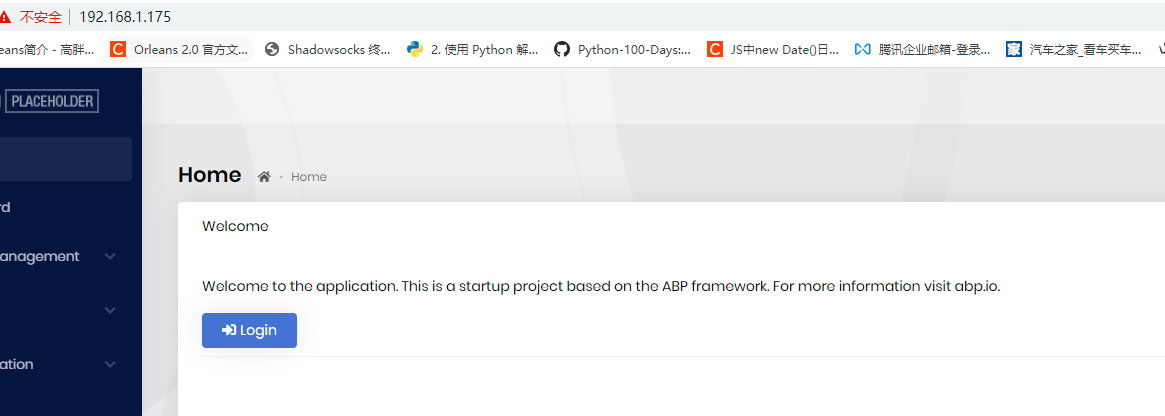
- Steps to reproduce the issue: I have publish Angular and web api to IIS , this is the Url : http://106.14.14.219:8008/ Web api is tested ok. Webpage can be opened but nothing happens when I click the Login button, no any js error , no any api request.
15 Answer(s)
-
0Markdown supported.Copy, paste, or drag & drop images and files (max 100 MB per file, 100 MB total per post)
-
0
The error you get is about healthcheck. Try disabling it to see how it goes: <br>
public override void ConfigureServices(ServiceConfigurationContext context)
{
    var configuration = context.Services.GetConfiguration();
    var hostingEnvironment = context.Services.GetHostingEnvironment();

    ... //Omitted
    //ConfigureHealthChecks(context); //Comment this line
}
<br> If your problem persists, try deleting the database and use configurations as below.
For development, we are using localhost with port. You are using local ip without port for angular app. I think IIS Express redirects to port 80 as default. Nevertheless, I would suggest using explicit port for angular app also.
Your backend url is https://192.168.1.175:8008 Your frontend url should be with port https://192.168.1.175:8080 (or whatever port you like)
Backend appsettings:
<br>
"App": {
  "SelfUrl": "https://192.168.1.175:8008",
  "AngularUrl": "https://192.168.1.175:8080",
  "CorsOrigins": "https://192.168.1.175:8080",
  "RedirectAllowedUrls": "https://192.168.1.175:8080,"
},
RedirectURLs and CorsOrigins are related with your angular app (since you don't use separate identityserver)
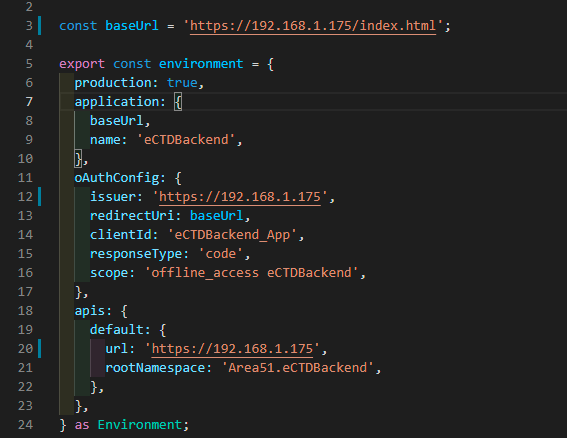
FrontEnd environment.ts
const baseUrl = 'https://192.168.1.175:8080';
export const environment = {
  production: false,
  application: {
    baseUrl,
    name: 'eCTDBackend',
  },
  oAuthConfig: {
    issuer: 'https://192.168.1.175:8008',
    redirectUri: baseUrl,
    clientId: 'eCTDBackend_App',
    responseType: 'code',
    scope: 'offline_access openid profile role email phone eCTDBackend_App',
  },
  apis: {
    default: {
      url: 'https://192.168.1.175:8008',
      rootNamespace: 'Area51.eCTDBackend',
    },
  },
} as Environment;
Markdown supported.Copy, paste, or drag & drop images and files (max 100 MB per file, 100 MB total per post) -
0
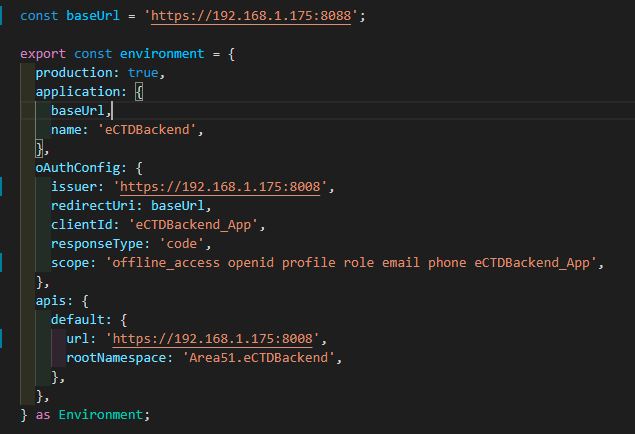
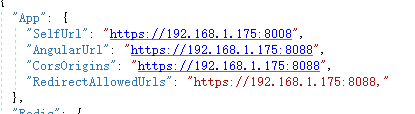
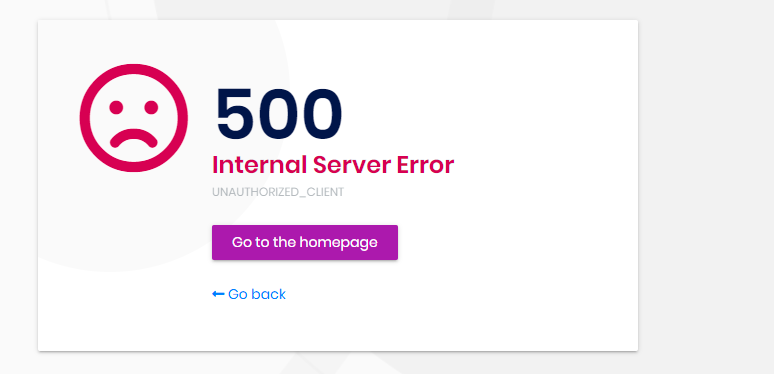
Hi, I publish the service according to your request, but the problem persists. host:https://192.168.1.175:8008 web:https://192.168.1.175:8088
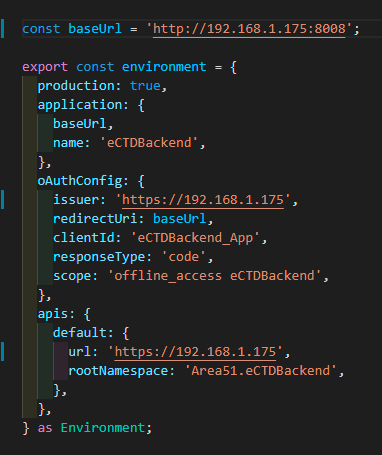
frontend config
backend config
error log


 Markdown supported.Copy, paste, or drag & drop images and files (max 100 MB per file, 100 MB total per post)
 -
0
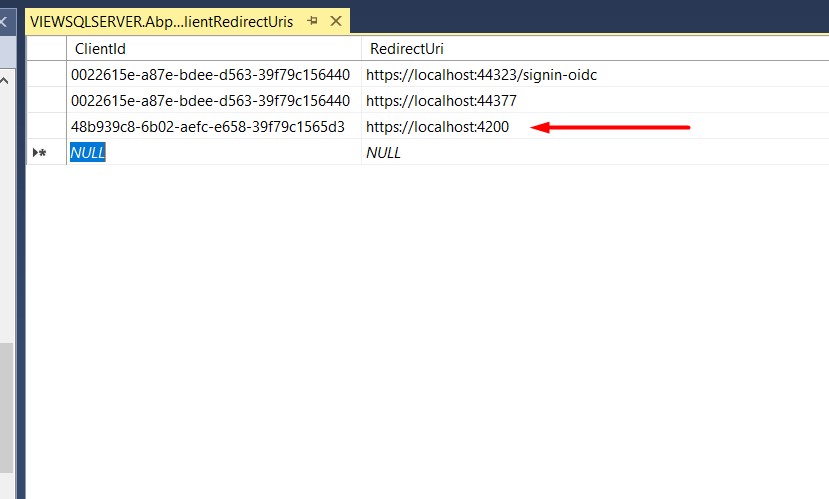
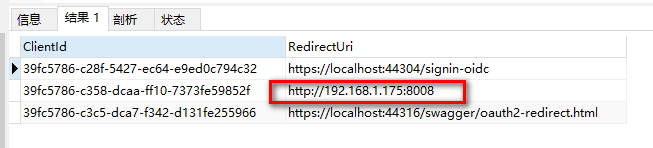
ok, i have published success. it need to change identity config in UI. I think you can add the publish guide in abp document. Thanks.
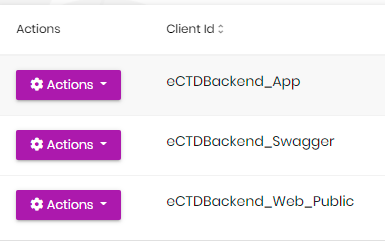
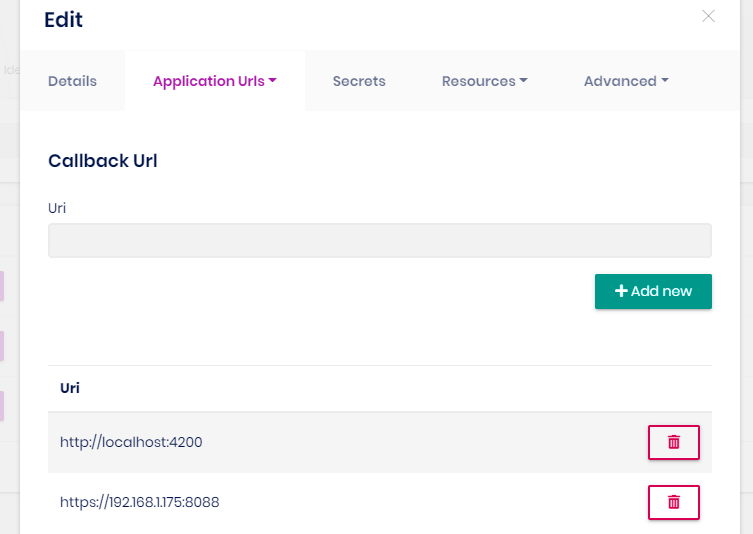
It will be a wrong information to change identity config in UI. It is Identity Server Management page, not Identity Management.
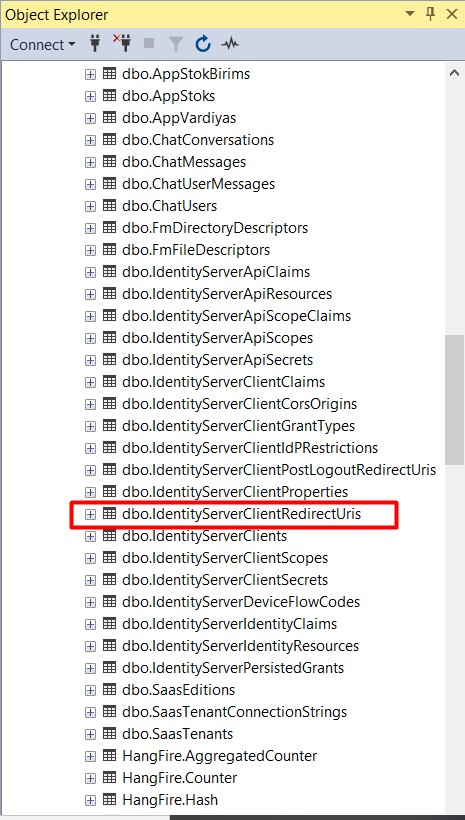
IdentityServer related data is saved in database, either you provide it in the Identity Server Management UI or IdentityServer DataSeeder.
It seems you forgot to change the db migrator appsettings.json to seed the data in the first place.
Markdown supported.Copy, paste, or drag & drop images and files (max 100 MB per file, 100 MB total per post)