






Hi, I just upgraded to ABP Commercial 4.3.2 and created a new solution called Acme.BookStore and then created a new tenant
when i try and go to settings under Administration i get the following error
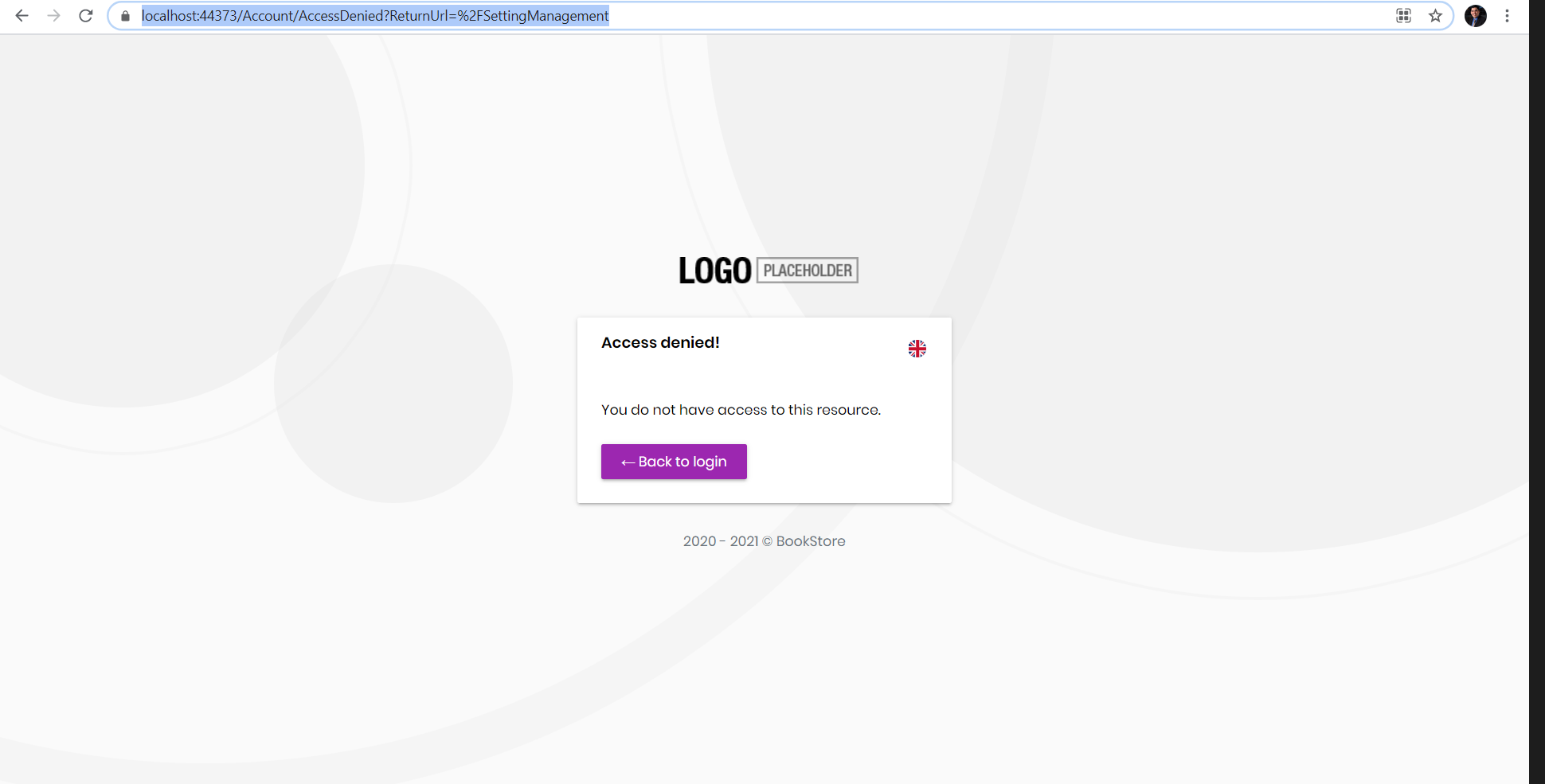
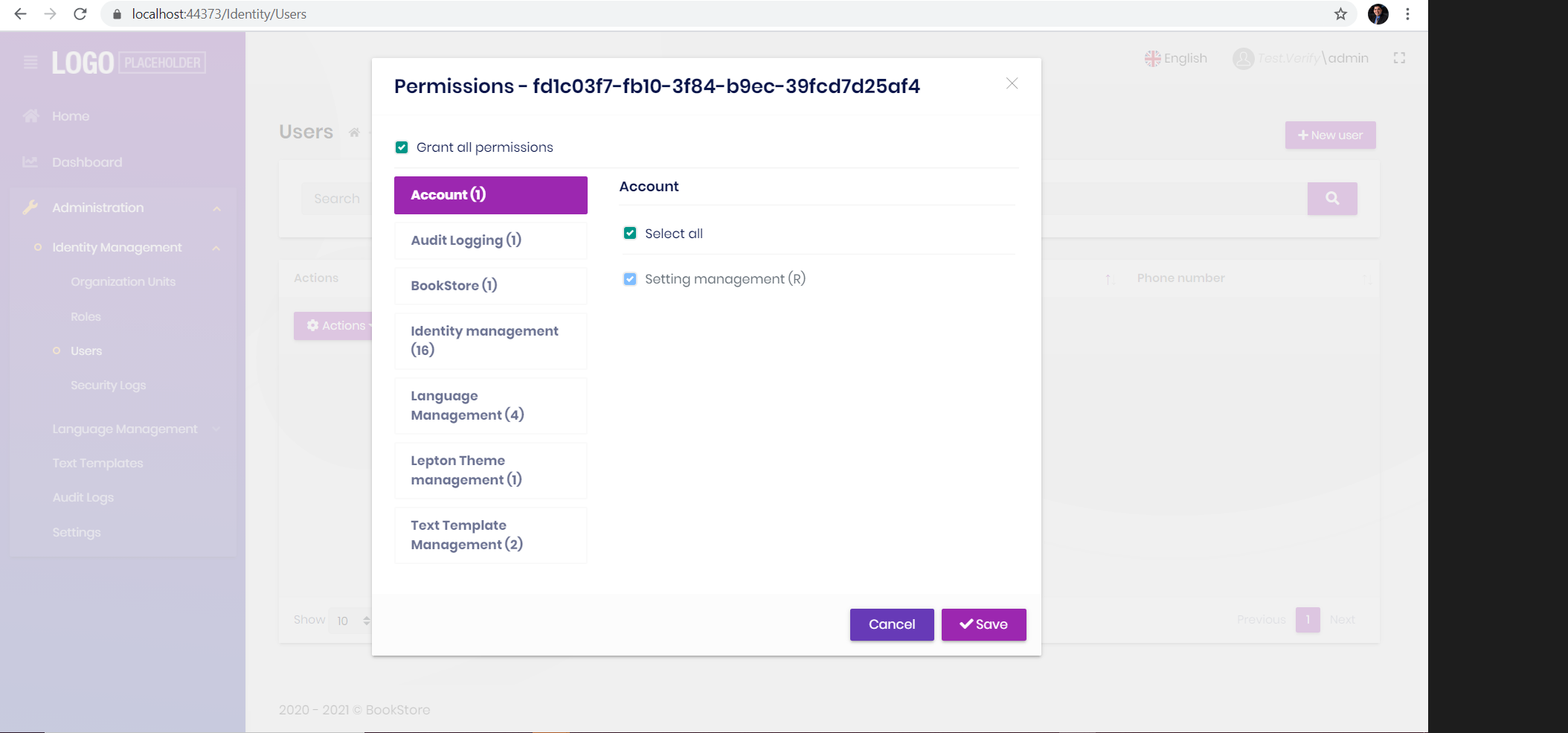
can you please let me know what the issue is the admin has access to the settings in the permissions
8 Answer(s)
-
0
I think it is a bug becuase it is trying to access the Email Settings tab for the tenant and since the tenant doesn't have access to the Email Settings it is giving "Access Denied"
Markdown supported.Copy, paste, or drag & drop images and files (max 100 MB per file, 100 MB total per post) -
0
HI,
Can you provide steps to reproduce?
Markdown supported.Copy, paste, or drag & drop images and files (max 100 MB per file, 100 MB total per post) -
0
- Update tools to 4.3.2
- run command
abp new Acme.BookStore - Open solution file
- Run
*.DbMigratorand then run the solution with*.Webproject as startup project - Login as admin
- Create a Tenant
Test - Logout
- Switch Tenant to new tenant
Test - Try and navigate to settings under Administration menu
- You will be redirected to Access Denied Page
Markdown supported.Copy, paste, or drag & drop images and files (max 100 MB per file, 100 MB total per post) -
0
Thanks. I will check it out.
Markdown supported.Copy, paste, or drag & drop images and files (max 100 MB per file, 100 MB total per post) -
0
i think thia line is cauaing the problem for a tenant becuase the emailsetting should only be avalabile to the hist right ?
modules/setting-management/src/Volo.Abp.SettingManagement.Web/AbpSettingManagementWebModule.cs
        Configure<RazorPagesOptions>(options =>
        {
            options.Conventions.AuthorizePage("/SettingManagement/Index", SettingManagementPermissions.Emailing);
        });
Markdown supported.Copy, paste, or drag & drop images and files (max 100 MB per file, 100 MB total per post) -
0
This is a bug, I will fixed it. by the way, ticket refunded : )
Markdown supported.Copy, paste, or drag & drop images and files (max 100 MB per file, 100 MB total per post) -
0
For now, try:
public override void PostConfigureServices(ServiceConfigurationContext context)
{
    Configure<RazorPagesOptions>(options =>
    {
        options.Conventions.RemoveAll(x =>
        {
            if (x == null)
            {
                return false;
            }
            var type = x.GetType();

            if (type.Name != "PageApplicationModelConvention")
            {
                return false;
            }

            return type.GetField("_path", BindingFlags.NonPublic | BindingFlags.Instance).GetValue(x)
                .As<string>() == "/SettingManagement/Index";
        });
    });
}
Markdown supported.Copy, paste, or drag & drop images and files (max 100 MB per file, 100 MB total per post) -
0
https://github.com/abpframework/abp/pull/9213
Markdown supported.Copy, paste, or drag & drop images and files (max 100 MB per file, 100 MB total per post)


