






I am getting the build failed when trying to run the tye dashboard while practising to add a new microservice using MVC framewrok and Microservice template
My Solution build is failing when i am updating the administration microservice. All Infrastrcture service are running fine.
Pls see the screenshot attached.
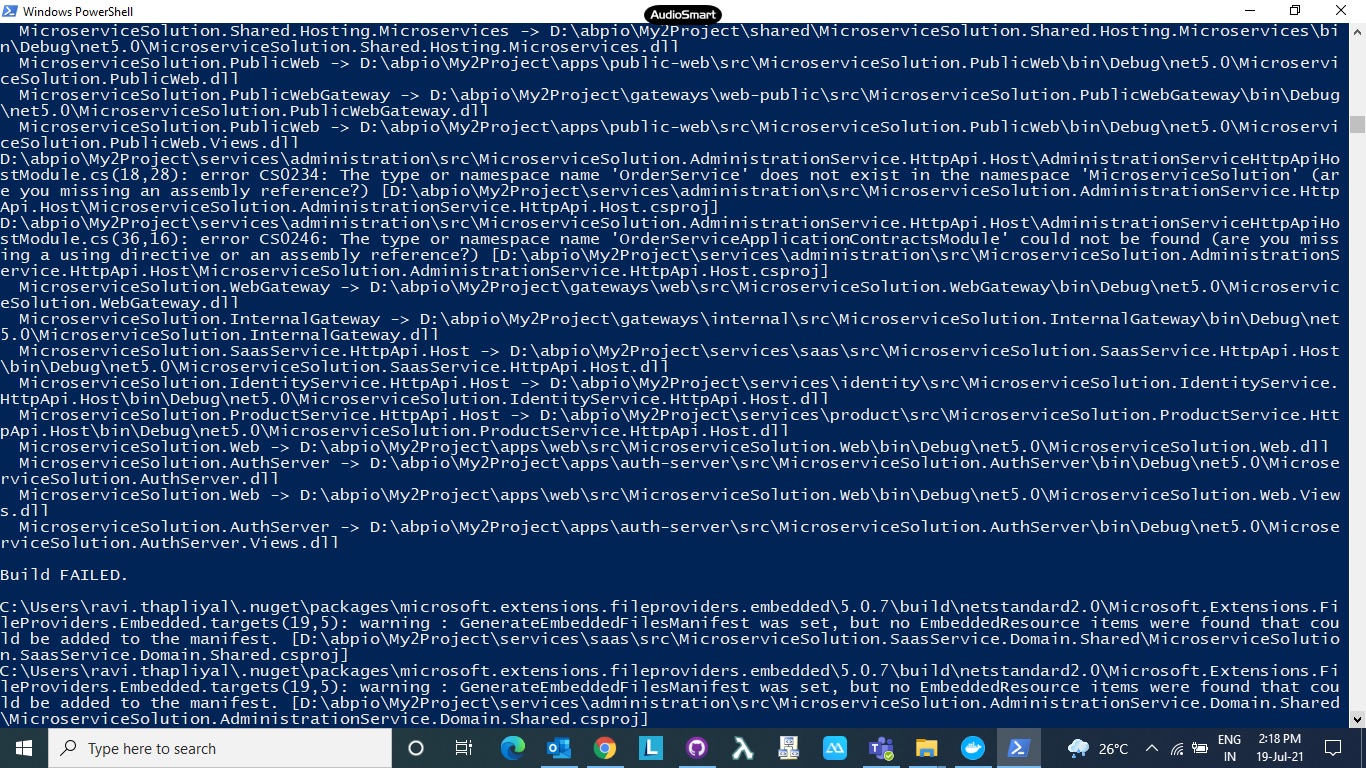
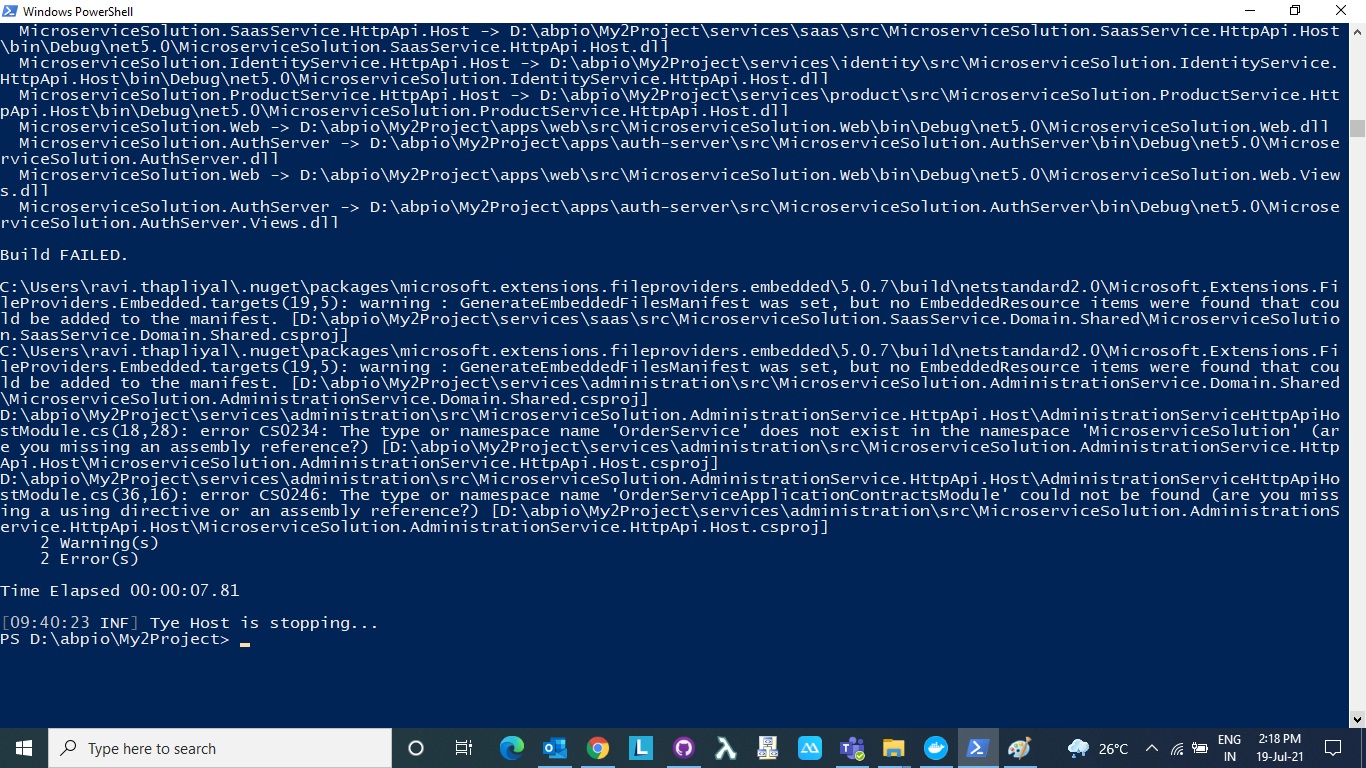
Pls let us know what is wrong here.
Regards, Ravi
13 Answer(s)
-
0
Hi,
Can I check it remotely? shiwei.liang@volosoft.com
Markdown supported.Copy, paste, or drag & drop images and files (max 100 MB per file, 100 MB total per post) -
0
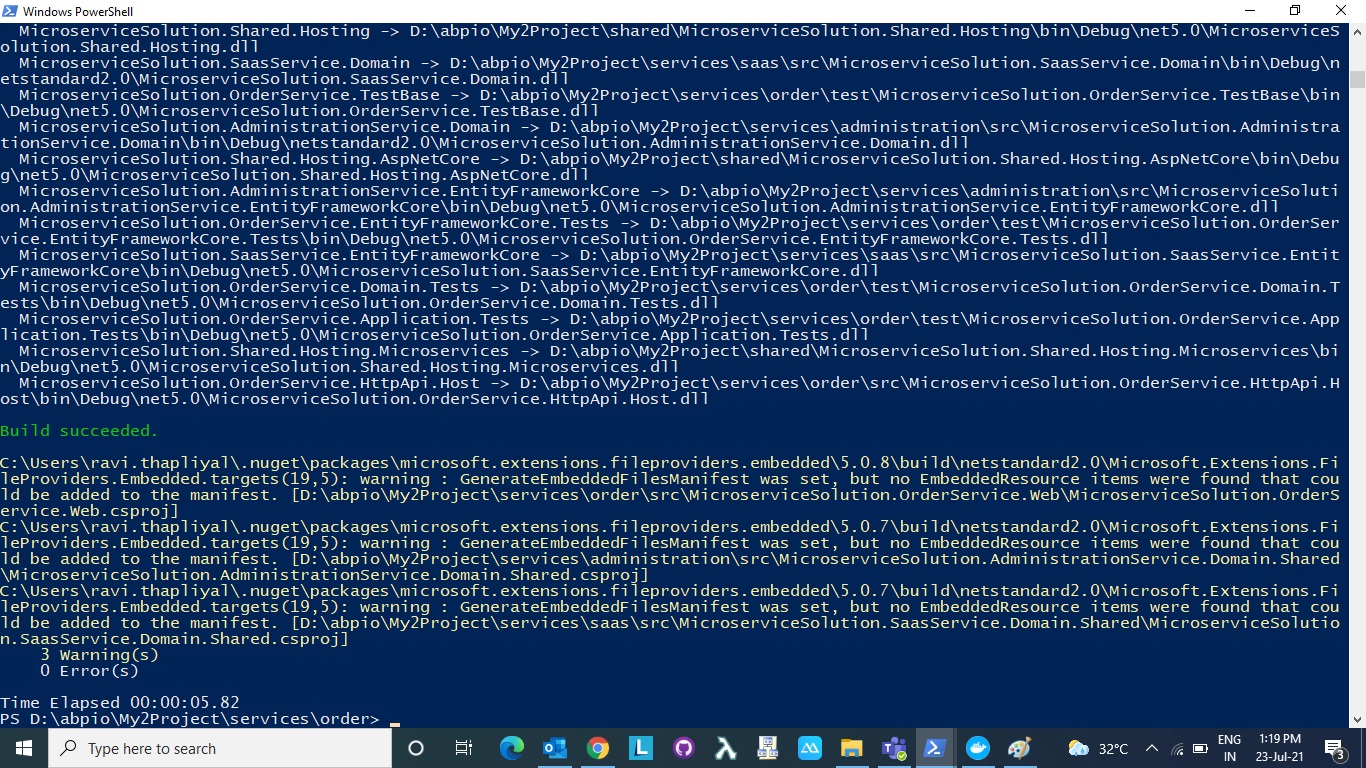
I am still getting the build error after building the OrderService. Attaching the screenshots;
- Building of OrderService
- Error after running tye run
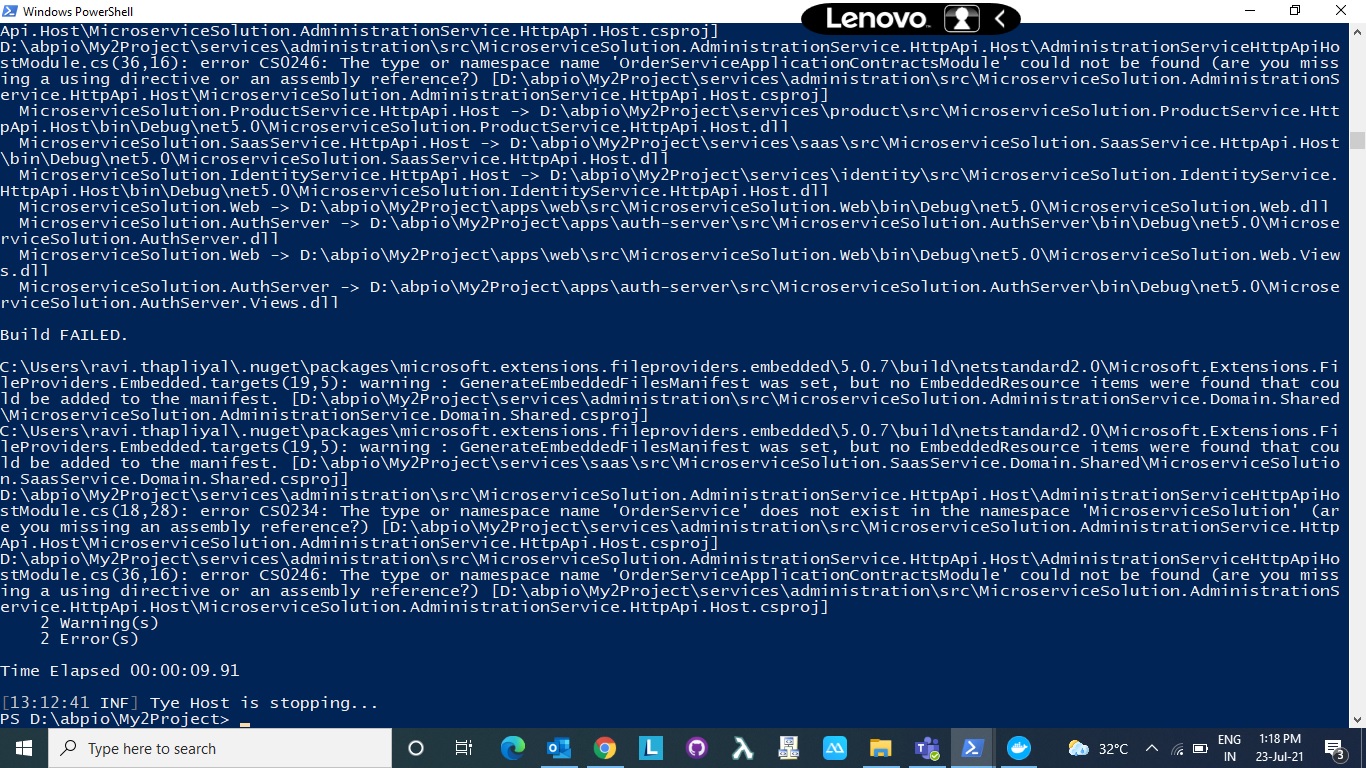
Markdown supported.Copy, paste, or drag & drop images and files (max 100 MB per file, 100 MB total per post) - Building of OrderService
-
0
Try
dotnet build /graphBuildin your main microservice solution directory. That should build all related projects. Preferably after deleting bin&obj folders (there should be adelete-bin-obj-folders.batfile under main solution directory as shortcut).Markdown supported.Copy, paste, or drag & drop images and files (max 100 MB per file, 100 MB total per post) -
0
I tried building it again using dotnet build /graphBuild in the main microservice solution directory. It still gave me an error (attached).
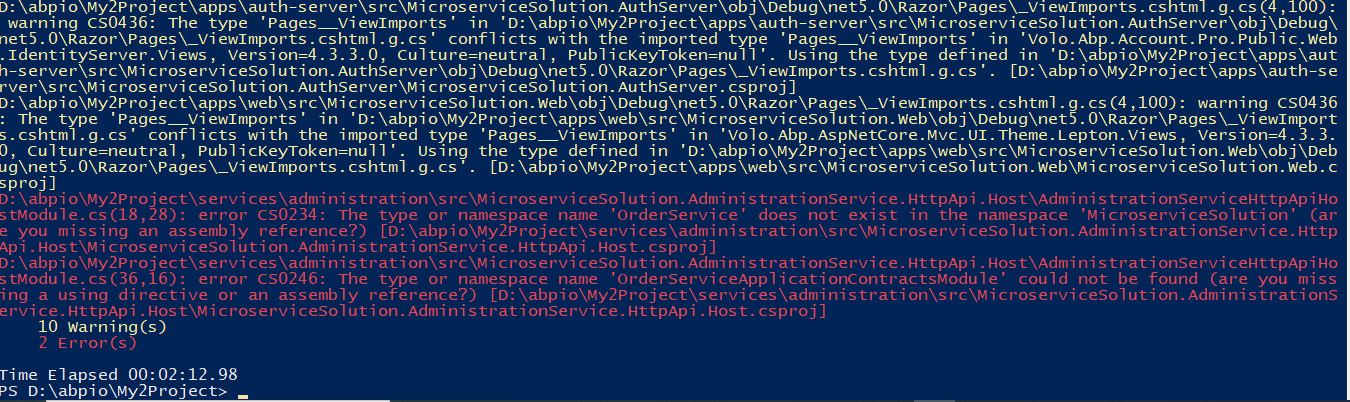 Markdown supported.Copy, paste, or drag & drop images and files (max 100 MB per file, 100 MB total per post)
 -
0
Yes, these are steps i am following:
- Runnin CLI command to create a new service in the solution
*abp new OrderService -t microservice-service-pro*- Then building the new service in the \services\order directory:
dotnet build- Adding the new service to the solution (project solution - run powershell) --dotnet sln add services/order/src/Acme.BookStore.OrderService.HttpApi.Host/Acme.BookStore.OrderService.HttpApi.Host.csproj --solution-folder services
dotnet sln add services/order/src/MicroserviceSolution.OrderService.HttpApi.Host/MicroserviceSolution.OrderService.HttpApi.Host.csproj --solution-folder services- Trying to Update Other Dependent Services - Administration (permission)
<ProjectReference Include="......\order\src\Acme.BookStore.OrderService.Application.Contracts\Acme.BookStore.OrderService.Application.Contracts.csproj" /> <ProjectReference Include="......\order\src\MicroserviceSolution.OrderService.Application.Contracts\MicroserviceSolution.OrderService.Application.Contracts.csproj" />
8a) Open Solution & from Services-> AdministrationService -> Right Click & added "OrderService.Application.Contracts.dll" by adding Project Reference (right click)
8b) Open "AdministrationServiceHttpApiHostModule.cs" class and add the following module dependency "typeof(OrderServiceApplicationContractsModule)" -> and fix the potential "using MicroserviceSolution.OrderService;"
These are the steps....and just after that i am getting the above thread errors.
Markdown supported.Copy, paste, or drag & drop images and files (max 100 MB per file, 100 MB total per post) -
0
8a) Open Solution & from Services-> AdministrationService -> Right Click & added "OrderService.Application.Contracts.dll" by adding Project Reference (right click)
Can you try to update the csporj to use ProjectReference instead add dll file?
Markdown supported.Copy, paste, or drag & drop images and files (max 100 MB per file, 100 MB total per post) -
0
8a) Open Solution & from Services-> AdministrationService -> Right Click & added "OrderService.Application.Contracts.dll" by adding Project Reference (right click)
Can you try to update the csporj to use ProjectReference instead add dll file?
I tried adding the csproj project reference insteal dll files and when i am building the solution, its gving me the same error. Order service is not building properly. i have also updated the CLI & dot net to latest 4.4 version.
Markdown supported.Copy, paste, or drag & drop images and files (max 100 MB per file, 100 MB total per post) -
0
8a) Open Solution & from Services-> AdministrationService -> Right Click & added "OrderService.Application.Contracts.dll" by adding Project Reference (right click)
Can you try to update the csporj to use ProjectReference instead add dll file?
I tried adding the csproj project reference insteal dll files and when i am building the solution, its gving me the same error. Order service is not building properly. i have also updated the CLI & dot net to latest 4.4 version.
It is probably cached, try deleting bin/obj folders and add project reference instead of package reference and build with
dotnet build /graphBuild.Markdown supported.Copy, paste, or drag & drop images and files (max 100 MB per file, 100 MB total per post) -
0
I tried this, but its not working. Can we have a remote session on this? Pls expedidte this as we need to deliver the solution.
Markdown supported.Copy, paste, or drag & drop images and files (max 100 MB per file, 100 MB total per post) -
0
This question has been automatically marked as stale because it has not had recent activity.
Markdown supported.Copy, paste, or drag & drop images and files (max 100 MB per file, 100 MB total per post)



