






- ABP Framework version: v4.0
- UI type:MVC
- DB provider: EF Core
- **Tiered (MVC)
- Exception message and stack trace:
- Steps to reproduce the issue:"
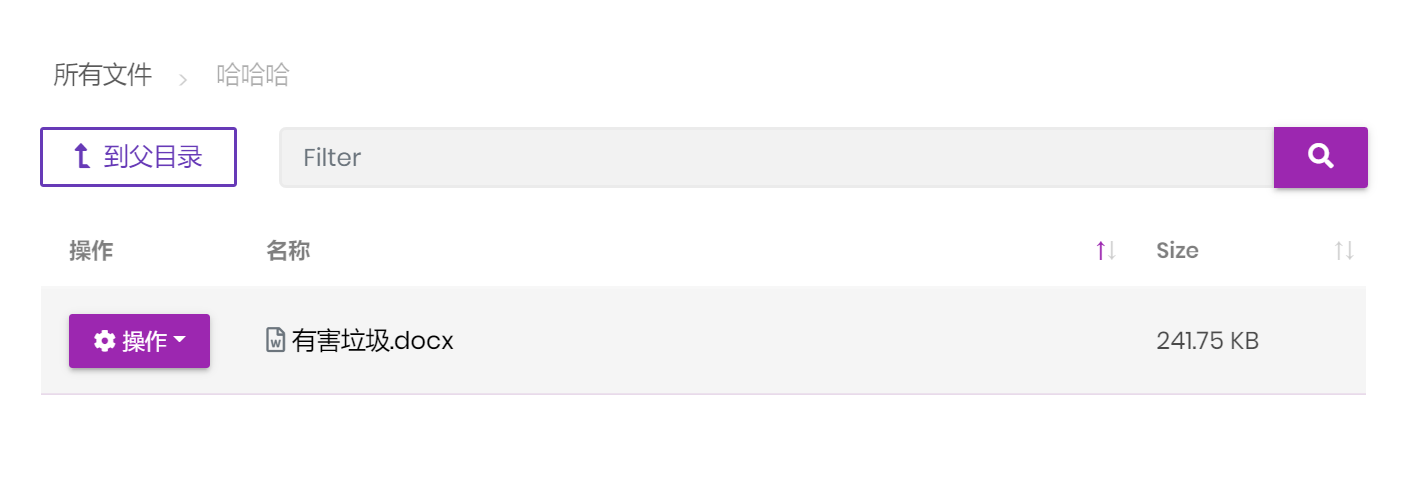
I want to link to a file have uploaded to FileManager Module for example ,I have uploaded a file name "有害垃圾.docx" to FileManager
now In tui.Editor, I want insert a link when I click "Insert link" button
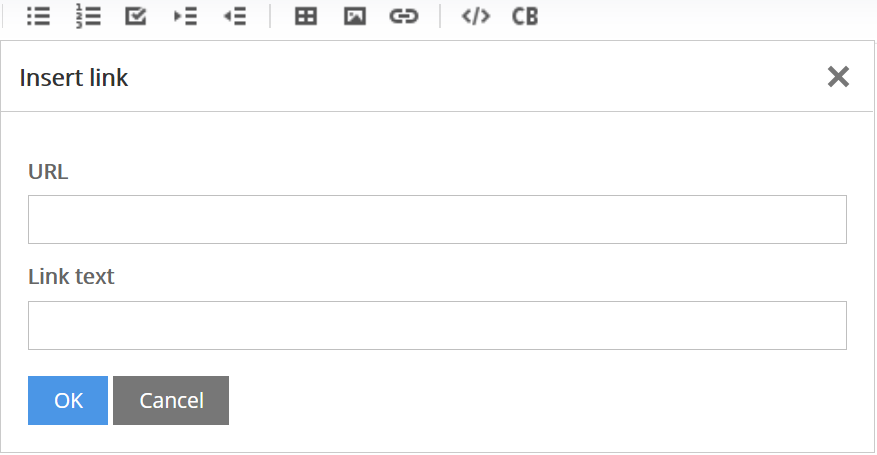
how to write the URL in the picture?
7 Answer(s)
-
0
Hi @zsanhong,
Files that uploaded with File Management module can't be downloaded directly by a link for now. We've added "token validation" for extra security.
First, the UI makes a request to the backend application to take token, that token will be used for download, Example:
File name: myfile.zip UI makes a request -> // api/file-management/get-token Token = 12345 UI opens a new tab with the url -> api/file-management/[MY-FILE-ID]?token=12345 Then the download process will start.
Tokens become expired when they used once. So, for each download request, you need to consume new token.
So, how you can achieve your request, let me show you one example.
You may create unique tokens for each dowload request by overriding
DownloadAsyncmethod ofFileDescriptorControllercontroller:Note that, you need to secure your api yourself.
[HttpGet]
        [Route("download/{id}")]
        [AllowAnonymous]
        public virtual async Task<IRemoteStreamContent> DownloadAsync(Guid id, string token)
        {
            var fileDescriptor = await FileDescriptorAppService.GetAsync(id);

            // add this
            if(string.IsNullOrWhiteSpace(token))
            {
                token = await FileDescriptorAppService.GetDownloadTokenAsync(id);
            }

            Response.Headers.Add("Content-Disposition", $"attachment;filename=\"{fileDescriptor.Name}\"");
            Response.Headers.Add("Accept-Ranges", "bytes");
            Response.ContentType = fileDescriptor.MimeType;

            return await FileDescriptorAppService.DownloadAsync(id, token);
        }
Markdown supported.Copy, paste, or drag & drop images and files (max 100 MB per file, 100 MB total per post) -
0
Hi,
There is no any option about file sizes in ABP Framework or related modules.
You may research for online. ABP Framework and File Management module use the default settings of ASP.NET.
Markdown supported.Copy, paste, or drag & drop images and files (max 100 MB per file, 100 MB total per post) -
0
This question has been automatically marked as stale because it has not had recent activity.
Markdown supported.Copy, paste, or drag & drop images and files (max 100 MB per file, 100 MB total per post)



