0
bozkan created
- ABP Framework version: v4.3.0
- UI type: Angular
- DB provider: EF Core
- Tiered (MVC) or Identity Server Separated (Angular): yes
- Exception message and stack trace:
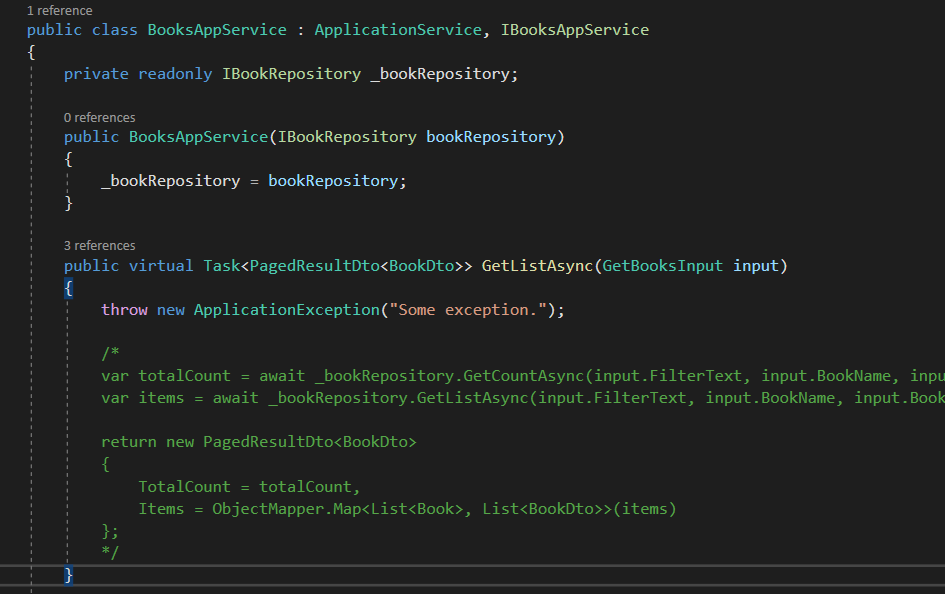
- Steps to reproduce the issue:" Apply method explained on https://docs.microsoft.com/en-us/aspnet/core/fundamentals/error-handling?view=aspnetcore-5.0#exception-handler-lambda
I am trying to globally catch (and modify) any exceptions occured on my ABP project and trying different methods which no one could be successful so far. One of them is using the exception handler lambda explained on https://docs.microsoft.com/en-us/aspnet/core/fundamentals/error-handling?view=aspnetcore-5.0#exception-handler-lambda. Even if I configured the lambda and throw exception in some method, the lambda method is not hit.
Markdown supported.
Copy, paste, or drag & drop images and files (max 100 MB per file, 100 MB total per post)
3 Answer(s)
-
0
Hi,
Can you share your code? thanks.
Markdown supported.Copy, paste, or drag & drop images and files (max 100 MB per file, 100 MB total per post) -
0
Hi,
It works for me.
public class IndexModel : AbpPageModel
{
    public void OnGet()
    {
        throw new Exception("test");
    }
}
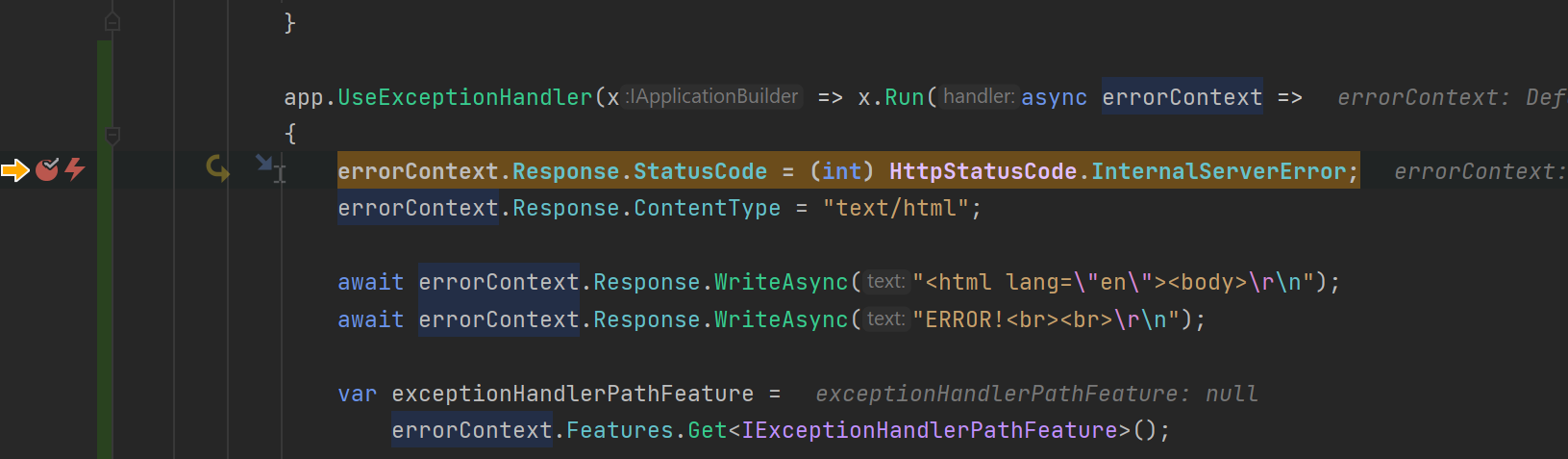
app.UseExceptionHandler(x => x.Run(async errorContext => { errorContext.Response.StatusCode = (int) HttpStatusCode.InternalServerError; errorContext.Response.ContentType = "text/html"; await errorContext.Response.WriteAsync("<html lang=\"en\"><body>\r\n"); await errorContext.Response.WriteAsync("ERROR!<br><br>\r\n"); var exceptionHandlerPathFeature = errorContext.Features.Get<IExceptionHandlerPathFeature>(); if (exceptionHandlerPathFeature?.Error is FileNotFoundException) { await errorContext.Response.WriteAsync( "File error thrown!<br><br>\r\n"); } await errorContext.Response.WriteAsync( "<a href=\"/\">Home</a><br>\r\n"); await errorContext.Response.WriteAsync("</body></html>\r\n"); await errorContext.Response.WriteAsync(new string(' ', 512)); }));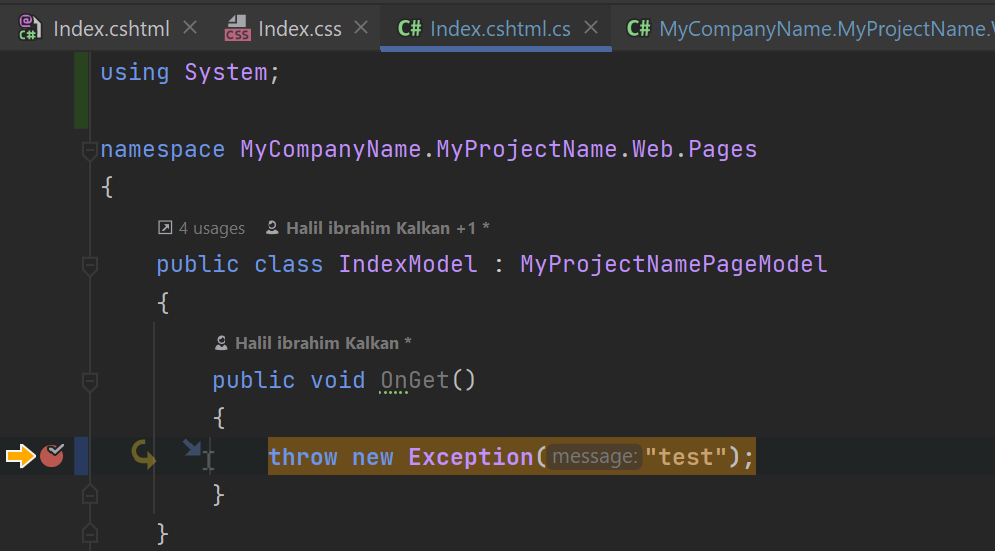
Could you share a project to reproduce it? shiwei.liang@volosoft.com
Markdown supported.Copy, paste, or drag & drop images and files (max 100 MB per file, 100 MB total per post)