0
JeganAbpCommercial created
- ABP Framework version: v4.4.0
- UI type: MVC
- DB provider: EF Core
- Tiered (MVC) or Identity Server Separated (Angular): No
- Exception message and stack trace:
- Steps to reproduce the issue:"
Issue
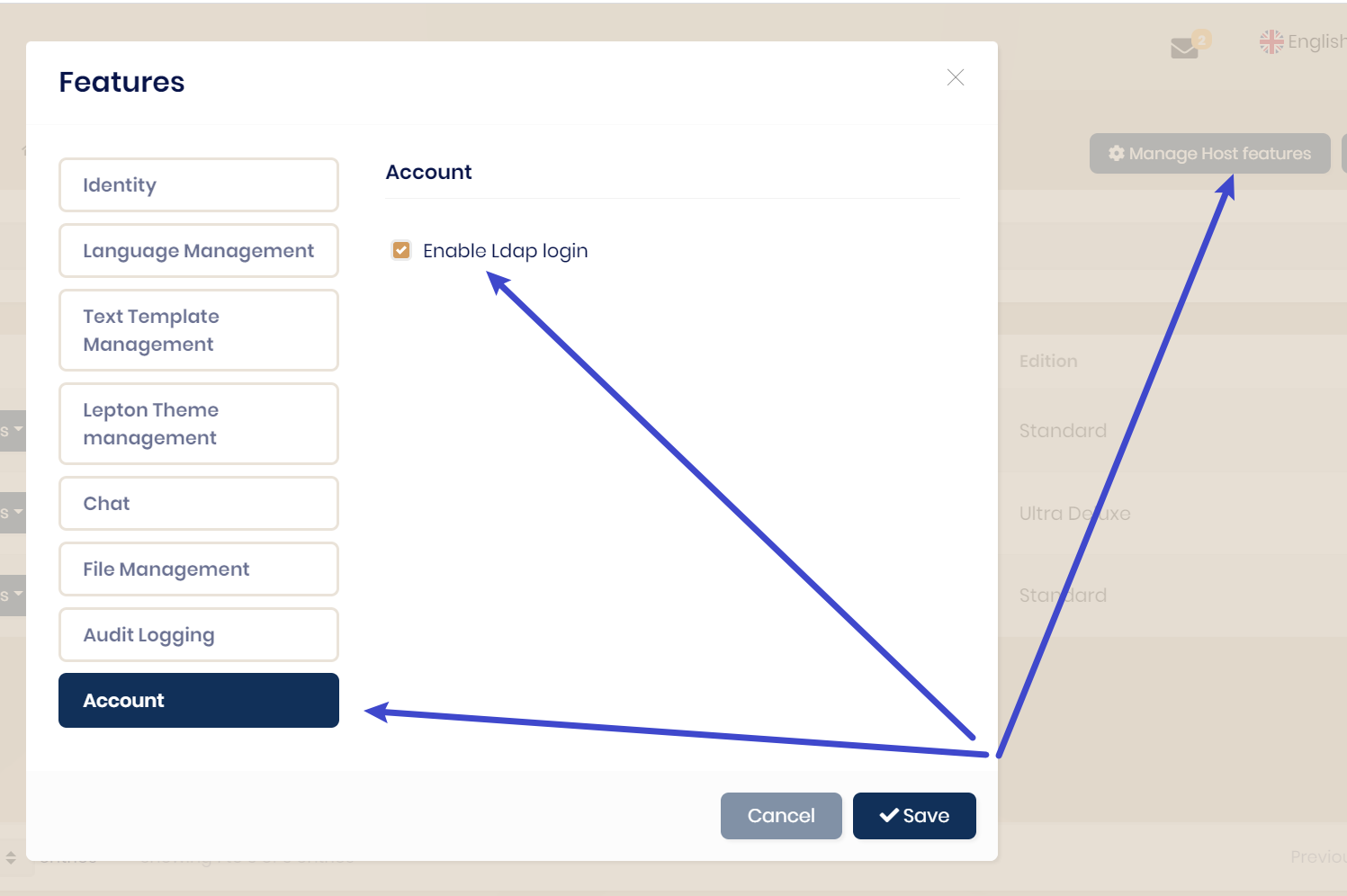
I am not able to option LDAP option in UI to set and configure. how to enable ?.. I am using commercial account to create project
Markdown supported.
Copy, paste, or drag & drop images and files (max 100 MB per file, 100 MB total per post)
4 Answer(s)
-
0
hi
https://docs.abp.io/en/commercial/latest/modules/account/ldap
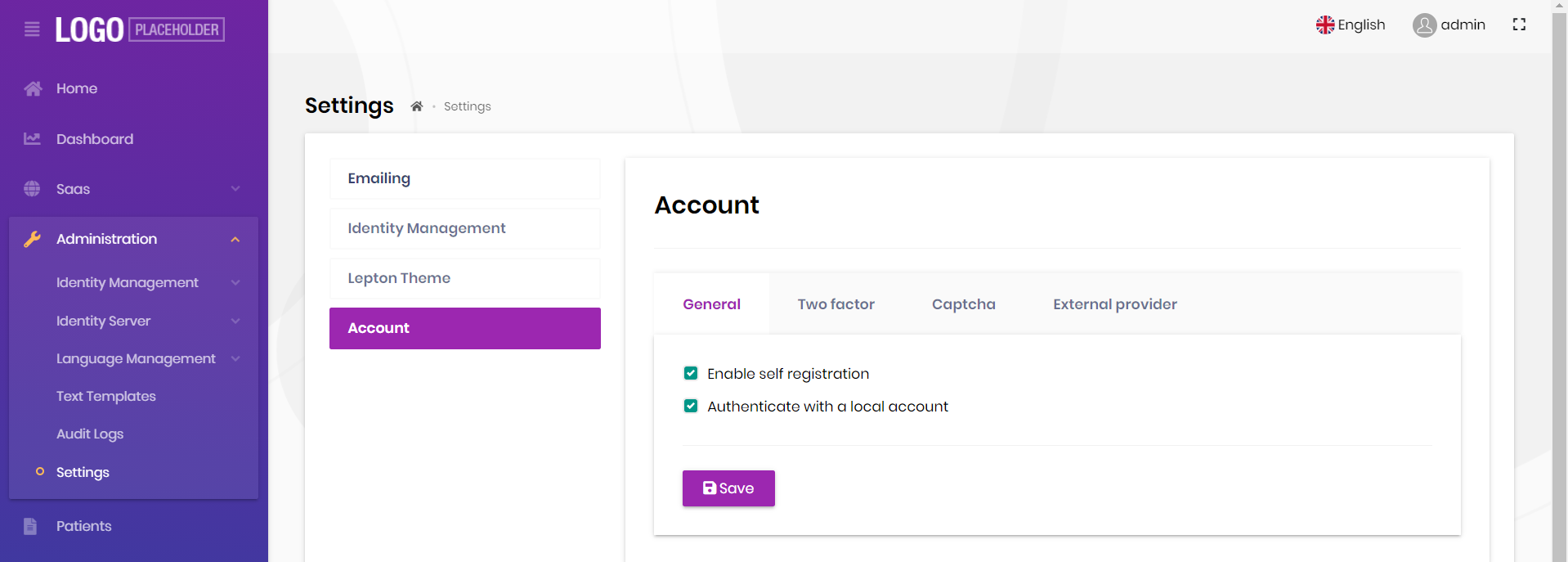
Thanks for the response. But inbuilt option i am not able to see in UI. i have shared my UI screen. Please help me how to enable that tab
Markdown supported.Copy, paste, or drag & drop images and files (max 100 MB per file, 100 MB total per post) -
0
Thank you i will close..
Markdown supported.Copy, paste, or drag & drop images and files (max 100 MB per file, 100 MB total per post)