

Open Closed

Boolean ExtraProperty not Binding to EditModal #1884


User avatar
0
learnabp created

I have created a ExtraProperty for the User called "isActive"

ObjectExtensionManager.Instance.Modules()
    .ConfigureSaas(Saas =>
    {
        Saas.ConfigureTenant(tenant =>
        {
            tenant.AddOrUpdateProperty<bool>( //property type: string
                "isActive", //property name
                property =>
                {
                    //validation rules
                    property.Attributes.Add(new RequiredAttribute());
                    property.DefaultValue = true;
                    //...other configurations for this property
                }
            );
        });
    });

however this is not binding to the ui when i click edit i can see the isActive checkbox but the value is always true even when the isActive checkox doesn't have a tick mark

Markdown supported.
Copy, paste, or drag & drop images and files (max 100 MB per file, 100 MB total per post)

9 Answer(s)
  • User Avatar
    0
    maliming created
    Support Team Fullstack Developer

    hi

    • ABP Framework version: vX.X.X
    Markdown supported.
    Copy, paste, or drag & drop images and files (max 100 MB per file, 100 MB total per post)
  • User Avatar
    0
    maliming created
    Support Team Fullstack Developer

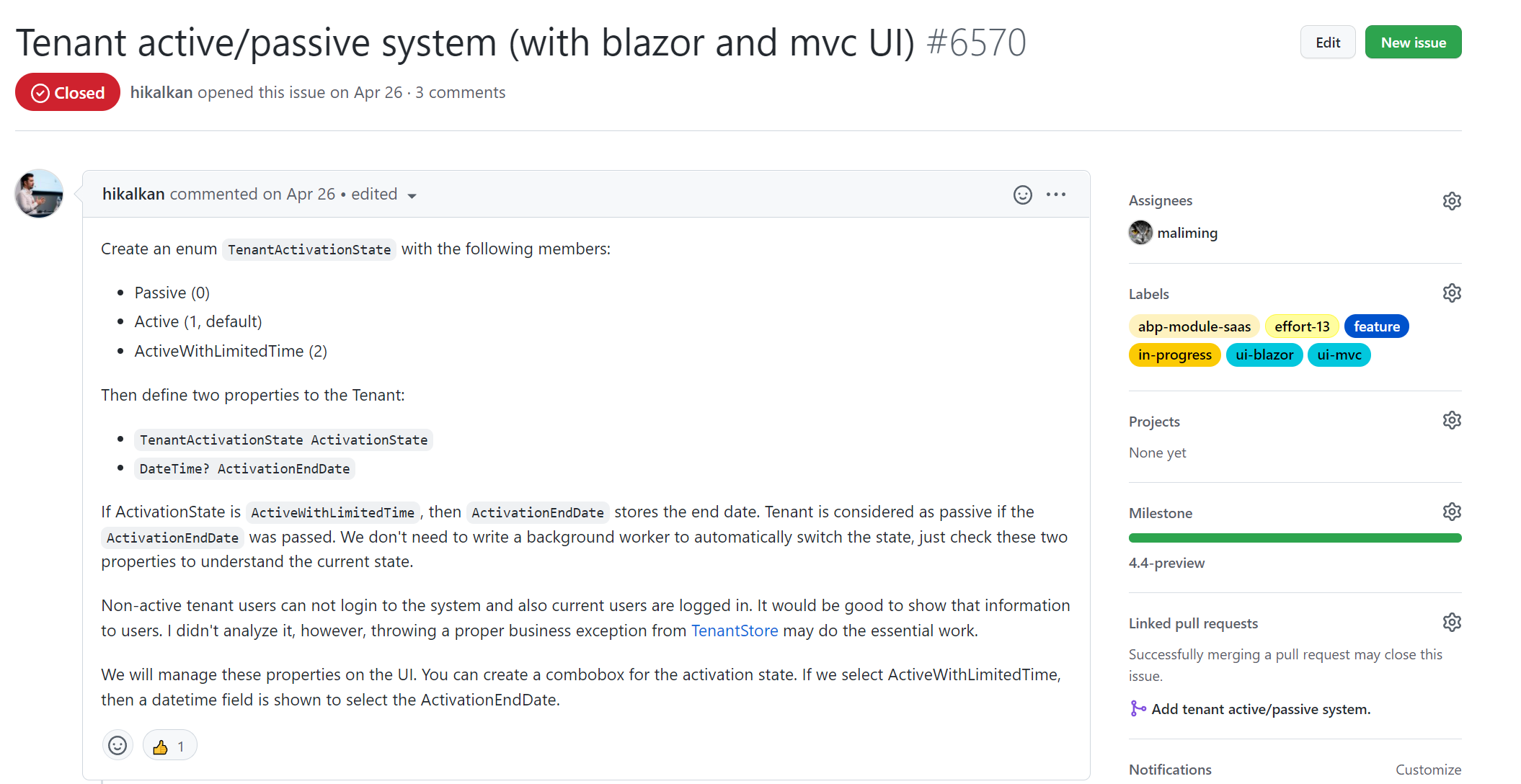
    We have Tenant active/passive system (with blazor and mvc UI) in 4.4.x

    Markdown supported.
    Copy, paste, or drag & drop images and files (max 100 MB per file, 100 MB total per post)

  • User Avatar
    0
    learnabp created

    I am doing for user not tenant sorry the code is as follows

    and i am using 4.3.2

    ObjectExtensionManager.Instance.Modules()
    .ConfigureIdentity(identity =>
    {
        identity.ConfigureUser(user =>
        {
            user.AddOrUpdateProperty<bool>( 
                //property type: string
                "isActive", //property name
                property =>
                {
                    //validation rules
                    property.Attributes.Add(new RequiredAttribute());
                    property.DefaultValue = true;
                    //...other configurations for this property
                }
            );
    
        });
    });
    
    Markdown supported.
    Copy, paste, or drag & drop images and files (max 100 MB per file, 100 MB total per post)

  • User Avatar
    0
    maliming created
    Support Team Fullstack Developer

    hi

    I can't reproduce the problem.

    Can you try this with a brand new project?

    Markdown supported.
    Copy, paste, or drag & drop images and files (max 100 MB per file, 100 MB total per post)
  • User Avatar
    0
    learnabp created

    It works for SaaS module which i have modified but doesn't work for the user module

    can we do a screen share i can show you!

    Markdown supported.
    Copy, paste, or drag & drop images and files (max 100 MB per file, 100 MB total per post)
  • User Avatar
    0
    maliming created
    Support Team Fullstack Developer

    hi

    Can you share a simple project? liming.ma@volosoft.com

    Markdown supported.
    Copy, paste, or drag & drop images and files (max 100 MB per file, 100 MB total per post)
  • User Avatar
    0
    learnabp created

    I found the issue its in the Update method of IndentityUserAppService

            await UpdateUserByInput(user, input);
            input.MapExtraPropertiesTo(user);
            (await UserManager.UpdateAsync(user)).CheckErrors();
            await CurrentUnitOfWork.SaveChangesAsync();
    

    the is not manpping from IdenityUserUpdateDto to IdentityUser hence i added to make modification from this

    input.MapExtraPropertiesTo(user);

    to

    input.MapExtraPropertiesTo(user, MappingPropertyDefinitionChecks.Source);

    Markdown supported.
    Copy, paste, or drag & drop images and files (max 100 MB per file, 100 MB total per post)
  • User Avatar
    0
    learnabp created

    Can you pleas elet me know if this is a BUG??

    Markdown supported.
    Copy, paste, or drag & drop images and files (max 100 MB per file, 100 MB total per post)
  • User Avatar
    0
    maliming created
    Support Team Fullstack Developer

    HI

    I can't reproduce the problem.

    Can you share a simple project that using template? liming.ma@volosoft.com

    Markdown supported.
    Copy, paste, or drag & drop images and files (max 100 MB per file, 100 MB total per post)
Boost Your Development
ABP Live Training
Packages
See Trainings
Mastering ABP Framework Book
The Official Guide
Mastering
ABP Framework
Learn More
Mastering ABP Framework Book
Made with ❤️ on ABP v10.8.0-preview. Updated on October 05, 2026, 11:32
1
ABP Assistant
🔐 You need to be logged in to use the chatbot. Please log in first.