






0
safi created
Hi
I want to pass selected row id into another page on view buton click. on this button click I am redirecting it to another page so want that id here. Could you please suggest me how can I get this.
Thanks,
- ABP Framework version: v4.4.3
- UI type: Blazor
- DB provider: EF Core
- Tiered (MVC) or Identity Server Separated (Angular): no
- Exception message and stack trace:
- Steps to reproduce the issue:"
Markdown supported.
Copy, paste, or drag & drop images and files (max 100 MB per file, 100 MB total per post)
3 Answer(s)
-
0
Hi 👋,
Do you have
EasyCrmsource code?If you have
EasyCrmsource code, you can examine the codes of theAccountandContactpages for Blazor UI.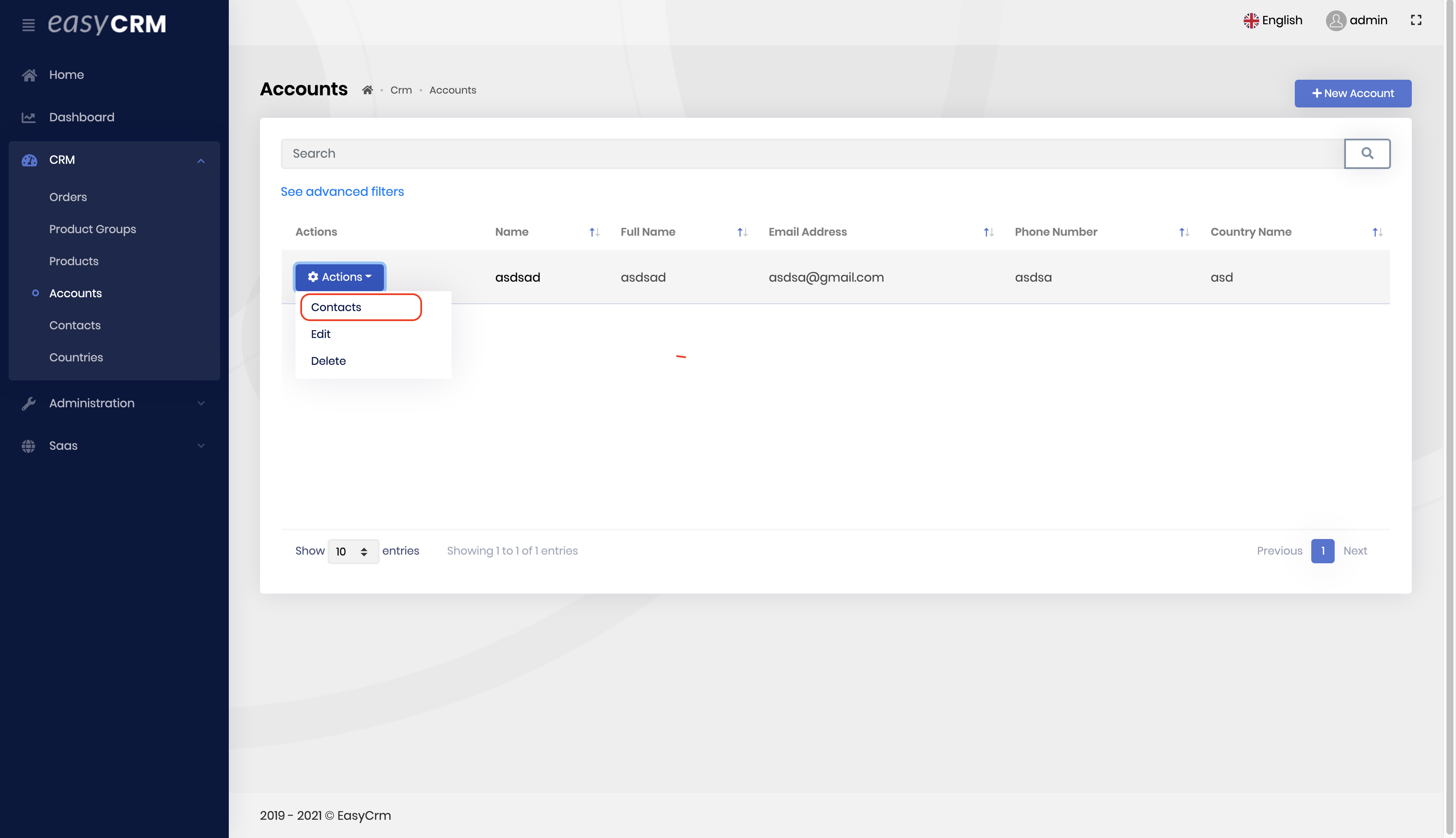 Markdown supported.Copy, paste, or drag & drop images and files (max 100 MB per file, 100 MB total per post)
 -
0
No problem, you can always download
EasyCrm😊Please check the link below 👇👇 https://docs.abp.io/en/commercial/latest/samples/easy-crm
Markdown supported.Copy, paste, or drag & drop images and files (max 100 MB per file, 100 MB total per post)


