Update the ABP CLI:
dotnet tool update -g Volo.Abp.Cli
Update the ABP Suite:
abp suite update or dotnet tool update -g Volo.Abp.Suite
- Release notes https://docs.abp.io/en/commercial/latest/release-notes
67 Answer(s)
-
0
At the beginning, when I just create module (module B) it looked like the picture below, and the starting time from 08:28:04.967 to 08:29:24.584
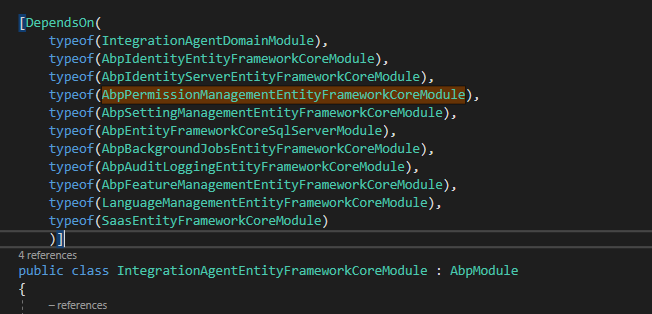
But when I add my another module (module A) and now the starting time is increasing from 08:34:14.715 to 08:36:37.550
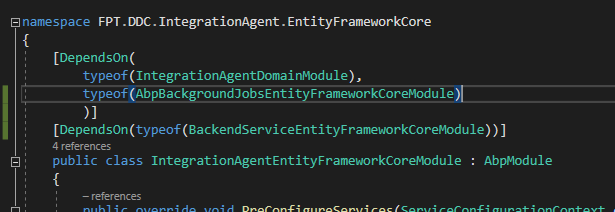
When I run (module A) dependently, the starting time is from 08:29:55.925 to 08:30:36.810
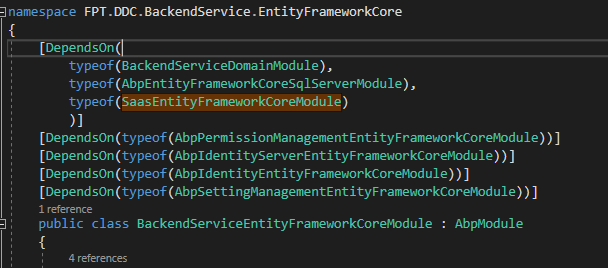
Module A contains many models (about 100), I don't know if it affects ?
P.s: The starting time that I mentioned is got from first 2 lines of the log
2020-06-16 08:29:55.925 +07:00 [INF] Starting *******.HttpApi.Host. 2020-06-16 08:30:36.810 +07:00 [INF] User profile is available.
Markdown supported.Copy, paste, or drag & drop images and files (max 100 MB per file, 100 MB total per post) -
0
- yes, then the "Generating CRUD Page" needs to change then
- how is the regex used?
- Does Required work correctly - left unchecked the UI still attempts to validate on submit. I thought it was supposed to mean dot not require a value and do not validate . Os is it setting min/max length that triggers validation no matter what (at least on angular side)
EDIT: after debugging noticed that it's a server side error - fields NOT marked required in the CreateDto get flagged when the UI passes an empty string...
my solution is angular/core on 2.9.0
Markdown supported.Copy, paste, or drag & drop images and files (max 100 MB per file, 100 MB total per post) -
0
@pkouame,
See this to understand how to use RegEx in
Stringproperties => https://support.abp.io/QA/Questions/271/How-to-use-RegEx-in-SuiteAlso there doesn't seem to be problem for nullable fields. You cannot set a String field nullable, because strings are already nullable, you can set other fields as nullable or not nullable.
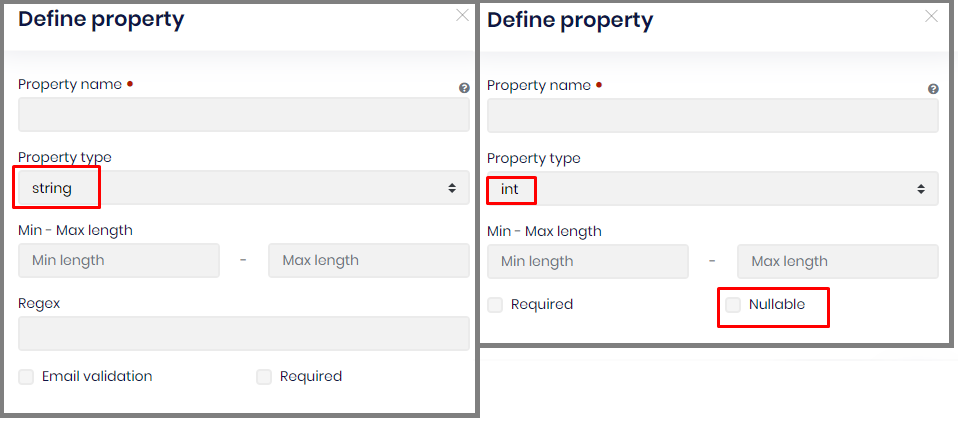
For your further questions, could you please create a new ticket, because this thread is only for reproduced bugs.
Markdown supported.Copy, paste, or drag & drop images and files (max 100 MB per file, 100 MB total per post) -
0
I am trying to install v2.9 of the Cli and Suite. I can install a specific verion of the ABP Cli with the following command:
dotnet tool install -g volo.abp.cli --version 2.9How can I install a specific version of ABP Suite? The following command is loading ABP Suite 3.0
abp suite installMarkdown supported.Copy, paste, or drag & drop images and files (max 100 MB per file, 100 MB total per post) -
0
@ninomartini,
Have you tried:
dotnet tool install -g volo.abp.suite --version 2.9
Note: You many need to login first.
abp login username -p password
Markdown supported.Copy, paste, or drag & drop images and files (max 100 MB per file, 100 MB total per post) -
0
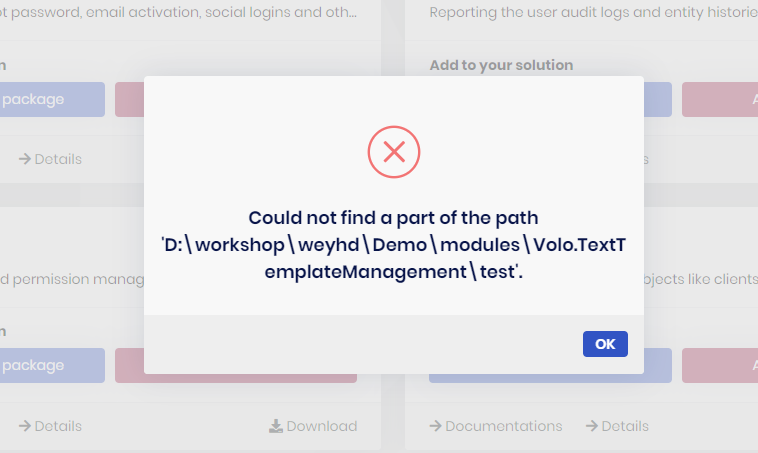
[11:05:29 ERR] Error occured while adding the module for module name: Volo.TextTemplateManagement, with-source-code: True, to the solution: Demo - System.IO.DirectoryNotFoundException: Could not find a part of the path 'D:\workshop\weyhd\Demo\modules\Volo.TextTemplateManagement\test'. at System.IO.Enumeration.FileSystemEnumerator
1.CreateDirectoryHandle(String path, Boolean ignoreNotFound) at System.IO.Enumeration.FileSystemEnumerator1.Init() at System.IO.Enumeration.FileSystemEnumerator1..ctor(String directory, Boolean isNormalized, EnumerationOptions options) at System.IO.Enumeration.FileSystemEnumerable1..ctor(String directory, FindTransform transform, EnumerationOptions options, Boolean isNormalized) at System.IO.Enumeration.FileSystemEnumerableFactory.UserFiles(String directory, String expression, EnumerationOptions options) at System.IO.Directory.InternalEnumeratePaths(String path, String searchPattern, SearchTarget searchTarget, EnumerationOptions options) at Volo.Abp.Cli.ProjectModification.SolutionFileModifier.AddModule(ModuleWithMastersInfo module, String solutionFile) in D:\github\abp\framework\src\Volo.Abp.Cli.Core\Volo\Abp\Cli\ProjectModification\SolutionFileModifier.cs:line 21 at Volo.Abp.Cli.ProjectModification.SolutionFileModifier.AddModuleToSolutionFileAsync(ModuleWithMastersInfo module, String solutionFile) in D:\github\abp\framework\src\Volo.Abp.Cli.Core\Volo\Abp\Cli\ProjectModification\SolutionFileModifier.cs:line 15 at Volo.Abp.Cli.ProjectModification.SolutionModuleAdder.AddAsync(String solutionFile, String moduleName, String startupProject, String version, Boolean skipDbMigrations, Boolean withSourceCode) in D:\github\abp\framework\src\Volo.Abp.Cli.Core\Volo\Abp\Cli\ProjectModification\SolutionModuleAdder.cs:line 88 at Volo.Abp.Cli.Commands.AddModuleCommand.ExecuteAsync(CommandLineArgs commandLineArgs) in D:\github\abp\framework\src\Volo.Abp.Cli.Core\Volo\Abp\Cli\Commands\AddModuleCommand.cs:line 52 at Volo.Abp.Suite.Controllers.AbpSuiteController.AddModuleAsync(AddModuleInput input)Markdown supported.Copy, paste, or drag & drop images and files (max 100 MB per file, 100 MB total per post) -
0
@sean.alford,
Thank you for the suggestion. Unfortunately, it did not work for me. I get the error below:
error NU1101: Unable to find package volo.abp.suite. No packages exist with this id in source(s): ABP Nightly, C:\Program Files\dotnet\sdk\NuGetFallbackFolder, Microsoft Visual Studio Offline Packages, nuget.org
The tool package could not be restored.
Tool 'volo.abp.suite' failed to install. This failure may have been caused by:

* You are attempting to install a preview release and did not use the --version option to specify the version.
* A package by this name was found, but it was not a .NET Core tool.
* The required NuGet feed cannot be accessed, perhaps because of an Internet connection problem.
* You mistyped the name of the tool.

For more reasons, including package naming enforcement, visit https://aka.ms/failure-installing-tool
Markdown supported.Copy, paste, or drag & drop images and files (max 100 MB per file, 100 MB total per post) -
0
Hi
We created RoutesService and deprecated the
dispatchAddRoutemethod. See the RoutesService document and v2.9 to v3.0 Angular UI Migration GuideMarkdown supported.Copy, paste, or drag & drop images and files (max 100 MB per file, 100 MB total per post) -
0
@ninomartini , to install the ABP Suite specific version, check out this https://support.abp.io/QA/Questions/287/How-can-I-install-a-specific-version-of-ABP-Suite#answer-93327068-d3d8-35df-7ec0-39f63c7b1e64
Markdown supported.Copy, paste, or drag & drop images and files (max 100 MB per file, 100 MB total per post)