For some reason I can't get data from Blazor to a controller but I can through SwaggerUI when using this Syncfusion File Upload component.
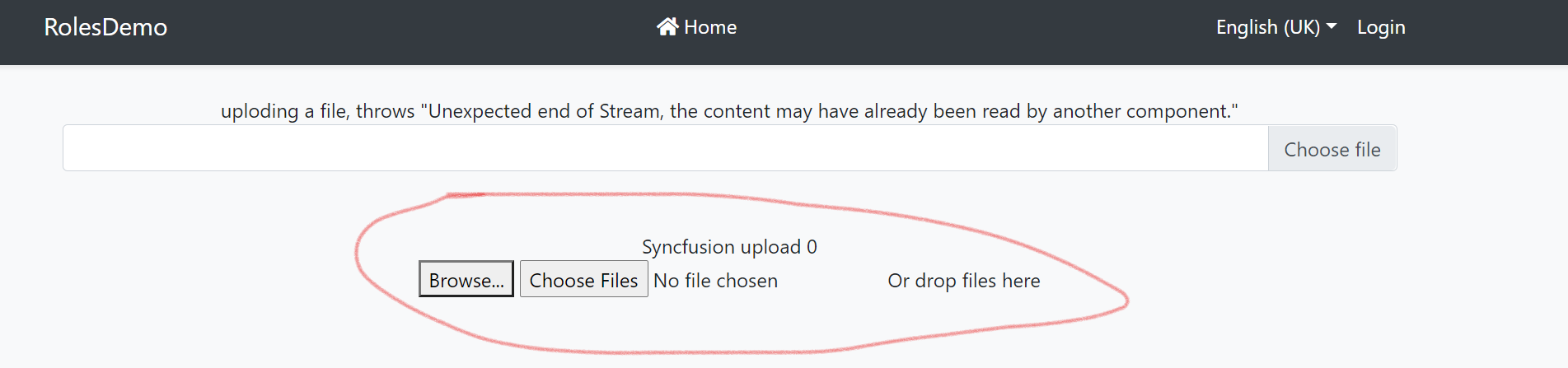
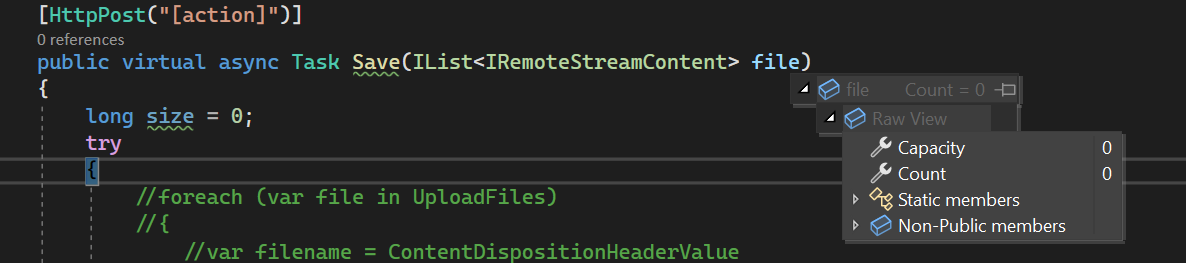
Looks like it works in Blazor (but doesn't)
When in Blazor it only looks like I successfully upload a file
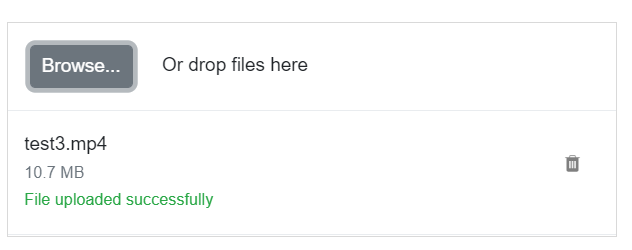
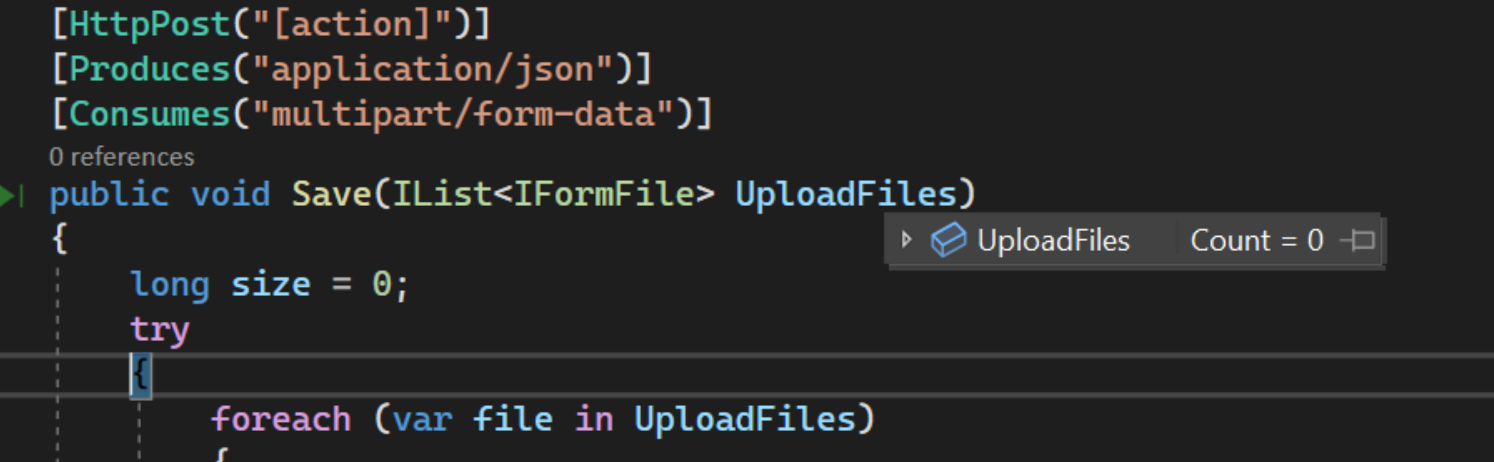
when in reality 0 file data gets transferred with no errors anywhere.. (nb.I have tried all kinds of attributes and [FromForm] etc that I seen suggested around the internet)
Works in SwaggerUI
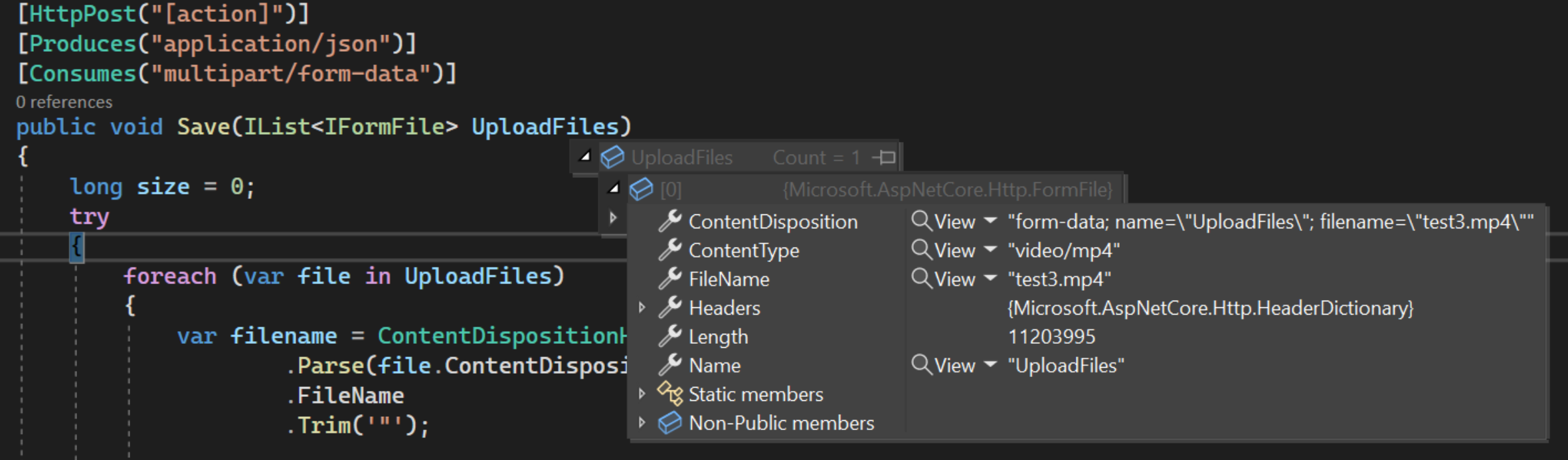
But it does WORK if I use the SwaggerUI
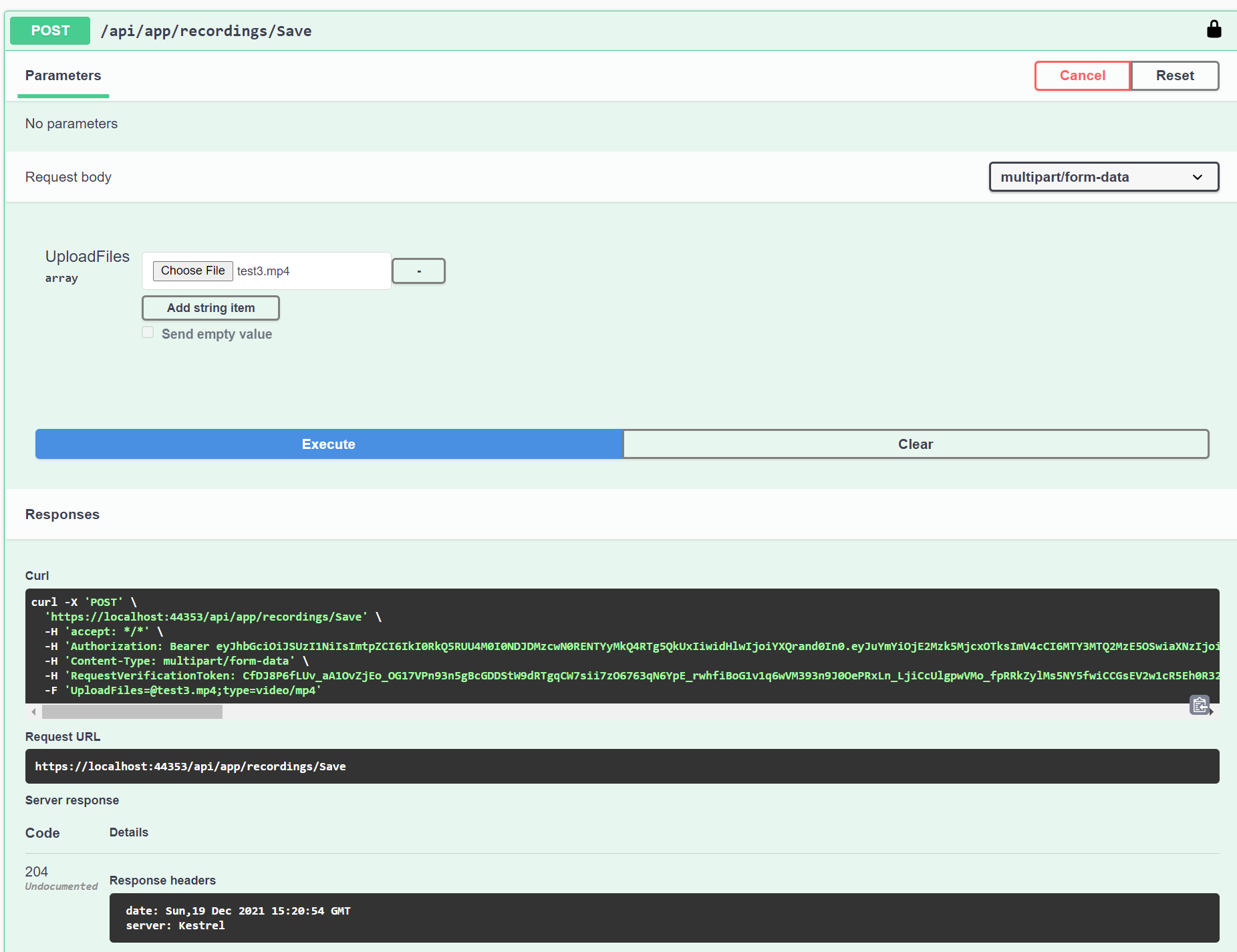
here you can see that I get content with using SwaggerUI
The question
What is going on here and what do I need to do to make this work?
- ABP Framework version: v4.4.4
- UI type: Blazor WASM
- DB provider: EF Core
- Identity Server Separated: yes
17 Answer(s)
-
0
Hi,
Can you try using
IRemoteStreamContent.public void Save(IList<IRemoteStreamContent> uploadFiles) { ..... }Markdown supported.Copy, paste, or drag & drop images and files (max 100 MB per file, 100 MB total per post) -
0
Sorry that doesn't work. I have tried every mutation of that. I just don't understand that it works with SwaggerUI but not Blazor if there is no setting or something I need to configure...
 Markdown supported.Copy, paste, or drag & drop images and files (max 100 MB per file, 100 MB total per post)
 -
0Markdown supported.Copy, paste, or drag & drop images and files (max 100 MB per file, 100 MB total per post)
-
0
Hi,
Thanks for the demo, I will check it.
Markdown supported.Copy, paste, or drag & drop images and files (max 100 MB per file, 100 MB total per post) -
0
Hi,
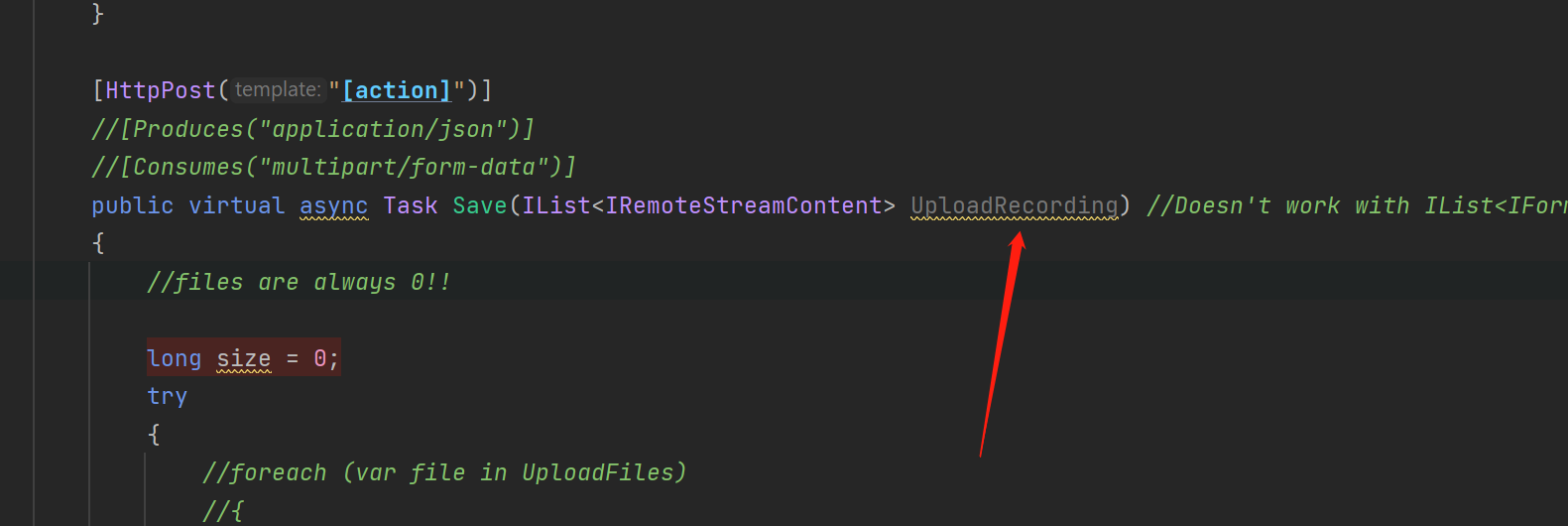
The point is
IDproperty, you need to change the API parameter name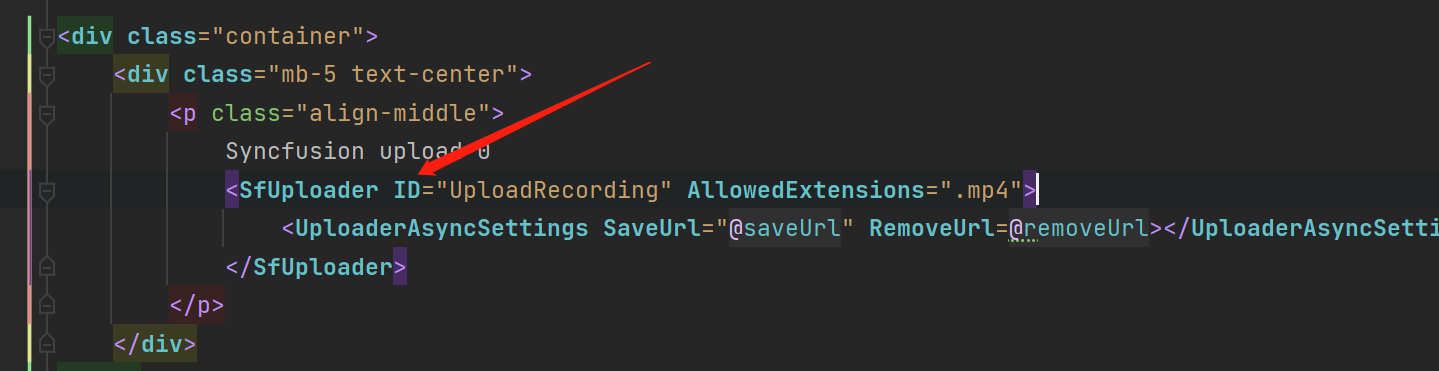
 Markdown supported.Copy, paste, or drag & drop images and files (max 100 MB per file, 100 MB total per post)
 -
0
Ok ok that was not obvious so thank you so much!
But should I use
IList<IFormFile>orIList<IRemoteStreamContent>because both work?Is there any benefit for me using
IList<IRemoteStreamContent>here?Markdown supported.Copy, paste, or drag & drop images and files (max 100 MB per file, 100 MB total per post) -
0
Hi,
Yes,
IList<IFormFile>andIList<IRemoteStreamContent>both work.Is there any benefit for me using IList<IRemoteStreamContent> here?
IRemoteStreamContentwork with dynamic/static proxy system.Markdown supported.Copy, paste, or drag & drop images and files (max 100 MB per file, 100 MB total per post) -
0
One more related question, how can I add custom header to the response?
This doesn't work in the controller
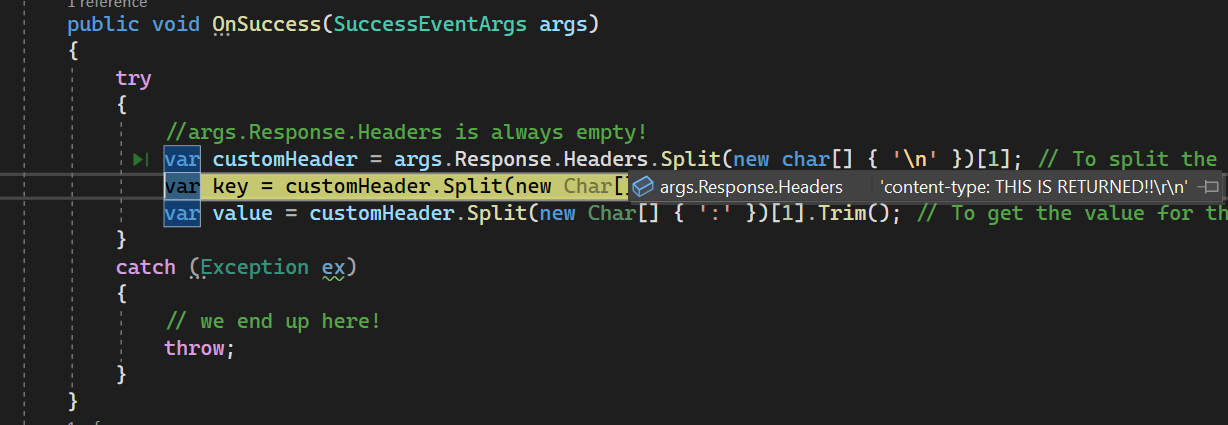
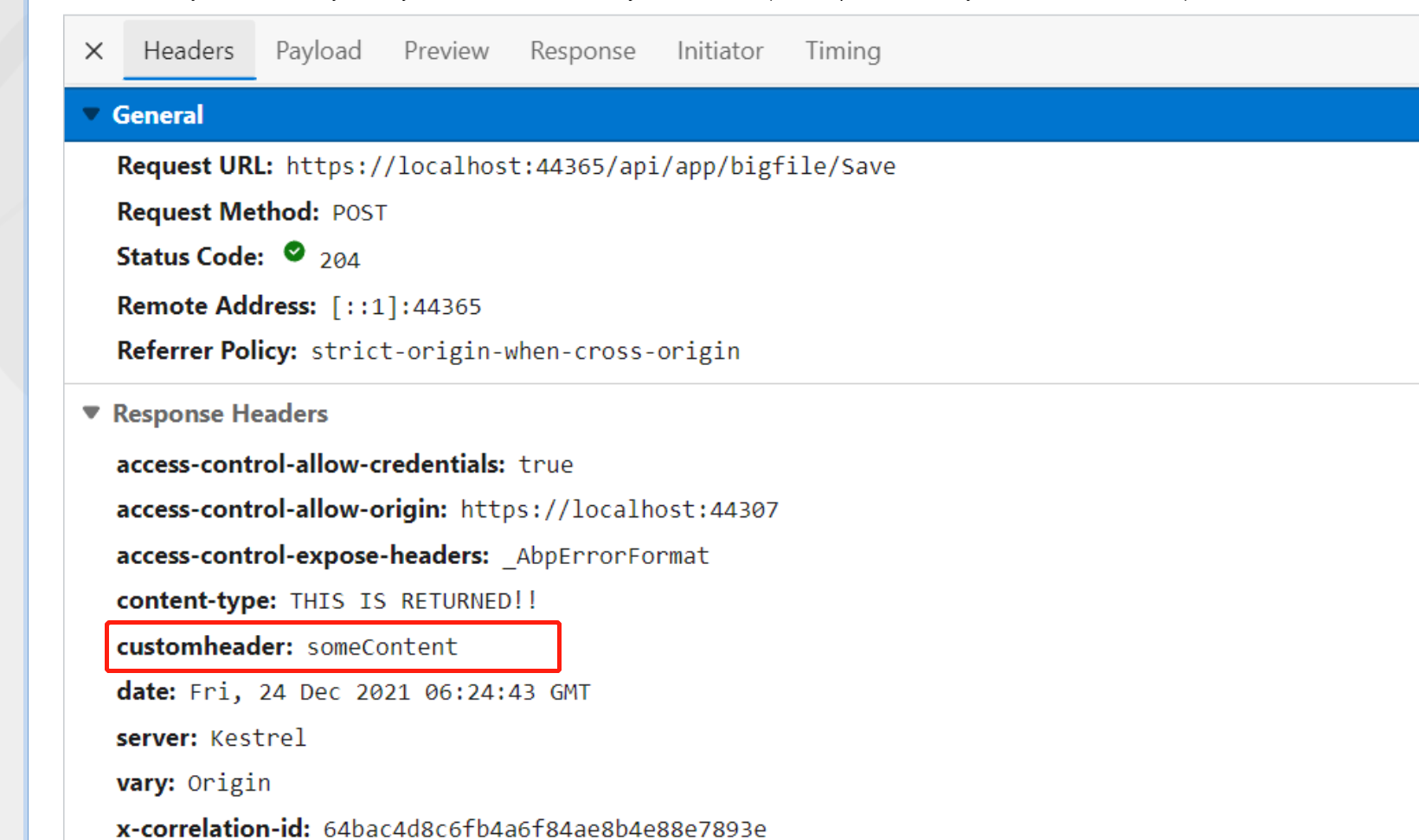
Response.Headers.Add("BlobName", "content");but I can still manipulate the response like withResponse.ContentType = "THIS IS RETURNED!!"public virtual async Task Save(IList<IRemoteStreamContent> UploadRecording) { try { Response.Headers.Add("CustomHeader", "someContent"); //<-- Isn´t returned! Response.ContentType = "THIS IS RETURNED!!"; //<-- BUT this is! } catch (Exception e) { Response.Clear(); Response.StatusCode = 204; Response.HttpContext.Features.Get<IHttpResponseFeature>().ReasonPhrase = "File failed to upload"; Response.HttpContext.Features.Get<IHttpResponseFeature>().ReasonPhrase = e.Message; } }Here in Blazor I'm trying to get the response back when successfully uploaded a file to the controller.
I'm just going after the Syncfusion example so there must be something else I need to do ?
Markdown supported.Copy, paste, or drag & drop images and files (max 100 MB per file, 100 MB total per post) -
0
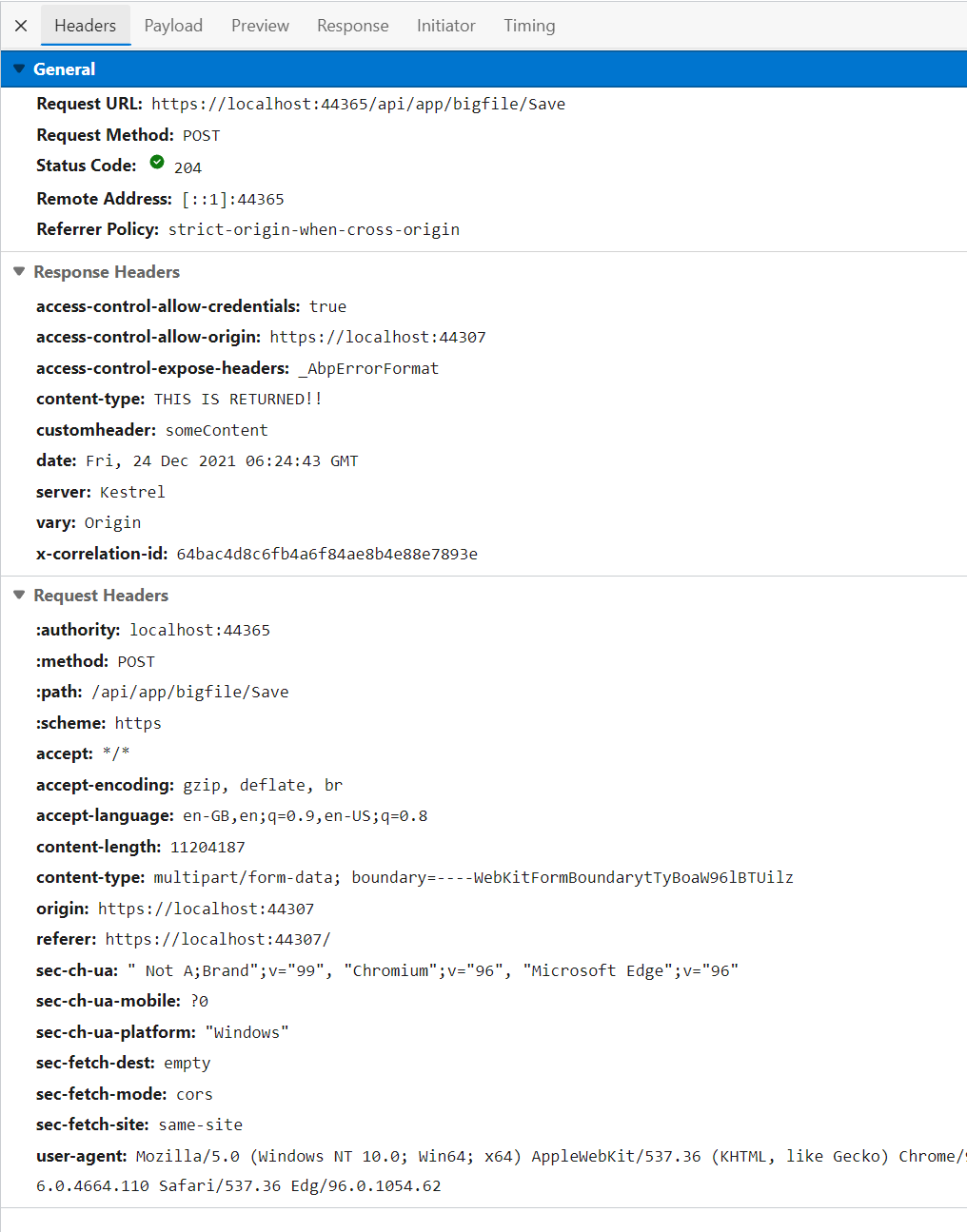
Can you share the HTTP response detail (include header and body)?
Markdown supported.Copy, paste, or drag & drop images and files (max 100 MB per file, 100 MB total per post) -
0
Hi,
It is already included in the headers.
 Markdown supported.Copy, paste, or drag & drop images and files (max 100 MB per file, 100 MB total per post)
 -
0
-
0
Ok I found an issue talking about this here
.. in the Blazor WASM application, there is no need to use cookies for authentication. So browser cross origins, headers are removed, and the response headers are not returned in the success event.
and then says
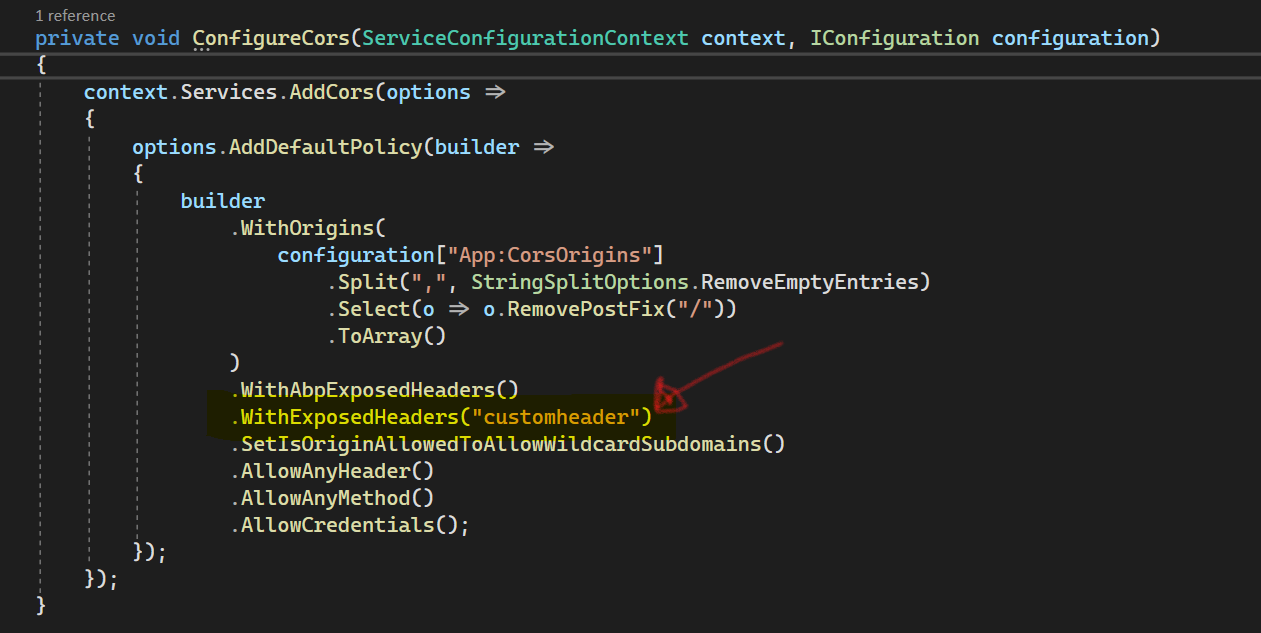
As a result, we recommend calling the AllowCredentials() method, as shown in the code snippet below, to allow header configuration in the startup page.
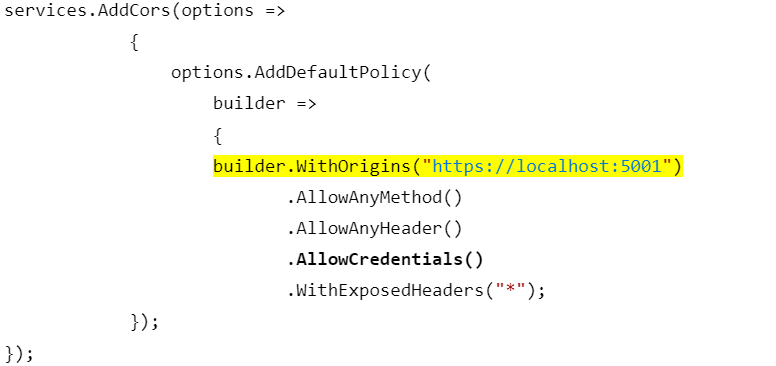
But my ConfigureCors() is just the same (similar)
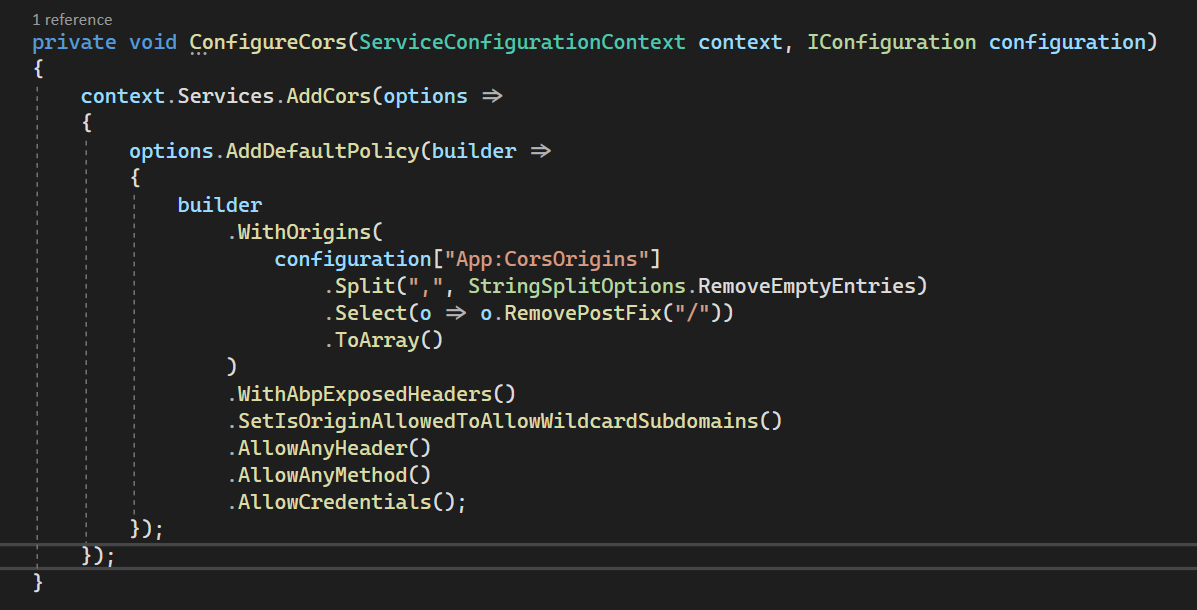
But something must be stripping out the headers so any idea?
Markdown supported.Copy, paste, or drag & drop images and files (max 100 MB per file, 100 MB total per post) -
0
OK I found out what is stripping the headers away
WithAbpExposedHeaders()if I swap that out with
WithExposedHeaders("*")I get all the headers.
But what does that mean and is that a viable sultion?
Markdown supported.Copy, paste, or drag & drop images and files (max 100 MB per file, 100 MB total per post)