






0
netaji created
ABP Framework version: v5.0.0
UI type: Angular
DB provider: EF Core
Tiered (MVC) or Identity Server Separated (Angular): no
Exception message and stack trace:
Steps to reproduce the issue:" Hello Support
Steps to reproduce the issue:"
- Go to Abp Suite UI
- Click on Create New Solution with UI Type: Angular DB Provider: EF Core Database : SQL Server
- After Successful Solution Generation go to Module from ABP Suite and Click As as Project for File Management Module
- Process completes successful required project are getting added in aspnet-core folder but Angular/Project folder is empty
So Angular Project is not added for File Management Module, Please loook into it urgently
Markdown supported.
Copy, paste, or drag & drop images and files (max 100 MB per file, 100 MB total per post)
3 Answer(s)
-
0
hi,
to fix this issue, you need to clear your local ABP cache
delete all files under this folder
%UserProfile%\.abp\templatesthen try to add the File Management module again.
I tried with the 5.0.0 version and it works
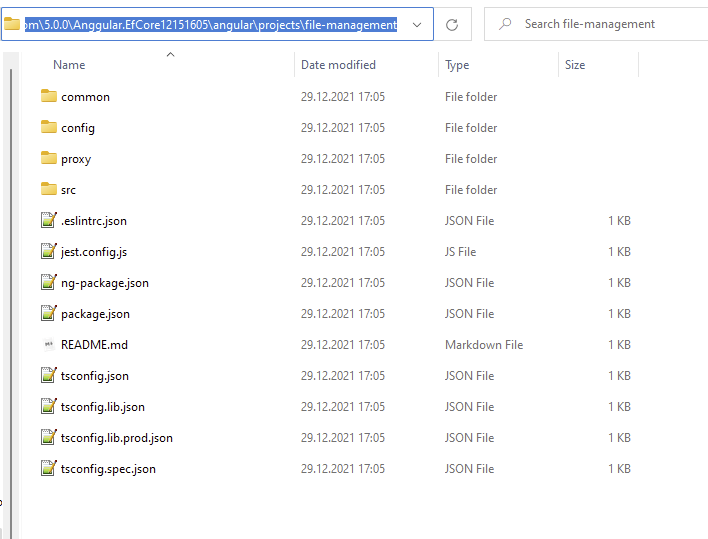 Markdown supported.Copy, paste, or drag & drop images and files (max 100 MB per file, 100 MB total per post)


