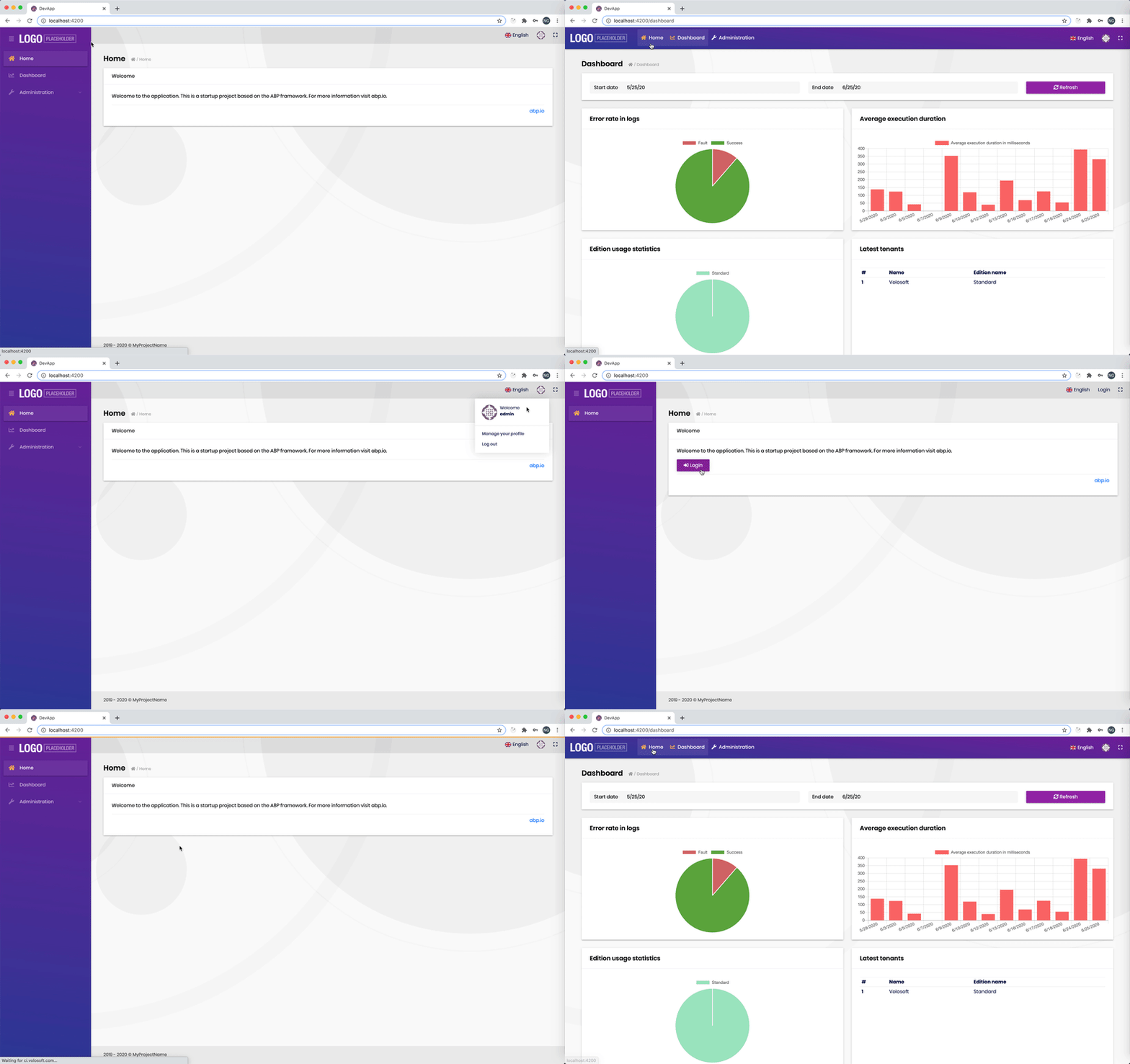
- ABP Framework version: 2.9
- UI type: Angular
- Tiered (MVC) or Identity Server Seperated (Angular): yes
Hi all
I have a problem of SetMenuPlacement.
Currently, my menu is on the left.
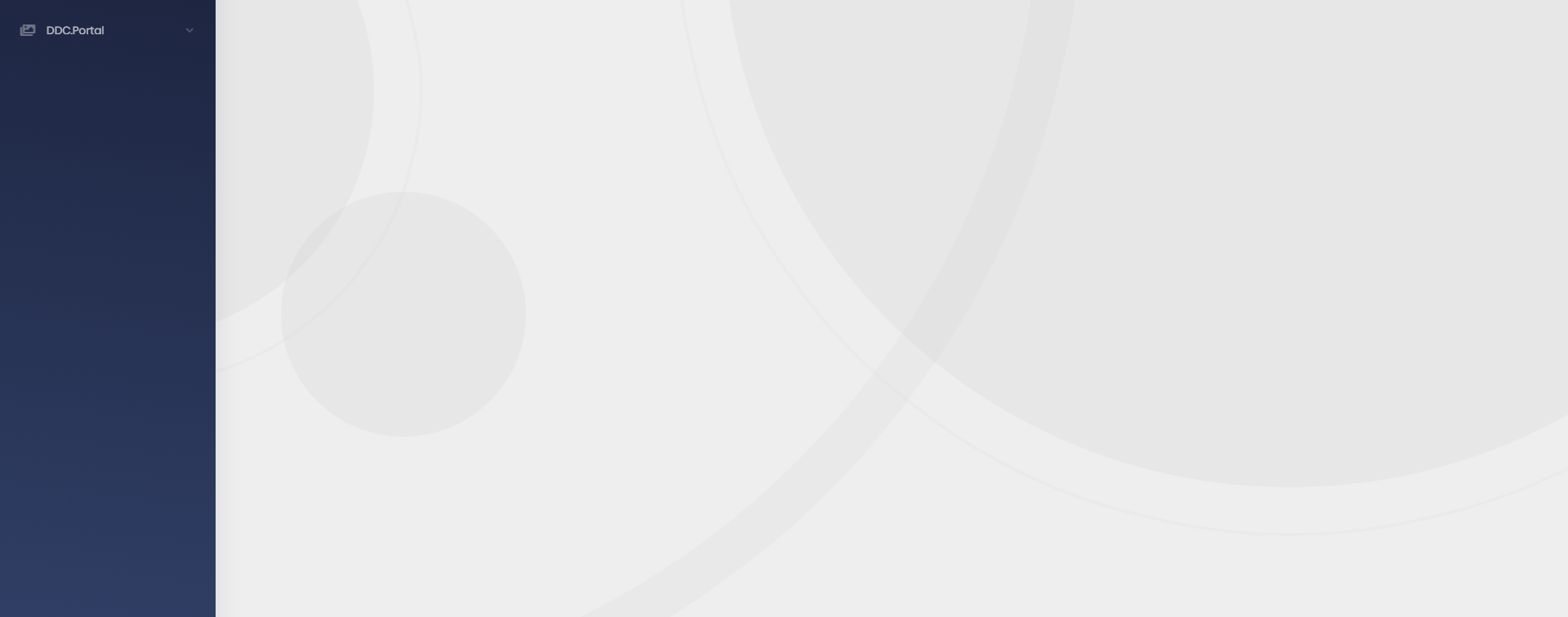 I would like to set Menu on the top of page so I use layoutStateService.dispatchSetMenuPlacement(1), then it's ok. As a result:
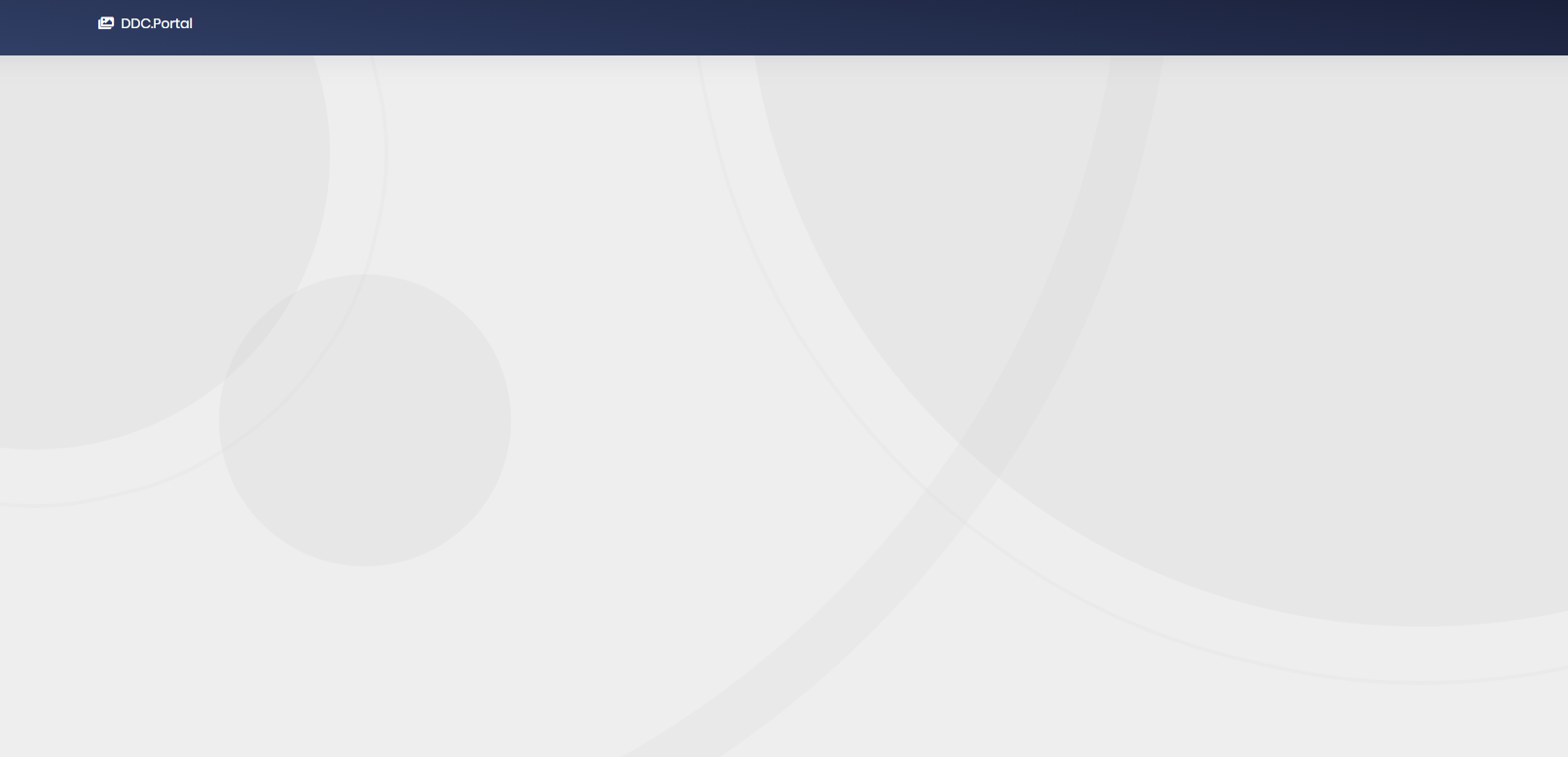 But I have trouble:
It can't work when I log in and log out again , Menu is still on the left. When I refresh this page, Menu is on the top. How I can set it's alway on top when I logout and login again Thanks
6 Answer(s)
-
0
Hi,
The
dispatchSetMenuPlacementmethod ofLayoutStateServicemakes the UI change, i.e. moves the menu from left to top and vice versa.If you want a persistent change, you should call the
dispatchUpdateThemeSettingsmethod of the same service, which makes a PUT request to the/api/lepton-theme-management/settingsendpoint. You do not need to call the other method, it will happen upon successful request.Please let me know this answers your question.
Have a nice day.
Markdown supported.Copy, paste, or drag & drop images and files (max 100 MB per file, 100 MB total per post) -
0
Hi,
There is no way of persisting Lepton settings per module. If a menu on top in a specific module for all users is what you need, then you can use
OnInitandOnDestroylifecycle hooks in the root component of that specific module. An example:@Component({ selector: 'app-dashboard', templateUrl: './dashboard.component.html', }) export class DashboardComponent { private menuPlacement: number; constructor(private layout: LayoutStateService) {} ngOnInit() { this.menuPlacement = this.layout.getMenuPlacement(); this.layout.dispatchSetMenuPlacement(1); } ngOnDestroy() { this.layout.dispatchSetMenuPlacement(this.menuPlacement); } }Does this solve the issue for you?
Markdown supported.Copy, paste, or drag & drop images and files (max 100 MB per file, 100 MB total per post)