Could you please give an example and a rule for creating a document form for printing in ABP?
- ABP Framework version: v2.9.0
- UI type: MVC
- Tiered (MVC) or Identity Server Seperated (Angular): no
15 Answer(s)
-
0
Can you explain in detail? Do you mean export ppt?
Markdown supported.Copy, paste, or drag & drop images and files (max 100 MB per file, 100 MB total per post) -
0
Hi,
ABP has no restrictions on this, you can use any way you favorite.
LIke : https://blog.elmah.io/generate-a-pdf-from-asp-net-core-for-free/
Markdown supported.Copy, paste, or drag & drop images and files (max 100 MB per file, 100 MB total per post) -
0
- I installed the NuGet package:
Install-Package Wkhtmltopdf.NetCore- Called the AddWkhtmltopdf method in the ConfigureServices method in Startup.cs
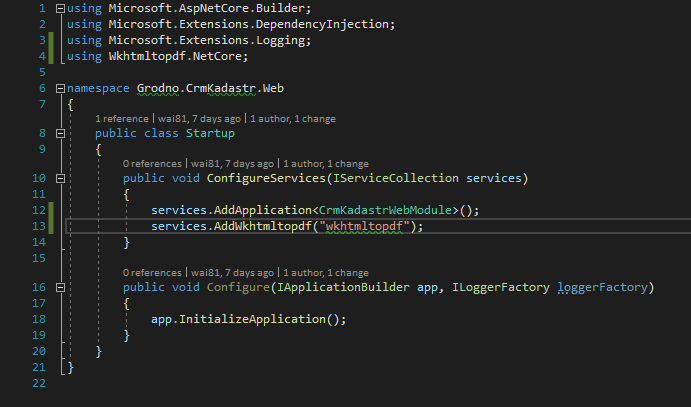
- I downloaded the latest version of wkhtmltopdf for Windows from https://wkhtmltopdf.org and placed it in the wkhtmltopdf \ Windows directory in the project folder
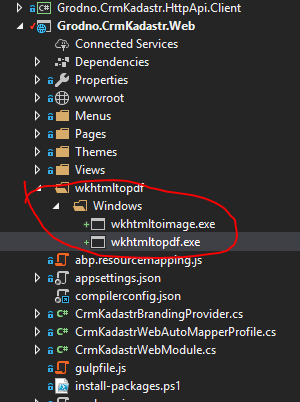 Where in which controller do I need to call the constructor?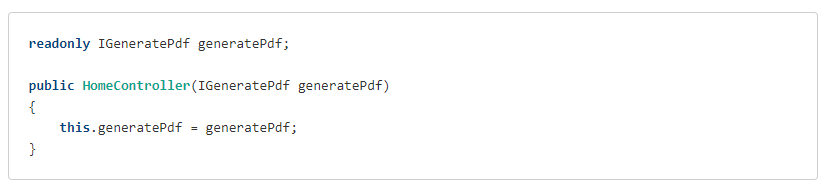
Markdown supported.Copy, paste, or drag & drop images and files (max 100 MB per file, 100 MB total per post) -
0
I create an example:
https://github.com/liangshiw/AbpVext.PdfDemo
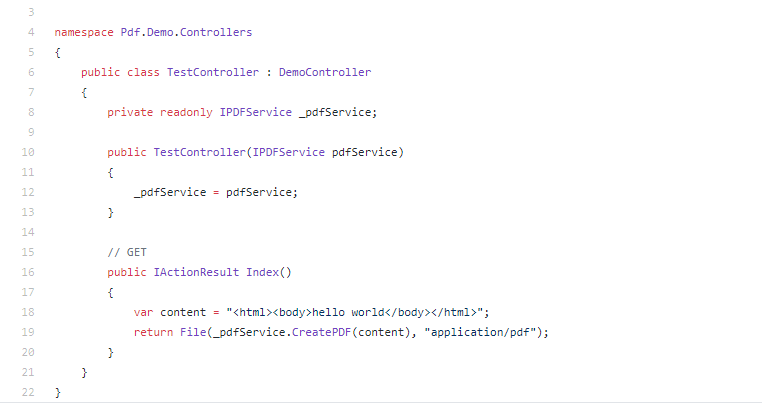
Run application and nav to
/testMarkdown supported.Copy, paste, or drag & drop images and files (max 100 MB per file, 100 MB total per post) -
0
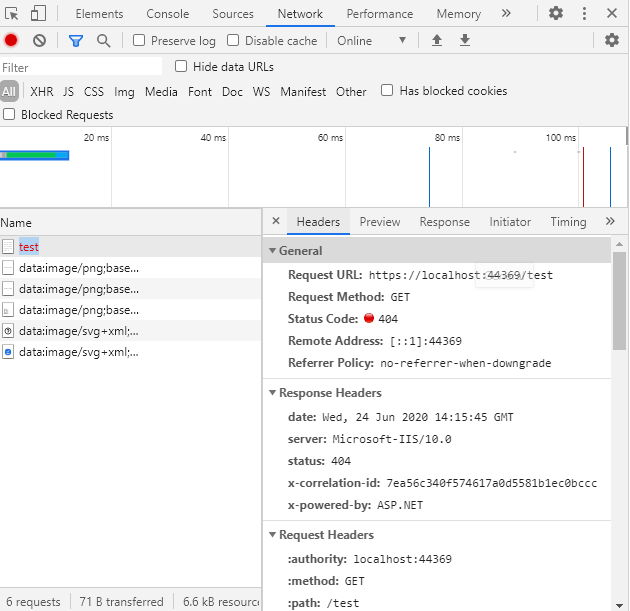
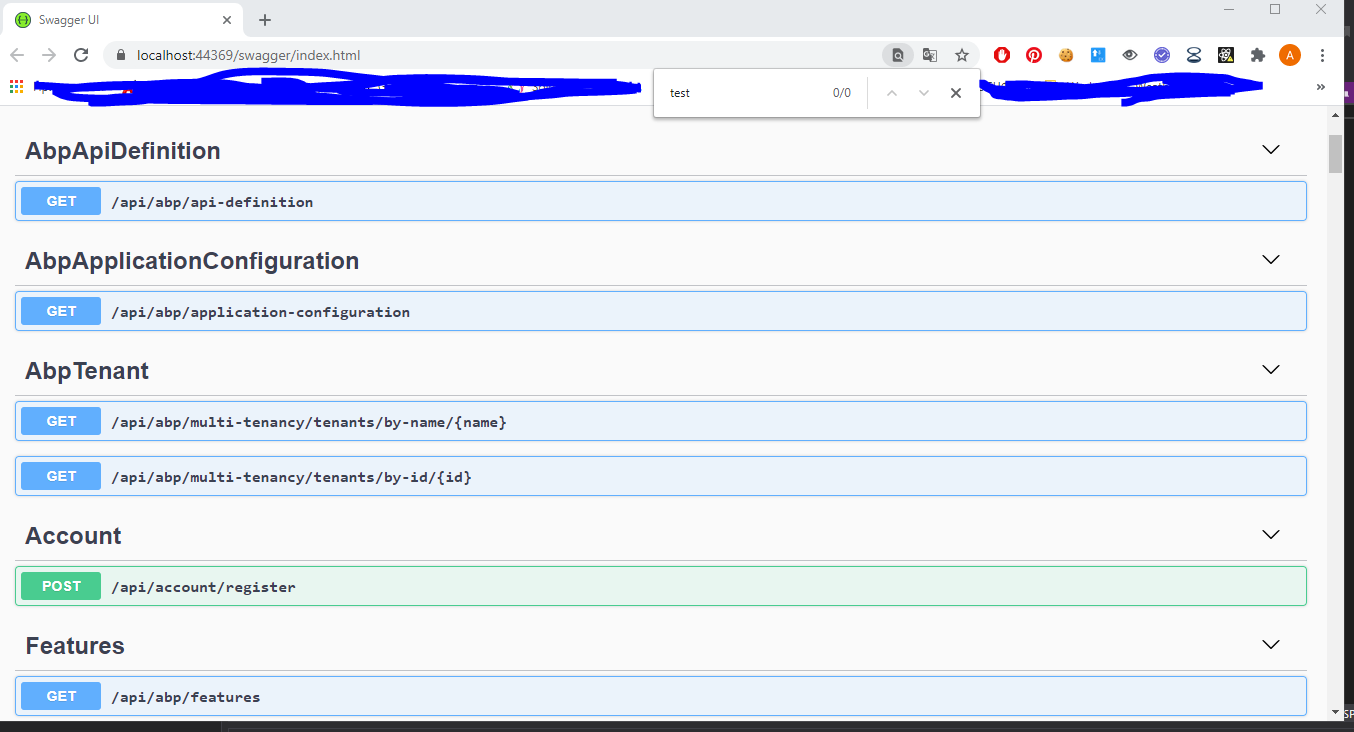
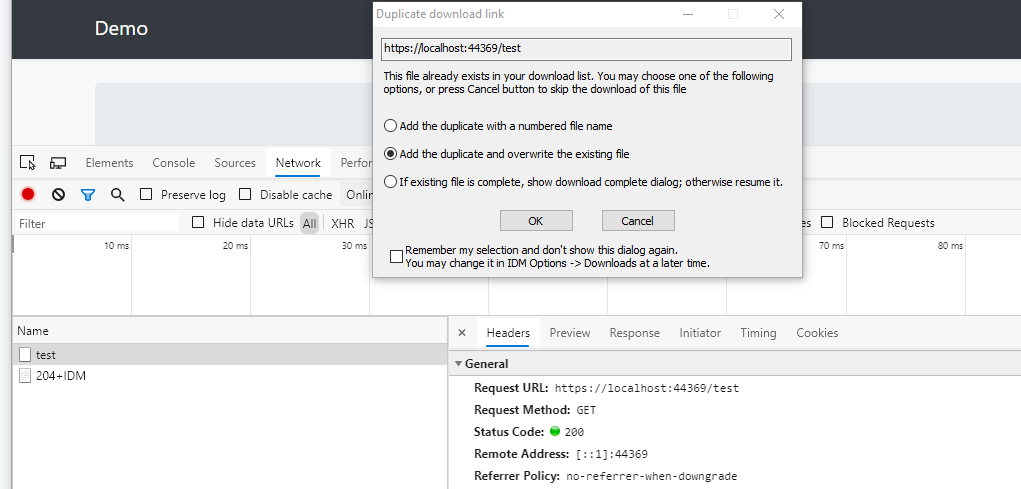
It doesn't show up in the Swagger and you can navigate directly to
/testin the browsersource code : https://github.com/liangshiw/AbpVext.PdfDemo/blob/master/Pdf.Demo/aspnet-core/src/Pdf.Demo.HttpApi/Controllers/TestController.cs
 Markdown supported.Copy, paste, or drag & drop images and files (max 100 MB per file, 100 MB total per post)
 -
0
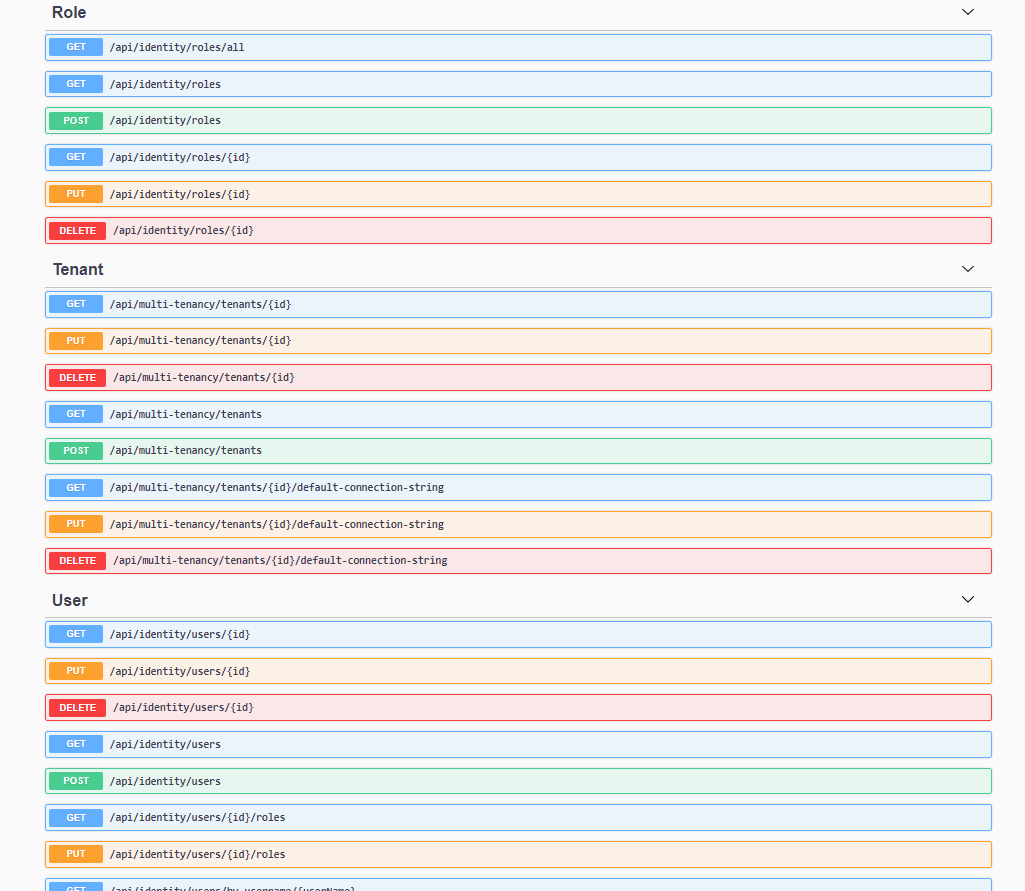
It's strange, I updated the code, now you can call the API in swagger
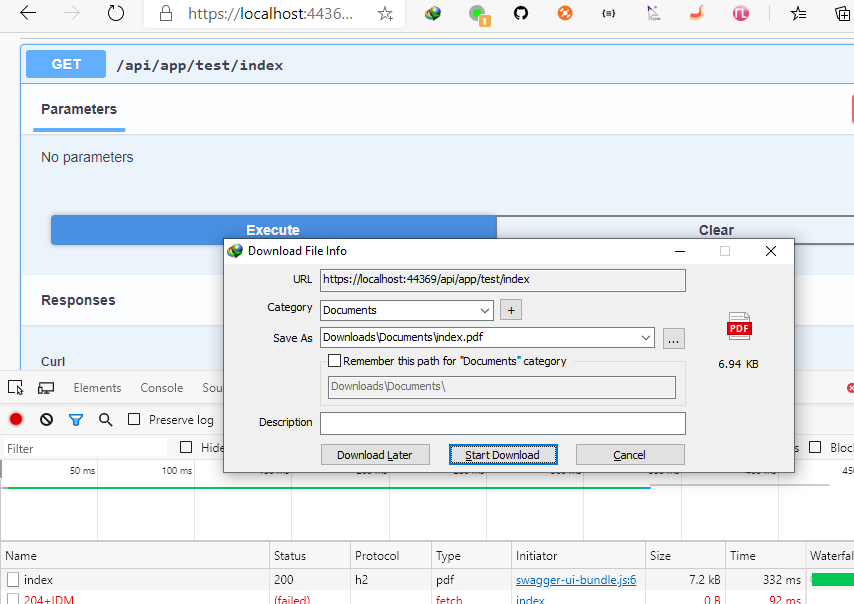 Markdown supported.Copy, paste, or drag & drop images and files (max 100 MB per file, 100 MB total per post)
 -
0
Hi, I updated the code

Steps:
* Download the project
* Run the `.DbMigrator` project
* Run the `.Web` project
* Navigate  to `/swagger` and find test API.
Markdown supported.Copy, paste, or drag & drop images and files (max 100 MB per file, 100 MB total per post) -
0
Hi, I updated the project again and added the invoice template:
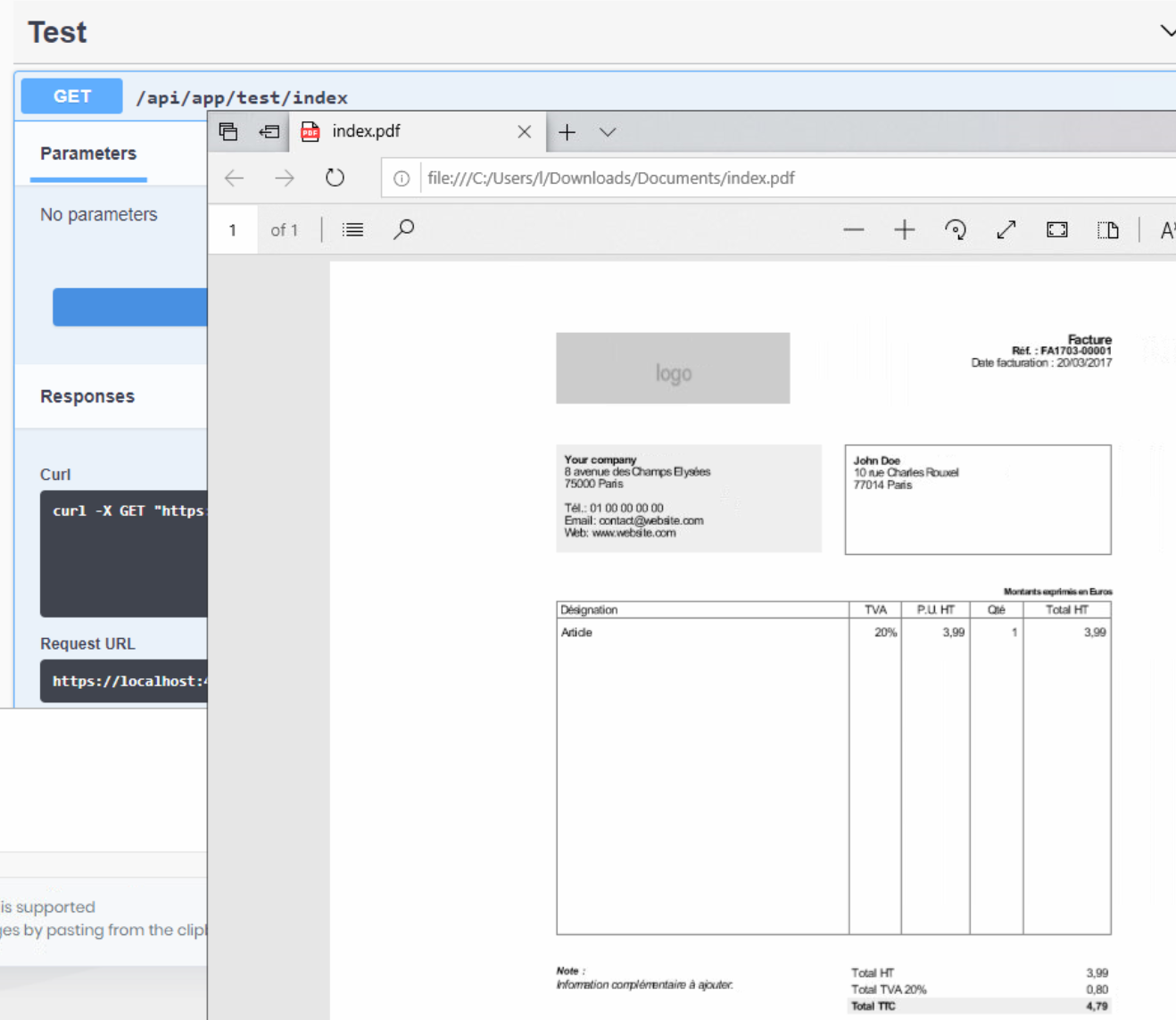
If there is still a problem, I can help you remotely.
Have a nice day : )
Markdown supported.Copy, paste, or drag & drop images and files (max 100 MB per file, 100 MB total per post) -
0
I'm closing this question.
You can also use PdfSharpCore library if you want to generate PDF in cross-platform. https://www.nuget.org/packages/PdfSharpCore/
Markdown supported.Copy, paste, or drag & drop images and files (max 100 MB per file, 100 MB total per post)