we were adding Dapper to our project using this article https://docs.abp.io/en/abp/latest/Dapper
but we face the issue of DependencyResolutionException None of the constructors found with 'Autofac.Core.Activators.Reflection.DefaultConstructorFinder' on type 'Sbg.ProjectControl.Locations.LocationsAppService' can be invoked with the available services and parameters: Cannot resolve parameter 0
ABP Framework version: v5.1
UI type: MVC
DB provider: EF Core
Tiered (MVC) or Identity Server Separated (Angular): yes
Exception message and stack trace:DependencyResolutionException: None of the constructors found with 'Autofac.Core.Activators.Reflection.DefaultConstructorFinder' on type 'Sbg.ProjectControl.Locations.LocationsAppService' can be invoked with the available services and parameters: Cannot resolve parameter 'Sbg.ProjectControl.Locations.ILocationDapperRepository locationDapperRepository' of constructor 'Void .ctor(Sbg.ProjectControl.Locations.ILocationRepository, Volo.Abp.Domain.Repositories.IRepository`2[Sbg.ProjectControl.SubProjects.SubProject,System.Int32], Sbg.ProjectControl.Locations.ILocationDapperRepository)'.
Steps to reproduce the issue:
- Add Volo.Abp.Dapper package to the EntityFramewokCore solution
- Create a Module class for Dapper :
- namespace Sbg.ProjectControl.EntityFrameworkCore { [DependsOn(typeof(AbpDapperModule))] public class ProjectControlDapperModule:AbpModule { }
- create a Dapper repository interface public interface ILocationDapperRepository:IRepository<Location,int>
- create Dapper repository implement the interface public class DapperLocationRepository : DapperRepository<ProjectControlDbContext>, ITransientDependency, ILocationDapperRepository
- in the Application service private readonly ILocationDapperRepository _locationDapperRepository;
- in the constructor i added a parameter to inject the repository
- public LocationsAppService(ILocationRepository locationRepository, IRepository<SubProject, int> subProjectRepository, ILocationDapperRepository locationDapperRepository)
that is!
we need to know how to fix this issue
9 Answer(s)
-
0
Hi, you don't need to inherit your repository class from the
IRepository<TEntity, TKey>interface. If you remove it, you don't get the DependencyResolutionException.Markdown supported.Copy, paste, or drag & drop images and files (max 100 MB per file, 100 MB total per post) -
0
Hi dose not work this is my ILocationDapperRepository
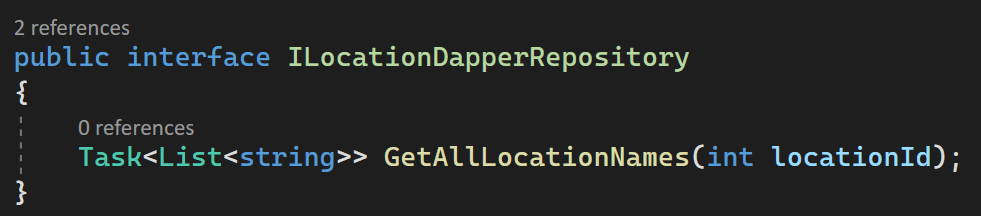 and this is my Application service injection constructor
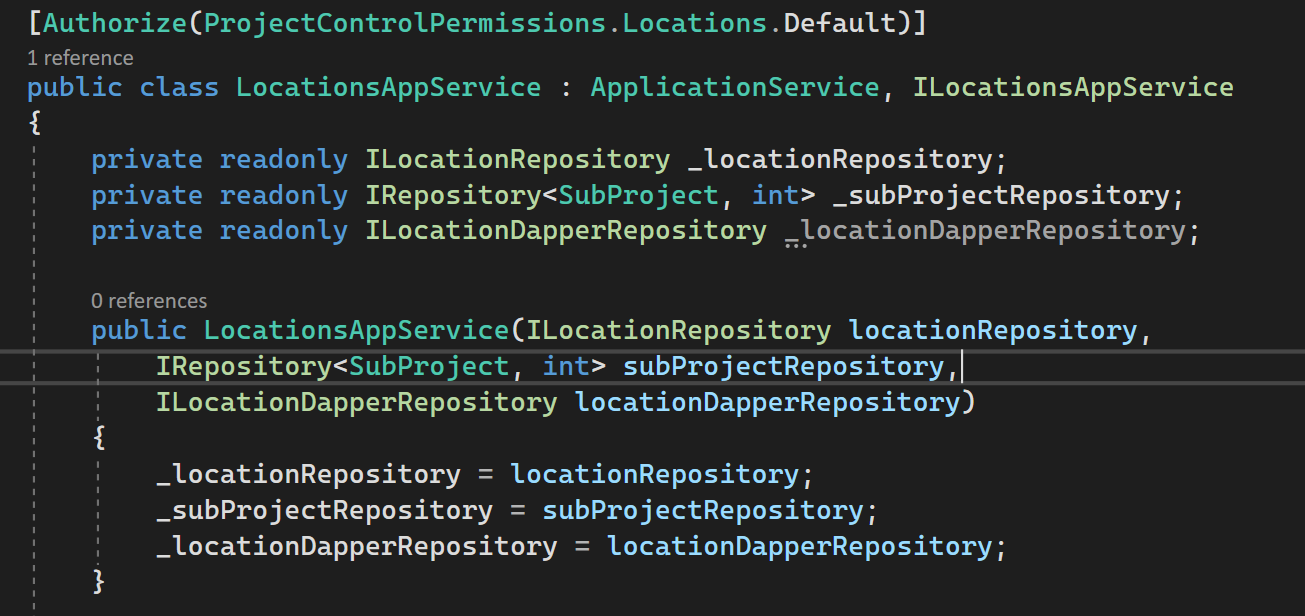 this is my Dapper Repository
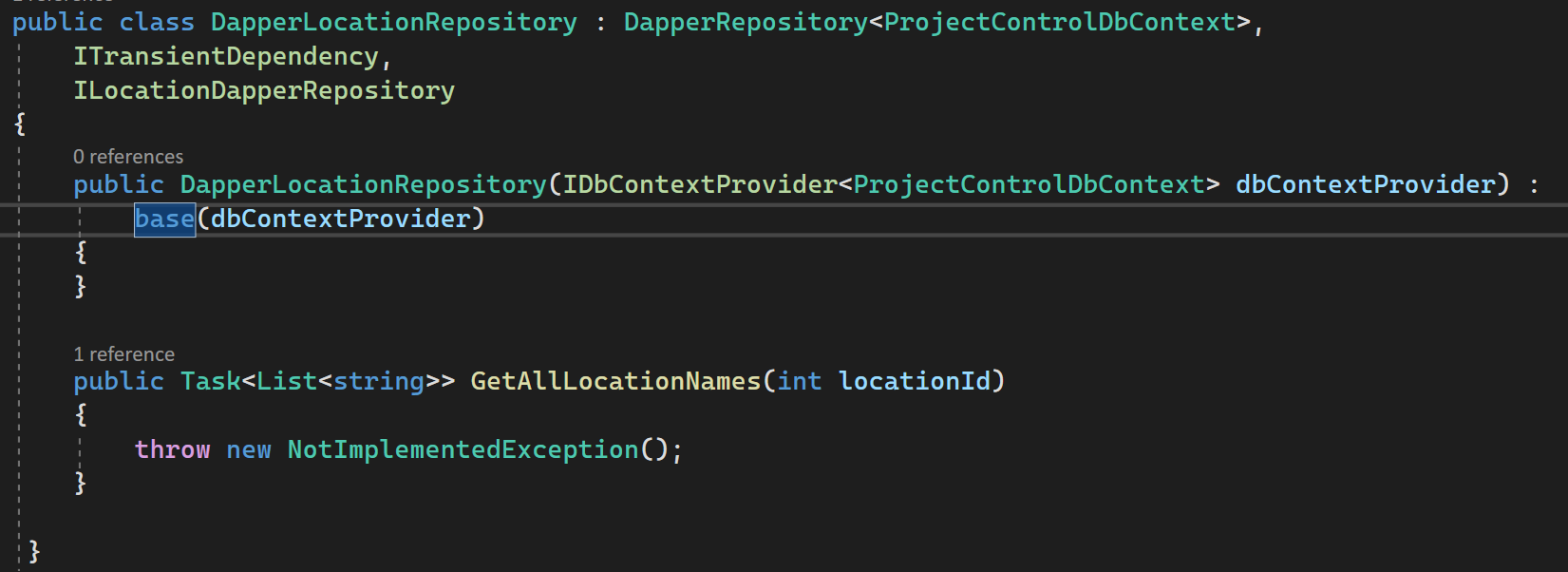
this is my Dapper Module which i didnt use it in any where
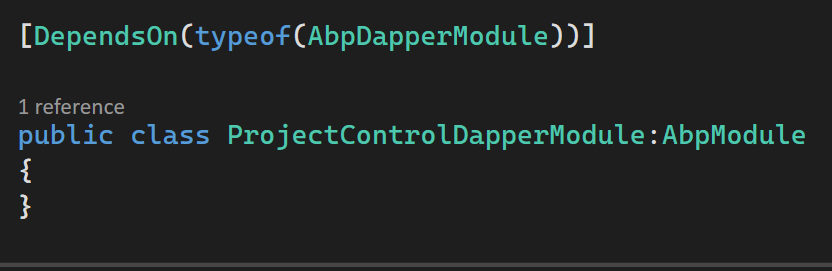 but i still have the error
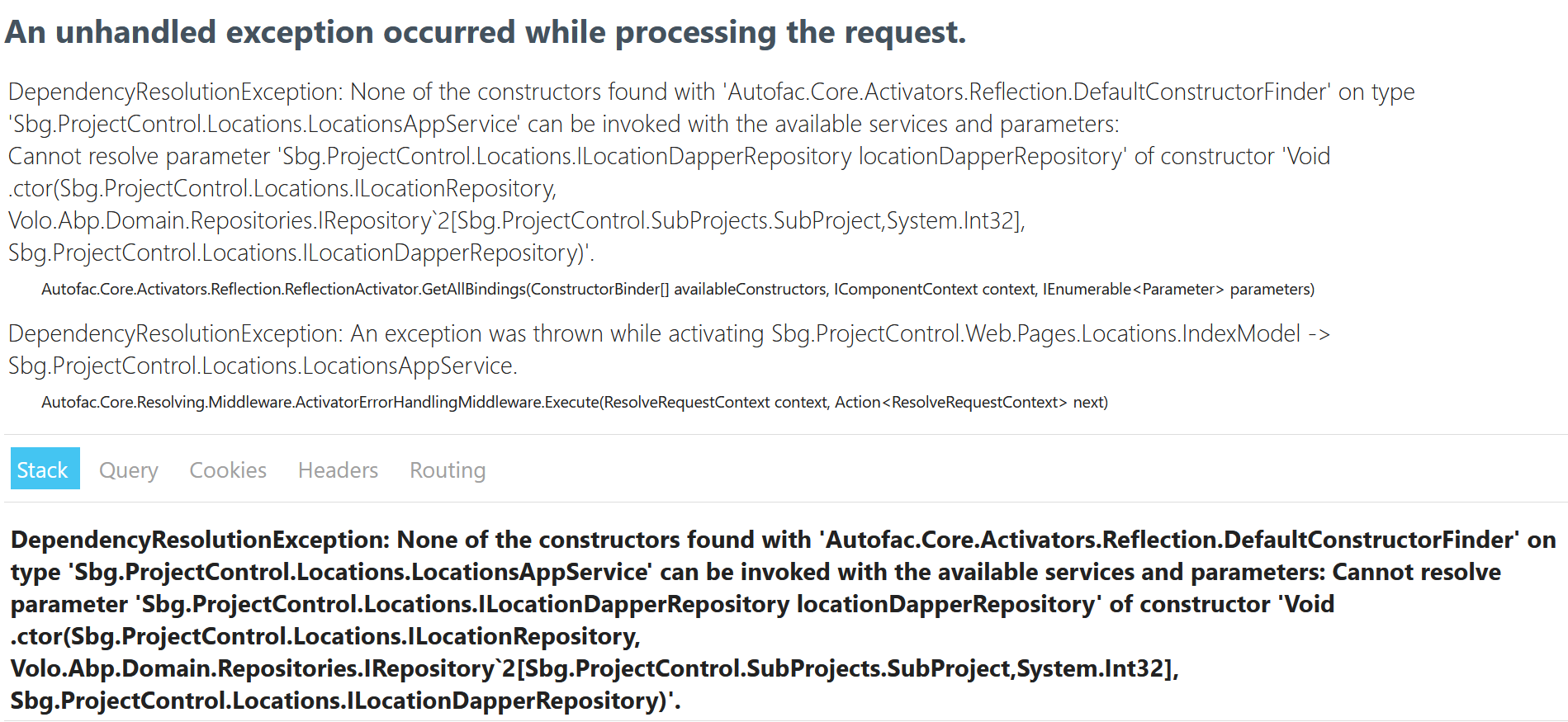
Markdown supported.Copy, paste, or drag & drop images and files (max 100 MB per file, 100 MB total per post) -
0
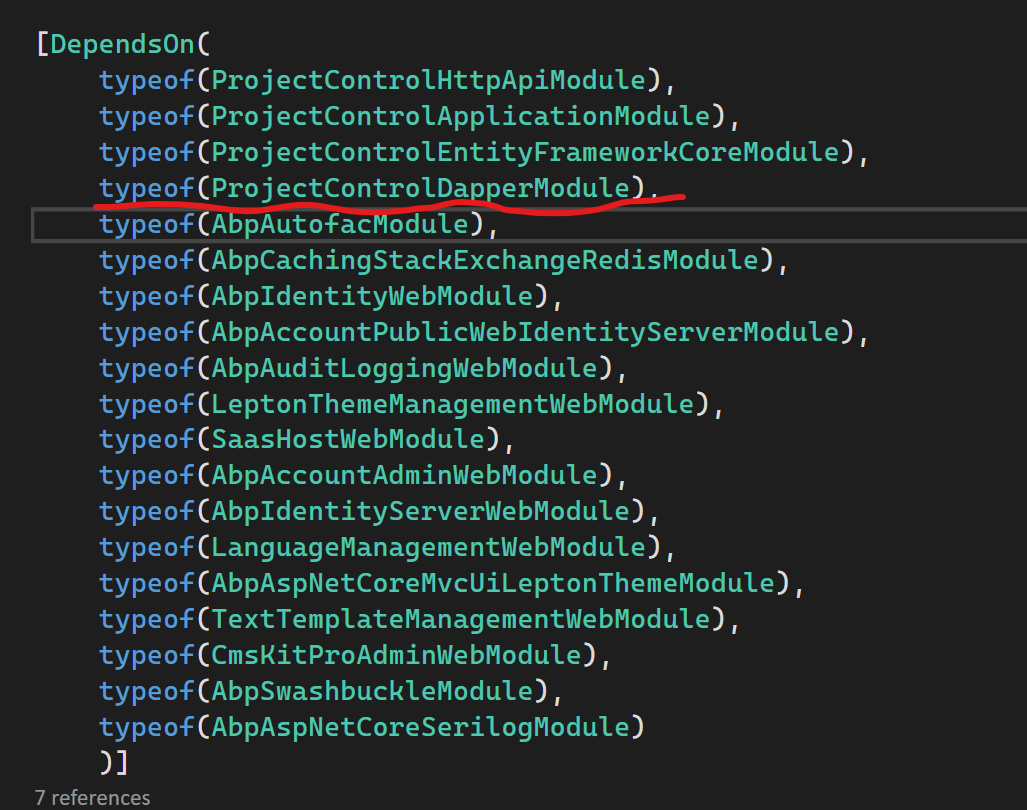
Did you add
DependsOn[typeof(ProjectControlDapperModule)]to your web module class as below://other depends on statements... [DependsOn(typeof(ProjectControlDapperModule))] public class MyWebModule : AbpModule { //... }Markdown supported.Copy, paste, or drag & drop images and files (max 100 MB per file, 100 MB total per post) -
0
I've shared the solution with you via mail and it should fix your problem. So, I close the question, if you encounter a problem please feel free to re-open the question.
Best regards.
Markdown supported.Copy, paste, or drag & drop images and files (max 100 MB per file, 100 MB total per post)