






Hello,
in one of my applications, all users have to be registered and logged in to use the app. Now I'd like to implement some CMS features, such as Blogs, Ratings,... how can I accomplish it, since CMS kit seems to be related only to public website? I added a "dummy" public website, because without the public web, abp cli it didn't create the necessary database migrations. Now I have the required tables, however I can't add e.g. the rating component since the ViewComponents namespace is Volo.CmsKit.Public.Web.Pages.CmsKit.Shared.Components.Rating and thereforce I can't access it from the "non-public" website.
What can I do to use CMS kit in non-public website?
Thanks and best Claus
6 Answer(s)
-
0
Hi,
Whether it is
adminorpublic, it is the ASP.NET Core application.You can manually install the CMS module into your app.
See: https://docs.abp.io/en/abp/latest/Modules/Cms-Kit/Index#the-packages
Markdown supported.Copy, paste, or drag & drop images and files (max 100 MB per file, 100 MB total per post) -
0
Hi @liangshiwei,
thanks for your blazing-fast reply! After some additional testing, I found out that it works as expected (and as the documentation states). It is just as easy as manually adding the CmsKit.Pro module to my single application. However, it doesn't create the required tables. The created migration is empty. I could also reproduce this behavior by creating a single dummy application with 5.3.0 rc-3 and adding the cmskit. It also creates an empty migration. hat's why I assumed CmsKit would expect a public website.
After adding the required tables manually (by creating the sql script from other database) it works as I expected.
Thanks for your support and maybe the empty migration error will be fixed in a future version. :)
Best regards Claus
Markdown supported.Copy, paste, or drag & drop images and files (max 100 MB per file, 100 MB total per post) -
0
Hi,
maybe the empy migration error will be fixed in a future version
Can you share the full steps to reproduce? if there has a problem we should fix it.
Markdown supported.Copy, paste, or drag & drop images and files (max 100 MB per file, 100 MB total per post) -
0
Hi,
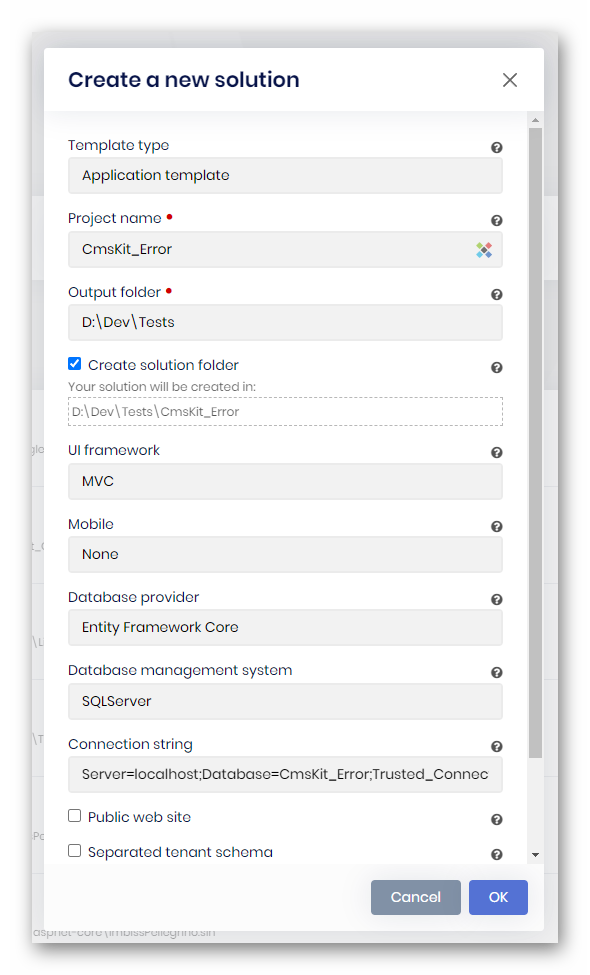
sorry for my late response. Of course I can share the steps to reproduce. It's very easy to reproduce:
create new MVC commercial project (abp 5.3 rc.3) without public website:
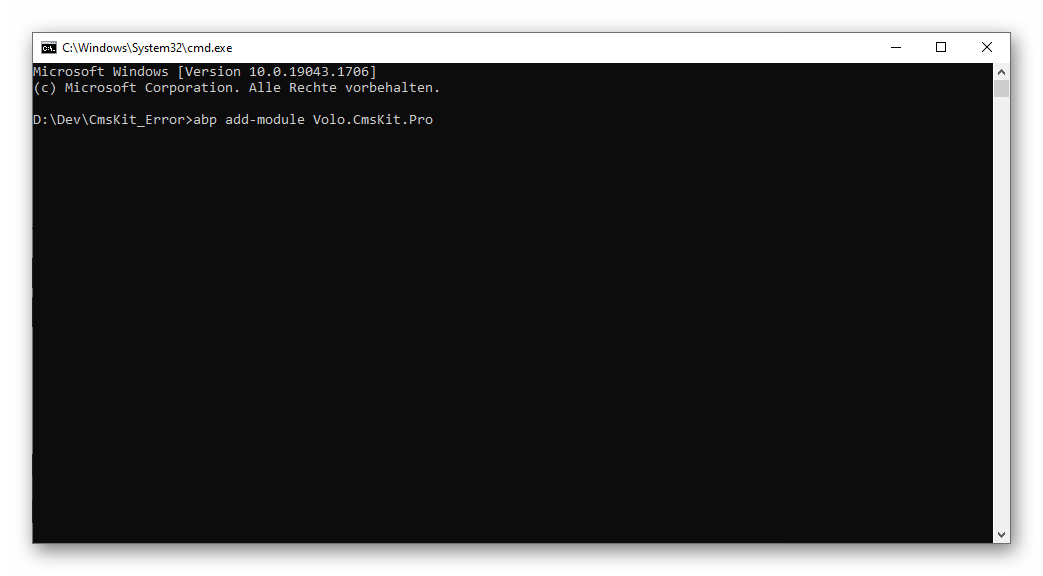
add cmskit pro via abp cli:
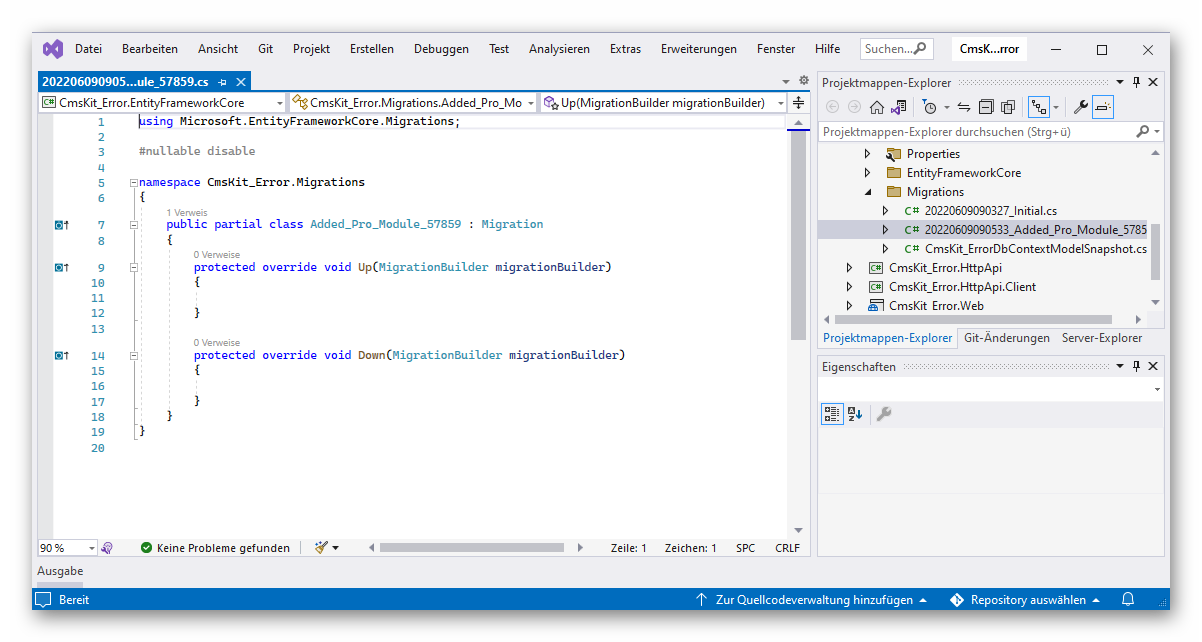
an empty migration is created:
Best regards Claus
Markdown supported.Copy, paste, or drag & drop images and files (max 100 MB per file, 100 MB total per post) -
0
See: https://docs.abp.io/en/abp/latest/Modules/Cms-Kit/Index#how-to-install
By default, Cms-Kit is disabled by GlobalFeature. Because of that the initial migration will be empty. So you can skip the migration by adding --skip-db-migrations to command when installing if you are using Entity Framework Core. After enabling Cms-Kit global feture, please add new migration.
Before adding migrations, you need to enable the cms feature.
Markdown supported.Copy, paste, or drag & drop images and files (max 100 MB per file, 100 MB total per post) -
0
Have you enabled Global Featues of CmsKit ?
You can apply following code block in your GlobalFeatureConfigurator in Domain.Shared project.
GlobalFeatureManager.Instance.Modules.CmsKit(cmsKit =>
{
    cmsKit.EnableAll();
});

GlobalFeatureManager.Instance.Modules.CmsKitPro(cmsKitPro =>
{
    cmsKitPro.EnableAll();
});
After enabling, re-create and apply migration and you'll see the required tables will be created.
If it still doesn't work, please let us now
Markdown supported.Copy, paste, or drag & drop images and files (max 100 MB per file, 100 MB total per post)



