






- ABP Framework version: v3.0.3
- UI type: MVC
- Tiered (MVC) or Identity Server Seperated (Angular): yes
- Exception message and stack trace:
- Steps to reproduce the issue:
This is a very easy to reproduce bug.
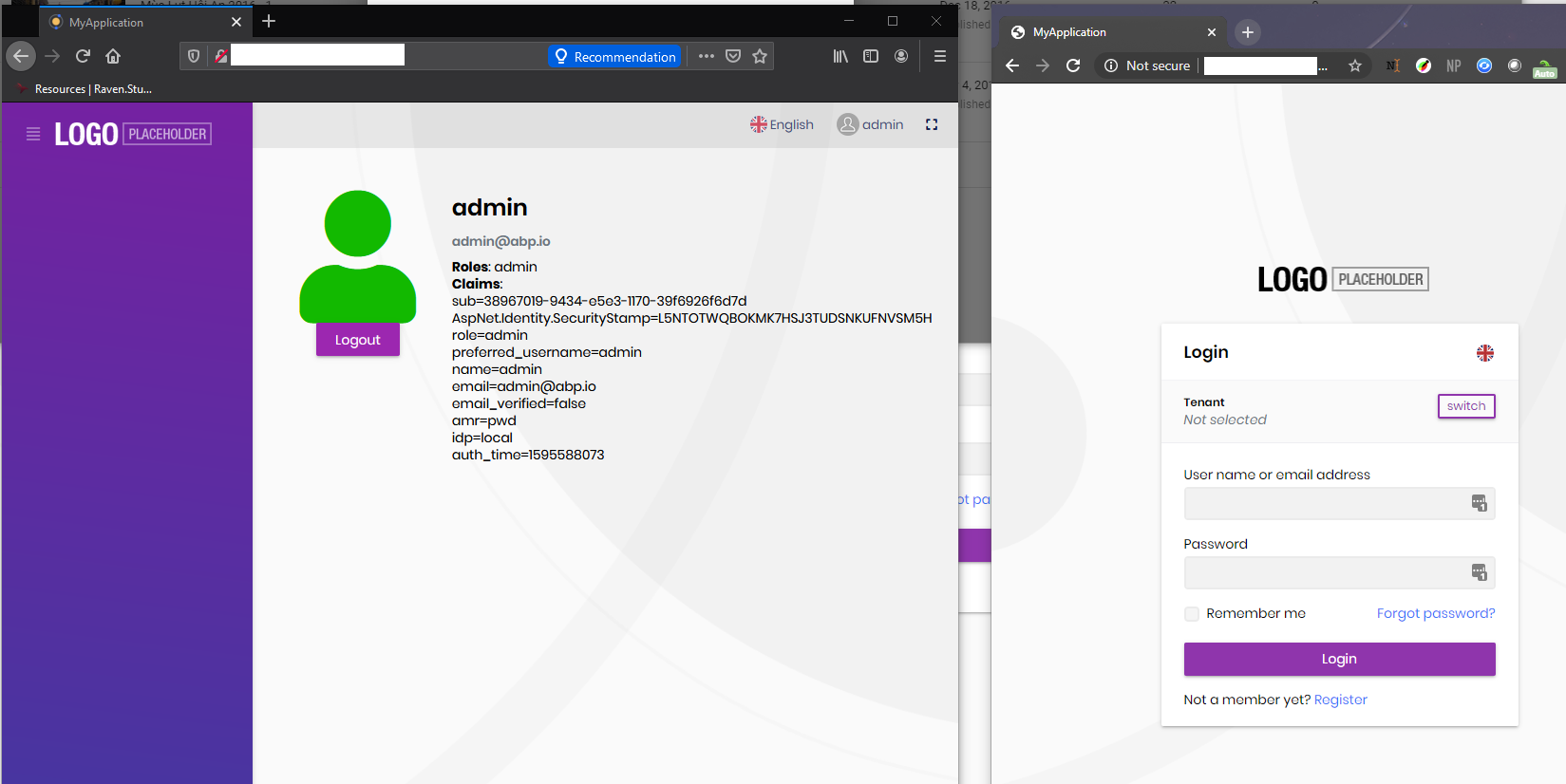
- The identity server web app is not working on Chrome (login page) but works on other browser.
- It is working on FIREFOX and there is no browser specific config (of course no, but I want to make it clear)
NOTE
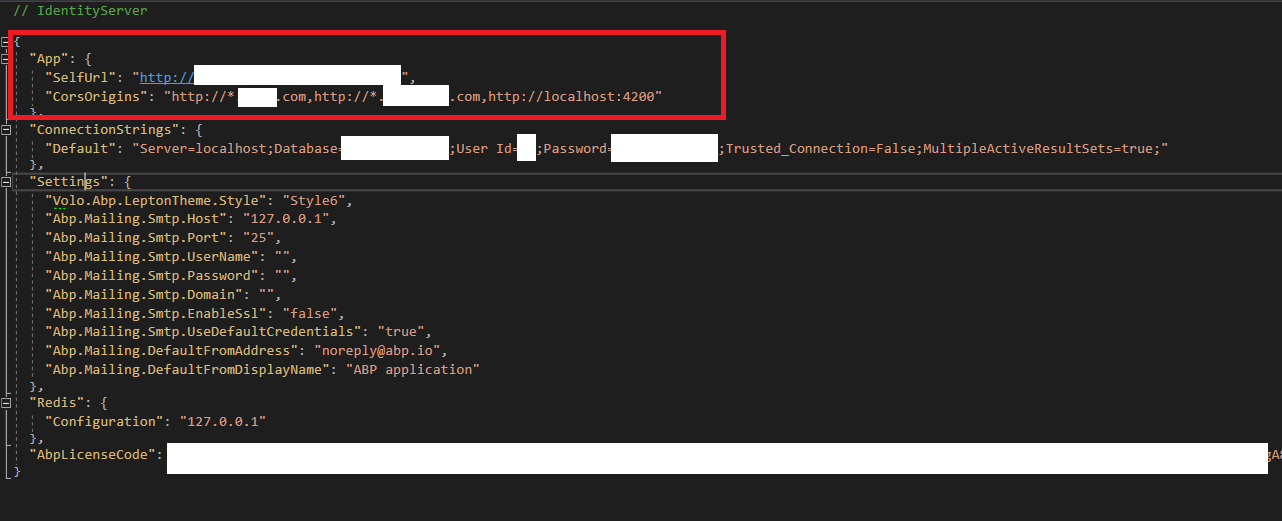
- SLL is off, the selfurl of identity's appsettings.json configured to use http (picture below)
LOG
- Firefox - OK: https://www.dropbox.com/s/a5xmejzr8vt6knu/logs-firefox-OK.txt?dl=0
- Chrome - failed: https://www.dropbox.com/s/ijyz715vy15gjte/logs-chome-failed.txt?dl=0
Demo Video of the bug
https://youtu.be/oVa3MvHHyao
 appsettings.json
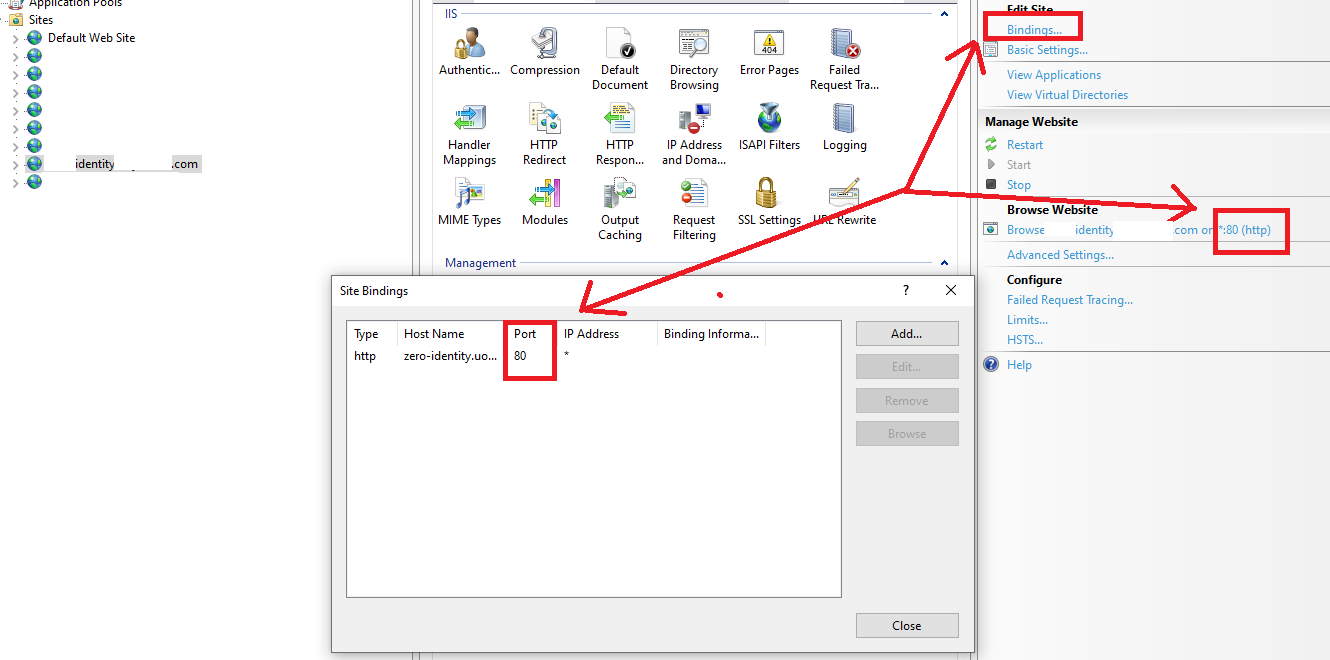
 IIS Local
18 Answer(s)
-
0
Hi,
What version of chrome are you using?
Markdown supported.Copy, paste, or drag & drop images and files (max 100 MB per file, 100 MB total per post) -
0
hi @liangshiwei,
lastest version! I tested on 2 machines, both had the issue.
Markdown supported.Copy, paste, or drag & drop images and files (max 100 MB per file, 100 MB total per post) -
0
I will try reproduce your problem.
Markdown supported.Copy, paste, or drag & drop images and files (max 100 MB per file, 100 MB total per post) -
0
Hi @liangshiwei,
Thanks, more info, please note that the localhost config took no effects since I deployed everything to local IIS (in order to debug by attach into IIS process). This means that all the urls, ports are re-configured in 4 appsettings.json
- DbMigrator: to migrate the db with correct redirect URL for local IIS
- Api.Host
- Identity
- Web
The start sequence: identity > api > web.
I will be aware tonight for this bug.
Markdown supported.Copy, paste, or drag & drop images and files (max 100 MB per file, 100 MB total per post) -
0
Hi
I try used the app-pro template, but can't reproduce your problem.
My steps:
- Download app-pro template and run
DbMigratorapplication - Changed the
appsetting.jsonurl to http - Publish the Identity application to IIS. PS: port
80
Did you make any changes to the template?
Markdown supported.Copy, paste, or drag & drop images and files (max 100 MB per file, 100 MB total per post) - Download app-pro template and run
-
0
There are other bugs in the templates and we fixed it. here are the files
Frontend.Mvc.Page.Partials.indexjs_LookupFunctions.txt
$('#%%np-entity-name-with-dn%%FilterLookupOpenButton').on('click', '', function () {
    lastNpDisplayNameId = '%%np-entity-name-with-dn%%_Filter_%%np-entity-display-property%%';
    lastNpIdId = '%%np-entity-name-with-dn%%IdFilter';
    _lookupModal.open({
        currentId: $('#%%np-entity-name-with-dn%%IdFilter').val(),
        currentDisplayName: $('#%%np-entity-name-with-dn%%_Filter_%%np-entity-display-property%%').val(),
        serviceMethod: function () {
            return window.%%solution-namespace-camelcase%%.controllers.%%entity-namespace-camelcase%%.%%entity-name-camelcase%%.get%%np-entity-name%%Lookup;
        }
    });
});
Frontend.Mvc.Page.Partials.editjs_LookupFunctions.txt
$('#%%np-entity-name-with-dn%%LookupOpenButton').on('click', '', function () {
    lastNpDisplayNameId = '%%np-entity-name-with-dn%%_%%np-entity-display-property%%';
    lastNpIdId = '%%np-entity-name-with-dn%%_Id';
    _lookupModal.open({
        currentId: $('#%%np-entity-name-with-dn%%_Id').val(),
        currentDisplayName: $('#%%np-entity-name-with-dn%%_%%np-entity-display-property%%').val(),
        serviceMethod: function() {
            return window.%%solution-namespace-camelcase%%.controllers.%%entity-namespace-camelcase%%.%%entity-name-camelcase%%.get%%np-entity-name%%Lookup;
        }
    });
});
Markdown supported.Copy, paste, or drag & drop images and files (max 100 MB per file, 100 MB total per post) -
0
Hi any updates ?
Markdown supported.Copy, paste, or drag & drop images and files (max 100 MB per file, 100 MB total per post) -
0
Hi
About Identity Server is NOT working on Chome ONLY, I tried but can not reproduce your problem. Did you make any changes to the template? About template file bugs, you can reply in this post.
Markdown supported.Copy, paste, or drag & drop images and files (max 100 MB per file, 100 MB total per post) -
0
Hi,
No I didnot make any changes because it is the very basic setting. Let me try to create another new project and update here
Markdown supported.Copy, paste, or drag & drop images and files (max 100 MB per file, 100 MB total per post) -
0
Hi,
I can help you remotely. liangshiw@outlook.com
Markdown supported.Copy, paste, or drag & drop images and files (max 100 MB per file, 100 MB total per post) -
0
I sent you the email, thanks @liangshiwei, my email: camping89@gmail.com
Markdown supported.Copy, paste, or drag & drop images and files (max 100 MB per file, 100 MB total per post) -
0
Hi,
Please see https://docs.microsoft.com/en-gb/dotnet/core/compatibility/3.0-3.1#http-browser-samesite-changes-impact-authentication and discuss aspnetcore : https://github.com/dotnet/aspnetcore/issues/14996. This is the default behavior of chrome. You can use
httpsMarkdown supported.Copy, paste, or drag & drop images and files (max 100 MB per file, 100 MB total per post) -
0
Wow. Thanks, I'm looking at it!
Markdown supported.Copy, paste, or drag & drop images and files (max 100 MB per file, 100 MB total per post) -
0
Hello @camping89@gmail.com,
Can you try clearing the cookies for chrome?
Just noticed, your app is not running on https; it should be running on https. Also if error persists, try pasting the auth application logs.
Markdown supported.Copy, paste, or drag & drop images and files (max 100 MB per file, 100 MB total per post) -
0
I couldn't reproduce it. Can you check your Chrome version. If it's an older version please update it to the latest. Chrome v75 and older versions report this issue.
Markdown supported.Copy, paste, or drag & drop images and files (max 100 MB per file, 100 MB total per post) -
0
My chrome version: Version 84.0.4147.105 (Official Build) (64-bit)
I will try reproducing this for new project. Just too busy with current workload at the moment. Maybe nextweek
Markdown supported.Copy, paste, or drag & drop images and files (max 100 MB per file, 100 MB total per post) -
0
We created a patch for Chrome login issue when HTTP is used. Check out https://community.abp.io/articles/patch-for-chrome-login-issue-identityserver4-samesite-cookie-problem-weypwp3n
Markdown supported.Copy, paste, or drag & drop images and files (max 100 MB per file, 100 MB total per post)



