






Hello,
Select2 error was not fixed, even after upgrading the version to 5.3.0. Can you review our previous question from this link? https://support.abp.io/QA/Questions/2577/use-of-select2-on-abp-modal-is-broken-after-version-upgraded--to-v511
Thanks,
Check the docs before asking a question: https://docs.abp.io/en/commercial/latest/ Check the samples, to see the basic tasks: https://docs.abp.io/en/commercial/latest/samples/index The exact solution to your question may have been answered before, please use the search on the homepage.
If you're creating a bug/problem report, please include followings:
ABP Framework version: v5.3.0
UI type: / MVC /
DB provider: EF Core
Tiered (MVC) or Identity Server Separated (Angular): yes / no
Exception message and stack trace:
Steps to reproduce the issue:"
6 Answer(s)
-
0
Hi ElifKaya
It'solved the problem https://support.abp.io/QA/Questions/2348/Select2-BS5-Modal-Problem
Markdown supported.Copy, paste, or drag & drop images and files (max 100 MB per file, 100 MB total per post) -
0
Hi,
In the CmsKit example, you are using the select component with abp-dynamic-form in a normal html page. We want to use it in abp-modal. Still, I went through your example and tried it as in the CmsKit. Select component it has been enabled. However, we are using different features of select component. We could also add a new item to the select list dynamically as below. But this is working in normal pages but not in abp-modal. But, it is broken after we upgraded ABP version to 5.1.1.
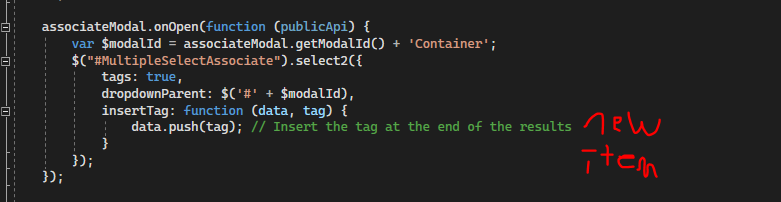
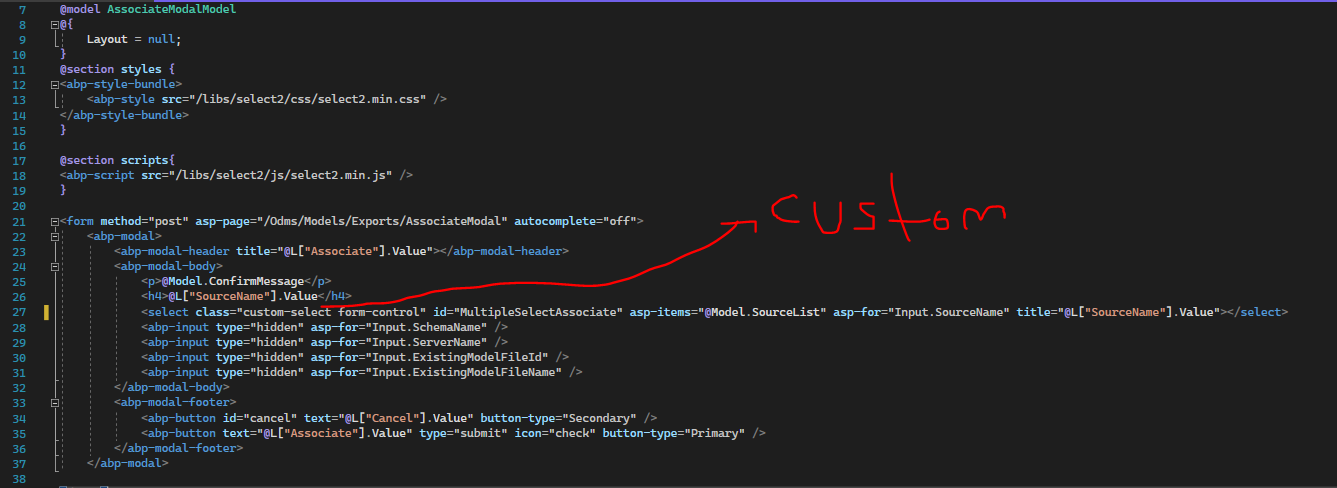
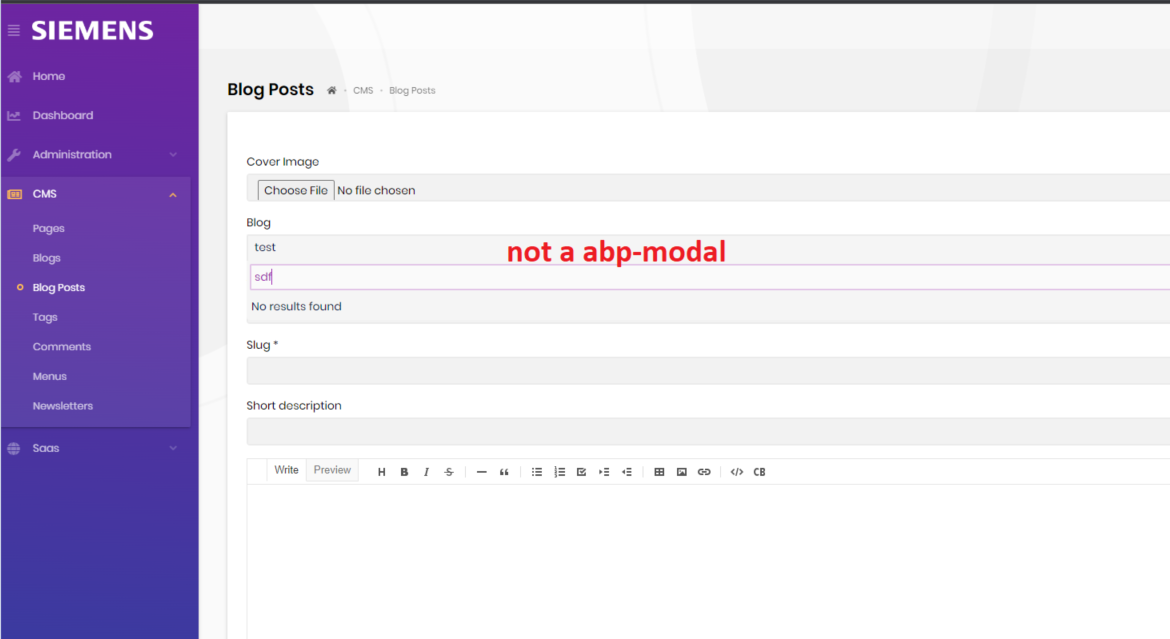
The component class in your example does not have a new option insert feature. Can you show an example like this? We can also achieve this when we use bootstrap modal instead of abp-modal, but we want to achieve it with abp-modal.
We actually handled this using multiple ListBoxFor. We can also limit upper as 1. But we still hope to be able to use it as select component as before.
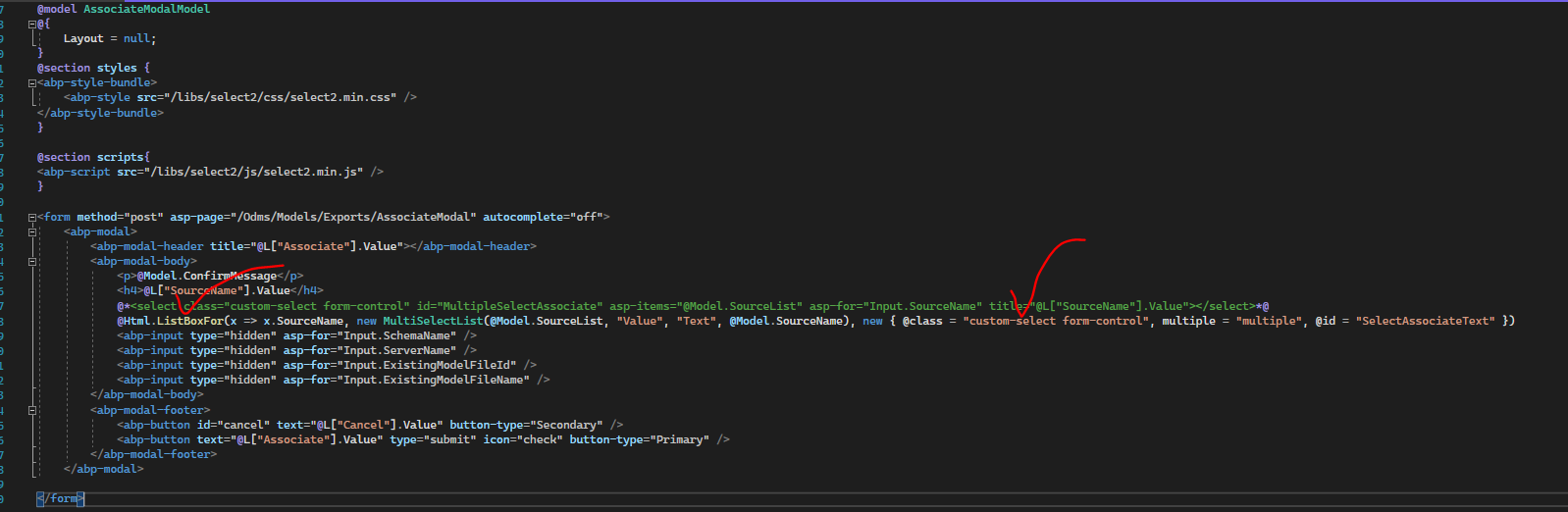
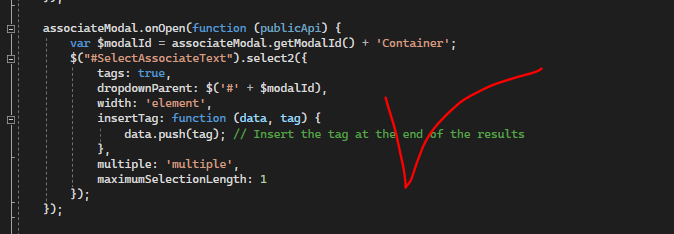
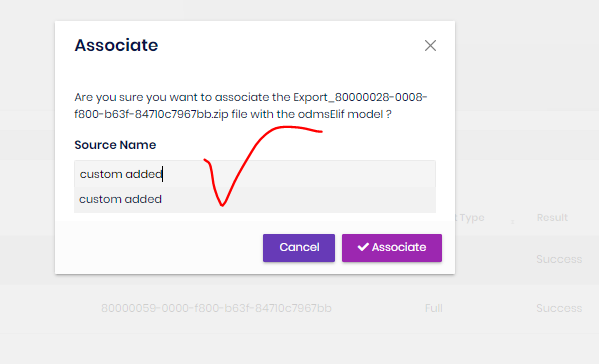
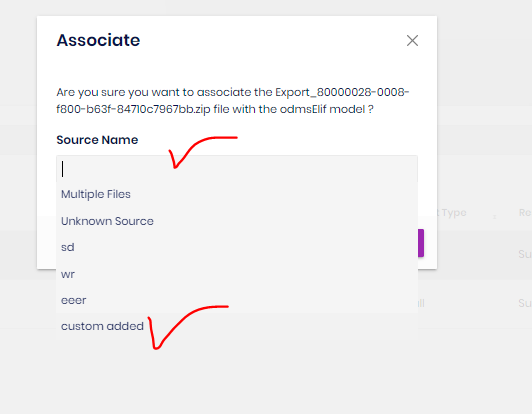
Thanks
Markdown supported.Copy, paste, or drag & drop images and files (max 100 MB per file, 100 MB total per post) -
0
Hi,
I will check it.
Markdown supported.Copy, paste, or drag & drop images and files (max 100 MB per file, 100 MB total per post) -
0
Hi,
There is no problem
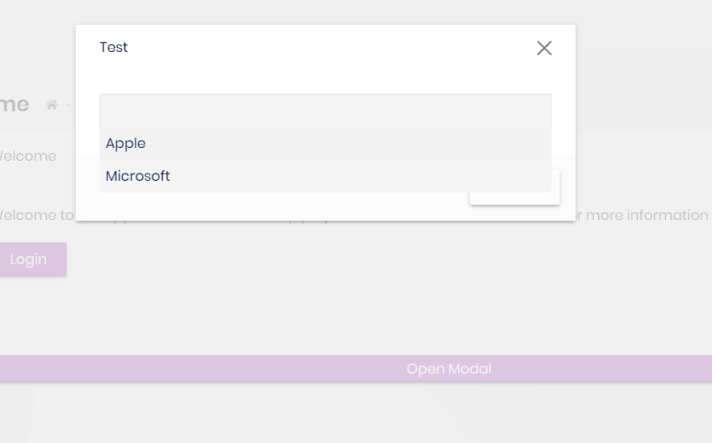
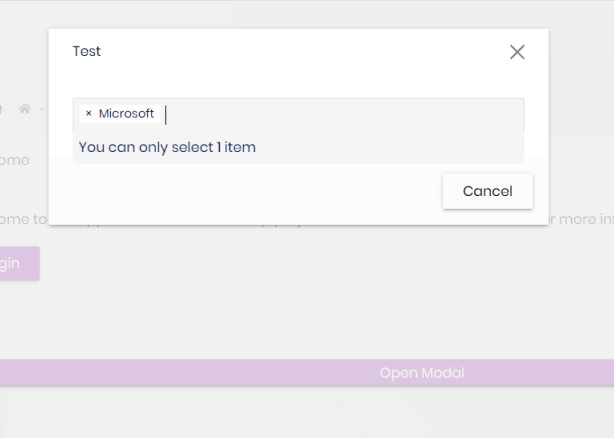
customModal.onOpen(function() {
    var modalId = customModal.getModalId() + 'Container';
    $("#customSelect").select2({
        tags: true,
        dropdownParent: $("#" + modalId),
        insertTag: function(data, tag) {
            data.push(tag);
        },
        multiple: "multiple",
        maximumSelectionLength:1
    });
})
<select class="custom-select form-control" id="customSelect" asp-items="@Model.SelectListItems" title="Custom select"></select>Markdown supported.Copy, paste, or drag & drop images and files (max 100 MB per file, 100 MB total per post) -
0
If you don't want to set
multipleandmaximumSelectionLengthYou can try this:
customModal.onOpen(function() { var modalId = customModal.getModalId() + 'Container'; $("#customSelect").select2({ tags: true, dropdownParent: $("#" + modalId +" .modal.fade"), insertTag: function(data, tag) { data.push(tag); } }); });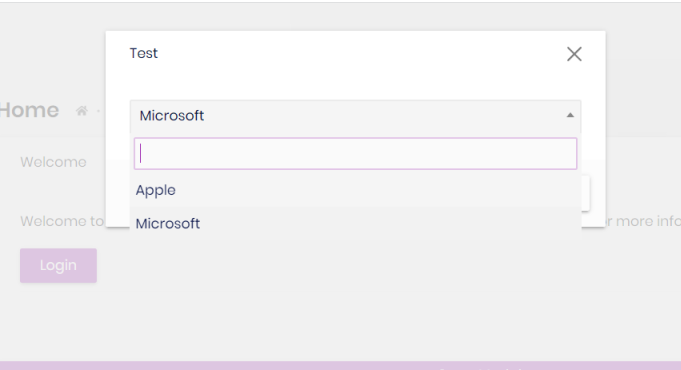 Markdown supported.Copy, paste, or drag & drop images and files (max 100 MB per file, 100 MB total per post)
 -
0
If you don't want to set
multipleandmaximumSelectionLengthYou can try this:
customModal.onOpen(function() {
    var modalId = customModal.getModalId() + 'Container';
    $("#customSelect").select2({
        tags: true,
        dropdownParent: $("#" + modalId +" .modal.fade"),
        insertTag: function(data, tag) {
            data.push(tag);
        }
    });
});
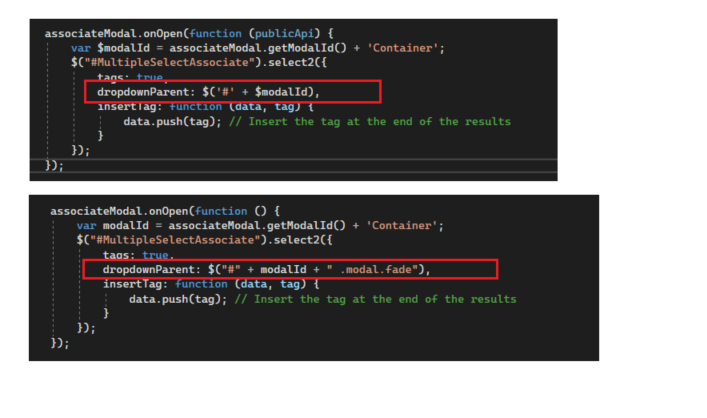
Actually, we were using it as in the first example and we were getting an error. It fixed when I Adding ".modal.fade" as you showed. Thank you so much.
 Markdown supported.Copy, paste, or drag & drop images and files (max 100 MB per file, 100 MB total per post)



