






Hi
I am using 4.4.3 abp version and wanted to remove you are successfully screen and show login screen just after logout currently after logout click it shows you are successfully screen for 1-2 mins and after that it goes to redirect into login screen so Is it possible to remove this screen?
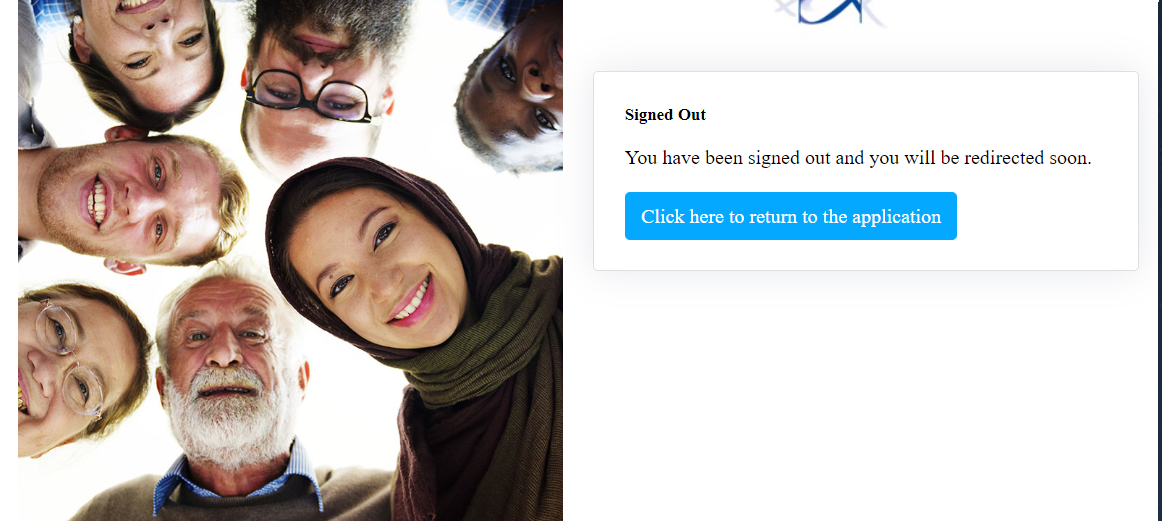
- ABP Framework version: v4.4.3
- UI type: Blazor
- DB provider: EF Core
- Tiered (MVC) or Identity Server Separated (Angular): no
- Exception message and stack trace:
- Steps to reproduce the issue:"
9 Answer(s)
-
0
You can try this:
Add to your
HttpApi.Hostprojcet(or IdentityServer).[ExposeServices(typeof(LoggedOutModel))] public class MyLoggedOutModel : LoggedOutModel { public override Task<IActionResult> OnGetAsync() { var url = PostLogoutRedirectUri.Substring(0, PostLogoutRedirectUri.IndexOf("authentication")); return Task.FromResult<IActionResult>(Redirect(url.EnsureEndsWith('/') + "authentication/login")); } public virtual Task<IActionResult> OnPostAsync() { return Task.FromResult<IActionResult>(Page()); } }Markdown supported.Copy, paste, or drag & drop images and files (max 100 MB per file, 100 MB total per post) -
0
You can try this:
Add to your
HttpApi.Hostprojcet(or IdentityServer).[ExposeServices(typeof(LoggedOutModel))] public class MyLoggedOutModel : LoggedOutModel { public override Task<IActionResult> OnGetAsync() { var url = PostLogoutRedirectUri.Substring(0, PostLogoutRedirectUri.IndexOf("authentication")); return Task.FromResult<IActionResult>(Redirect(url.EnsureEndsWith('/') + "authentication/login")); } public virtual Task<IActionResult> OnPostAsync() { return Task.FromResult<IActionResult>(Page()); } }Ok thanks for the quick response. Let me try this.
Markdown supported.Copy, paste, or drag & drop images and files (max 100 MB per file, 100 MB total per post) -
0
You can try this:
I tried above solution but after that I am getting this page is not working something error after logout click. I have added a new folder with account name inside pages and added this Myloggedoutmodel. cs class.
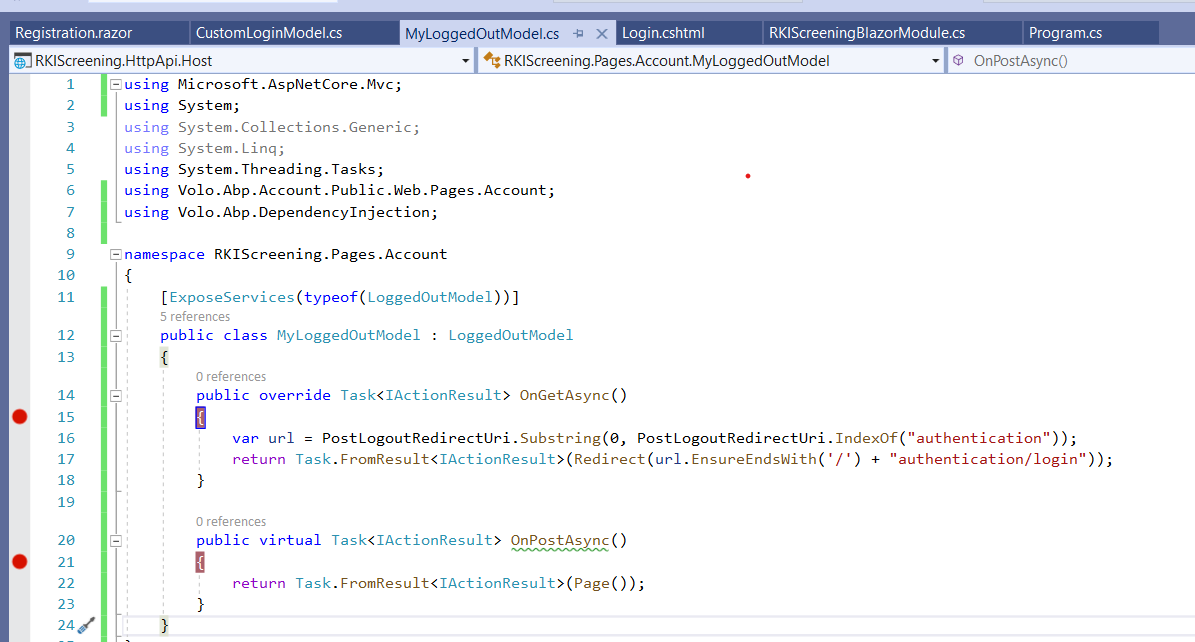
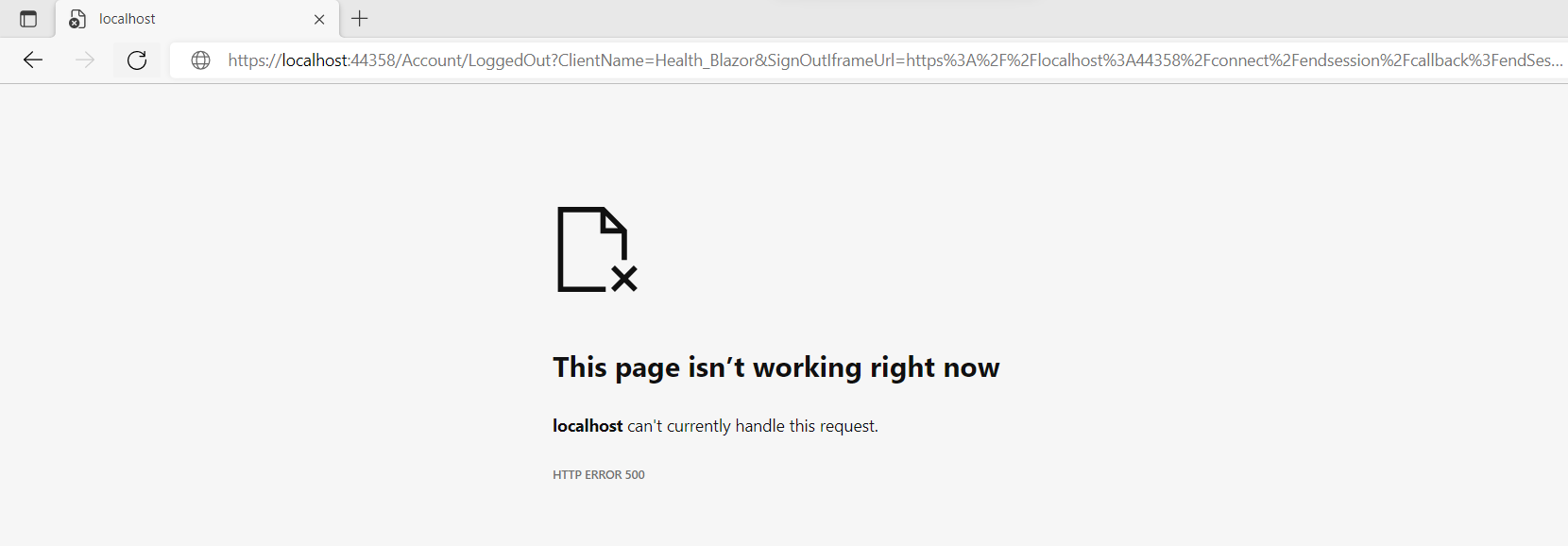 Markdown supported.Copy, paste, or drag & drop images and files (max 100 MB per file, 100 MB total per post)
 -
0
Hi,
Can you share a GIF photo? I need to see the execution of the breakpoint. thanks.
Markdown supported.Copy, paste, or drag & drop images and files (max 100 MB per file, 100 MB total per post) -
0
Hi,
Can you share a GIF photo? I need to see the execution of the breakpoint. thanks.
I am available so if you are available we can check on zoom. I believe you will solve in few mins only.
Markdown supported.Copy, paste, or drag & drop images and files (max 100 MB per file, 100 MB total per post) -
0
Hi,
Can you share a GIF photo? I need to see the execution of the breakpoint. thanks.
Hi
I can't share Gif photo because it will show my project name as well but we can communicate on mail or zoom to check this. Please let me know when we can check this.
Thanks,
Markdown supported.Copy, paste, or drag & drop images and files (max 100 MB per file, 100 MB total per post) -
0
You can try this:
Add to your
HttpApi.Hostprojcet(or IdentityServer).[ExposeServices(typeof(LoggedOutModel))] public class MyLoggedOutModel : LoggedOutModel { public override Task<IActionResult> OnGetAsync() { var url = PostLogoutRedirectUri.Substring(0, PostLogoutRedirectUri.IndexOf("authentication")); return Task.FromResult<IActionResult>(Redirect(url.EnsureEndsWith('/') + "authentication/login")); } public virtual Task<IActionResult> OnPostAsync() { return Task.FromResult<IActionResult>(Page()); } }Working perfectly...Thank you so much!
Markdown supported.Copy, paste, or drag & drop images and files (max 100 MB per file, 100 MB total per post)



