

Open Closed

Blazor Modal Hide when using right schroll #3393


User avatar
0
jhsanc created
  • ABP Framework version: v5.3.1

  • UI type: Blazor WASM

  • DB provider: EF Core

  • Tiered (MVC) or Identity Server Separated (Angular): no

  • Steps to reproduce the issue:" Open any modal like add or edit a registry, if the modal height goes outside of screen and you use mouse clicking in schroll to moving down in the browser. When you leave the click in the mouse the modal disappear in the browser.
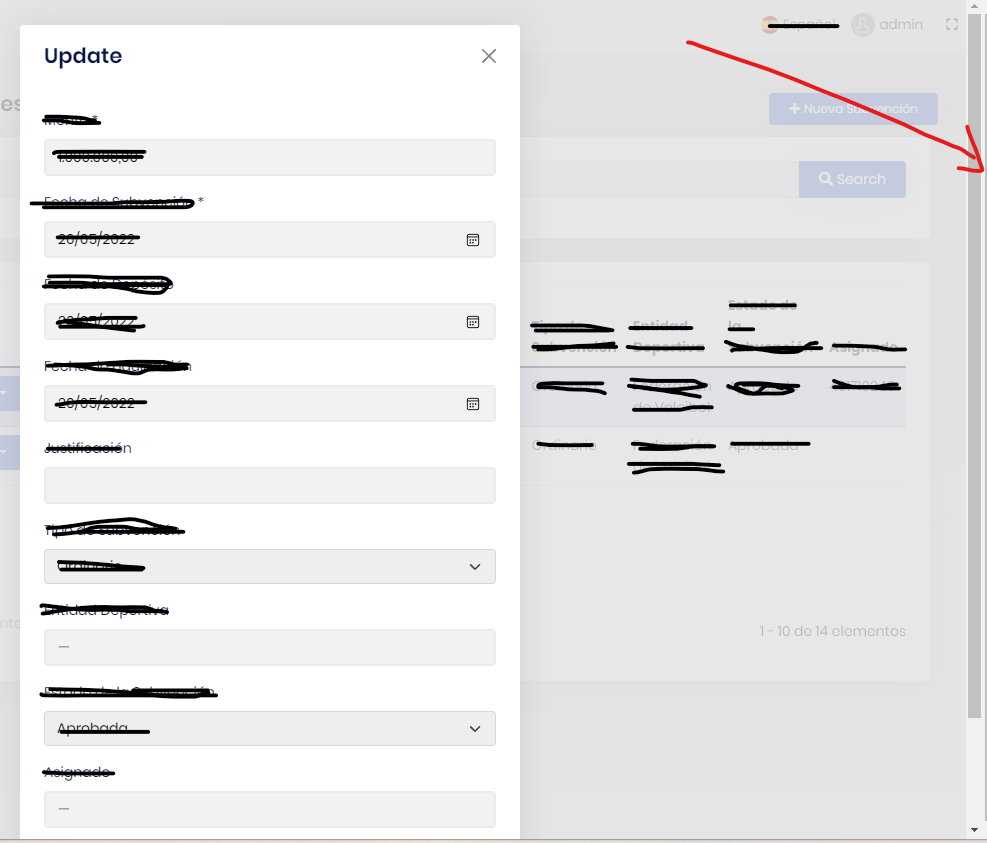
Thank you,

Johan

Markdown supported.
Copy, paste, or drag & drop images and files (max 100 MB per file, 100 MB total per post)

7 Answer(s)
  • User Avatar
    0
    maliming created
    Support Team Fullstack Developer

    hi

    We will check this. Thanks

    Markdown supported.
    Copy, paste, or drag & drop images and files (max 100 MB per file, 100 MB total per post)
  • User Avatar
    0
    maliming created
    Support Team Fullstack Developer

    hi

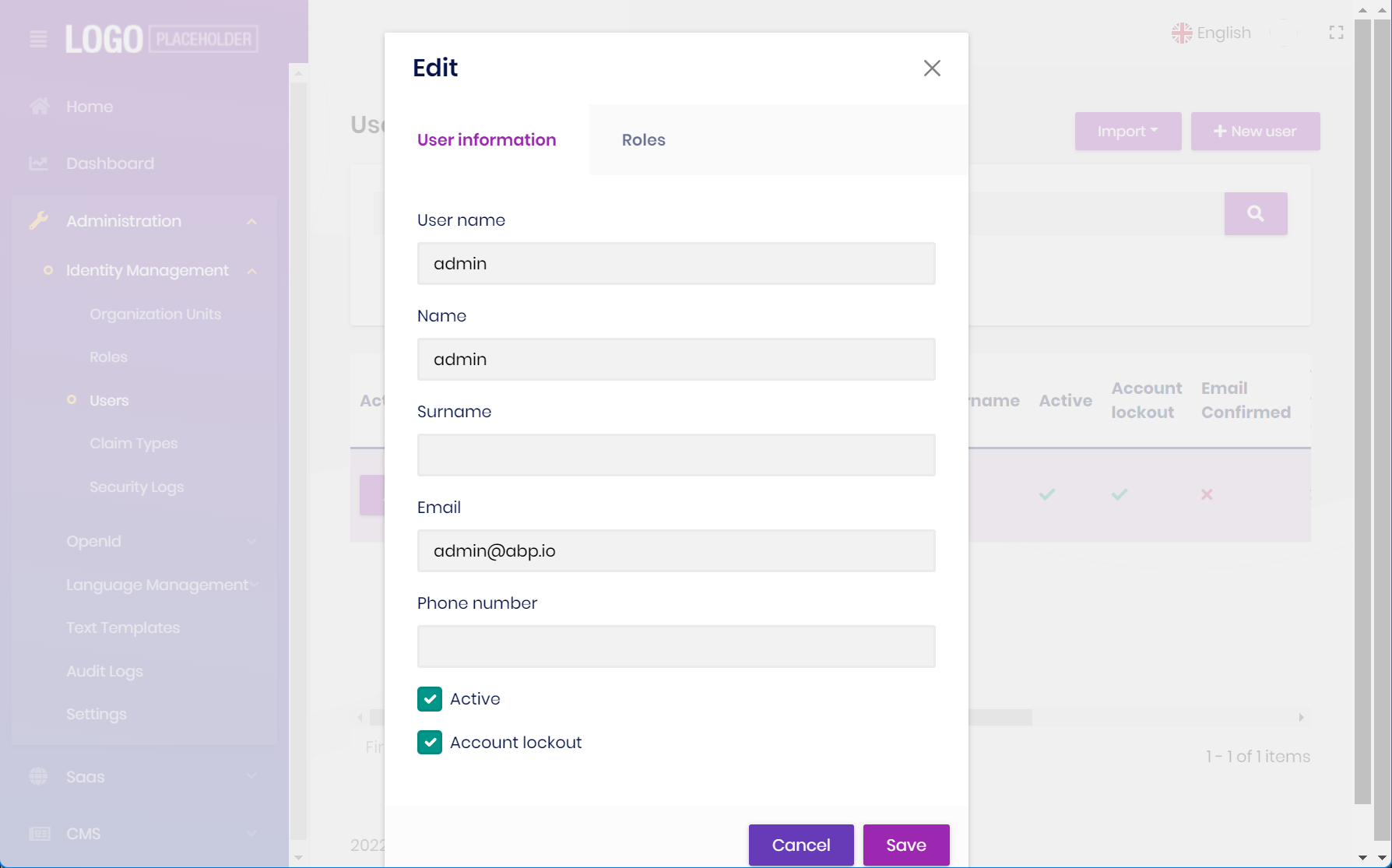
    I can't reproduce that in User update modal.

    Markdown supported.
    Copy, paste, or drag & drop images and files (max 100 MB per file, 100 MB total per post)

  • User Avatar
    0
    jhsanc created

    This does not happen with the modal of abp system, it happens with the modal generated by the abp suite.

    Thank you,

    Markdown supported.
    Copy, paste, or drag & drop images and files (max 100 MB per file, 100 MB total per post)

  • User Avatar
    0
    maliming created
    Support Team Fullstack Developer

    ok I will check the code.

    Markdown supported.
    Copy, paste, or drag & drop images and files (max 100 MB per file, 100 MB total per post)
  • User Avatar
    0
    maliming created
    Support Team Fullstack Developer

    You add <Modal @ref="xxxx" Closing="@ClosingEditModal"> or <Modal @ref="xxxx" Closing="@ClosingCreateModal"> to your model.

    Markdown supported.
    Copy, paste, or drag & drop images and files (max 100 MB per file, 100 MB total per post)
  • User Avatar
    0
    jhsanc created

    This is the code generated by abp suite:

    <Modal @ref="xxxxxx"> <ModalContent Centered="true"> <Form id="xxxxxxForm"> <ModalHeader> <ModalTitle>@L["Newxxxxxx"]</ModalTitle> <CloseButton Clicked="CloseCreatexxxxxx" /> </ModalHeader>

    I can't see this method: Closing="@ClosingEditModal" Which code must be inside "Closing" method?.

    Markdown supported.
    Copy, paste, or drag & drop images and files (max 100 MB per file, 100 MB total per post)
  • User Avatar
    0
    maliming created
    Support Team Fullstack Developer

    hi

    https://github.com/abpframework/abp/blob/dev/modules/identity/src/Volo.Abp.Identity.Blazor/Pages/Identity/UserManagement.razor#L49 https://github.com/abpframework/abp/blob/dev/modules/identity/src/Volo.Abp.Identity.Blazor/Pages/Identity/UserManagement.razor#L166

    Add this to your component base class.

        protected virtual Task ClosingCreateModal(ModalClosingEventArgs eventArgs)
        {
            // cancel close if clicked outside of modal area
            eventArgs.Cancel = eventArgs.CloseReason == CloseReason.FocusLostClosing;
    
            return Task.CompletedTask;
        }
    
        protected virtual Task ClosingEditModal(ModalClosingEventArgs eventArgs)
        {
            // cancel close if clicked outside of modal area
            eventArgs.Cancel = eventArgs.CloseReason == CloseReason.FocusLostClosing;
    
            return Task.CompletedTask;
        }
    
    Markdown supported.
    Copy, paste, or drag & drop images and files (max 100 MB per file, 100 MB total per post)
Boost Your Development
ABP Live Training
Packages
See Trainings
Mastering ABP Framework Book
The Official Guide
Mastering
ABP Framework
Learn More
Mastering ABP Framework Book
Made with ❤️ on ABP v10.8.0-preview. Updated on September 28, 2026, 11:44
1
ABP Assistant
🔐 You need to be logged in to use the chatbot. Please log in first.