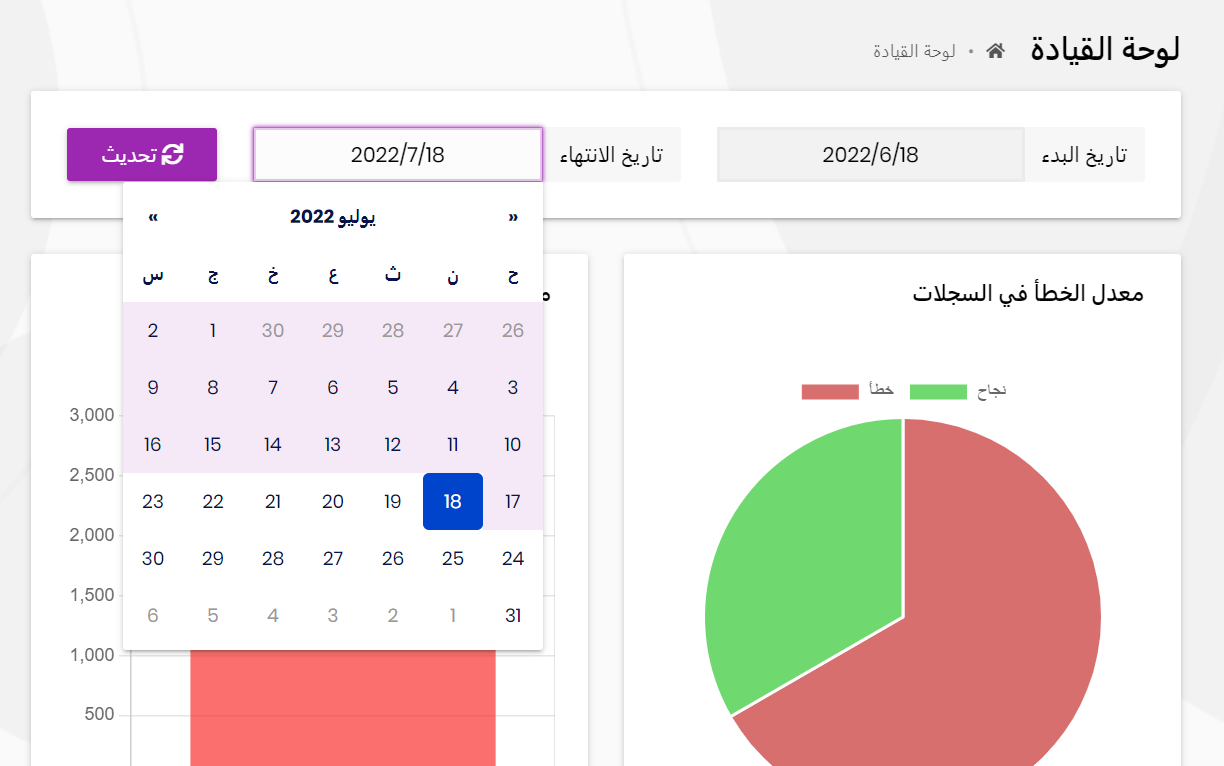
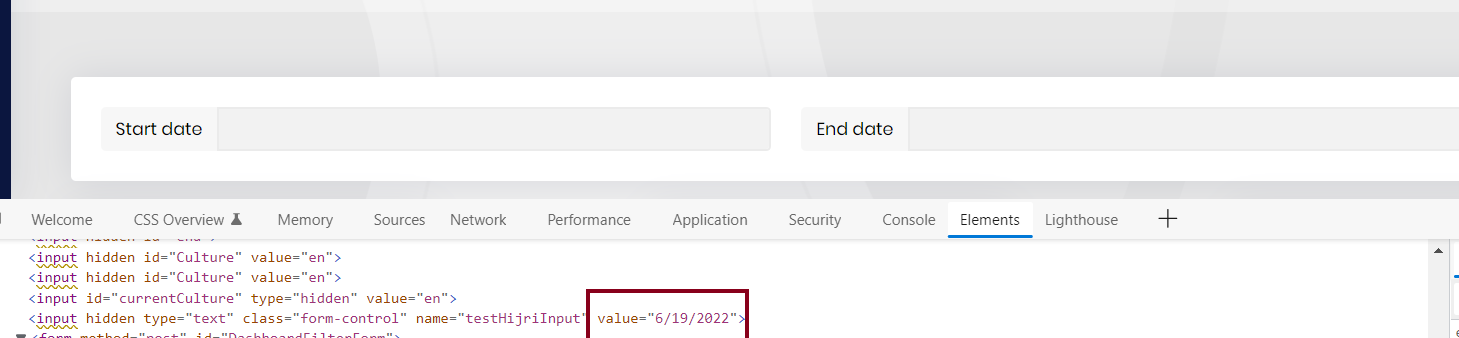
Hello, Our application support 2 languages, Arabic (ar) and English (en), so we faced an issue using a date picker when UI Culture is ar. It returns in Hijri format, not Gregorian format when its type is Date Time, not a string.

How can I specify only Gregorian date format without using current culture please?
Thanks in advance
14 Answer(s)
-
0
HI,
May I ask which UI and ABP version are you using?
Markdown supported.Copy, paste, or drag & drop images and files (max 100 MB per file, 100 MB total per post) -
0
hello , Here is the languages we use in our application .
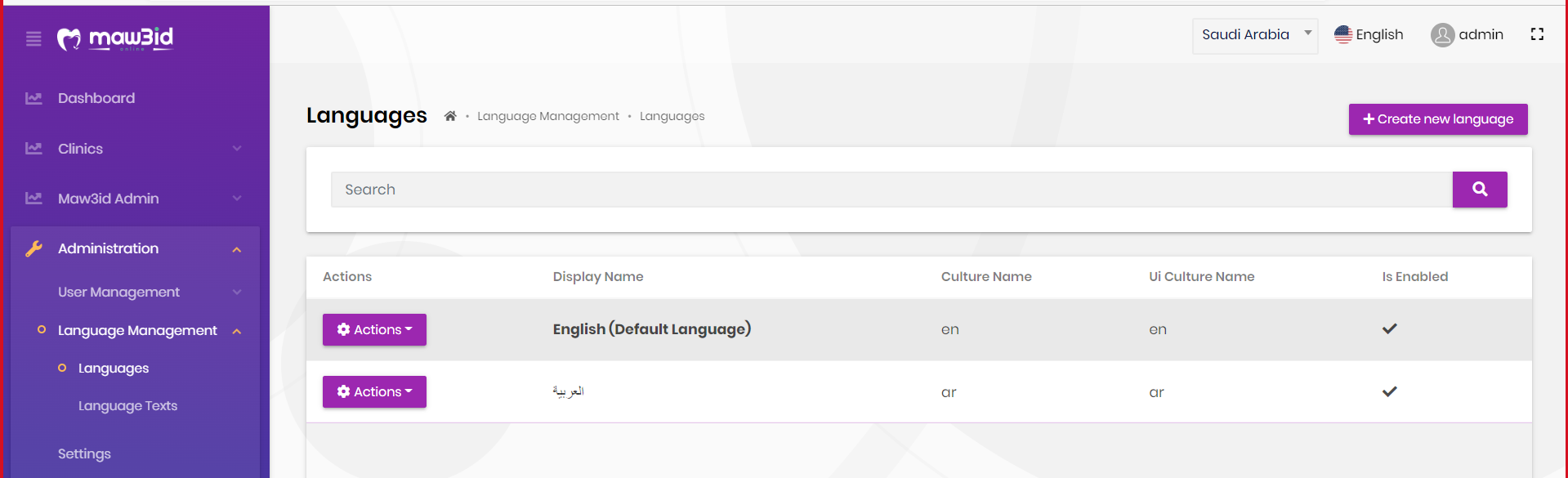
Steps : 1-Use Ar languages 2- select date then search **(Before Submitting)
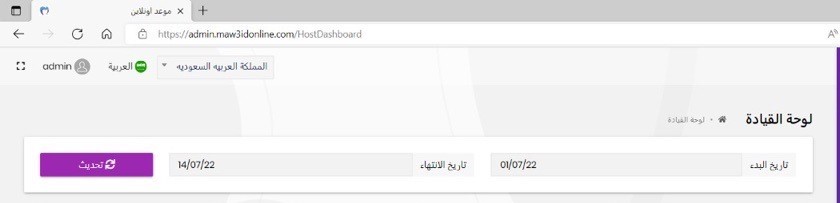
**(After Submitting)
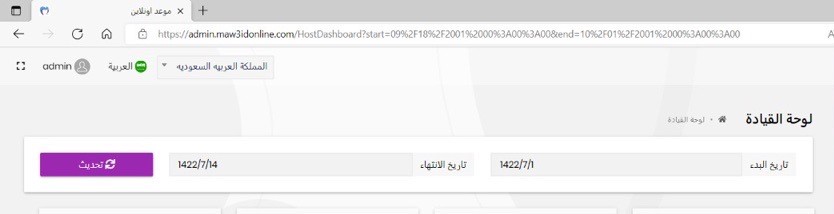 years only in dates is return in hijri but wrongly cause now we are in 1443 not 1422Markdown supported.Copy, paste, or drag & drop images and files (max 100 MB per file, 100 MB total per post)
 -
0
<div class="input-group">
    <span class="input-group-text">@L["StartDate"].Value</span>
    <input type="text"
           class="form-control"
           name="StartDate"
           value="@DateTime.Now.AddMonths(-1).Date.ToString(CultureInfo.CurrentUICulture.DateTimeFormat.ShortDatePattern)" />
</div>
Maybe you can change the
culturehere.MyCompanyName.MyProjectName.Web\Pages\HostDashboard.cshtmlMarkdown supported.Copy, paste, or drag & drop images and files (max 100 MB per file, 100 MB total per post) -
0
I have tried to add input hidden in my application to add this solution but still return hijri in ar culture .
Can you share your code?
DId you use
CultureInfo.CurrentUICultureornew CultureInfo()?Markdown supported.Copy, paste, or drag & drop images and files (max 100 MB per file, 100 MB total per post) -
0
Hello , Here is my code ,
   <input hidden
                type="text"
                class="form-control"
                name="testHijriInput"
                value="@DateTime.Now.AddMonths(-1).Date.ToString(CultureInfo.CurrentUICulture.DateTimeFormat.ShortDatePattern)" />
I have used CultureInfo.CurrentUICulture .
Markdown supported.Copy, paste, or drag & drop images and files (max 100 MB per file, 100 MB total per post) -
0
hi
Can you consider it like this?
@if (CultureInfo.CurrentUICulture.TwoLetterISOLanguageName == "ar")
{
    <input type="text"
           class="form-control"
           name="StartDate"
           value="@DateTime.Now.AddMonths(-1).Date.ToString("Custom your ShortDatePattern")" />
}
else
{
    <input type="text"
           class="form-control"
           name="StartDate"
           value="@DateTime.Now.AddMonths(-1).Date.ToString(CultureInfo.CurrentUICulture.DateTimeFormat.ShortDatePattern)" />
}
Markdown supported.Copy, paste, or drag & drop images and files (max 100 MB per file, 100 MB total per post) -
0
hello , still hijri date appears
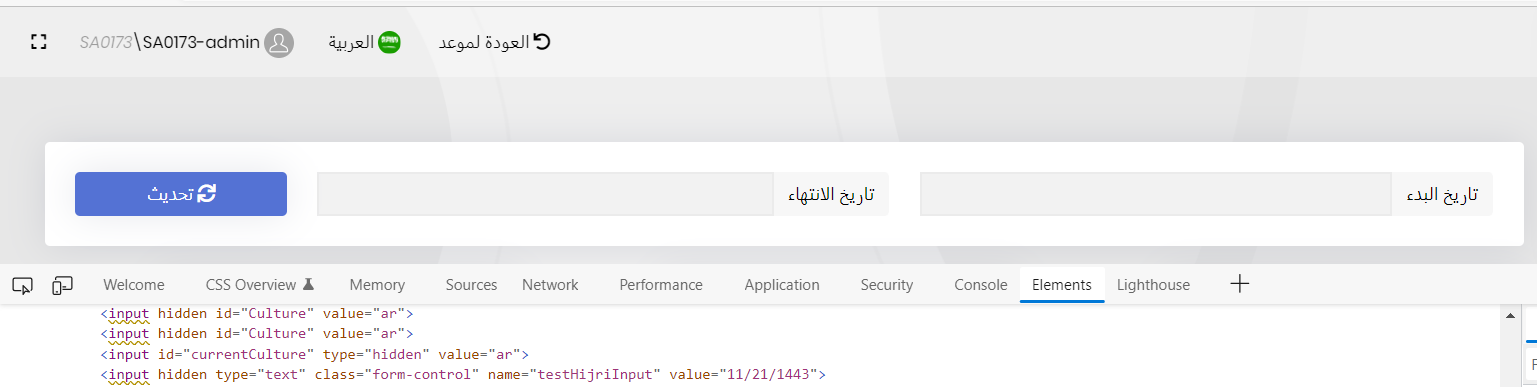
if (CultureInfo.CurrentUICulture.TwoLetterISOLanguageName == "ar") {
        <input  hidden
               type="text"
               class="form-control"
               name="testHijriInput"
               value="@DateTime.Now.AddMonths(-1).Date.ToString("MM/dd/yyyy")" />
    }
    else
    {
        <input hidden
            type="text"
            class="form-control"
            name="testHijriInput"
            value="@DateTime.Now.AddMonths(-1).Date.ToString(CultureInfo.CurrentUICulture.DateTimeFormat.ShortDatePattern)" />

    }
Markdown supported.Copy, paste, or drag & drop images and files (max 100 MB per file, 100 MB total per post) -
0
Hello , I tried to enforce the culture to use en-US and date is Gregorian in arabic .
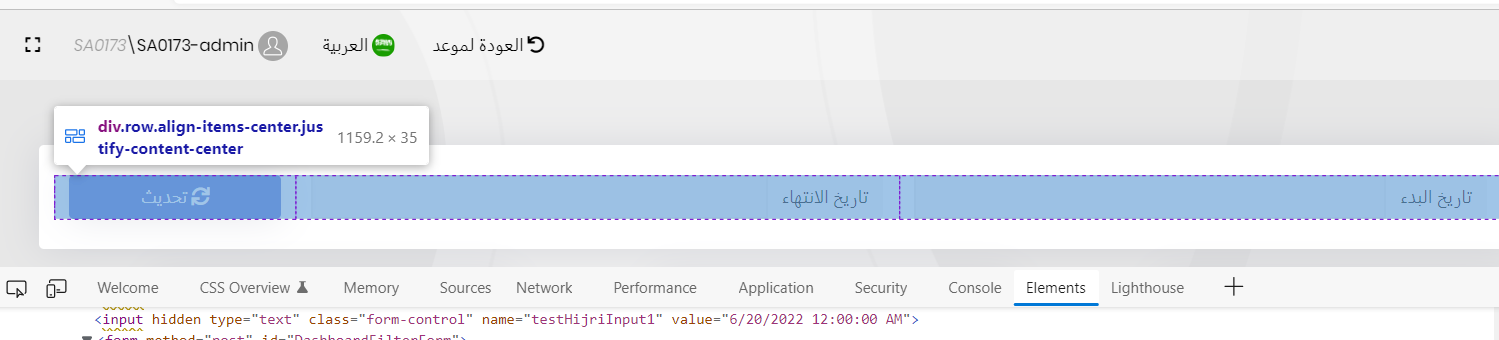
Using : <input hidden type="text" class="form-control" name="testHijriInput1" value="@DateTime.Now.AddMonths(-1).Date.ToString(new CultureInfo("en-US"))" />
so ,is there a way to be more generic to configure it once in the whole application?
Markdown supported.Copy, paste, or drag & drop images and files (max 100 MB per file, 100 MB total per post) -
0
hi
Howt about this way?
app.UseAbpRequestLocalization();
app.Use(async (httpContext, next) =>
{
    if (CultureInfo.CurrentUICulture.TwoLetterISOLanguageName == "ar")
    {
        CultureInfo.CurrentUICulture = new CultureInfo("ar")
        {
            DateTimeFormat =
            {
                ShortDatePattern = "your custom format",
                Calendar = new GregorianCalendar()
                // other properties of DateTimeFormat
            }
            // other properties of CultureInfo
        };
    }
    await next(httpContext);
});
Markdown supported.Copy, paste, or drag & drop images and files (max 100 MB per file, 100 MB total per post)