






how add Volo.TextTemplateManagement in Module Template (.NET & Angular)?
https://docs.abp.io/en/commercial/latest/modules/text-template-management#how-to-install
- ABP Framework version: v5.1.3
- UI type: Angular
- DB provider: EF Core
- Tiered (MVC) or Identity Server Separated (Angular): yes
6 Answer(s)
-
0
Hi, you can run the following command on the root directory of your project to add the
Volo.TextTemplateManagementto your project:abp add-module Volo.TextTemplateManagementMarkdown supported.Copy, paste, or drag & drop images and files (max 100 MB per file, 100 MB total per post) -
0
Hi, abp add-module Volo.TextTemplateManagement
only in .net core , but don't add in angular project
Markdown supported.Copy, paste, or drag & drop images and files (max 100 MB per file, 100 MB total per post) -
0
Hi, abp add-module Volo.TextTemplateManagement
only in .net core , but don't add in angular project
To install it for Angular UI, please see https://docs.abp.io/en/commercial/latest/modules/text-template-management#angular-ui .
Markdown supported.Copy, paste, or drag & drop images and files (max 100 MB per file, 100 MB total per post) -
0
API HOST
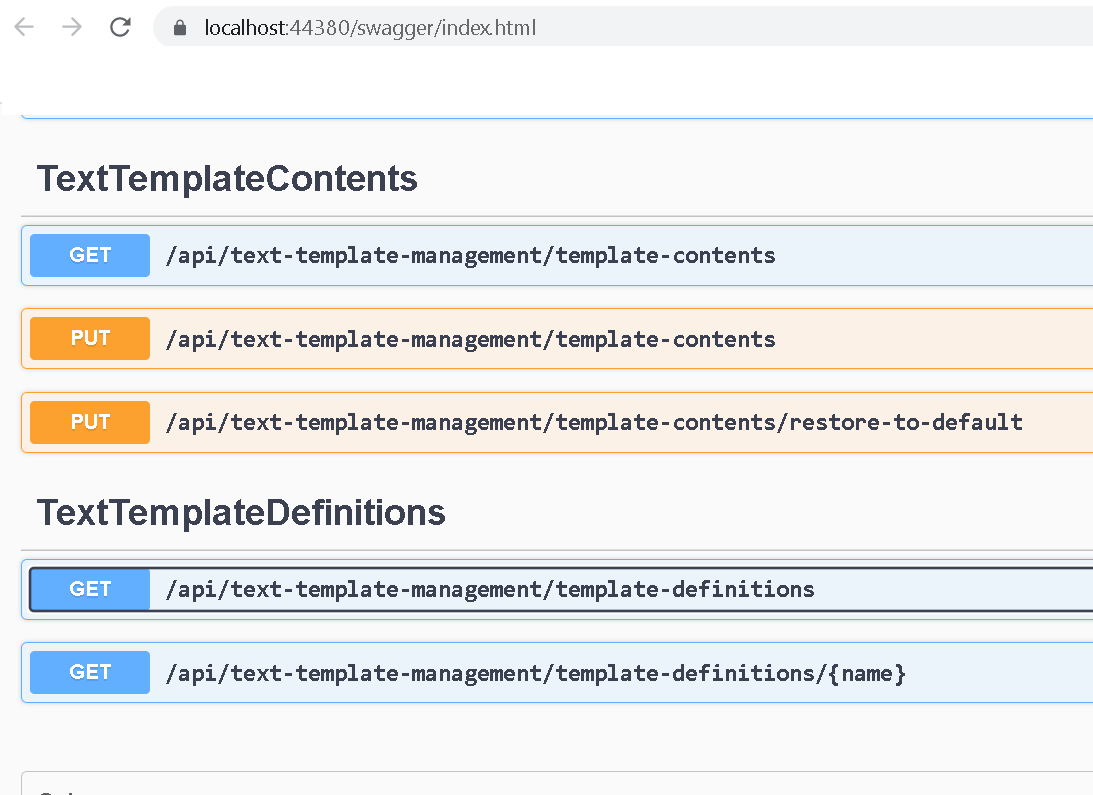
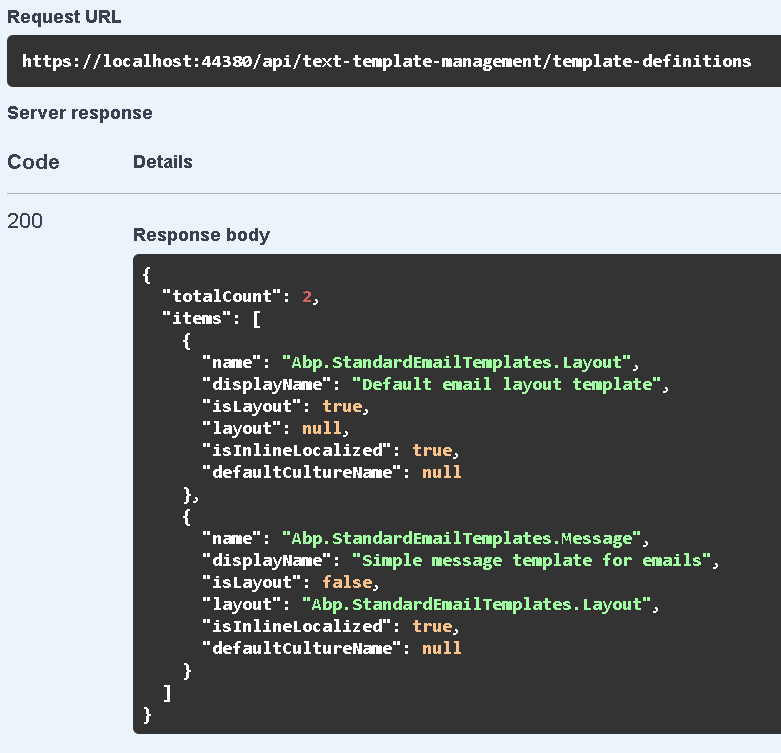
Angular
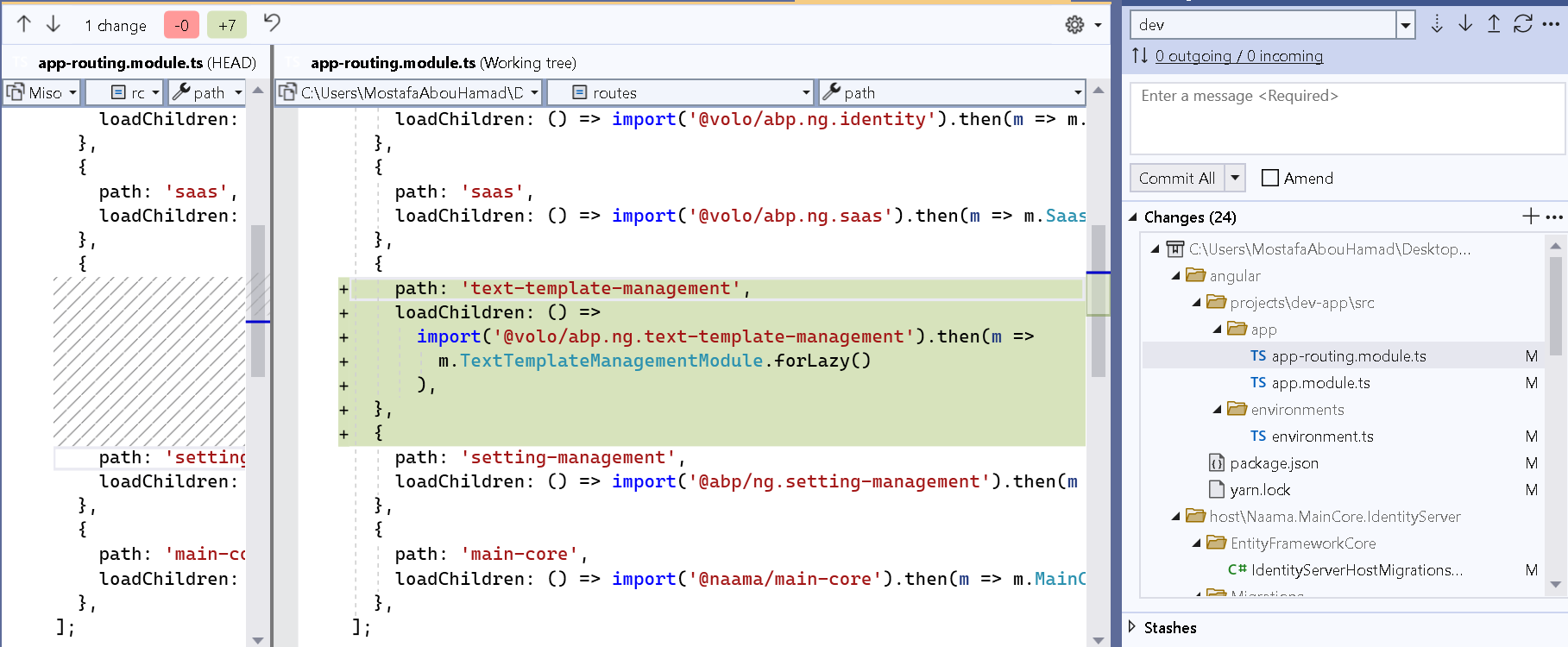
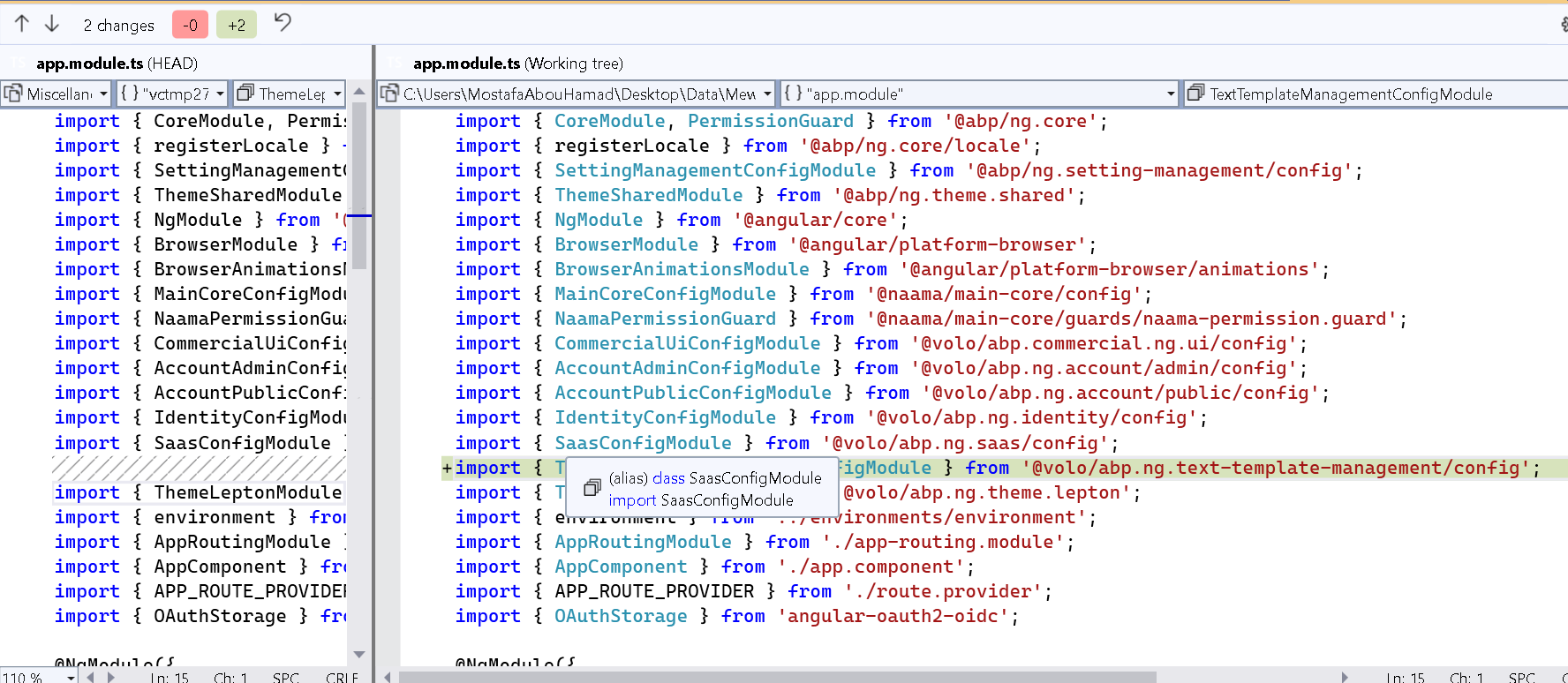
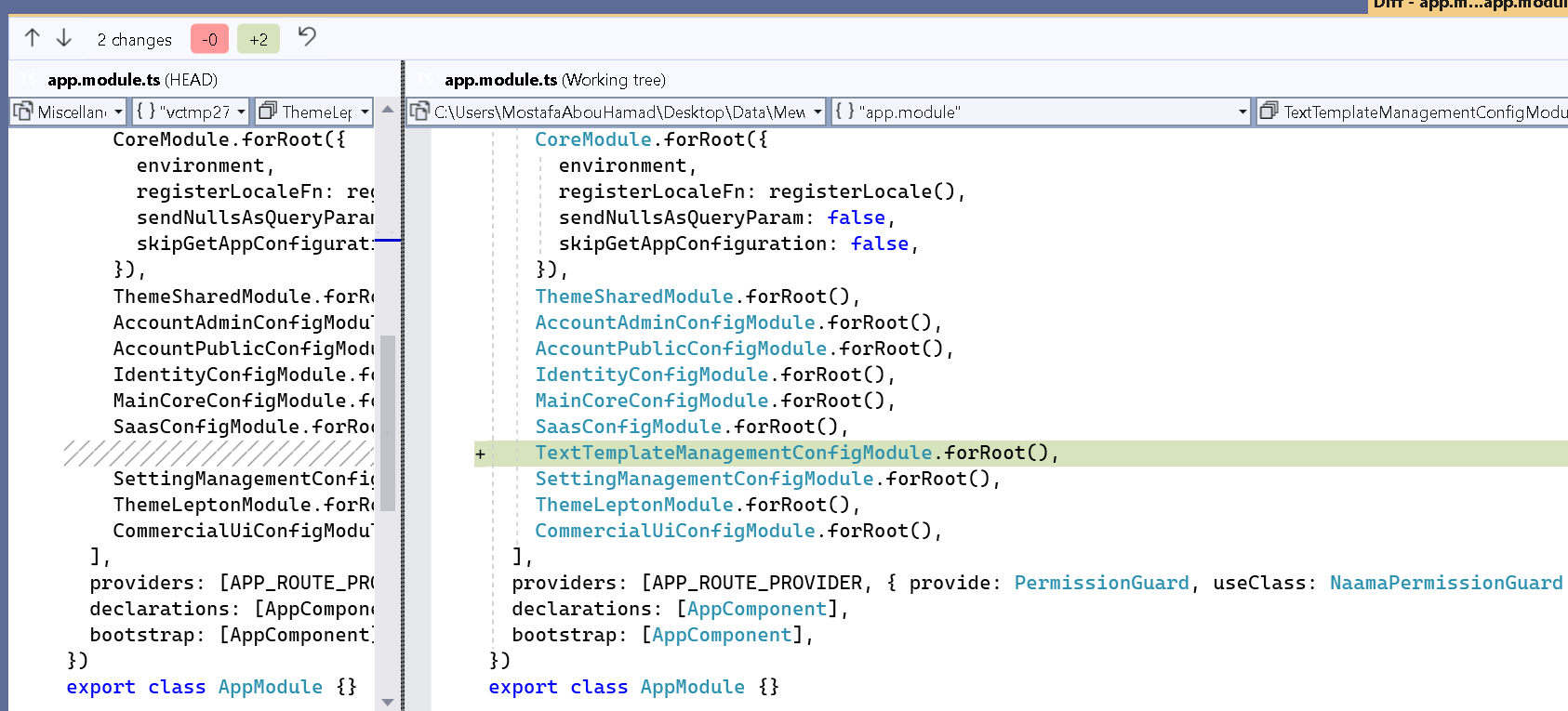
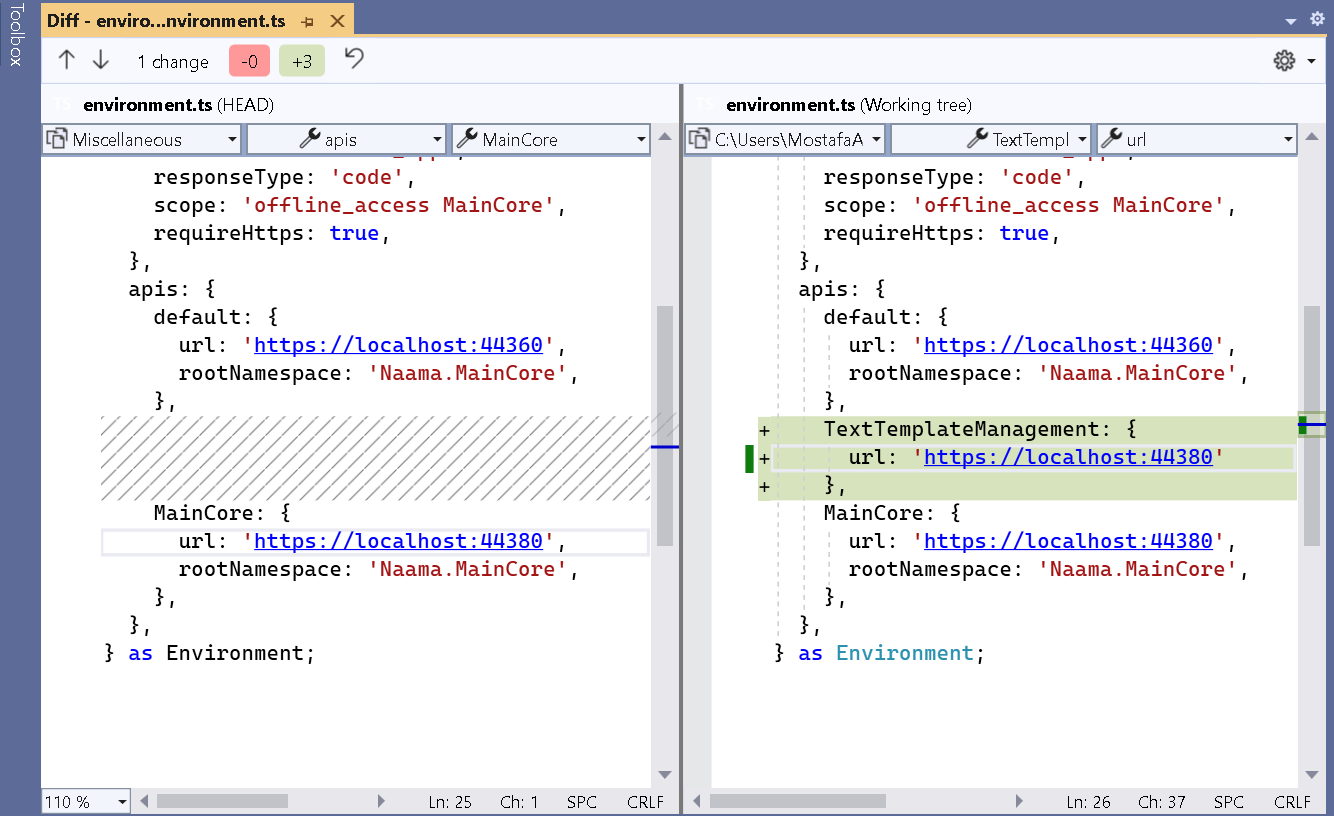
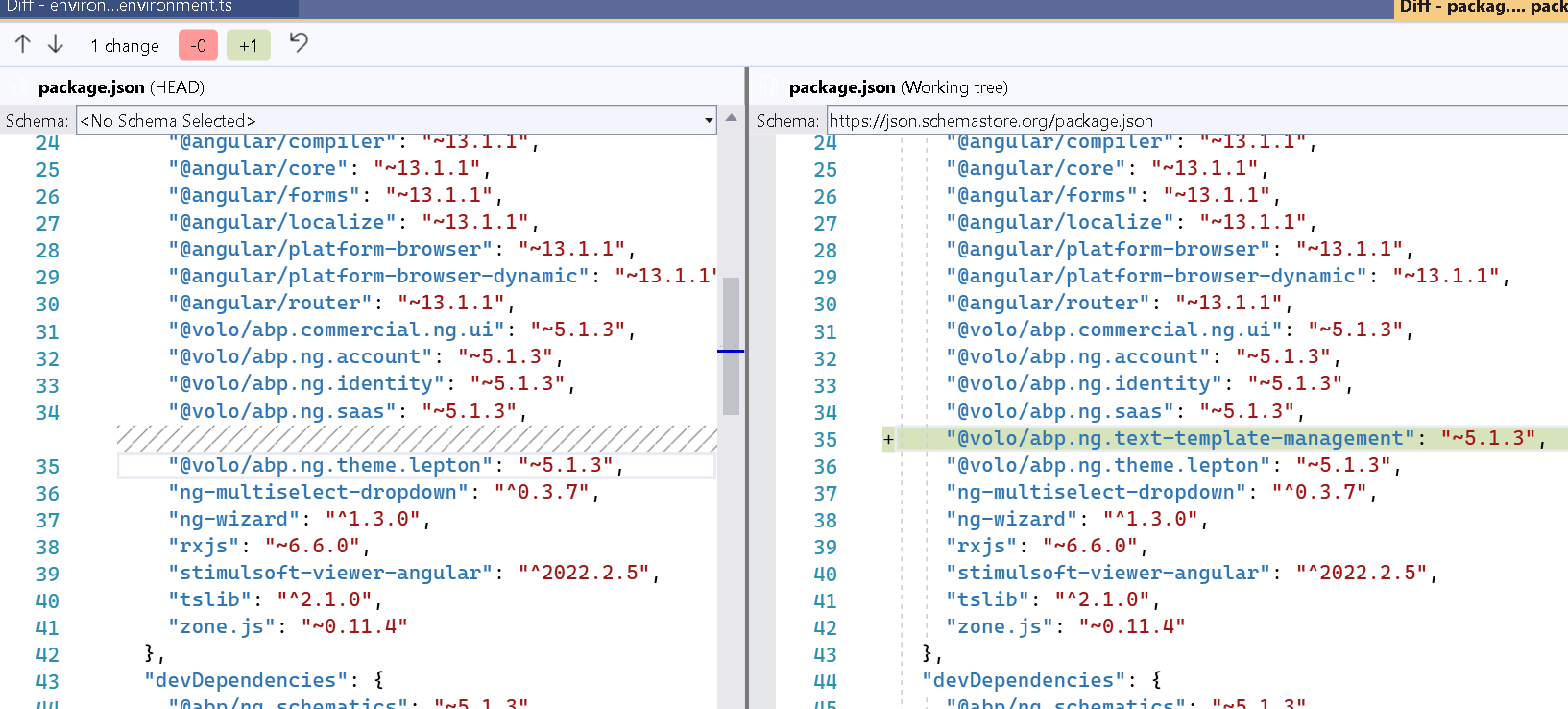
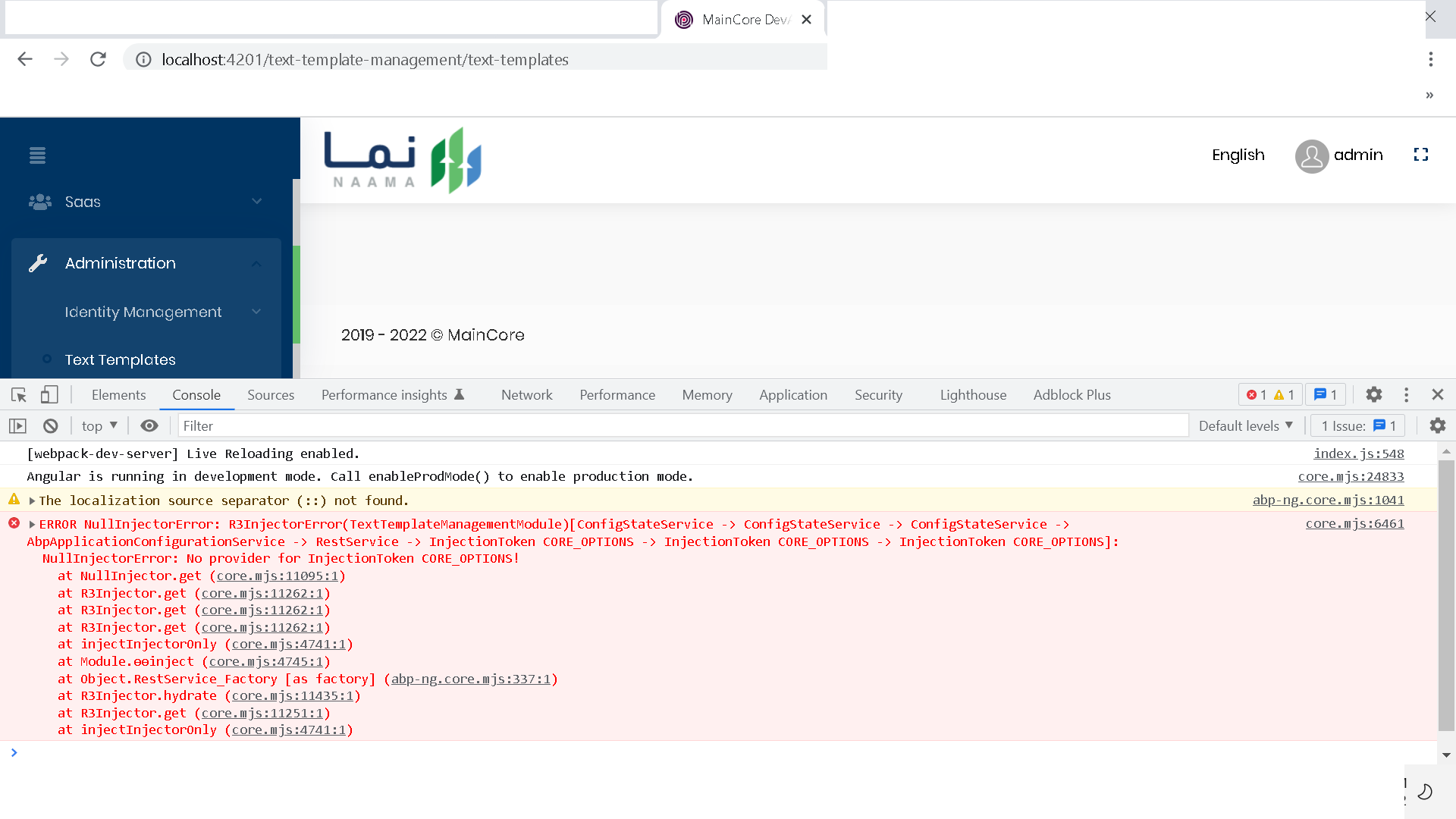
core.mjs:6461 ERROR NullInjectorError: R3InjectorError(TextTemplateManagementModule)[ConfigStateService -> ConfigStateService -> ConfigStateService -> AbpApplicationConfigurationService -> RestService -> InjectionToken CORE_OPTIONS -> InjectionToken CORE_OPTIONS -> InjectionToken CORE_OPTIONS]: NullInjectorError: No provider for InjectionToken CORE_OPTIONS! at NullInjector.get (core.mjs:11095:1) at R3Injector.get (core.mjs:11262:1) at R3Injector.get (core.mjs:11262:1) at R3Injector.get (core.mjs:11262:1) at injectInjectorOnly (core.mjs:4741:1) at Module.ɵɵinject (core.mjs:4745:1) at Object.RestService_Factory [as factory] (abp-ng.core.mjs:337:1) at R3Injector.hydrate (core.mjs:11435:1) at R3Injector.get (core.mjs:11251:1) at injectInjectorOnly (core.mjs:4741:1)
Markdown supported.Copy, paste, or drag & drop images and files (max 100 MB per file, 100 MB total per post) -
1
Hello,
Can you remove your node_modules folder and yarn.lock or package-lock.json? Then install packages with the
yarncommand.I think the installed text template package version is 5.1.4 and other ABP angular packages are 5.1.3.
Markdown supported.Copy, paste, or drag & drop images and files (max 100 MB per file, 100 MB total per post) -
0
Thanks, @EngincanV and @muhammedaltug
Markdown supported.Copy, paste, or drag & drop images and files (max 100 MB per file, 100 MB total per post)



