






Check the docs before asking a question: https://docs.abp.io/en/commercial/latest/ Check the samples, to see the basic tasks: https://docs.abp.io/en/commercial/latest/samples/index The exact solution to your question may have been answered before, please use the search on the homepage.
If you're creating a bug/problem report, please include followings:
- ABP Framework version: v6.0.0
- UI type: Blazor
- DB provider: EF Core
- Tiered (MVC) or Identity Server Separated (Angular): yes
- Exception message and stack trace:
- Steps to reproduce the issue:"
At present, it is used in the internal environment, enable https for some system modifications is too large, how to disable https
6 Answer(s)
-
0
Serve your authserver under HTTP (without HTTPS redirection).
Confirm you have HTTP issuer under
.well-known/openid-configurationendpoint.Update your application's appsettings
AuthServersection and setRequireHttpsMetadatato false.Markdown supported.Copy, paste, or drag & drop images and files (max 100 MB per file, 100 MB total per post) -
0
Serve your authserver under HTTP (without HTTPS redirection).
Confirm you have HTTP issuer under
.well-known/openid-configurationendpoint.Update your application's appsettings
AuthServersection and setRequireHttpsMetadatato false.Hi gterdem
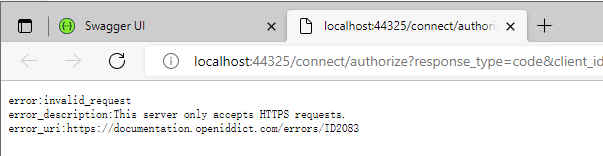
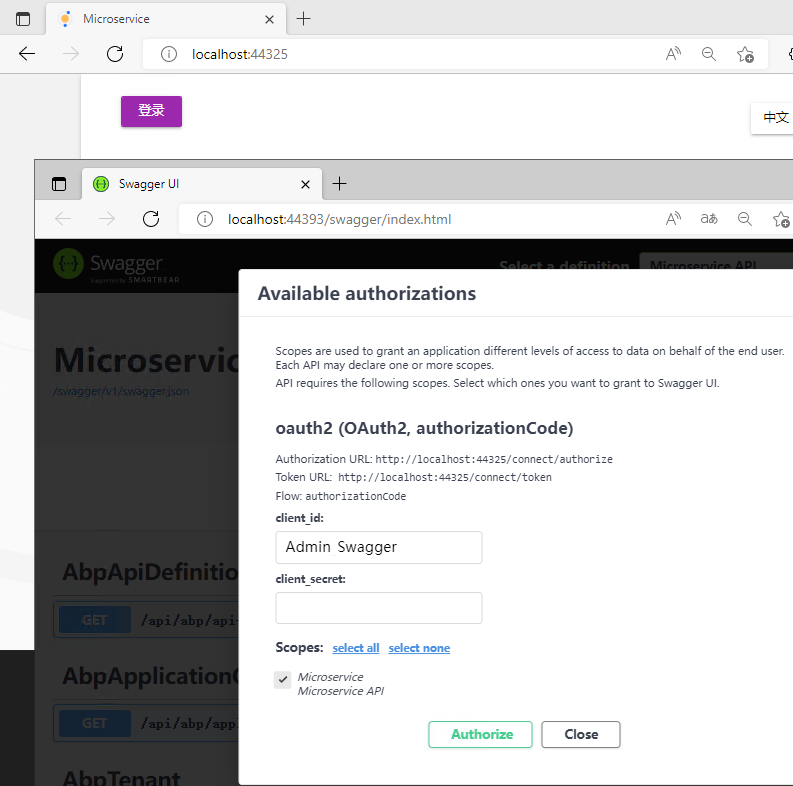
Following the above practices was not successful, the following are error messages
error:invalid_request error_description:This server only accepts HTTPS requests. error_uri:https://documentation.openiddict.com/errors/ID2083
 Markdown supported.Copy, paste, or drag & drop images and files (max 100 MB per file, 100 MB total per post)
 -
0
Try
PreConfigure<OpenIddictServerAspNetCoreBuilder>(configure =>
{
    configure.DisableTransportSecurityRequirement();
});
In your AuthServer
PreConfigureServicesmethod.Markdown supported.Copy, paste, or drag & drop images and files (max 100 MB per file, 100 MB total per post) -
0
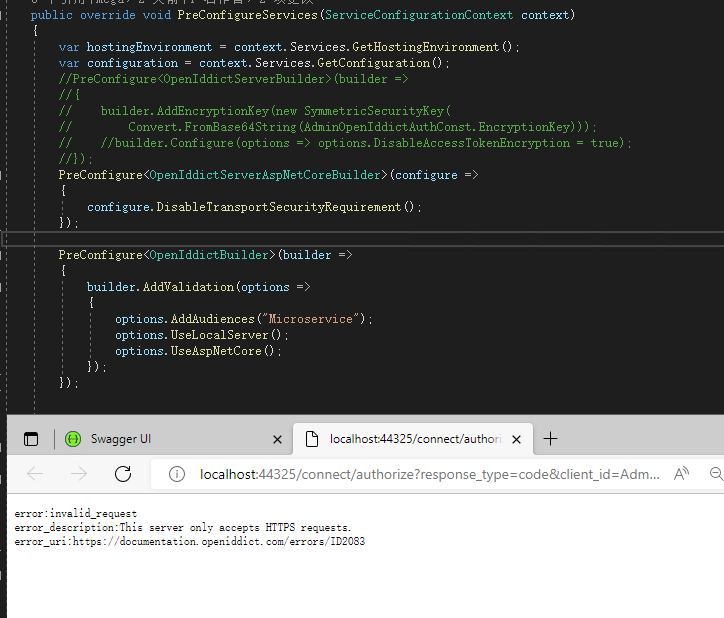
Hi,gterdem
I've tried to use instead of , but unfortunately with the same result.
 Markdown supported.Copy, paste, or drag & drop images and files (max 100 MB per file, 100 MB total per post)
 -
0
hi
Can you try to use
Configure?Configure<OpenIddictServerAspNetCoreBuilder>(configure => { configure.DisableTransportSecurityRequirement(); });Markdown supported.Copy, paste, or drag & drop images and files (max 100 MB per file, 100 MB total per post) -
0
hi maliming
It didn't work.
Can you try to use
Configure?Configure<OpenIddictServerAspNetCoreBuilder>(configure => { configure.DisableTransportSecurityRequirement(); });After trying to add the following configuration, it works.
Configure(options =>{options.DisableTransportSecurityRequirement = true;});Markdown supported.Copy, paste, or drag & drop images and files (max 100 MB per file, 100 MB total per post)



