0
alin.andersen created
Hey,
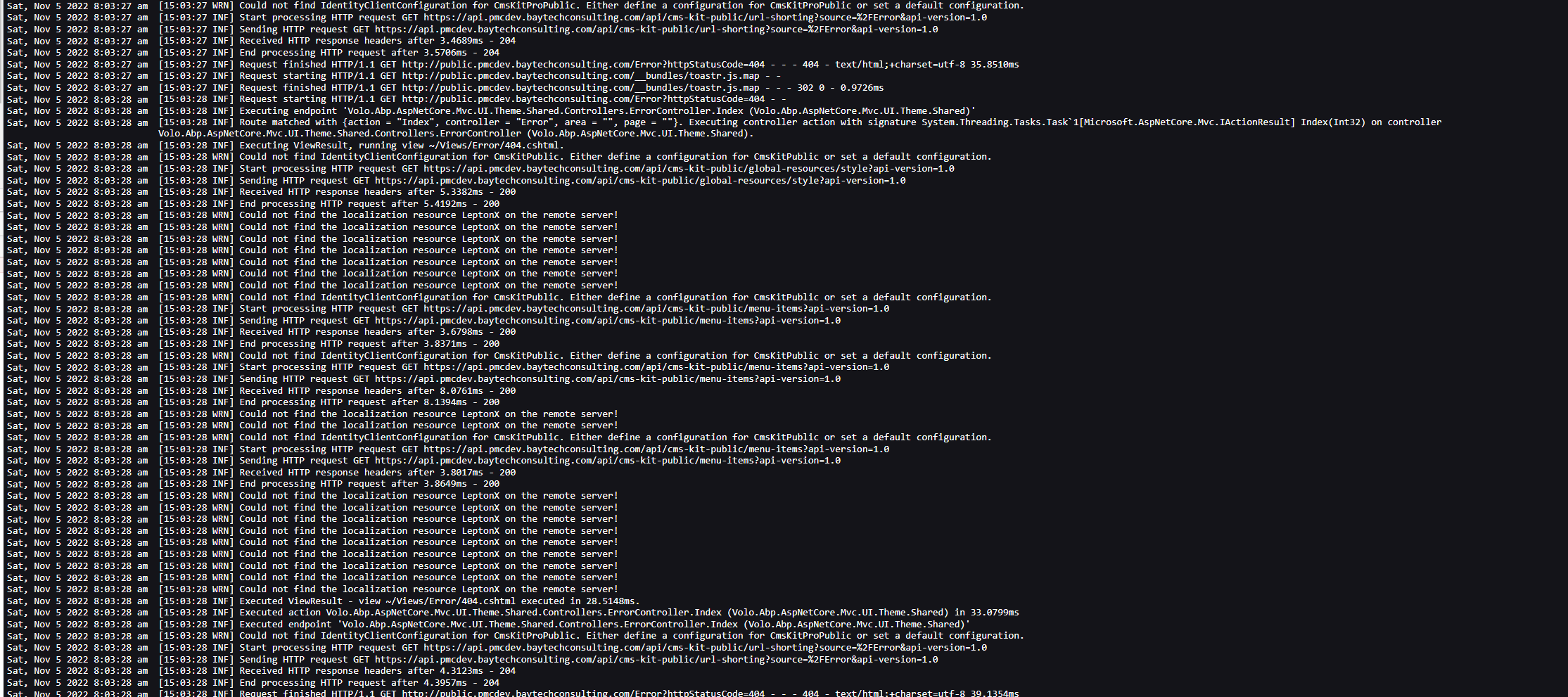
I keep getting this error after migration to LeptonX:
22-11-02 13:42:27.842 +00:00 [INF] Sending HTTP request POST "https://XXXX/api/app/setup/setup?api-version=1.0"
2022-11-02 13:42:27.848 +00:00 [WRN] Could not find the localization resource LeptonX on the remote server!
2022-11-02 13:42:27.853 +00:00 [WRN] Could not find the localization resource LeptonX on the remote server!
2022-11-02 13:42:27.854 +00:00 [WRN] Could not find the localization resource LeptonX on the remote server!
2022-11-02 13:42:27.854 +00:00 [WRN] Could not find the localization resource LeptonX on the remote server!
2022-11-02 13:42:27.854 +00:00 [WRN] Could not find the localization resource LeptonX on the remote server!
2022-11-02 13:42:27.854 +00:00 [WRN] Could not find the localization resource LeptonX on the remote server!
2022-11-02 13:42:27.855 +00:00 [WRN] Could not find the localization resource LeptonX on the remote server!
2022-11-02 13:42:27.855 +00:00 [WRN] Could not find the localization resource LeptonX on the remote server!
2022-11-02 13:42:27.855 +00:00 [WRN] Could not find the localization resource LeptonX on the remote server!
2022-11-02 13:42:27.855 +00:00 [WRN] Could not find the localization resource LeptonX on the remote server!
2022-11-02 13:42:27.855 +00:00 [WRN] Could not find the localization resource LeptonX on the remote server!
2022-11-02 13:42:27.856 +00:00 [WRN] Could not find the localization resource LeptonX on the remote server!
2022-11-02 13:42:27.856 +00:00 [WRN] Could not find the localization resource LeptonX on the remote server!
2022-11-02 13:42:27.856 +00:00 [WRN] Could not find the localization resource LeptonX on the remote server!
2022-11-02 13:42:27.856 +00:00 [WRN] Could not find the localization resource LeptonX on the remote server!
2022-11-02 13:42:27.857 +00:00 [WRN] Could not find the localization resource LeptonX on the remote server!
2022-11-02 13:42:27.857 +00:00 [WRN] Could not find the localization resource LeptonX on the remote server!
2022-11-02 13:42:27.857 +00:00 [WRN] Could not find the localization resource LeptonX on the remote server!
It is not breaking the application, but why is there? I did everything the migration guide said.
How do I fix it?
Thanks!
If you're creating a bug/problem report, please include followings:
- ABP Framework version: v6.0.0
- UI type: Blazor
- DB provider: EF Core
- Tiered (MVC)
Markdown supported.
Copy, paste, or drag & drop images and files (max 100 MB per file, 100 MB total per post)
4 Answer(s)
-
0
Hi,
Could you please provide the full steps to reproduce? thanks.
Markdown supported.Copy, paste, or drag & drop images and files (max 100 MB per file, 100 MB total per post) -
0
Hey,
I have no clue how to reproduce this. We migrated from 5.3.3 to 6.0.0 and changed a lot of files.
The warning appears in the Blazor application.
Here is the module for it, maybe you can find something missing here:
using Blazorise.Bootstrap5;
using Blazorise.Icons.FontAwesome;
using Conzepta.Lexica.Cloud.Blazor.Menus;
using Conzepta.Lexica.Cloud.Localization;
using Conzepta.Lexica.Cloud.MultiTenancy;
using Microsoft.AspNetCore.Builder;
using Microsoft.AspNetCore.DataProtection;
using Microsoft.AspNetCore.Hosting;
using Microsoft.Extensions.Configuration;
using Microsoft.Extensions.DependencyInjection;
using Microsoft.Extensions.Hosting;
using Microsoft.IdentityModel.Protocols.OpenIdConnect;
using Microsoft.OpenApi.Models;
using StackExchange.Redis;
using System;
using System.IO;
using Volo.Abp;
using Volo.Abp.Account.Pro.Admin.Blazor.Server;
using Volo.Abp.Account.Pro.Public.Blazor.Server;
using Volo.Abp.Account.Public.Web.Impersonation;
using Volo.Abp.AspNetCore.Authentication.OpenIdConnect;
using Volo.Abp.AspNetCore.Components.Server.LeptonXTheme;
using Volo.Abp.AspNetCore.Components.Server.LeptonXTheme.Bundling;
using Volo.Abp.AspNetCore.Components.Web.Theming.Routing;
using Volo.Abp.AspNetCore.Mvc.Client;
using Volo.Abp.AspNetCore.Mvc.Localization;
using Volo.Abp.AspNetCore.Mvc.UI.Bundling;
using Volo.Abp.AspNetCore.Mvc.UI.Theme.LeptonX;
using Volo.Abp.AspNetCore.Mvc.UI.Theme.LeptonX.Bundling;
using Volo.Abp.AspNetCore.Mvc.UI.Theme.Shared;
using Volo.Abp.AspNetCore.Serilog;
using Volo.Abp.AuditLogging.Blazor.Server;
using Volo.Abp.Autofac;
using Volo.Abp.AutoMapper;
using Volo.Abp.Caching;
using Volo.Abp.Caching.StackExchangeRedis;
using Volo.Abp.Gdpr.Blazor.Server;
using Volo.Abp.Http.Client.IdentityModel.Web;
using Volo.Abp.Http.Client.Web;
using Volo.Abp.Identity.Pro.Blazor;
using Volo.Abp.Identity.Pro.Blazor.Server;
using Volo.Abp.LanguageManagement.Blazor.Server;
using Volo.Abp.LeptonX.Shared;
using Volo.Abp.Localization;
using Volo.Abp.Modularity;
using Volo.Abp.OpenIddict.Pro.Blazor.Server;
using Volo.Abp.Swashbuckle;
using Volo.Abp.TextTemplateManagement.Blazor.Server;
using Volo.Abp.UI.Navigation;
using Volo.Abp.UI.Navigation.Urls;
using Volo.Abp.VirtualFileSystem;
using Volo.Saas.Host.Blazor;
using Volo.Saas.Host.Blazor.Server;

namespace Conzepta.Lexica.Cloud.Blazor;

[DependsOn(
    typeof(AbpCachingStackExchangeRedisModule),
    typeof(AbpAutofacModule),
    typeof(AbpSwashbuckleModule),
    typeof(AbpAspNetCoreSerilogModule),
    typeof(AbpAspNetCoreMvcClientModule),
    typeof(AbpAspNetCoreAuthenticationOpenIdConnectModule),
    typeof(AbpHttpClientWebModule),
    typeof(AbpAccountPublicWebImpersonationModule),
    typeof(AbpHttpClientIdentityModelWebModule),
    typeof(AbpAspNetCoreMvcUiLeptonXThemeModule),
    typeof(AbpAspNetCoreComponentsServerLeptonXThemeModule),
    typeof(AbpAccountAdminBlazorServerModule),
    typeof(AbpAccountPublicBlazorServerModule),
    typeof(AbpAuditLoggingBlazorServerModule),
    typeof(AbpIdentityProBlazorServerModule),
    typeof(AbpOpenIddictProBlazorServerModule),
    typeof(LanguageManagementBlazorServerModule),
    typeof(SaasHostBlazorServerModule),
    typeof(TextTemplateManagementBlazorServerModule),
    typeof(AbpGdprBlazorServerModule),
    typeof(CloudHttpApiClientModule)
    )]
public class CloudBlazorModule : AbpModule
{
    public override void PreConfigureServices(ServiceConfigurationContext context)
    {
        context.Services.PreConfigure<AbpMvcDataAnnotationsLocalizationOptions>(options =>
        {
            options.AddAssemblyResource(
                typeof(CloudResource),
                typeof(CloudDomainSharedModule).Assembly,
                typeof(CloudApplicationContractsModule).Assembly,
                typeof(CloudBlazorModule).Assembly
            );
        });
    }

    public override void ConfigureServices(ServiceConfigurationContext context)
    {
        var hostingEnvironment = context.Services.GetHostingEnvironment();
        var configuration = context.Services.GetConfiguration();

        ConfigureUrls(configuration);
        ConfigureBundles();
        ConfigureAuthentication(context, configuration);
        ConfigureImpersonation(context, configuration);
        ConfigureAutoMapper();
        ConfigureVirtualFileSystem(hostingEnvironment);
        ConfigureLocalizationServices();
        ConfigureSwaggerServices(context.Services);
        ConfigureCache(configuration);
        ConfigureDataProtection(context, configuration, hostingEnvironment);
        ConfigureBlazorise(context);
        ConfigureRouter();
        ConfigureMenu(configuration);
        ConfigureLeptonTheme();
        ConfigureCore(context, configuration);
    }

    private void ConfigureUrls(IConfiguration configuration)
    {
        Configure<AppUrlOptions>(options =>
        {
            options.Applications["MVC"].RootUrl = configuration["App:SelfUrl"];
        });
    }

    private void ConfigureBundles()
    {
        Configure<AbpBundlingOptions>(options =>
        {
            // MVC UI
            options.StyleBundles.Configure(
                LeptonXThemeBundles.Styles.Global,
                bundle =>
                {
                    bundle.AddFiles("/global-styles.css");
                }
            );

            // Blazor UI
            options.StyleBundles.Configure(
                BlazorLeptonXThemeBundles.Styles.Global,
                bundle =>
                {
                    bundle.AddFiles("/blazor-global-styles.css");
                    //You can remove the following line if you don't use Blazor CSS isolation for components
                    bundle.AddFiles("/Conzepta.Lexica.Cloud.Blazor.styles.css");
                }
            );
        });
    }

    private void ConfigureAuthentication(ServiceConfigurationContext context, IConfiguration configuration)
    {
        context.Services.AddAuthentication(options =>
            {
                options.DefaultScheme = "Cookies";
                options.DefaultChallengeScheme = "oidc";
            })
            .AddCookie("Cookies", options =>
            {
                options.ExpireTimeSpan = TimeSpan.FromDays(365);
            })
            .AddAbpOpenIdConnect("oidc", options =>
            {
                options.Authority = configuration["AuthServer:Authority"];
                options.RequireHttpsMetadata = Convert.ToBoolean(configuration["AuthServer:RequireHttpsMetadata"]);;
                options.ResponseType = OpenIdConnectResponseType.CodeIdToken;

                options.ClientId = configuration["AuthServer:ClientId"];
                options.ClientSecret = configuration["AuthServer:ClientSecret"];

                options.SaveTokens = true;
                options.GetClaimsFromUserInfoEndpoint = true;

                options.Scope.Add("roles");
                options.Scope.Add("email");
                options.Scope.Add("phone");
                options.Scope.Add("Cloud");
            });
    }

    private void ConfigureImpersonation(ServiceConfigurationContext context, IConfiguration configuration)
    {
        context.Services.Configure<SaasHostBlazorOptions>(options =>
        {
            options.EnableTenantImpersonation = true;
        });
        context.Services.Configure<AbpIdentityProBlazorOptions>(options =>
        {
            options.EnableUserImpersonation = true;
        });
    }

    private void ConfigureVirtualFileSystem(IWebHostEnvironment hostingEnvironment)
    {
        if (hostingEnvironment.IsDevelopment())
        {
            Configure<AbpVirtualFileSystemOptions>(options =>
            {
                options.FileSets.ReplaceEmbeddedByPhysical<CloudDomainSharedModule>(Path.Combine(hostingEnvironment.ContentRootPath, $"..{Path.DirectorySeparatorChar}Conzepta.Lexica.Cloud.Domain.Shared"));
                options.FileSets.ReplaceEmbeddedByPhysical<CloudApplicationContractsModule>(Path.Combine(hostingEnvironment.ContentRootPath, $"..{Path.DirectorySeparatorChar}Conzepta.Lexica.Cloud.Application.Contracts"));
                options.FileSets.ReplaceEmbeddedByPhysical<CloudBlazorModule>(hostingEnvironment.ContentRootPath);
            });
        }
    }

    private void ConfigureSwaggerServices(IServiceCollection services)
    {
        services.AddAbpSwaggerGen(
            options =>
            {
                options.SwaggerDoc("v1", new OpenApiInfo { Title = "Cloud API", Version = "v1" });
                options.DocInclusionPredicate((docName, description) => true);
                options.CustomSchemaIds(type => type.FullName);
            }
        );
    }

    private void ConfigureLocalizationServices()
    {
        Configure<AbpLocalizationOptions>(options =>
        {
            options.Languages.Add(new LanguageInfo("ar", "ar", "العربية", "ae"));
            options.Languages.Add(new LanguageInfo("cs", "cs", "Čeština"));
            options.Languages.Add(new LanguageInfo("en", "en", "English"));
            options.Languages.Add(new LanguageInfo("en-GB", "en-GB", "English (UK)"));
            options.Languages.Add(new LanguageInfo("hu", "hu", "Magyar"));
            options.Languages.Add(new LanguageInfo("fi", "fi", "Finnish", "fi"));
            options.Languages.Add(new LanguageInfo("fr", "fr", "Français", "fr"));
            options.Languages.Add(new LanguageInfo("hi", "hi", "Hindi", "in"));
            options.Languages.Add(new LanguageInfo("it", "it", "Italiano", "it"));
            options.Languages.Add(new LanguageInfo("pt-BR", "pt-BR", "Português"));
            options.Languages.Add(new LanguageInfo("ru", "ru", "Русский", "ru"));
            options.Languages.Add(new LanguageInfo("sk", "sk", "Slovak", "sk"));
            options.Languages.Add(new LanguageInfo("tr", "tr", "Türkçe"));
            options.Languages.Add(new LanguageInfo("zh-Hans", "zh-Hans", "简体中文"));
            options.Languages.Add(new LanguageInfo("zh-Hant", "zh-Hant", "繁體中文"));
            options.Languages.Add(new LanguageInfo("de-DE", "de-DE", "Deutsch", "de"));
            options.Languages.Add(new LanguageInfo("es", "es", "Español"));
        });
    }

    private void ConfigureCache(IConfiguration configuration)
    {
        Configure<AbpDistributedCacheOptions>(options =>
        {
            options.KeyPrefix = "Cloud:";
        });
    }

    private void ConfigureDataProtection(
        ServiceConfigurationContext context,
        IConfiguration configuration,
        IWebHostEnvironment hostingEnvironment)
    {
        var dataProtectionBuilder = context.Services.AddDataProtection().SetApplicationName("Cloud");
        if (!hostingEnvironment.IsDevelopment())
        {
            var redis = ConnectionMultiplexer.Connect(configuration["Redis:Configuration"]);
            dataProtectionBuilder.PersistKeysToStackExchangeRedis(redis, "Cloud-Protection-Keys");
        }
    }

    private void ConfigureBlazorise(ServiceConfigurationContext context)
    {
        context.Services
            .AddBootstrap5Providers()
            .AddFontAwesomeIcons();
    }

    private void ConfigureMenu(IConfiguration configuration)
    {
        Configure<AbpNavigationOptions>(options =>
        {
            options.MenuContributors.Add(new CloudMenuContributor(configuration));
        });
    }

    private void ConfigureLeptonTheme()
    {
        Configure<LeptonXThemeOptions>(options =>
        {
            options.DefaultStyle = LeptonXStyleNames.Light;
        });
    }

    private void ConfigureRouter()
    {
        Configure<AbpRouterOptions>(options =>
        {
            options.AppAssembly = typeof(CloudBlazorModule).Assembly;
        });
    }

    private void ConfigureAutoMapper()
    {
        Configure<AbpAutoMapperOptions>(options =>
        {
            options.AddMaps<CloudBlazorModule>();
        });
    }

    public override void OnApplicationInitialization(ApplicationInitializationContext context)
    {
        var env = context.GetEnvironment();
        var app = context.GetApplicationBuilder();

        if (env.IsDevelopment())
        {
            app.UseDeveloperExceptionPage();
        }

        app.UseAbpRequestLocalization();

        if (!env.IsDevelopment())
        {
            app.UseErrorPage();
            app.UseHsts();
        }

        app.UseHttpsRedirection();
        app.UseCorrelationId();
        app.UseAbpSecurityHeaders();
        app.UseStaticFiles();
        app.UseRouting();
        app.UseAuthentication();

        if (MultiTenancyConsts.IsEnabled)
        {
            app.UseMultiTenancy();
        }

        app.UseAuthorization();
        app.UseSwagger();
        app.UseAbpSwaggerUI(options =>
        {
            options.SwaggerEndpoint("/swagger/v1/swagger.json", "Cloud API");
        });
        app.UseAbpSerilogEnrichers();
        app.UseConfiguredEndpoints();
    }

    private void ConfigureCore(ServiceConfigurationContext context, IConfiguration configuration)
    {
       // redacted
    }
}
Markdown supported.Copy, paste, or drag & drop images and files (max 100 MB per file, 100 MB total per post) -
0
Hi,
You can try to create a new project with the same name and use the winmerge to complete what's difference: https://docs.abp.io/en/abp/latest/Migration-Guides/Upgrading-Startup-Template
Markdown supported.Copy, paste, or drag & drop images and files (max 100 MB per file, 100 MB total per post)