0
cala created
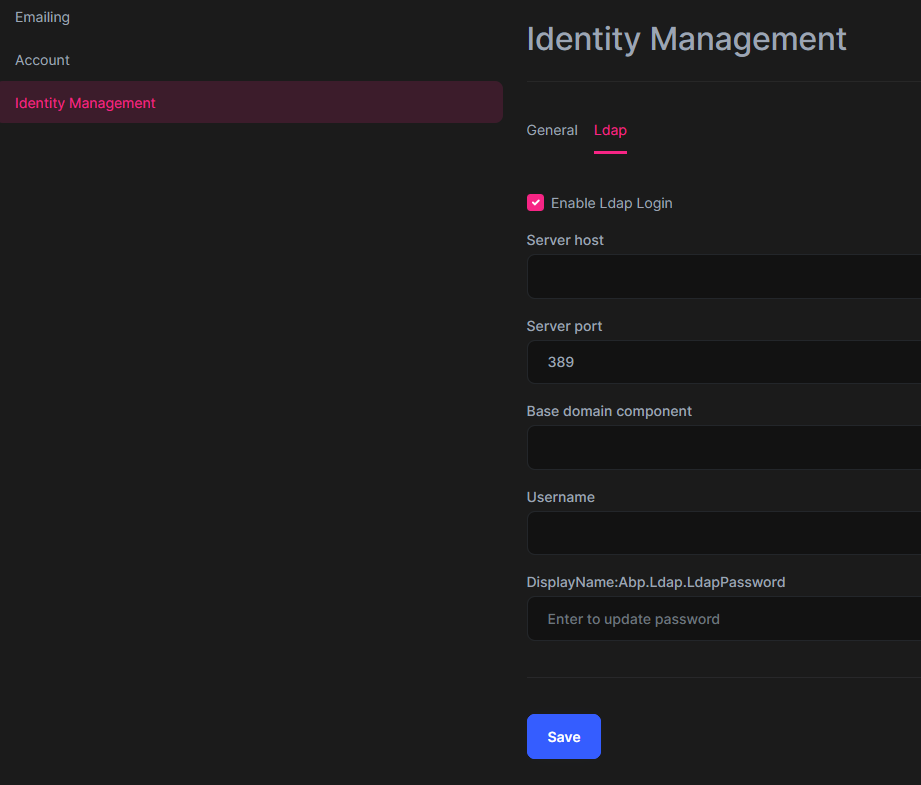
Hi, we would like to test LDAP authentification but it looks like there is no LDAP tab in the Identity Management settings anymore
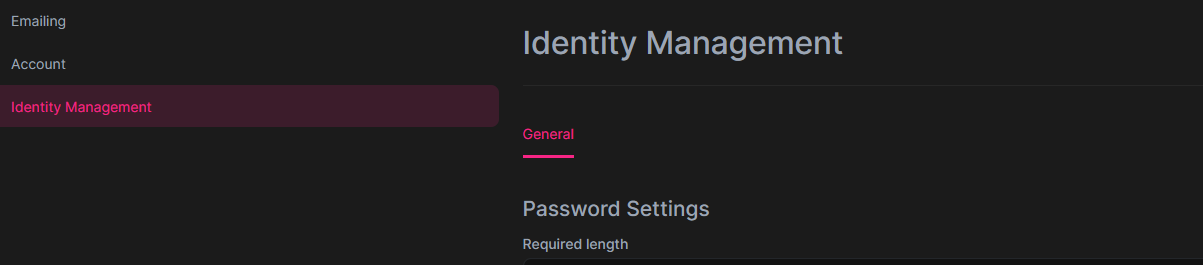
is your documentation still correct for OpenIddict ? https://docs.abp.io/en/commercial/latest/modules/identity/ldap
Markdown supported.
Copy, paste, or drag & drop images and files (max 100 MB per file, 100 MB total per post)
7 Answer(s)
-
0
Hi,
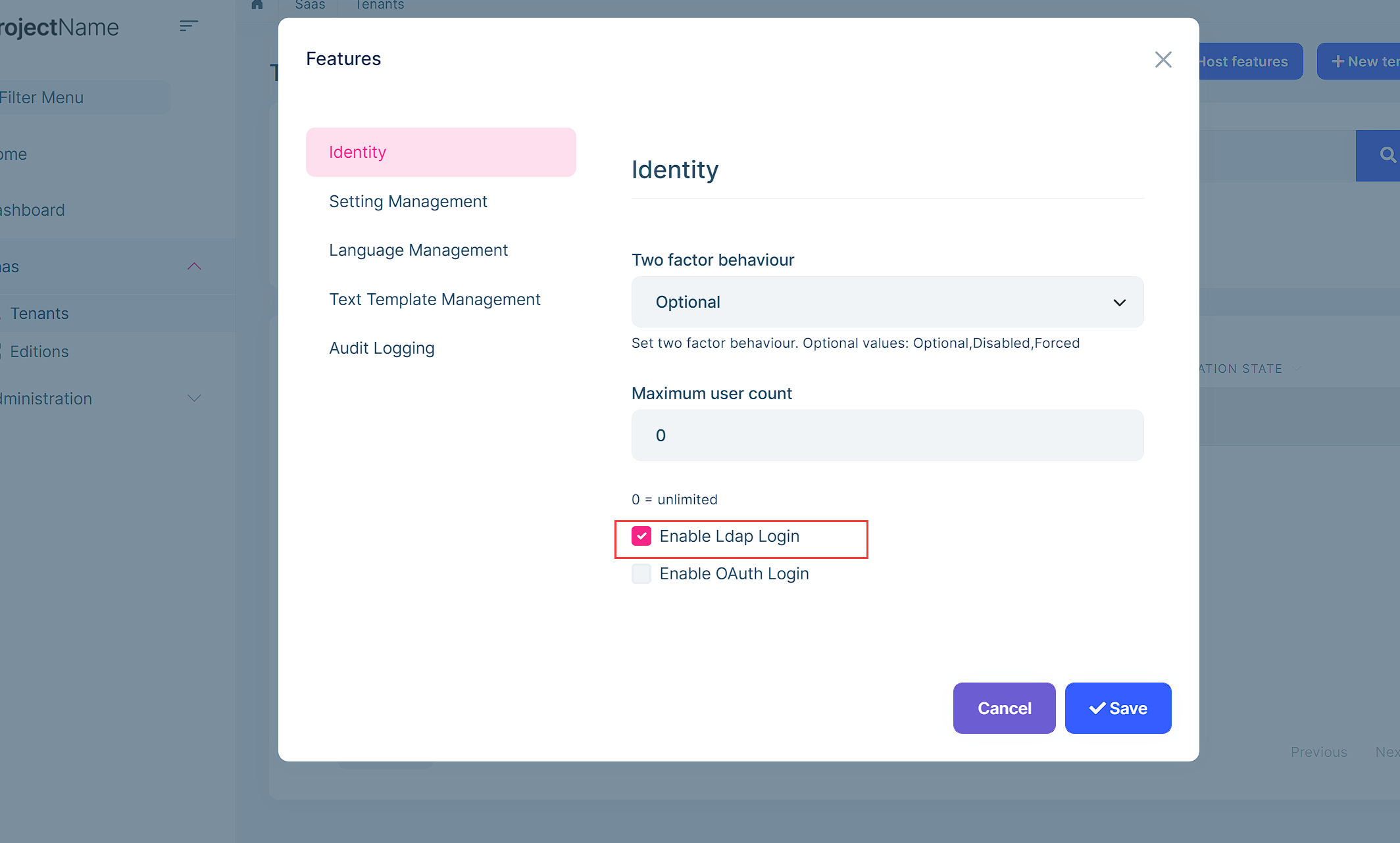
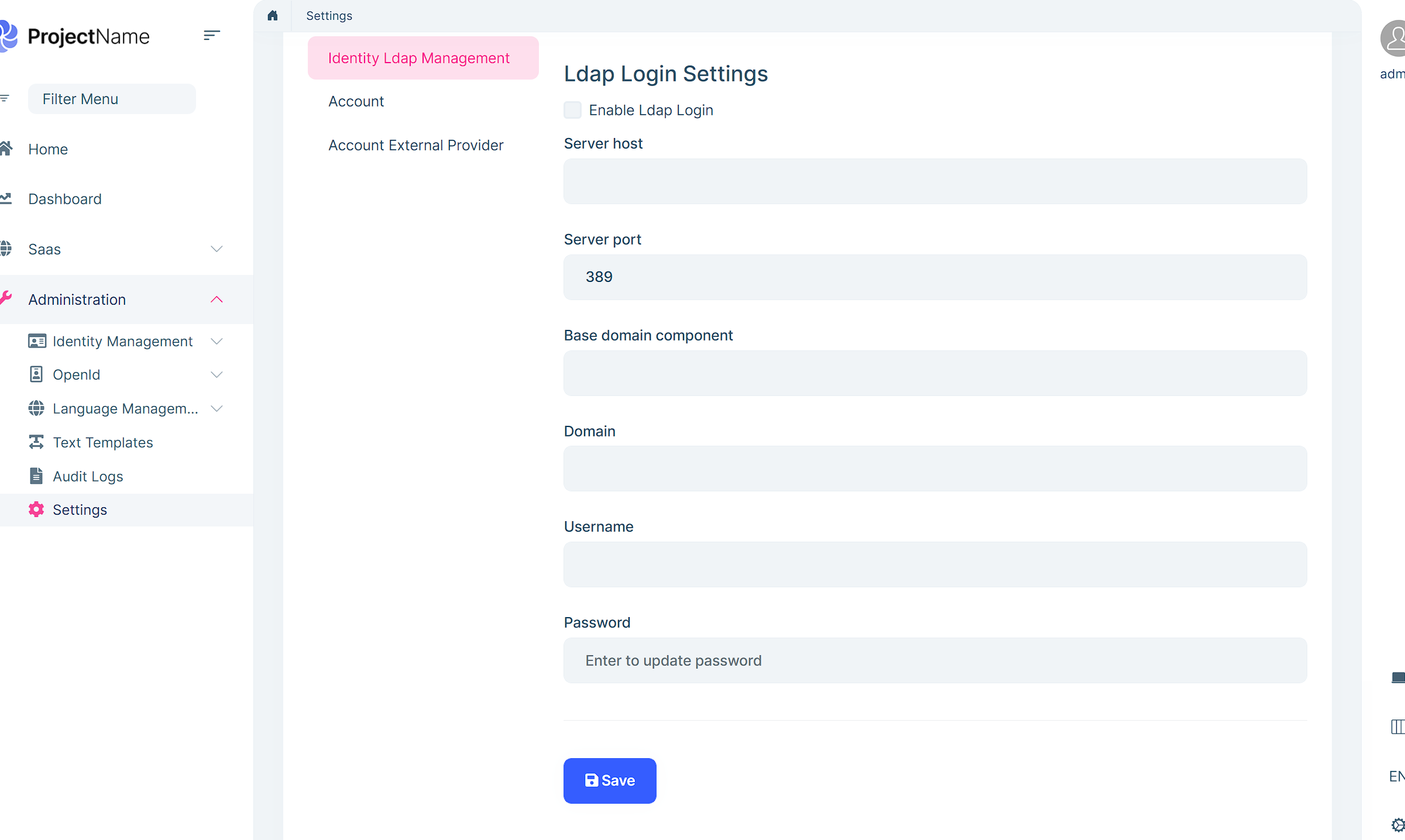
Did you enable the Ldap feature?
 Markdown supported.Copy, paste, or drag & drop images and files (max 100 MB per file, 100 MB total per post)
 -
0
May I ask, what UI are you using?
Markdown supported.Copy, paste, or drag & drop images and files (max 100 MB per file, 100 MB total per post) -
0
I will check it.
Markdown supported.Copy, paste, or drag & drop images and files (max 100 MB per file, 100 MB total per post) -
0
Hi,
It's a problem, we will fix it.
for now, you can try:
- Add
DisplayName:Abp.Ldap.LdapPasswordto your localzation files.
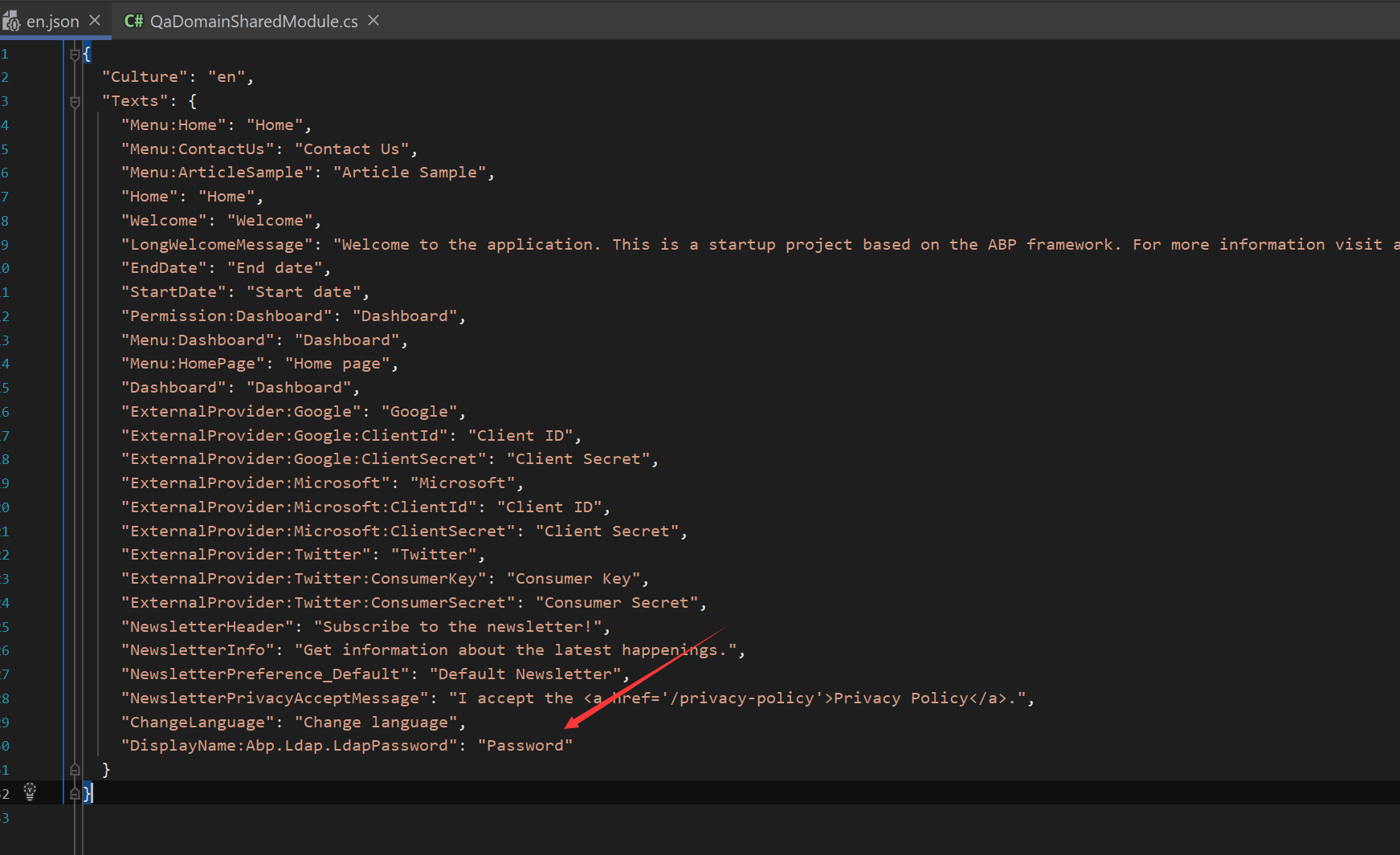
Configure<AbpLocalizationOptions>(options =>
{
    .....
    options.Resources
        .Get<IdentityResource>()
        .AddVirtualJson("/Localization/<YourProjectName>");
    ......
});
Markdown supported.Copy, paste, or drag & drop images and files (max 100 MB per file, 100 MB total per post) - Add