- ABP Framework version: v7.0.0.rc.6
- UI type: MVC
- DB provider: EF Core
- Tiered (MVC) or Identity Server Separated (Angular): no
- Exception message and stack trace: None
- Steps to reproduce the issue:"
I'm trying to change the favicon of my application which uses the LeptonX theme.
I've reviewed the documentation here, which doesn't mention it. https://docs.abp.io/en/commercial/7.0/themes/lepton-x/mvc
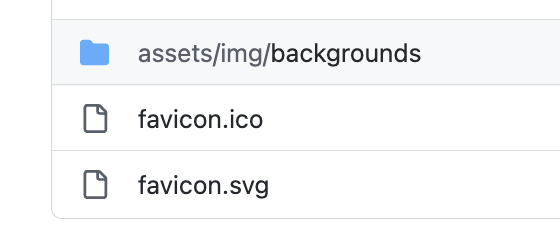
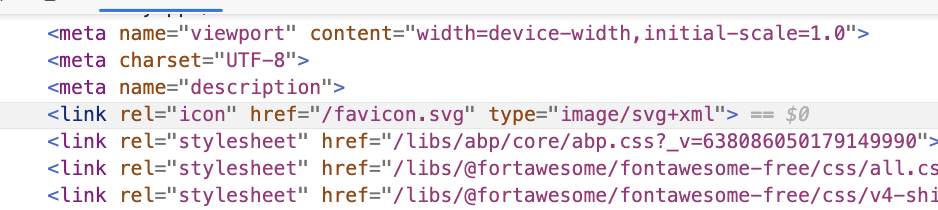
I've also reviewed this issue https://support.abp.io/QA/Questions/3698/LeptonX-MVC---How-to-change-the-logo however the file mentioned in the response (~/images/favicon/logo-favicon_1.svg) doesn't appear in my list of files (see below). I've tried replacing the file favicon.png in the wwwroot -> images -> favicon folder, re-run the application, performed a full browser refresh (CTRL-F5) and yet the default LeptonX favicon remains.
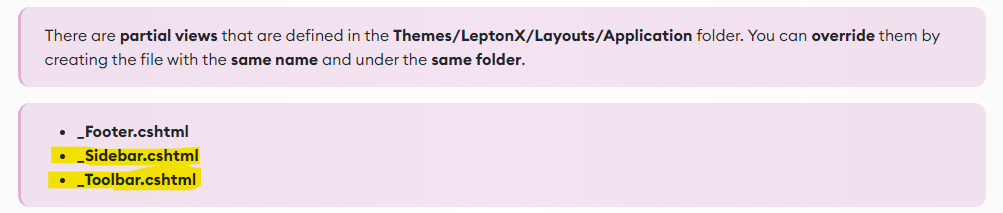
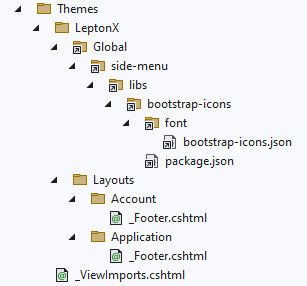
Throughout the various Support tickets I've received, there are references to other files that are not present in my folder. For example, in the documentation, it refers to two files (highlighted below) that don't appear in my structure. Is this version up to date?
Here is the complete list of files from my Themes folder:
3 Answer(s)
-
0
You can place your favicon in the same directory with
wwwroot/images/favicon/logo-favicon_1.svg.The default favicon extension is svg so, placing a png instead, won't work as expected. You should use the same extension if you want to override same file.
Markdown supported.Copy, paste, or drag & drop images and files (max 100 MB per file, 100 MB total per post) -
3
Hi,
I've converted the PNG to an SVG file and placed it into the folder under the filename as suggested - see below. However, this isn't being picked up by the browser, even after a CTRL-F5 refresh,
Also, can you provide any comments on the other files suggested in the documentation that aren't present on my folder structure e.g
_Sidebar.cshtml?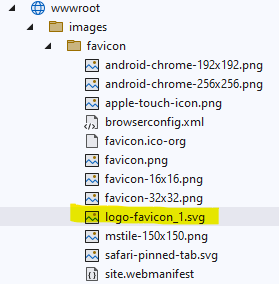
Thanks, Nick.
Markdown supported.Copy, paste, or drag & drop images and files (max 100 MB per file, 100 MB total per post) -
-3