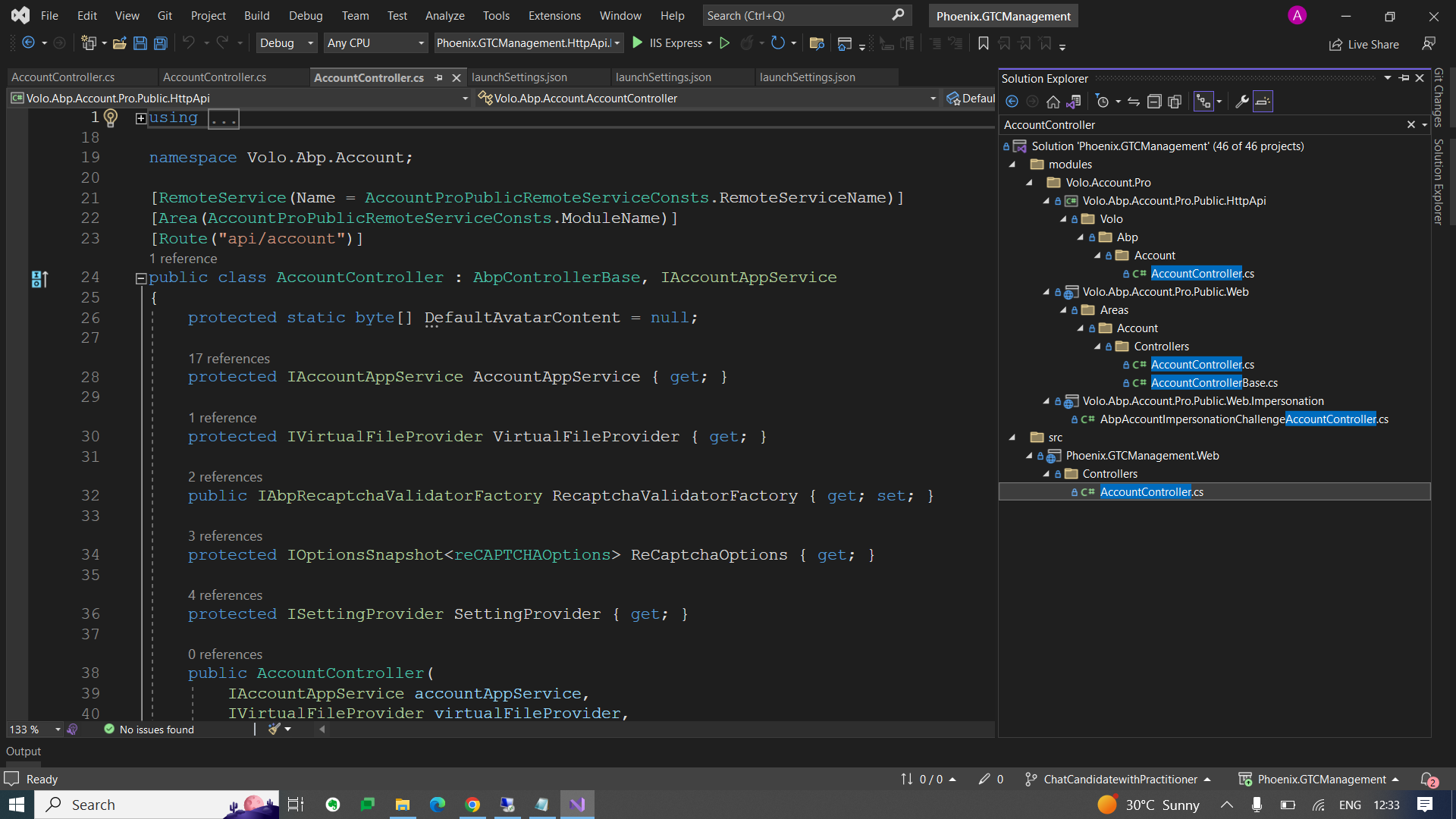
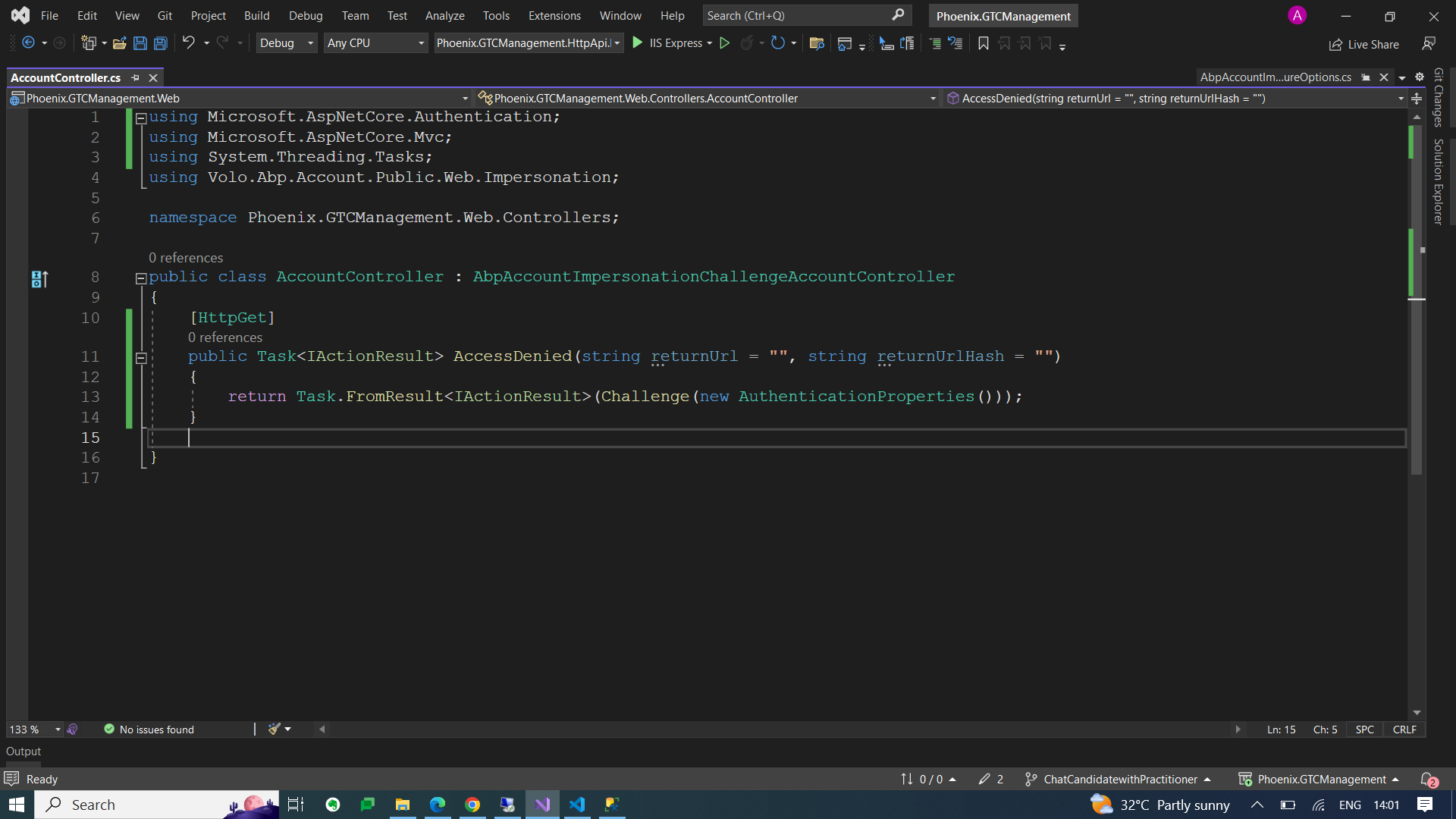
Hello Team,
OUR ABP CONFIGURATION:
ABP Framework version: v7.0.0 UI type: MVC DB provider: EF Core Tiered (MVC) or Identity Server Separated (Angular): Tiered MVC
Issue: After staying idle on browser for long time, Session does not expire and take us to logout page. Token expiration not handled properly, it takes us to 404 error page. It should logout and go to login page once token get expired.
Check attach error screenshot.
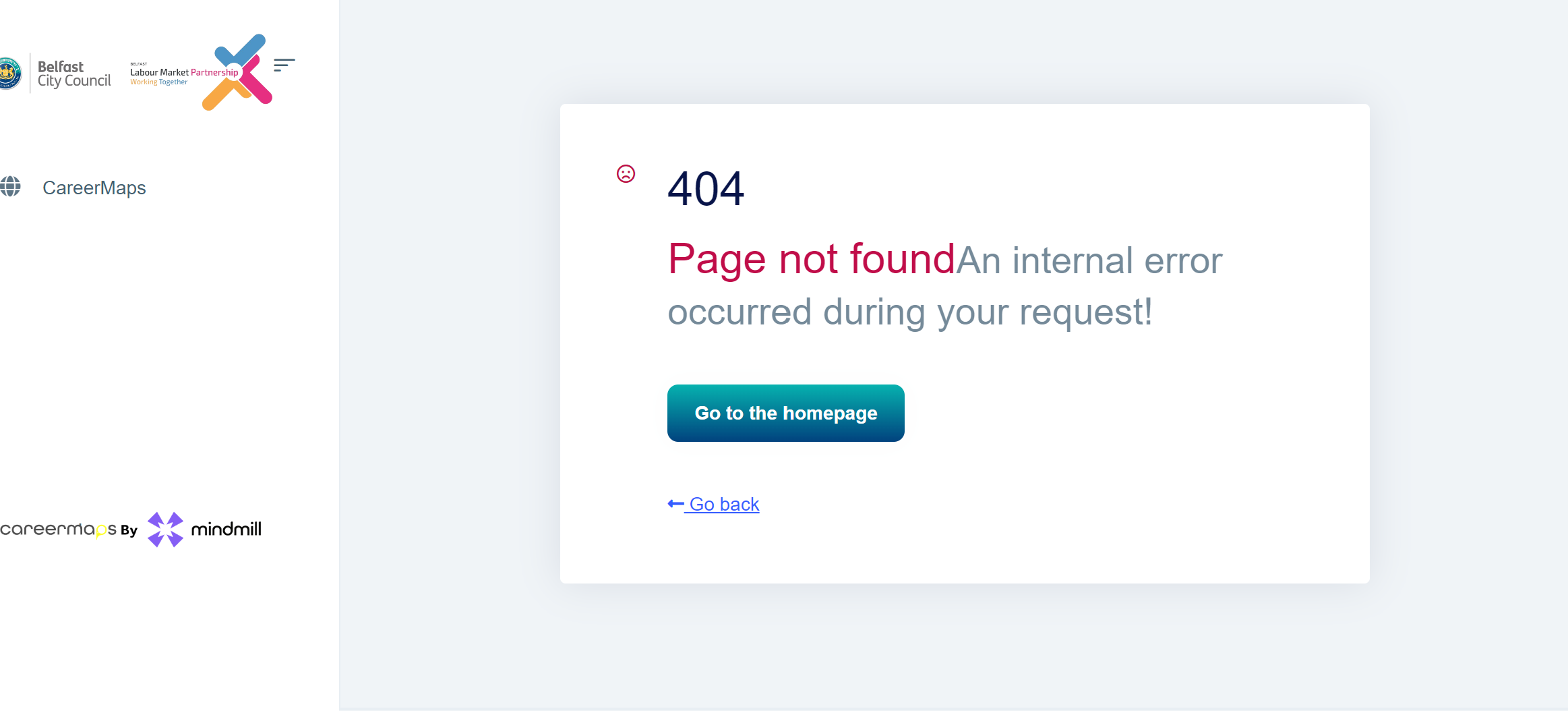
Help us to configure token expiration and handling properly, so that user does not see error 404 page when token get expired after staying idle long in browser.
17 Answer(s)
-
0
If the token expires, what happens if you access the
identity/userspage?Markdown supported.Copy, paste, or drag & drop images and files (max 100 MB per file, 100 MB total per post) -
0
If you available can we do zoom meeting. So that you can check if the code is properly configured to handle token expiration, we want user to auto redirect to login page once token get expired.
Markdown supported.Copy, paste, or drag & drop images and files (max 100 MB per file, 100 MB total per post) -
0
Can you share the full logs? (Authserver, HttpApi.Host, Web) shiwei.liang@volosoft.com
Markdown supported.Copy, paste, or drag & drop images and files (max 100 MB per file, 100 MB total per post) -
0
Hi,
You can try this:
public class AccountController : ChallengeAccountController
{
    public override Task<IActionResult> AccessDenied(string returnUrl = "", string returnUrlHash = "")
    {
        return Task.FromResult<IActionResult>(Challenge(new AuthenticationProperties { RedirectUri = GetRedirectUrl(returnUrl, returnUrlHash) }, ChallengeAuthenticationSchemas));
    }
}
Markdown supported.Copy, paste, or drag & drop images and files (max 100 MB per file, 100 MB total per post) -
0
Hi,
Please add the to the
Webproject.Also what returnURL and returnHash need to be passed here?
After login it can redirect to the previous page, It is recommended that you pass parameters
Markdown supported.Copy, paste, or drag & drop images and files (max 100 MB per file, 100 MB total per post) -
0
Not able to get it correctly, In Phoneix.GTCManagement.Web Project we have empty account controller, If I add the above code it shows this error
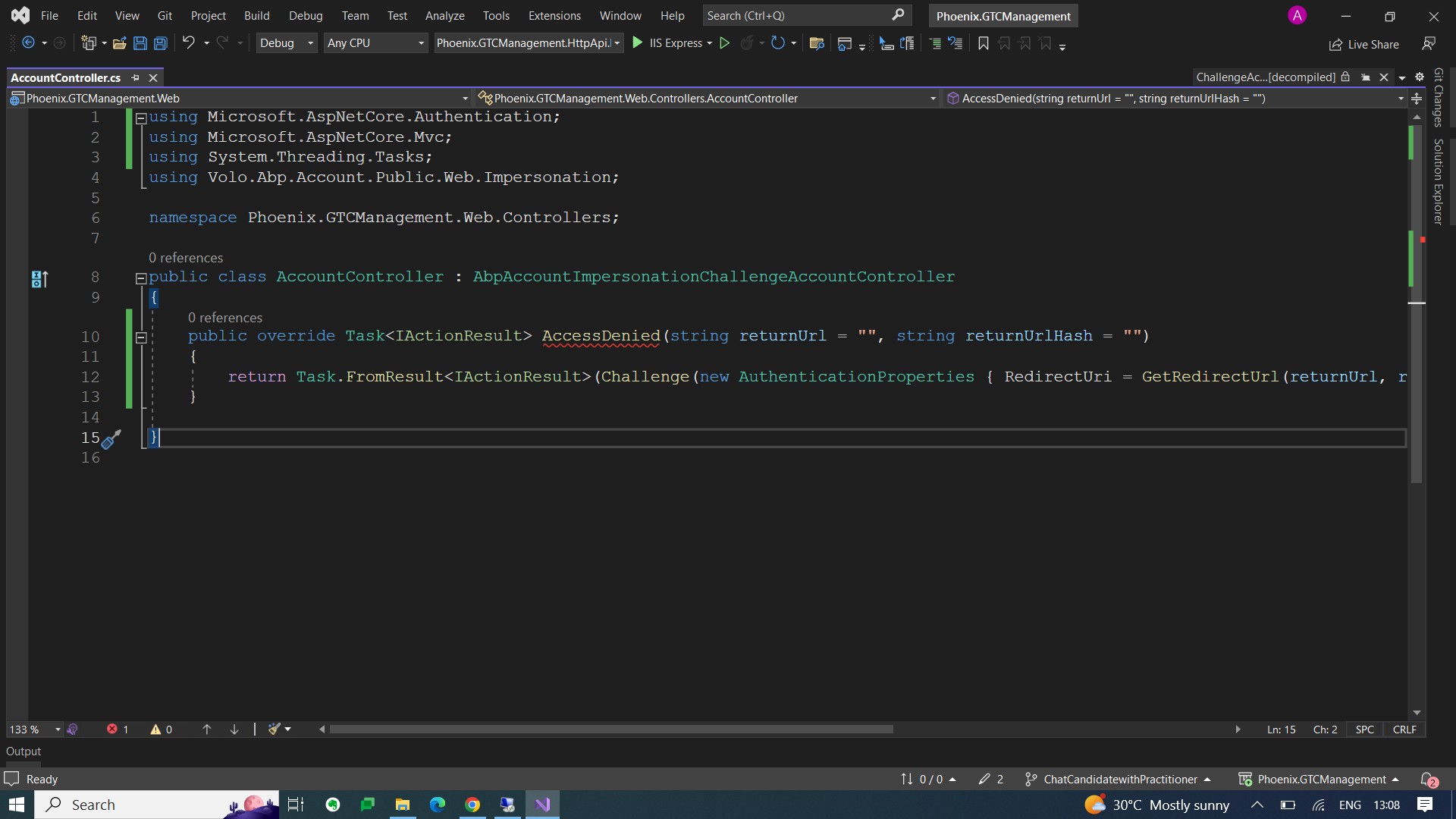
Also how this AccessDenied api will be called and from where and what to pass parameters?
Markdown supported.Copy, paste, or drag & drop images and files (max 100 MB per file, 100 MB total per post) -
0
Hi,
Sorry, try this:
public class AccountController : AbpAccountImpersonationChallengeAccountController
{
    [HttpGet]
    public Task<IActionResult> AccessDenied(string returnUrl = "", string returnUrlHash = "")
    {
        return Task.FromResult<IActionResult>(Challenge(new AuthenticationProperties()));
    }
}
Also how this AccessDenied api will be called and from where and what to pass parameters?
This is handled by
OpenIdConnectHandler: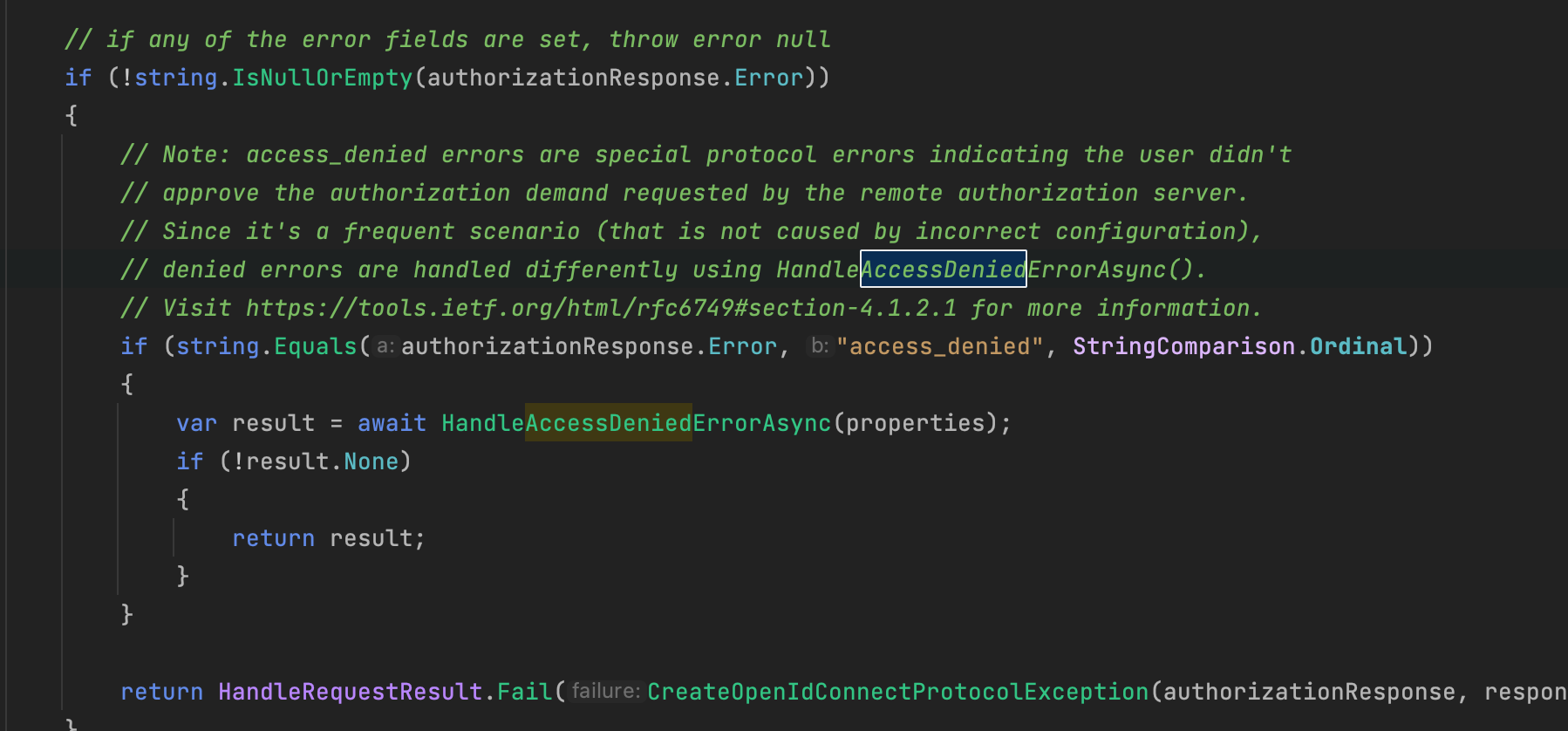 Markdown supported.Copy, paste, or drag & drop images and files (max 100 MB per file, 100 MB total per post)
 -
0
Hi,
It's a class of ASPNETCore: https://github.com/dotnet/aspnetcore/blob/main/src/Security/Authentication/OpenIdConnect/src/OpenIdConnectHandler.cs
Markdown supported.Copy, paste, or drag & drop images and files (max 100 MB per file, 100 MB total per post) -
0
Hi,
Also how this AccessDenied api will be called and from where and what to pass parameters?
I just answer the question, you don't need to do it yourself.
Markdown supported.Copy, paste, or drag & drop images and files (max 100 MB per file, 100 MB total per post) -
0
yes,
Sorry, my bad, I copied the wrong code before, please try this:
public class AccountController : AbpAccountImpersonationChallengeAccountController
{
    [HttpGet]
    public Task<IActionResult> AccessDenied(string returnUrl = "", string returnUrlHash = "")
    {
        return Task.FromResult<IActionResult>(Challenge(new AuthenticationProperties { RedirectUri = GetRedirectUrl(returnUrl, returnUrlHash) }, ChallengeAuthenticationSchemas));
    }
}
Markdown supported.Copy, paste, or drag & drop images and files (max 100 MB per file, 100 MB total per post) -
0
ok
Markdown supported.Copy, paste, or drag & drop images and files (max 100 MB per file, 100 MB total per post)