






Hi
I would like to ask 2 questions about tenant management feature
- On my local environment, on Saas > Tenants screen, I created a new tenant, could you tell me the ULR of created tenant will be?
- On an existing tenant, I do the following operation
- Click Actions > Database Connection Strings
- Uncheck [Use the Shared Database] and input [Default connection string]
- Click Save
- Click Actions > ApplyDatabaseMigration
-> [Database migration has been queued and will be applied soon.] is displayed, where/how can I check the migration result?
- **ABP Framework version:7.1
- UI type: Blazor
- DB provider: EF Core
6 Answer(s)
-
0
On my local environment, on Saas > Tenants screen, I created a new tenant, could you tell me the ULR of created tenant will be?
Are you talking about the API URL? you can open the swagger page to check it
/swagger.[Database migration has been queued and will be applied soon.] is displayed, where/how can I check the migration result?
There is no notification here, but you can check the database if it's migrated. you can also check the logs.
Markdown supported.Copy, paste, or drag & drop images and files (max 100 MB per file, 100 MB total per post) -
0
You can check this: https://docs.abp.io/en/abp/latest/Multi-Tenancy#determining-the-current-tenant
Markdown supported.Copy, paste, or drag & drop images and files (max 100 MB per file, 100 MB total per post) -
0
I don’t really understand what I should do from your sent document.
Btw, I'll explain what I did.
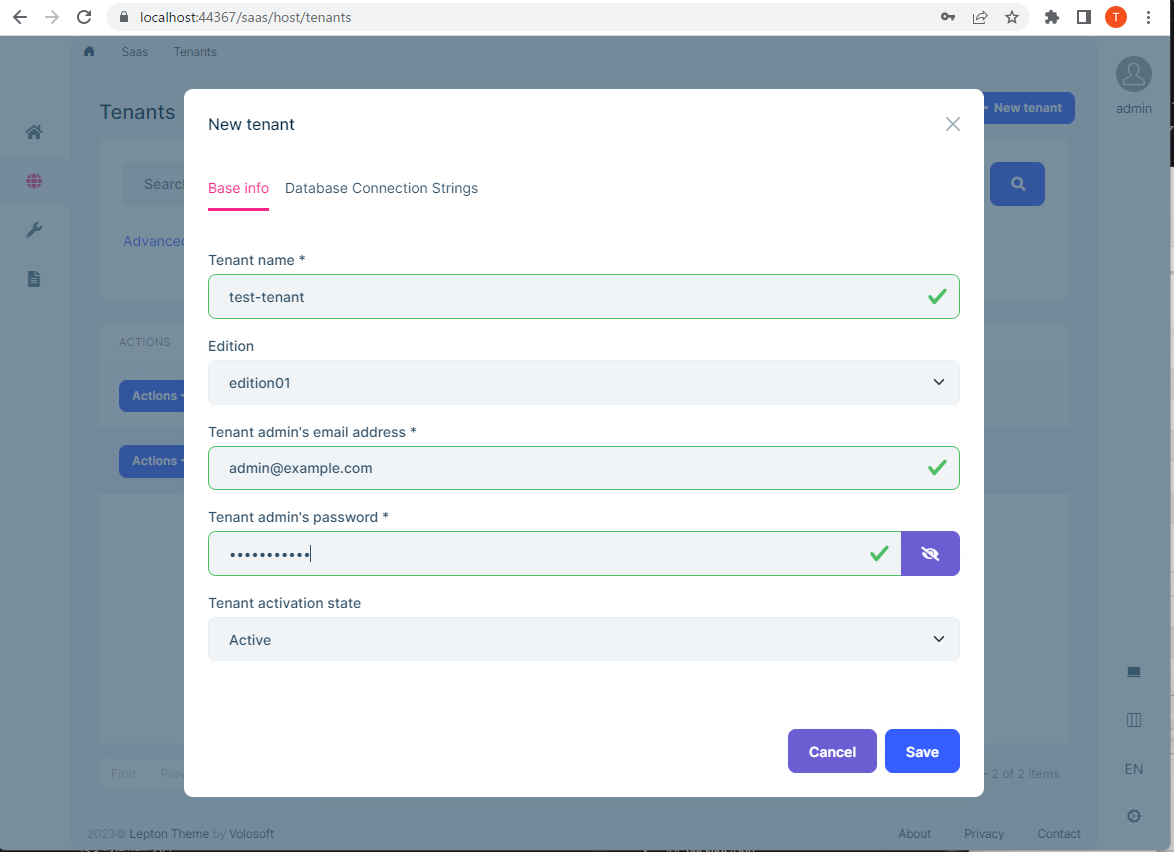
I am using Adp commercial, and I use Abp Suite to create a new solution with Template type is “Application template”, UI framework is “Blazor Server”. After that, I created a tenant in the local environment as mentioned above, now I would like to log in to that tenant and use it, so I would like to know the login URL. Please tell me the login URL etc.
 Markdown supported.Copy, paste, or drag & drop images and files (max 100 MB per file, 100 MB total per post)
 -
0
Hi,
There are many ways to determine the current tenant:
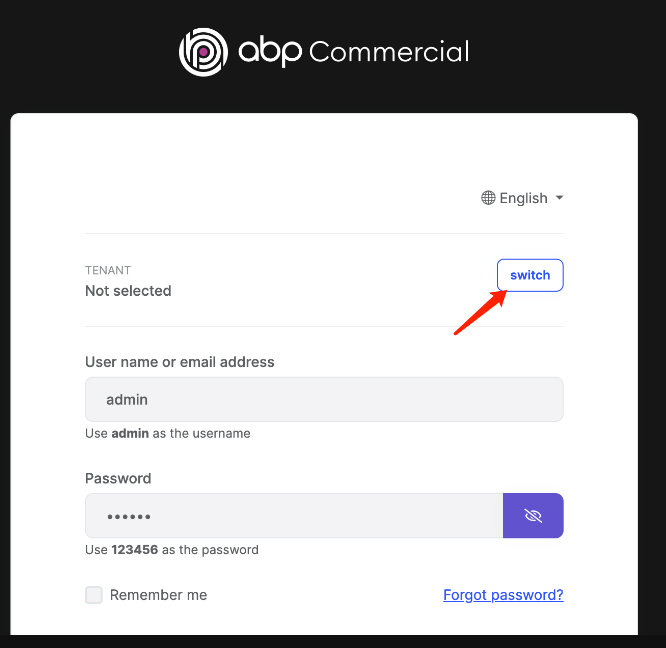
The easiest way is to use the tenant-switching dialog on the login page
This way, the login URL has not changed
You can also use the query string:
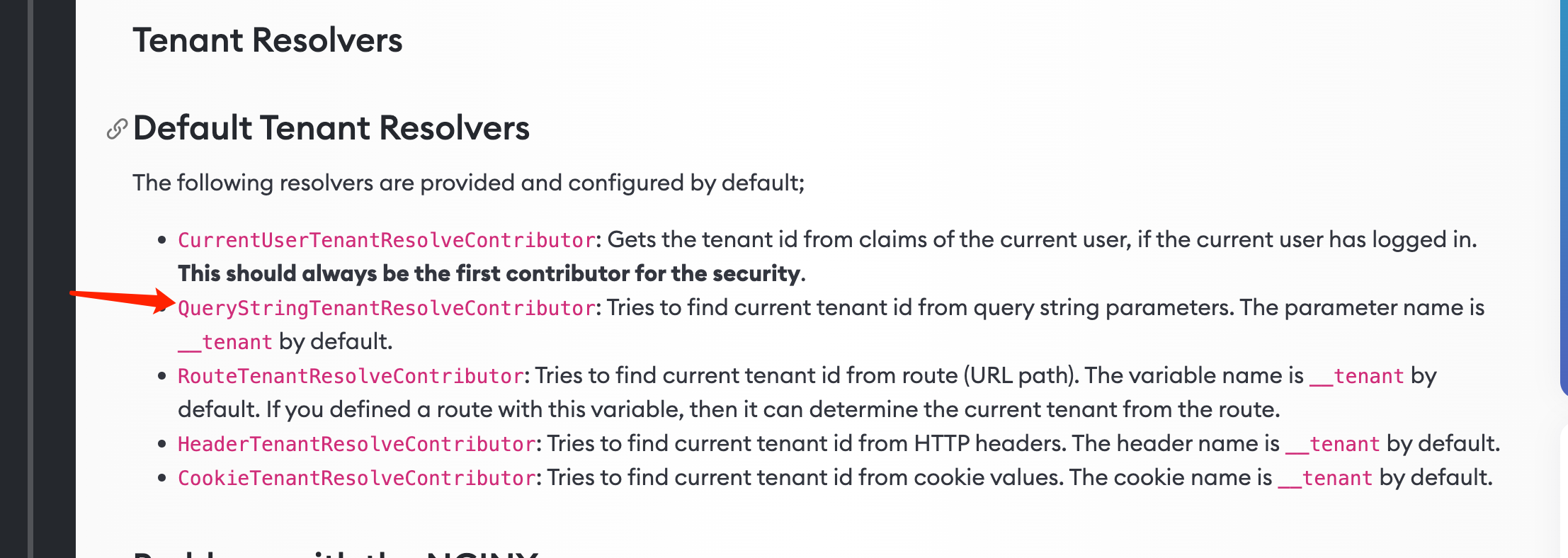
For example, the tenant name is
testTenantand the login URL ishttps://localhost:33341/account/login?__tenant=testTenantMaybe you would like to use the sub-domain: https://docs.abp.io/en/abp/latest/Multi-Tenancy#domain-subdomain-tenant-resolver
In this way, the URL should be
https://testTenant.localhost:33341/account/loginAnd we have an example: https://github.com/abpframework/abp-samples/tree/master/DomainTenantResolverSo, back to your question
you can use any way you want, it's up to you. that's why I gave you the link to the document before.
Markdown supported.Copy, paste, or drag & drop images and files (max 100 MB per file, 100 MB total per post)


