- ABP Framework version: v7.1
- UI type:Blazor
- DB provider: EF Core
- **Tiered (MVC) **: yes
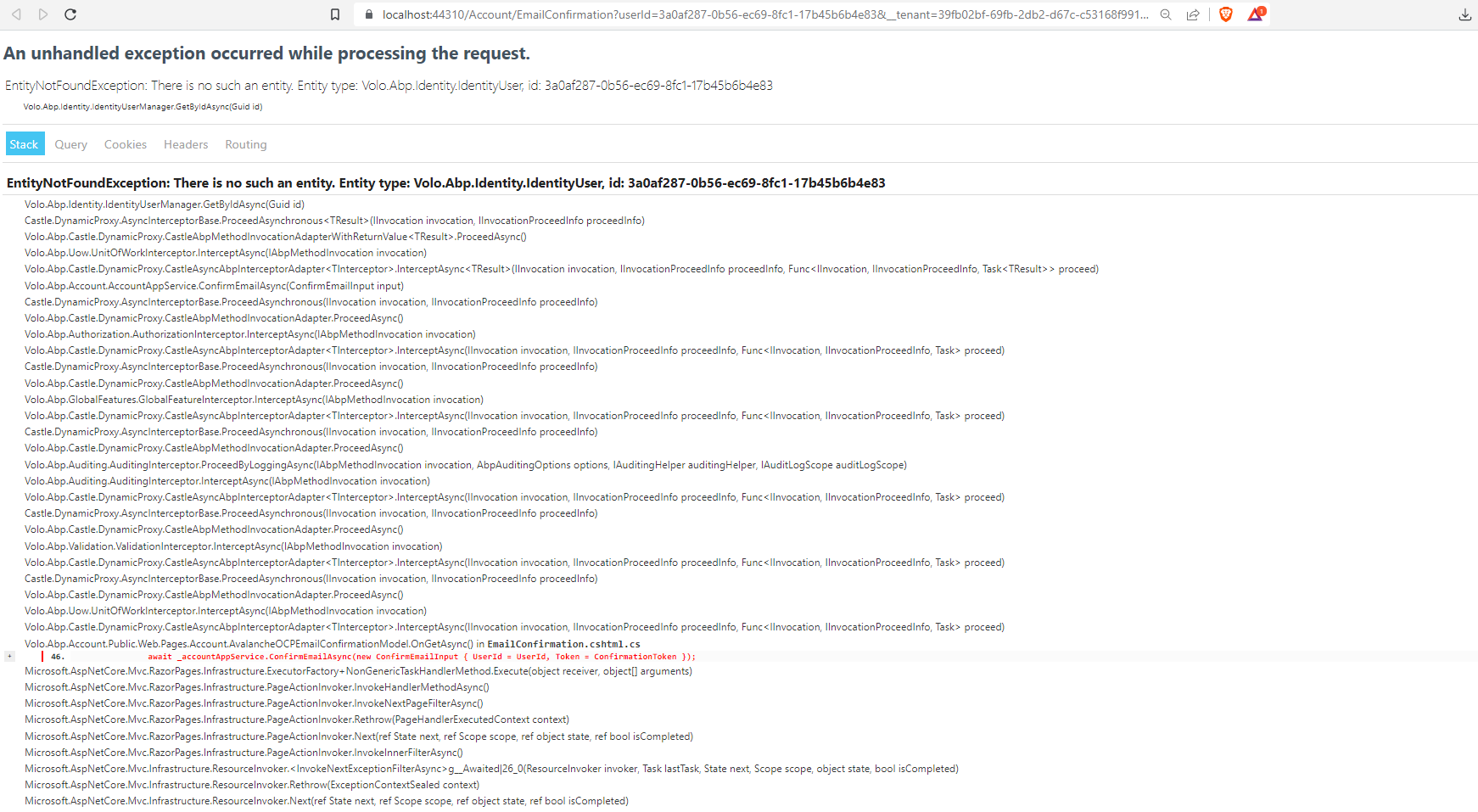
- Exception message and stack trace: 404 Page not found. There is no entity IdentityUser with id = 3a0aeddd-c241-6619-17e4-c64fd1017f7f!
- Steps to reproduce the issue:" Creating user from tenant side, the confirm email link gives the error : 404 Page not foundThere is no entity IdentityUser with id = 3a0aeddd-c241-6619-17e4-c64fd1017f7f!
When creating new user from the Host side the confirm email link works fine, but creating user from tenant side, the confirm email link does not work and gives the error
404 Page not foundThere is no entity IdentityUser with id = 3a0aeddd-c241-6619-17e4-c64fd1017f7f! \
Using the abp.io default components, does not extend/modify the account or user components.
refer : 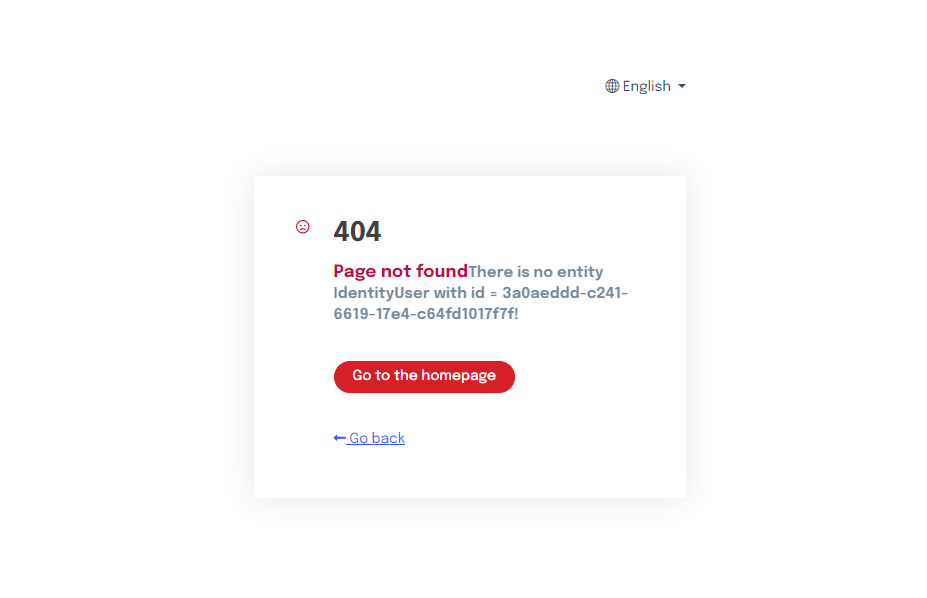
10 Answer(s)
-
0
hi
I will confirm it.
Can you share the logs of backend? liming.ma@volosoft.com
Yes, sent mail(Subject - Confirm Email Link Error) with log file and details of the user id, time of the error.
Markdown supported.Copy, paste, or drag & drop images and files (max 100 MB per file, 100 MB total per post) -
0
hi
Please the code of
TVD_Holdings_Ltd.AvalancheOCP.HttpApi.Host\Pages\Account\EmailConfirmation.cshtml.csas well.Thanks.
at Volo.Abp.Account.Public.Web.Pages.Account.AvalancheOCPEmailConfirmationModel.OnGetAsync() in D:\Source\AvalancheOCP\Dev\src\TVD_Holdings_Ltd.AvalancheOCP.HttpApi.Host\Pages\Account\EmailConfirmation.cshtml.cs:line 46Markdown supported.Copy, paste, or drag & drop images and files (max 100 MB per file, 100 MB total per post) -
0
hi
Please the code of
TVD_Holdings_Ltd.AvalancheOCP.HttpApi.Host\Pages\Account\EmailConfirmation.cshtml.csas well.Thanks.
at Volo.Abp.Account.Public.Web.Pages.Account.AvalancheOCPEmailConfirmationModel.OnGetAsync() in D:\Source\AvalancheOCP\Dev\src\TVD_Holdings_Ltd.AvalancheOCP.HttpApi.Host\Pages\Account\EmailConfirmation.cshtml.cs:line 46Sent in mail
Markdown supported.Copy, paste, or drag & drop images and files (max 100 MB per file, 100 MB total per post) -
0
hi
public virtual async Task OnGetAsync()
{
    //ReturnUrl = GetRedirectUrl(ReturnUrl, ReturnUrlHash);
    ReturnUrl = _configuration["App:BlazorUrl"];

    //TODO: It would be good to try to switch tenant if needed
    //CheckCurrentTenant(TenantId);
    using(CurrentTenant.Change(TenantId))
    {
        await _accountAppService.ConfirmEmailAsync(new ConfirmEmailInput {UserId = UserId, Token = ConfirmationToken});
    }
}
Markdown supported.Copy, paste, or drag & drop images and files (max 100 MB per file, 100 MB total per post) -
0
hi
public virtual async Task OnGetAsync()
{
    //ReturnUrl = GetRedirectUrl(ReturnUrl, ReturnUrlHash);
    ReturnUrl = _configuration["App:BlazorUrl"];

    //TODO: It would be good to try to switch tenant if needed
    //CheckCurrentTenant(TenantId);
    using(CurrentTenant.Change(TenantId))
    {
        await _accountAppService.ConfirmEmailAsync(new ConfirmEmailInput {UserId = UserId, Token = ConfirmationToken});
    }
}
thank you, will test this.
Markdown supported.Copy, paste, or drag & drop images and files (max 100 MB per file, 100 MB total per post) -
0
hi
Is the
TenantIdhave a value?Or specify the
NameofTenantId.[BindProperty(Name = "__tenant", SupportsGet = true)] public Guid? TenantId { get; set; }You can do not to switch the tenant, the middleware will automatically resolve and switch the tenant by default
Markdown supported.Copy, paste, or drag & drop images and files (max 100 MB per file, 100 MB total per post) -
0
hi
Is the
TenantIdhave a value?Or specify the
NameofTenantId.[BindProperty(Name = "__tenant", SupportsGet = true)] public Guid? TenantId { get; set; }You can do not to switch the tenant, the middleware will automatically resolve and switch the tenant by default
Ok, specifying the name of the tenantId worked. Massive thank you.
Markdown supported.Copy, paste, or drag & drop images and files (max 100 MB per file, 100 MB total per post)