






- ABP Framework version: v7.2.1
- UI type: MVC
- DB provider: EF Core
- Tiered (MVC) or Identity Server Separated (Angular): no
- Exception message and stack trace:
- Steps to reproduce the issue:"
I'm using the abp-modal with a razor page and the form posts to a handler in the razor page. If there are server side validation errors, the modal still closes and never shows the validation errors. When you access the page directly, not through the modal, it behaves as expected showing the server side validation messages. Please advise on what is necessary for server side validation errors to display in the normal way inside an abp-modal.
8 Answer(s)
-
0
Steps to reproduce:
- Launch the modal
- Enter invalid data
- Hit save button
- Modal closes and does not show server error
Markdown supported.Copy, paste, or drag & drop images and files (max 100 MB per file, 100 MB total per post) -
0
Script:
let dataGrid;
let createBlockedAccountModal;

$(document).ready(function () {
    createBlockedAccountModal = new abp.ModalManager({
        viewUrl: '/platform-portal/Processing/ExceptionHandling/BlockedAccounts/Create'
    });
    createBlockedAccountModal.onResult(function (a, b) {
        dataGrid.refresh();
    });
});

$('#openAddBlockedAccountModal').click(function () {
    createBlockedAccountModal.open({
    });
});
Markdown supported.Copy, paste, or drag & drop images and files (max 100 MB per file, 100 MB total per post) -
0
Modal:
<form method="post" action="@Url.Page("/platform-portal/Processing/ExceptionHandling/BlockedAccounts/Create")">
    @Html.AntiForgeryToken()
    Modal Content Here
</form>
Markdown supported.Copy, paste, or drag & drop images and files (max 100 MB per file, 100 MB total per post) -
0
Code Behind:
public async Task<IActionResult> OnPostAsync()
{
    if (!ModelState.IsValid)
    {
        return Page();
    }
    try
    {
        await _blockedAccountAppService.CreateAsync(CreateBlockedAccount);
    }
    catch (AbpValidationException ex)
    {
        foreach (var error in ex.ValidationErrors)
        {
            ModelState.AddModelError($"CreateBlockedAccount.{error.MemberNames.FirstOrDefault()}", error.ErrorMessage);
        }
        return Page();
    }
    catch (BusinessException ex)
    {
        ModelState.AddModelError("", ex.Message);
        return Page();
    }
    return Page();
}
Markdown supported.Copy, paste, or drag & drop images and files (max 100 MB per file, 100 MB total per post) -
0
hi
Please try to throw an exception instead of adding an error to ModelState.
abp will show an error message automatically.
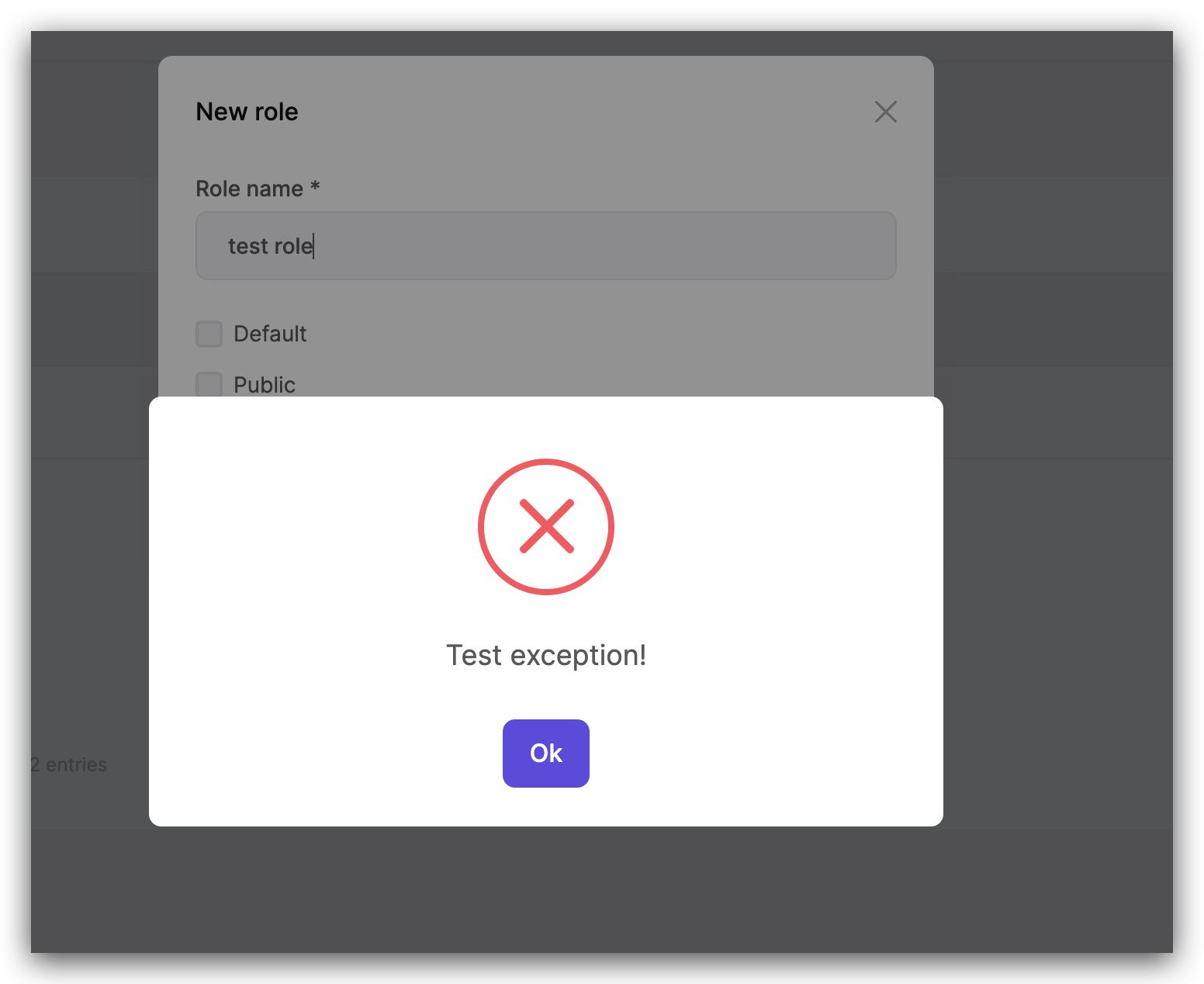
https://github.com/abpframework/abp/blob/dev/framework/src/Volo.Abp.AspNetCore.Mvc.UI.Theme.Shared/wwwroot/libs/abp/aspnetcore-mvc-ui-theme-shared/jquery-form/jquery-form-extensions.js#L55-L69
Markdown supported.Copy, paste, or drag & drop images and files (max 100 MB per file, 100 MB total per post) -
0
Thank you for the idea. However, this does not provide our desired user experience. We would like the validation to be displayed to the user in the form as is the normal behavior for validation error feedback. Is there a way to achieve our desired behavior?
Markdown supported.Copy, paste, or drag & drop images and files (max 100 MB per file, 100 MB total per post)


