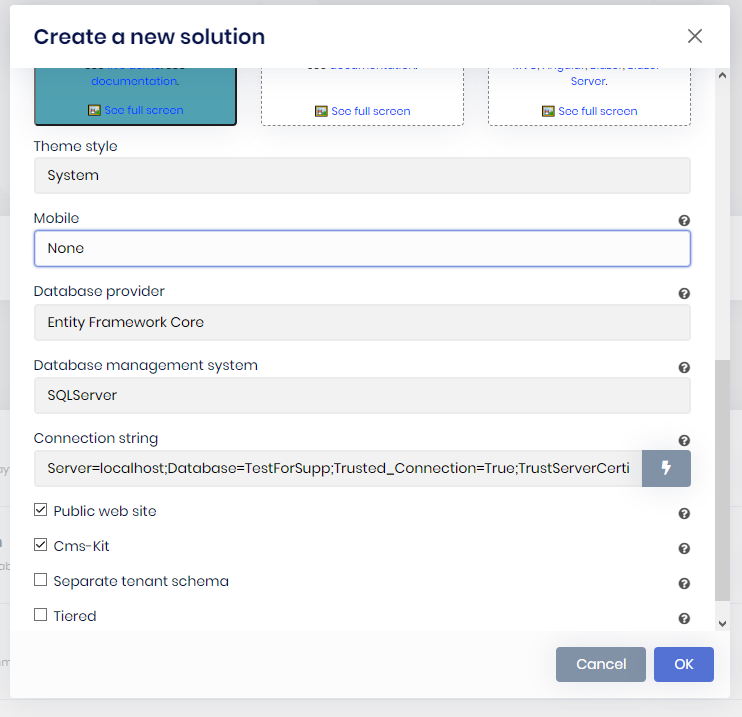
ABP Framework version: v7.2.2
UI type: Angular
DB provider: EF Core
Tiered (MVC) or Identity Server Separated (Angular): yes
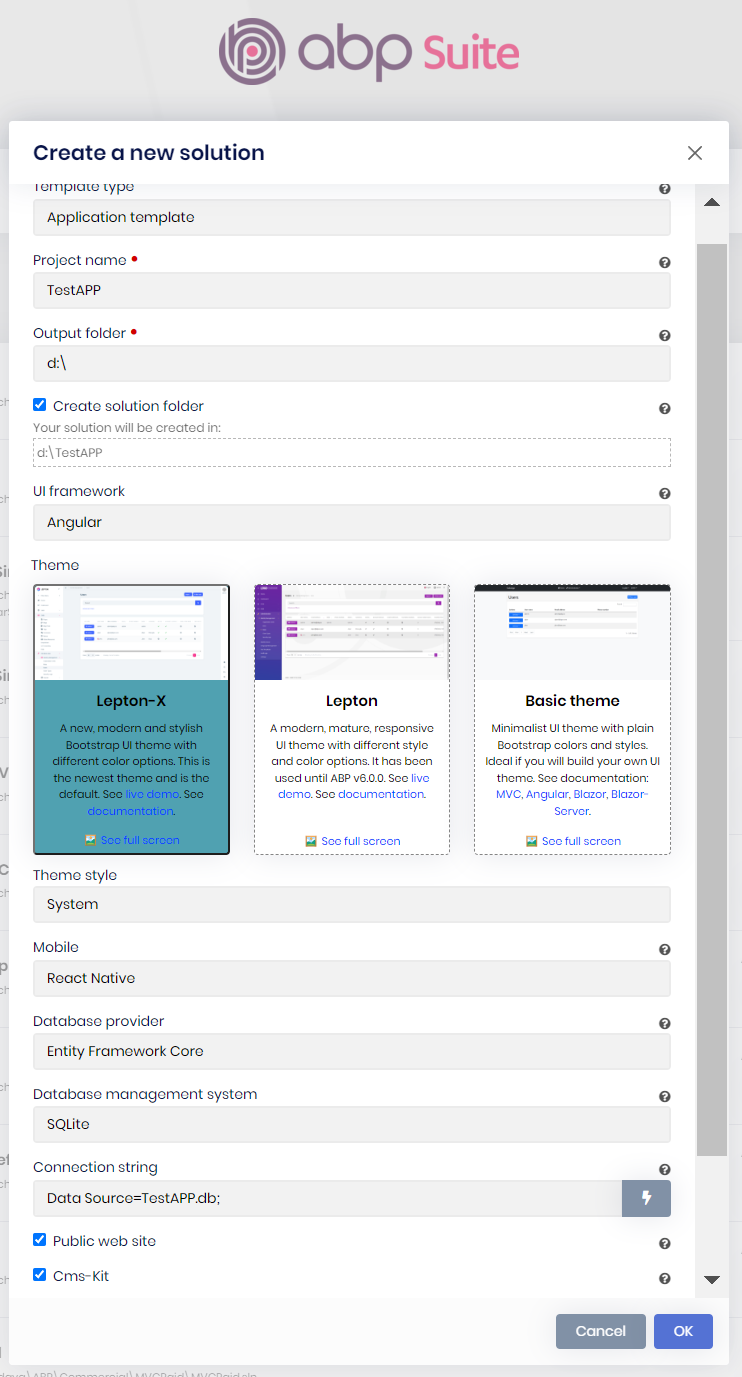
[ ] 1-When chooseing sqlite database , the database file MyProjec.db does not created in the write place , please check the free version it's creating the database file in the write place ...
<br>
<br> <br>
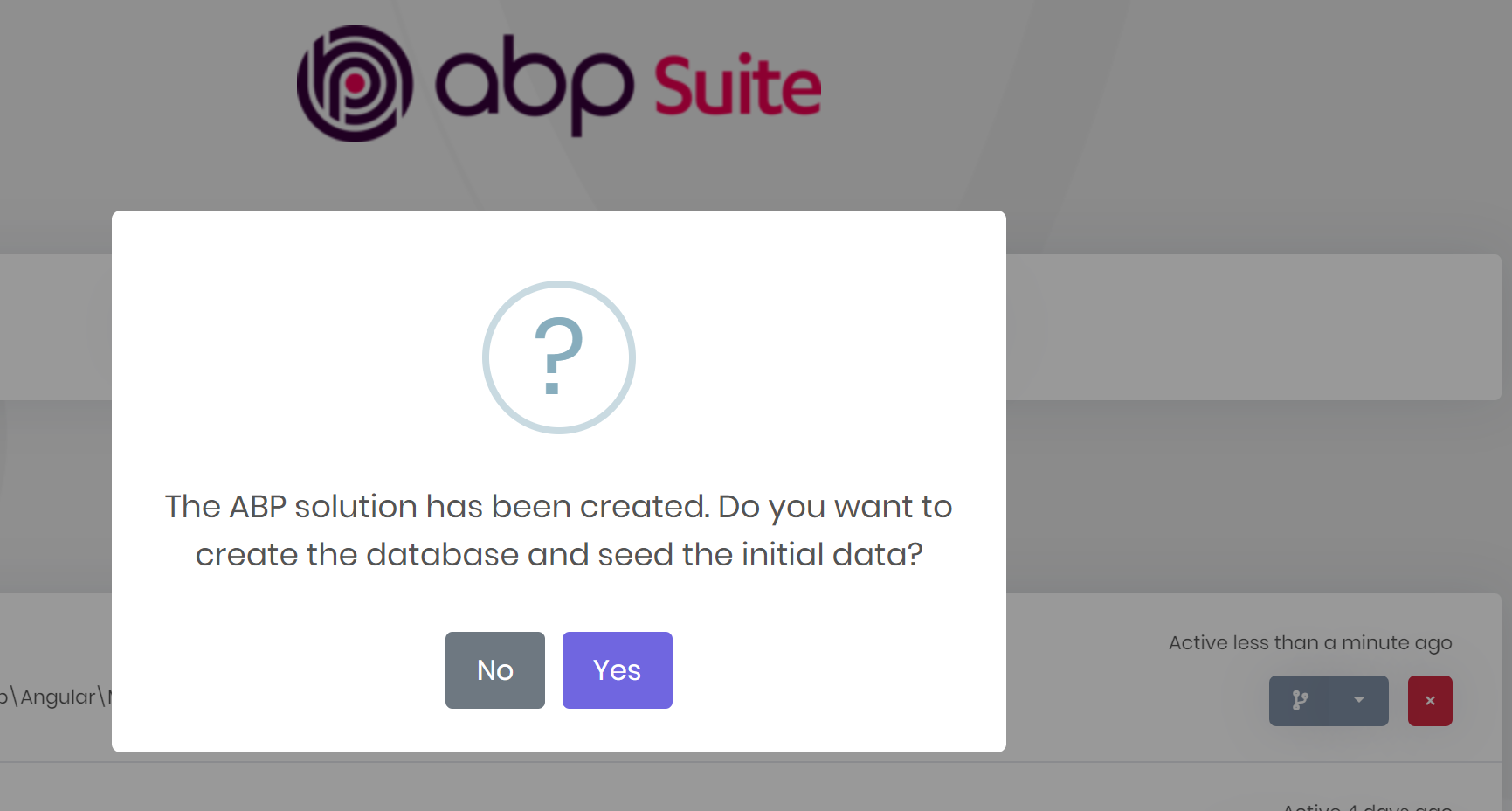
- [ ] 2- also after creating the project from suite, it ask you to create the database and running the seeding , and this dosn't happend the databse file remain empty
- [ ] 3- also when you check (CMS-kit) , it didn't add the module admin files to the application ( in admin ) although if you go to module tab in the suite you will find that the module already added to your solution
11 Answer(s)
-
0
Hi,
We will check it and your ticket was refunded.
Markdown supported.Copy, paste, or drag & drop images and files (max 100 MB per file, 100 MB total per post) -
0
also when you check (CMS-kit) , it didn't add the module admin files to the application ( in admin ) although if you go to module tab in the suite you will find that the module already added to your solution
You can find the admin packages on https://abp.io/packages page and add them manually. Choose
ABP Commercial Packages& typecmskit.pro.adminto searchbox.Markdown supported.Copy, paste, or drag & drop images and files (max 100 MB per file, 100 MB total per post) -
0
@alper, yes you are write it will be created but not seeded
@yekalkan what is the benefit of adding CMS-Kit without administration packages !? it should be added once you checked cmskit checkbox
Markdown supported.Copy, paste, or drag & drop images and files (max 100 MB per file, 100 MB total per post) -
0
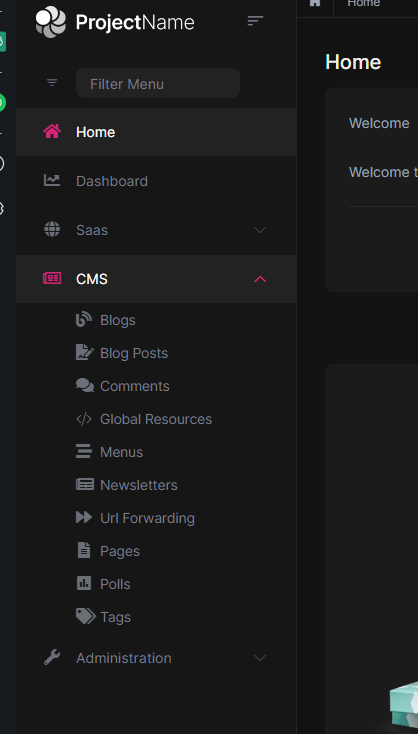
Hi @yekalkan I switched back to MVC template, I feel angular template not ready and has a lot of issues, also the public site generated in MVC even in angular template which was a surprise to me :)
Issue still exist in MVC template No Admin CMS pages even If I selected CMSKIT in project generation in Suite, and also I recommend the following :
- Show CMS subFeatures under this check box to let user select sub features ( pages , blogs, comments , ...)
Markdown supported.Copy, paste, or drag & drop images and files (max 100 MB per file, 100 MB total per post) -
0