






ABP Framework version: v7
UI type: Blazor
DB provider: EF Core
Tiered (MVC): yes
Exception message and stack trace:
Steps to reproduce the issue:"
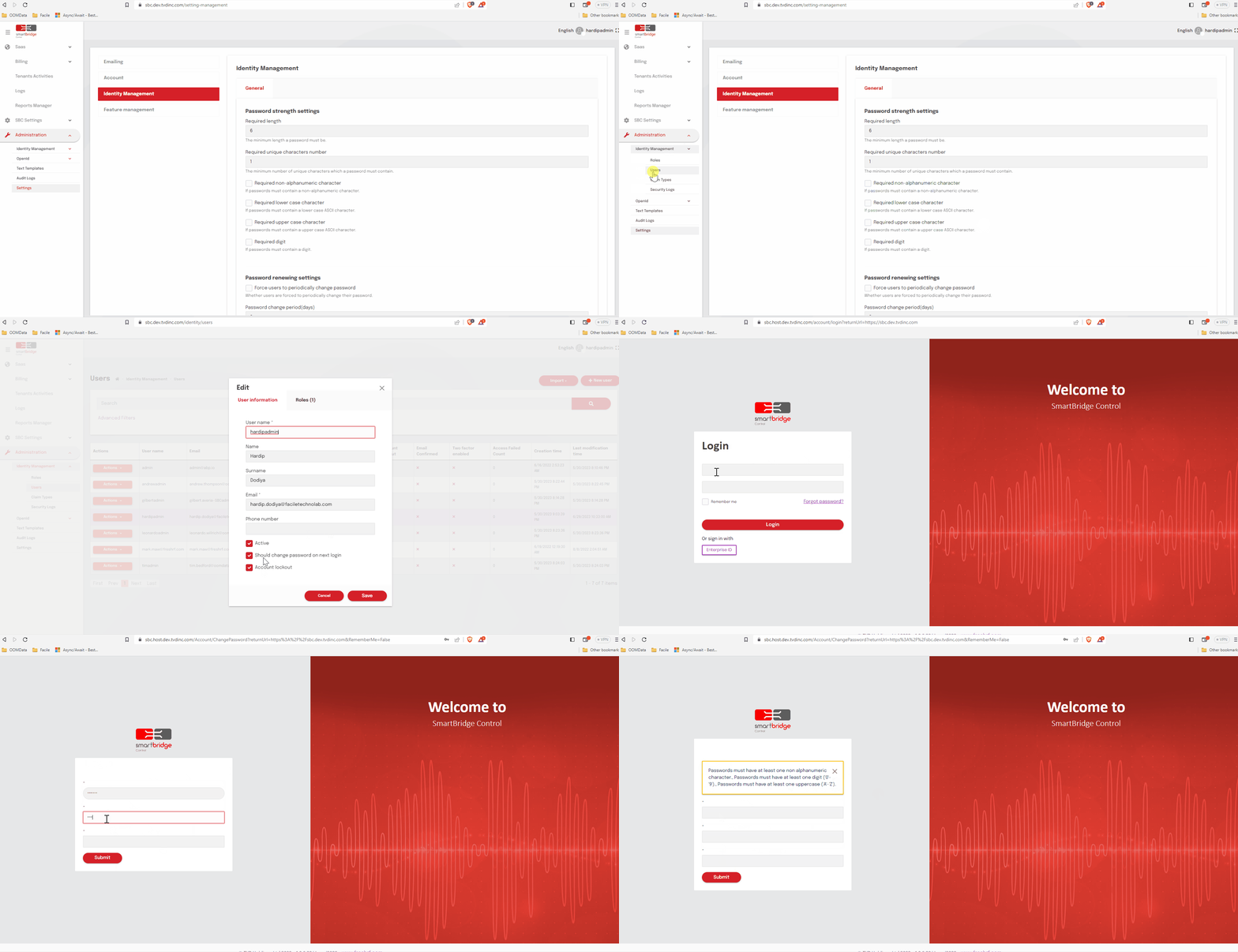
In the Settings : Identity Management : Password strength settings
Uncheck the custom password settings
Go to the users => Create-Edit the user and check the "Should change password on next login"
Now logout and login with newly created - updated account
Goes to the ChangePassword page, when submitted new password still shows the password validations errors
Using the default abp component, not extended or anything.
The custom validation working fine in the Account => Change Password Tab
refer the gif
15 Answer(s)
-
0
Hi,
I will check it.
Markdown supported.Copy, paste, or drag & drop images and files (max 100 MB per file, 100 MB total per post) -
0
Hi,
This is a problem, we will fix it in the next patch version.
This is a temporary solution:
[Dependency(ReplaceServices = true)]
[ExposeServices(typeof(RegisterModel))]
public class MyRegisterModel : RegisterModel
{
    public override async Task<IActionResult> OnPostAsync()
    {
        await IdentityOptions.SetAsync();
        return await base.OnPostAsync();
    }
}
Markdown supported.Copy, paste, or drag & drop images and files (max 100 MB per file, 100 MB total per post) -
0
Your ticket was refunded.
Markdown supported.Copy, paste, or drag & drop images and files (max 100 MB per file, 100 MB total per post) -
0
Hi,
What's your email, I will share the project with you.
Markdown supported.Copy, paste, or drag & drop images and files (max 100 MB per file, 100 MB total per post) -
0
Shared
Markdown supported.Copy, paste, or drag & drop images and files (max 100 MB per file, 100 MB total per post) -
0
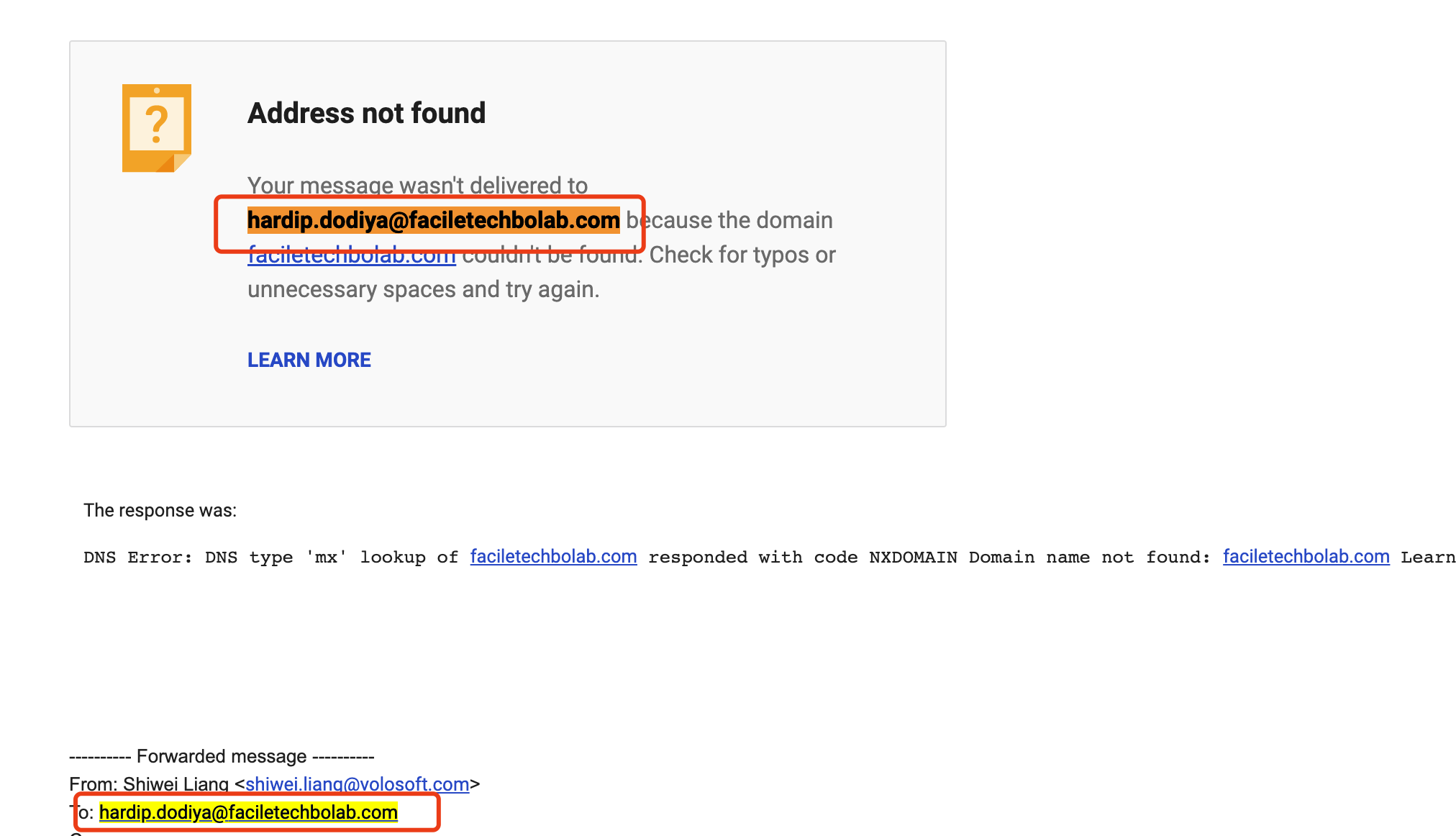
It looks the email address is incorrect
 Markdown supported.Copy, paste, or drag & drop images and files (max 100 MB per file, 100 MB total per post)
 -
0
Shared
Markdown supported.Copy, paste, or drag & drop images and files (max 100 MB per file, 100 MB total per post) -
0
Tested in the sample project, custom password validation feature working fine. All the packages were v7.2.3.
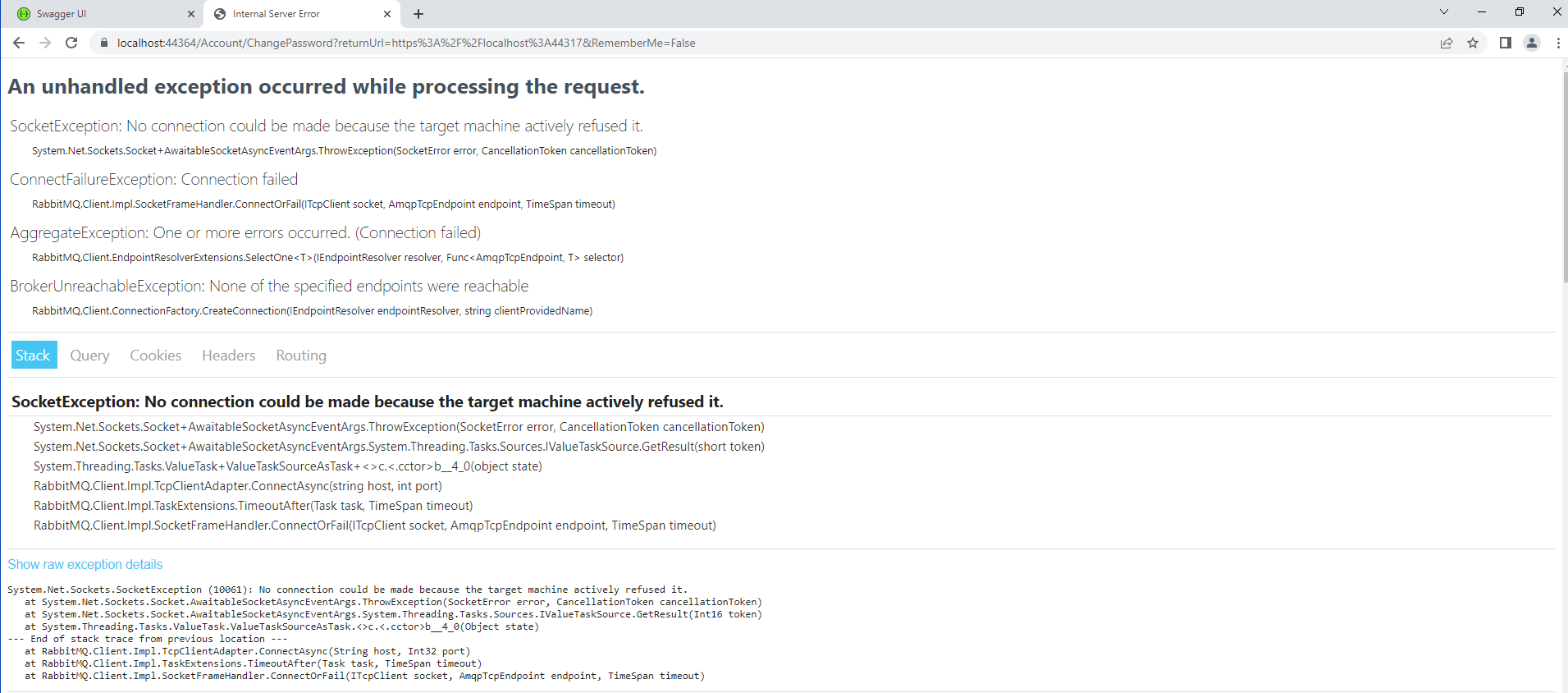
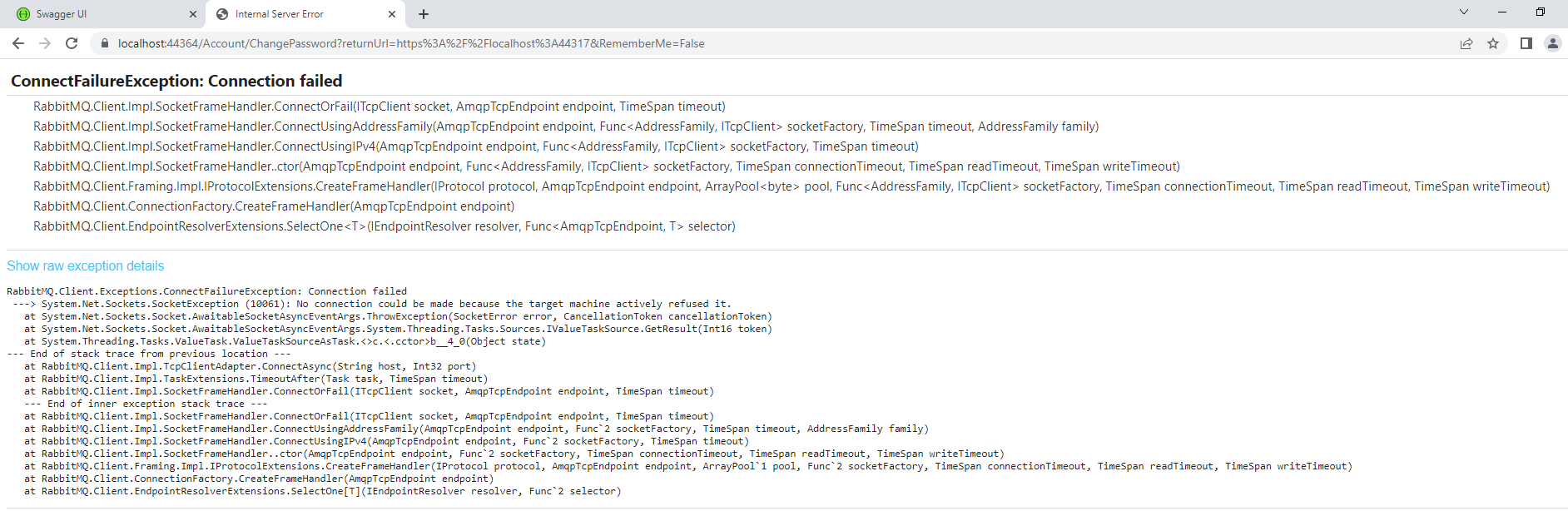
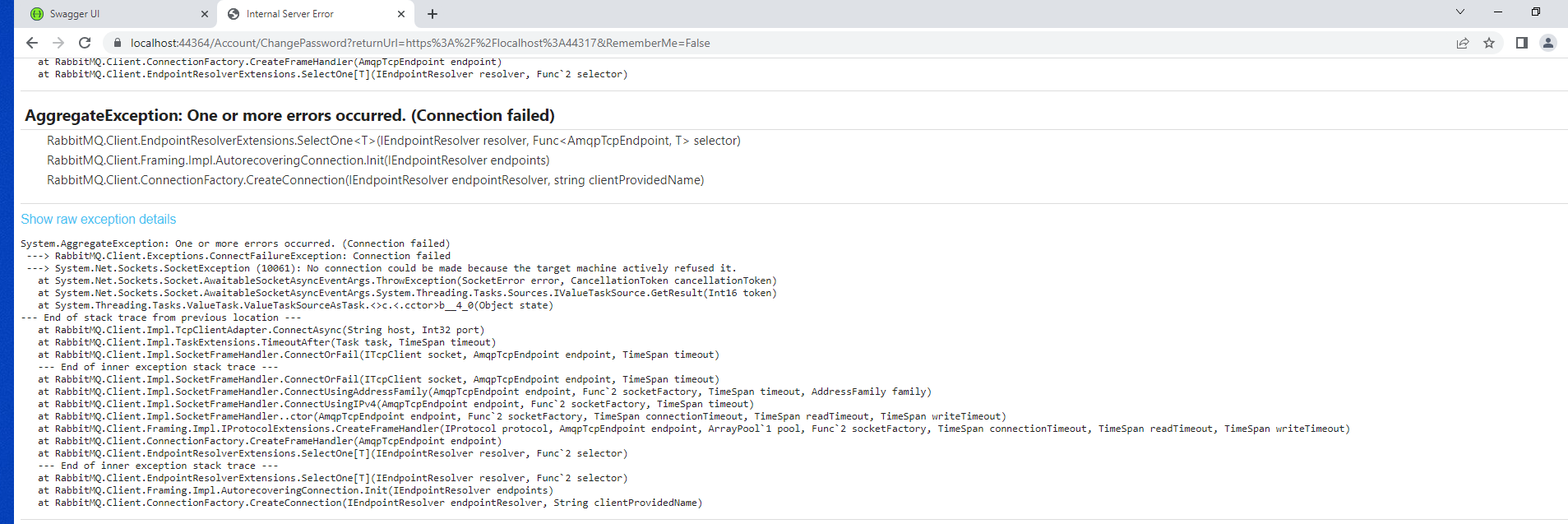
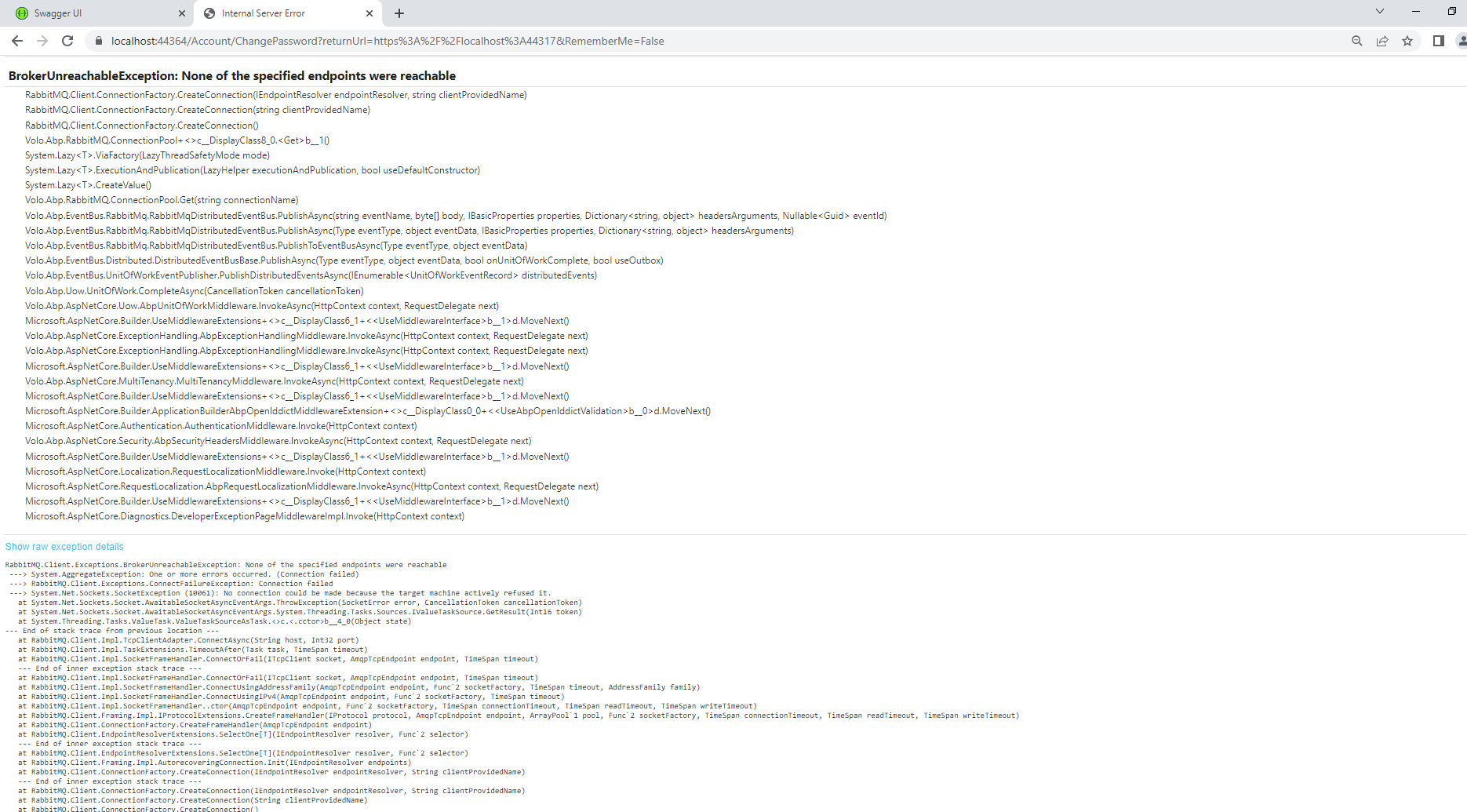
So updated to to 7.2.3 then validations are firing as per settings but when correct validations are entered getting the connections errors.
refer
 Markdown supported.Copy, paste, or drag & drop images and files (max 100 MB per file, 100 MB total per post)
 -
0
Hi,
Please check your rabbitmq server to make sure it is available
Markdown supported.Copy, paste, or drag & drop images and files (max 100 MB per file, 100 MB total per post) -
0
When you use the rabbitmq module, you need to make sure the rabbitmq server is available
Markdown supported.Copy, paste, or drag & drop images and files (max 100 MB per file, 100 MB total per post)


