






ABP Framework version: v7.3.2
Template Type: Application Template
UI Type: Angular
Database System: EF Core (SQL Server, Oracle, MySQL, PostgreSQL, etc..) / MongoDB
Tiered (for MVC) or Auth Server Separated (for Angular): yes
Exception message and full stack trace: backgroud svg is missing in production mode
Steps to reproduce the issue: 1.create application though abp suite
2.modify launchSettings.json in AuthServer project
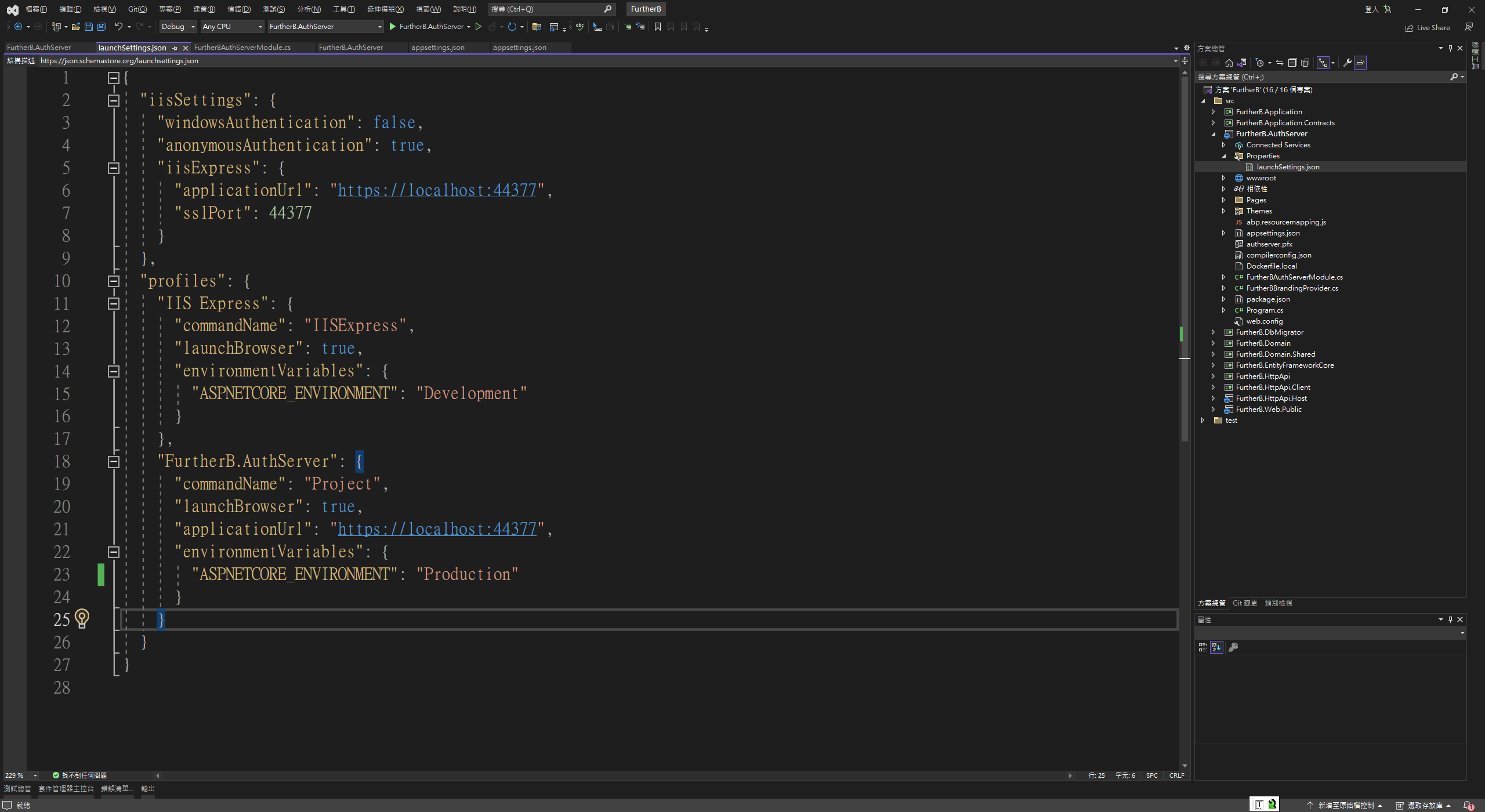
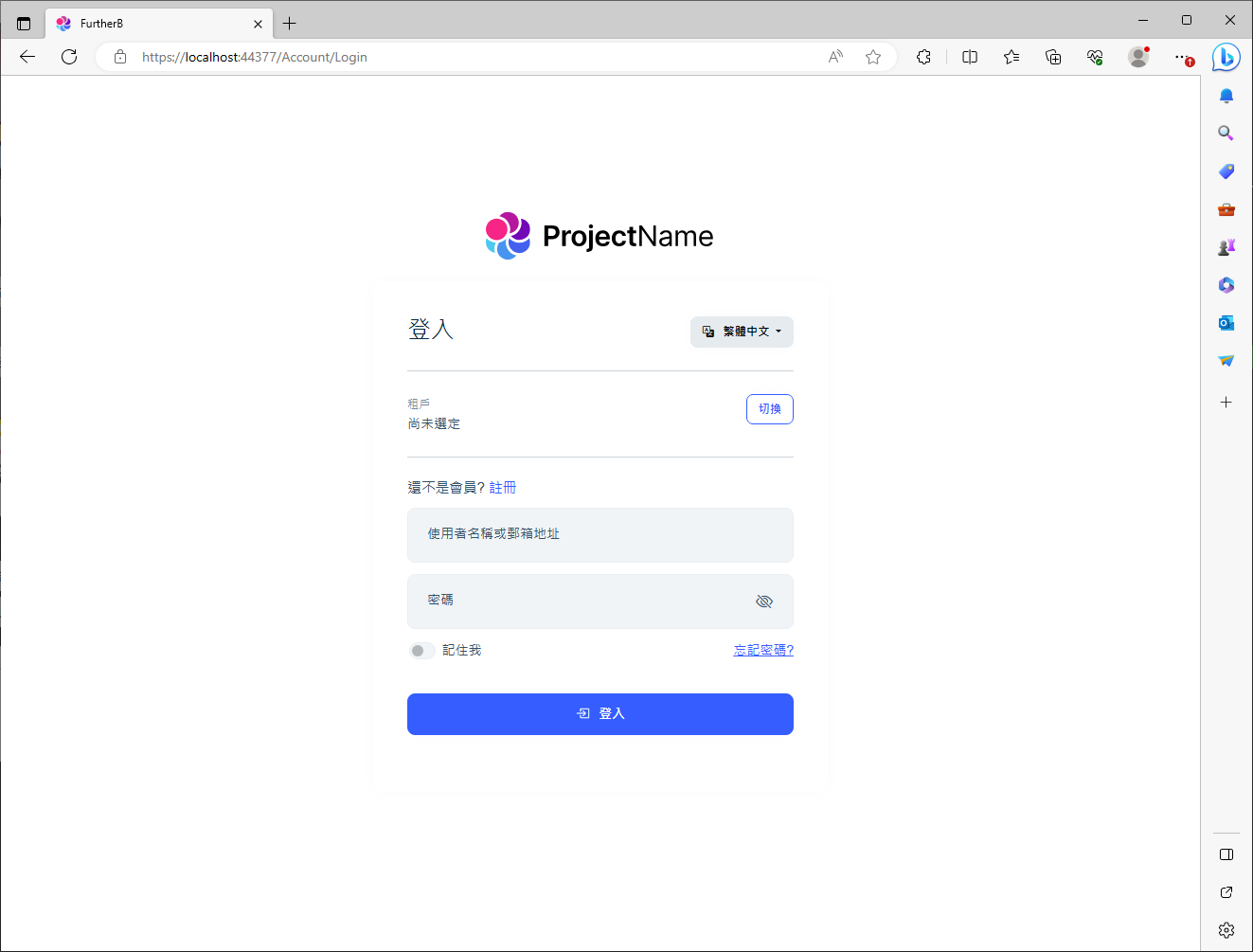
3.Press F5 to run AuthServer project ,background image is missing
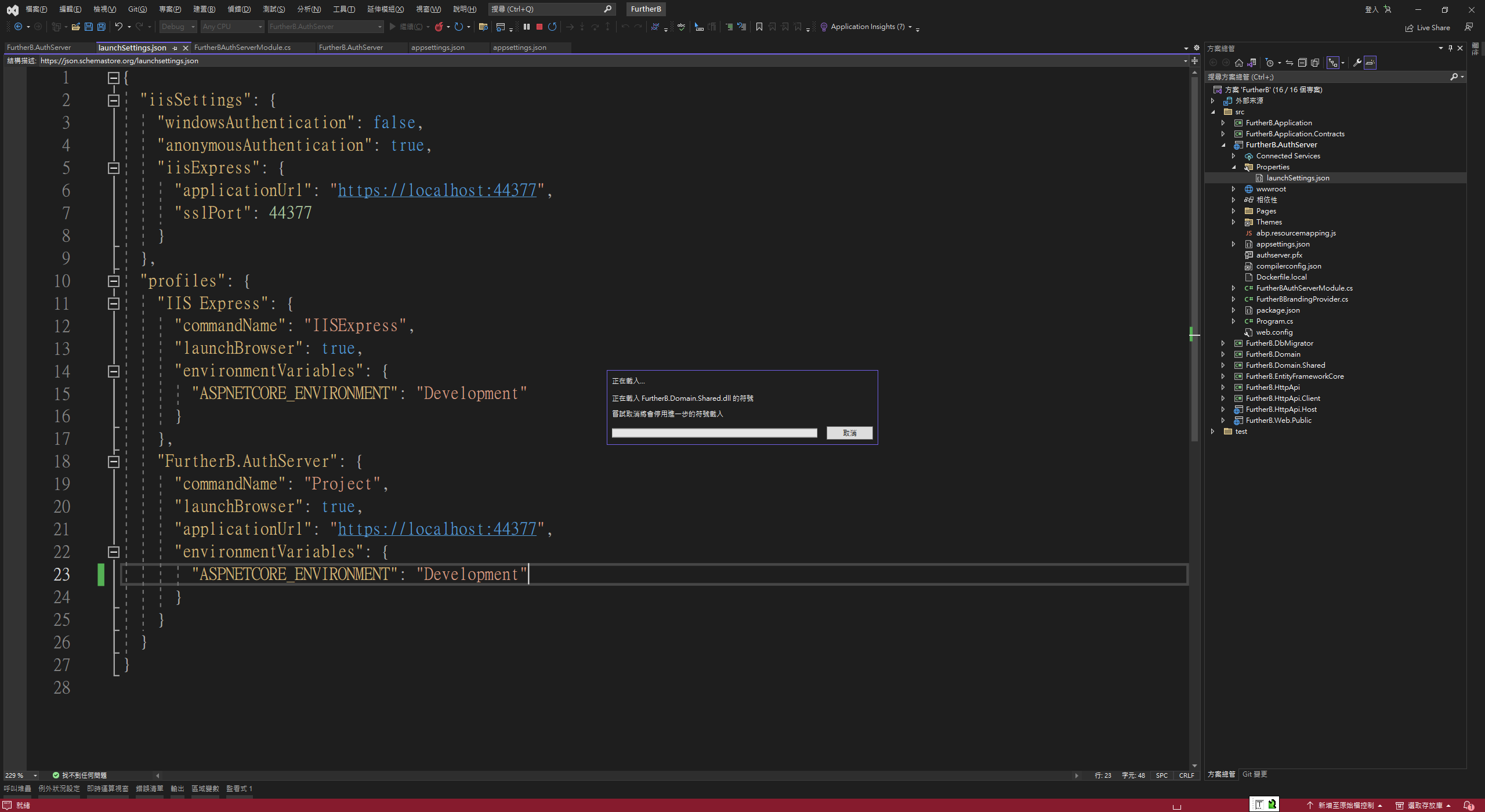
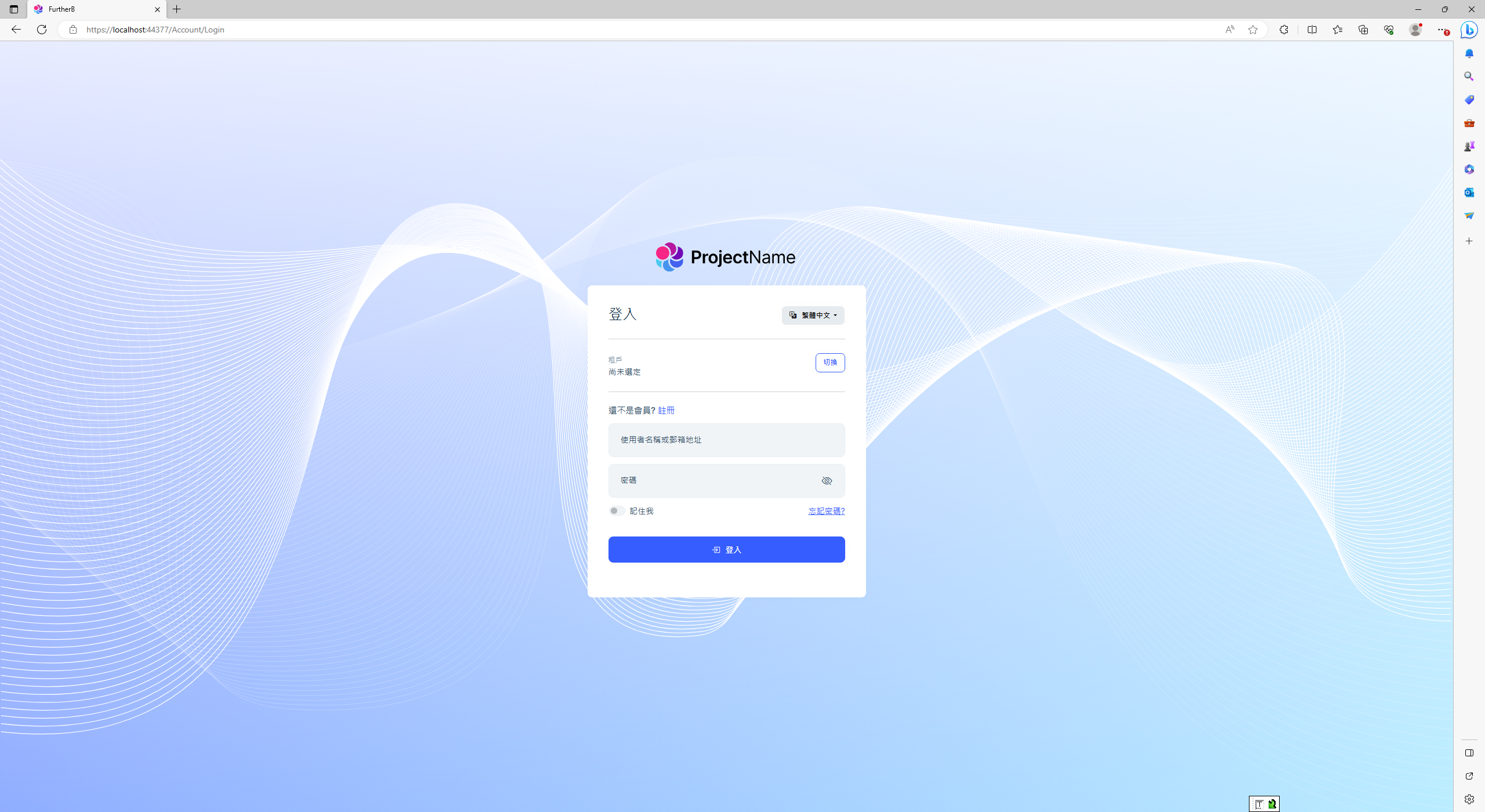
PS. If i Switch to Develop ,it work
4 Answer(s)
-
0
Hello yinchang,
Please try by adding following code to
MyApp\aspnet-core\src\MyApp.AuthServer\wwwroot\global-styles.css:root .lpx-theme-dark .lpx-login-bg { background-image: url('/LeptonX/images/login-pages/login-bg-img-dark.svg') !important; } :root .lpx-theme-light .lpx-login-bg { background-image: url('/LeptonX/images/login-pages/login-bg-img-light.svg') !important; } :root .lpx-theme-dim .lpx-login-bg { background-image: url('/LeptonX/images/login-pages/login-bg-img-dim.svg') !important; }Please do let us know if this solution has worked for you?
Awaiting for your response.
Thank You, Anjali
Markdown supported.Copy, paste, or drag & drop images and files (max 100 MB per file, 100 MB total per post) -
0
Hello yinchang,
Please try by adding following code to
MyApp\aspnet-core\src\MyApp.AuthServer\wwwroot\global-styles.css:root .lpx-theme-dark .lpx-login-bg { background-image: url('/LeptonX/images/login-pages/login-bg-img-dark.svg') !important; } :root .lpx-theme-light .lpx-login-bg { background-image: url('/LeptonX/images/login-pages/login-bg-img-light.svg') !important; } :root .lpx-theme-dim .lpx-login-bg { background-image: url('/LeptonX/images/login-pages/login-bg-img-dim.svg') !important; }Please do let us know if this solution has worked for you?
Awaiting for your response.
Thank You, Anjali
this solution work. Will you fix this issue for next version ?
Markdown supported.Copy, paste, or drag & drop images and files (max 100 MB per file, 100 MB total per post) -
0
yinchang
Yes we will fix in next version. Can we close this ticket if your query is resolved? Please confirm.
Thank You, Anjali
Markdown supported.Copy, paste, or drag & drop images and files (max 100 MB per file, 100 MB total per post) -
0
Thank you again for reporting this issue, we will fix this issue in the next release.
We have also refunded your ticket. Please check the updated balance.
Regards, Anjali
Markdown supported.Copy, paste, or drag & drop images and files (max 100 MB per file, 100 MB total per post)


