ABP Framework version: v7.4
UI Type: Angular
Database System: EF Core (SQL Server)
Tiered (for MVC) or Auth Server Separated (for Angular): yes
Exception message and full stack trace:
Steps to reproduce the issue: Hi,
I tried to change password from My Account menu. It's not working.
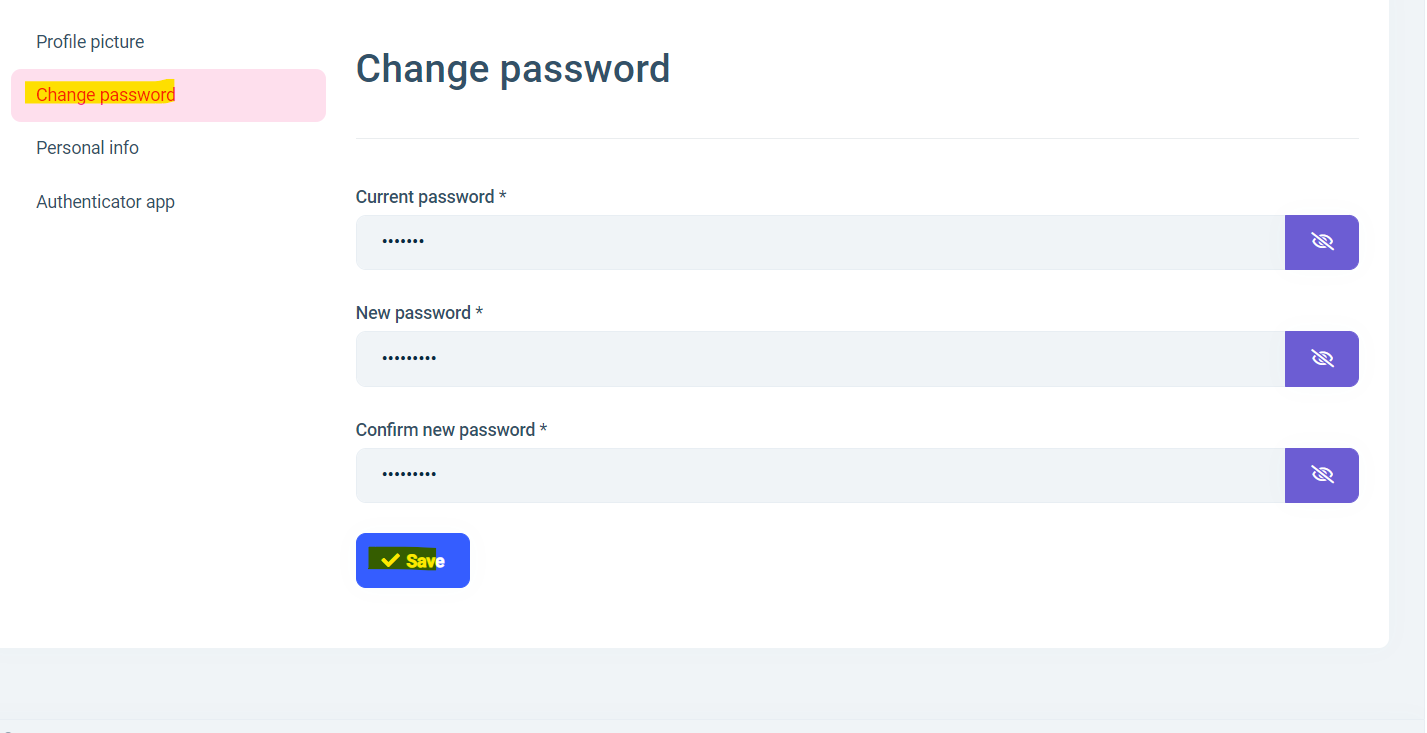
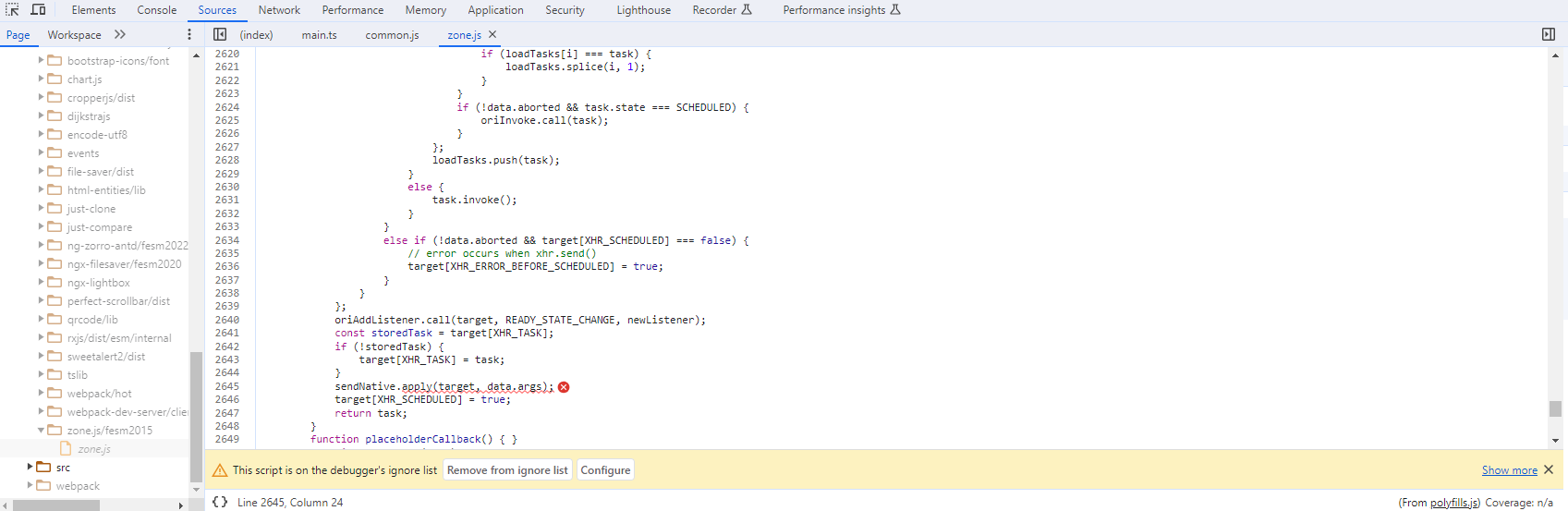
I get the error below error

It looks like, it is taking a context of observable instead of component and that's why we are getting different object in this. And service is not available.
Can you guys please fix this issue?
Thanks
18 Answer(s)
-
0
yes I have produced the issue. I have opened bug task. I have refunded your credit
Markdown supported.Copy, paste, or drag & drop images and files (max 100 MB per file, 100 MB total per post) -
0
Hi Mahmut
Is there any workaround for this issue as we are also facing it?
Thanks
Phil
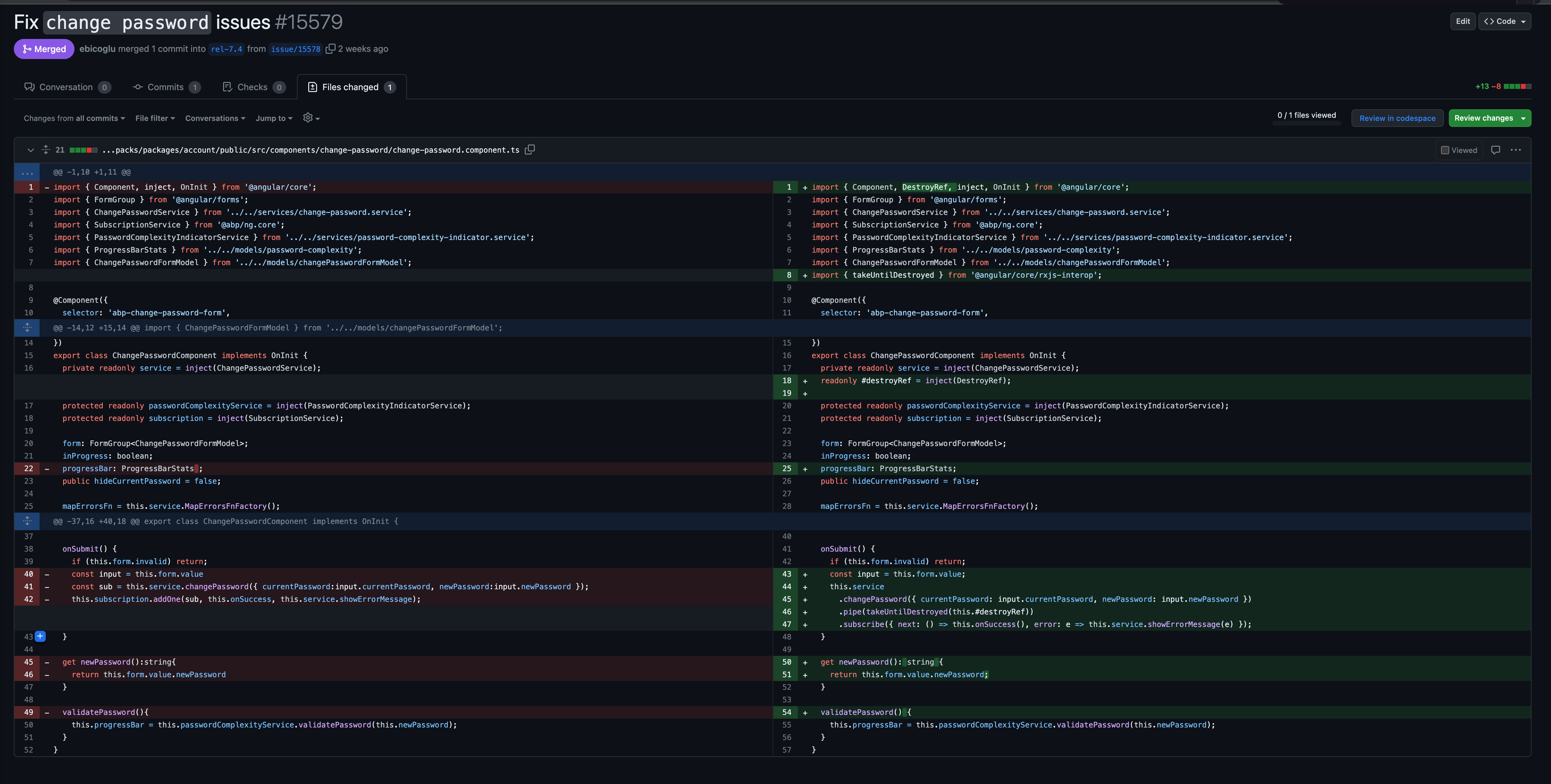
If the problem in the service file or replacable component, I had share a workarond but the component only fix with update and The uploaded was released.
 Markdown supported.Copy, paste, or drag & drop images and files (max 100 MB per file, 100 MB total per post)
 -
0
I run
abp updateand updated to v7.4.2 in the root folder of my aspnetcore and angular folders, the issue remains. I deleted the node_modules and cleared npm cache andrun npm installagain, now I am having new issue the whole angular solution is not loading!!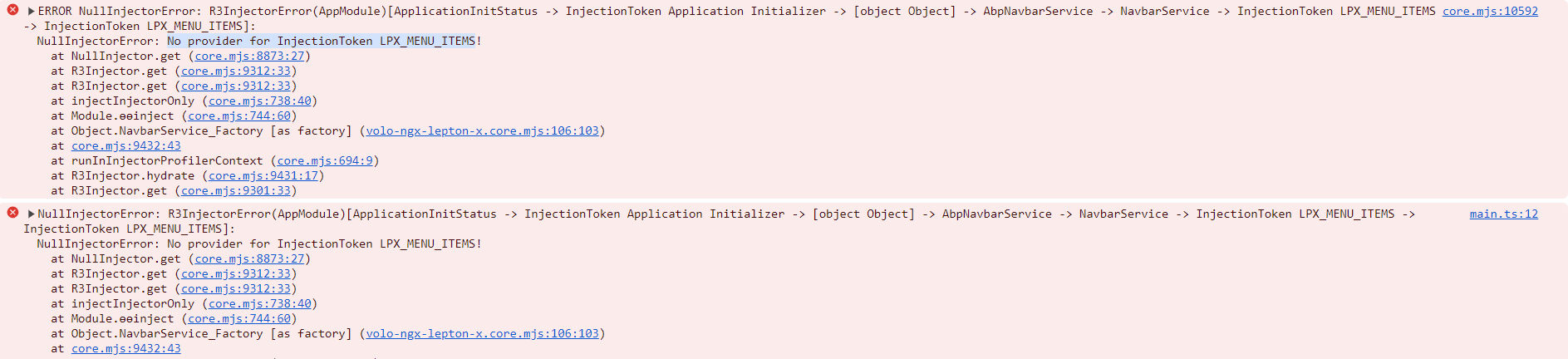 Markdown supported.Copy, paste, or drag & drop images and files (max 100 MB per file, 100 MB total per post)
 -
0
If the problem in the service file or replacable component, I had share a workarond but the component only fix with update and The uploaded was released.
I rerun the update on another directory and now getting this: did you mean updating to 7.4.2?
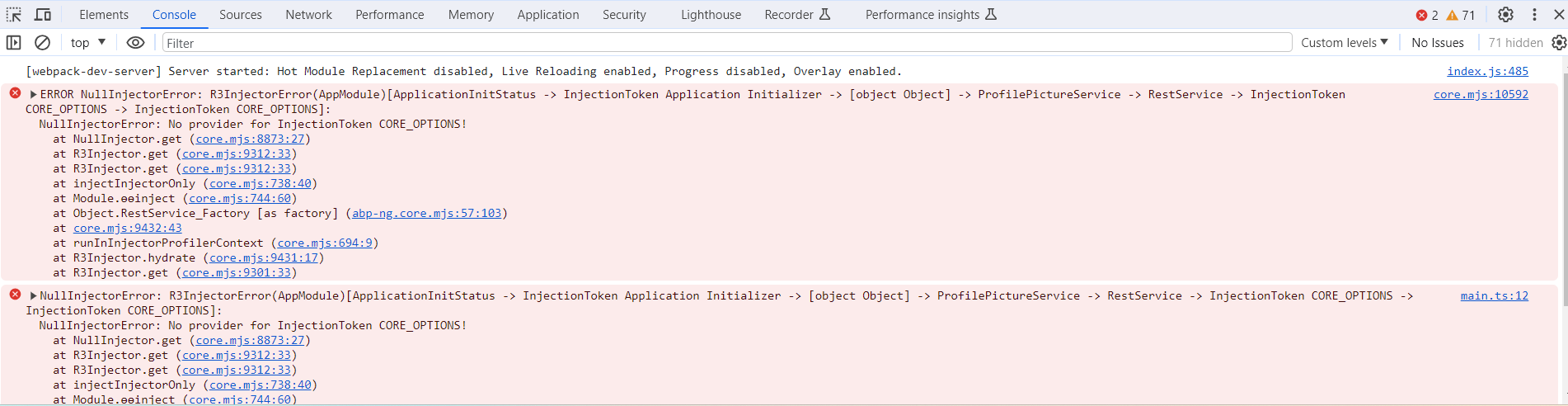 Markdown supported.Copy, paste, or drag & drop images and files (max 100 MB per file, 100 MB total per post)
 -
0
It is working now here is what was done: 1- update CLI to v7.4.2
abp cli update2-abp updatein the project root folder 3- in the project root folder runabp install-libs(could be useless as in the next step I delete all packages) 4- In angular, delete node_modules, and all lock files package and yarn. (This is very important step) 5- run npm installIt's working. However, if you enter a wrong password, it shows wrong password followed by Server error 403
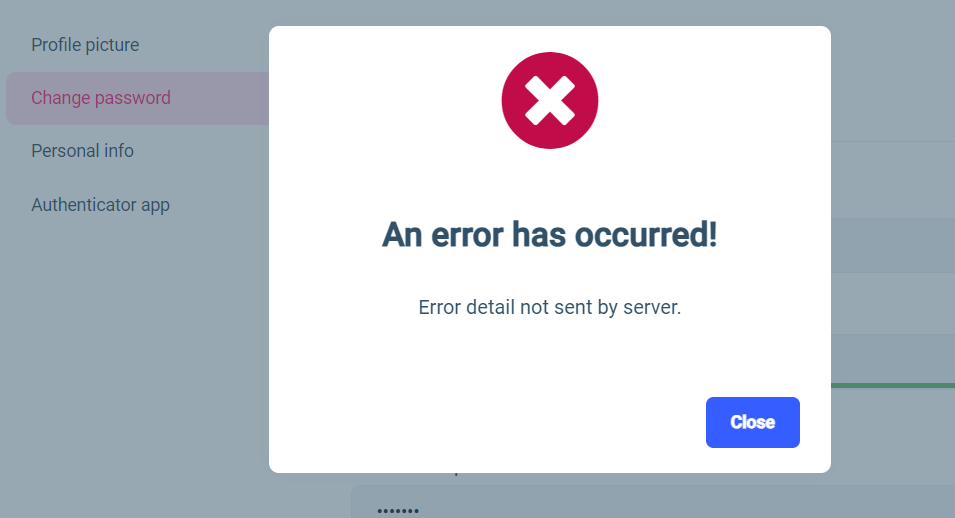
 Markdown supported.Copy, paste, or drag & drop images and files (max 100 MB per file, 100 MB total per post)
 -
0
you can close this ticket if it's closed for you.
Thanks Alper and team, the initial issue is resolved. However, It's still showing server error when the current password is wrong, so the solution needs to address that. In any case, I will ask Vipul to close this ticket.
Markdown supported.Copy, paste, or drag & drop images and files (max 100 MB per file, 100 MB total per post) -
0
I couldn't produce in my local.
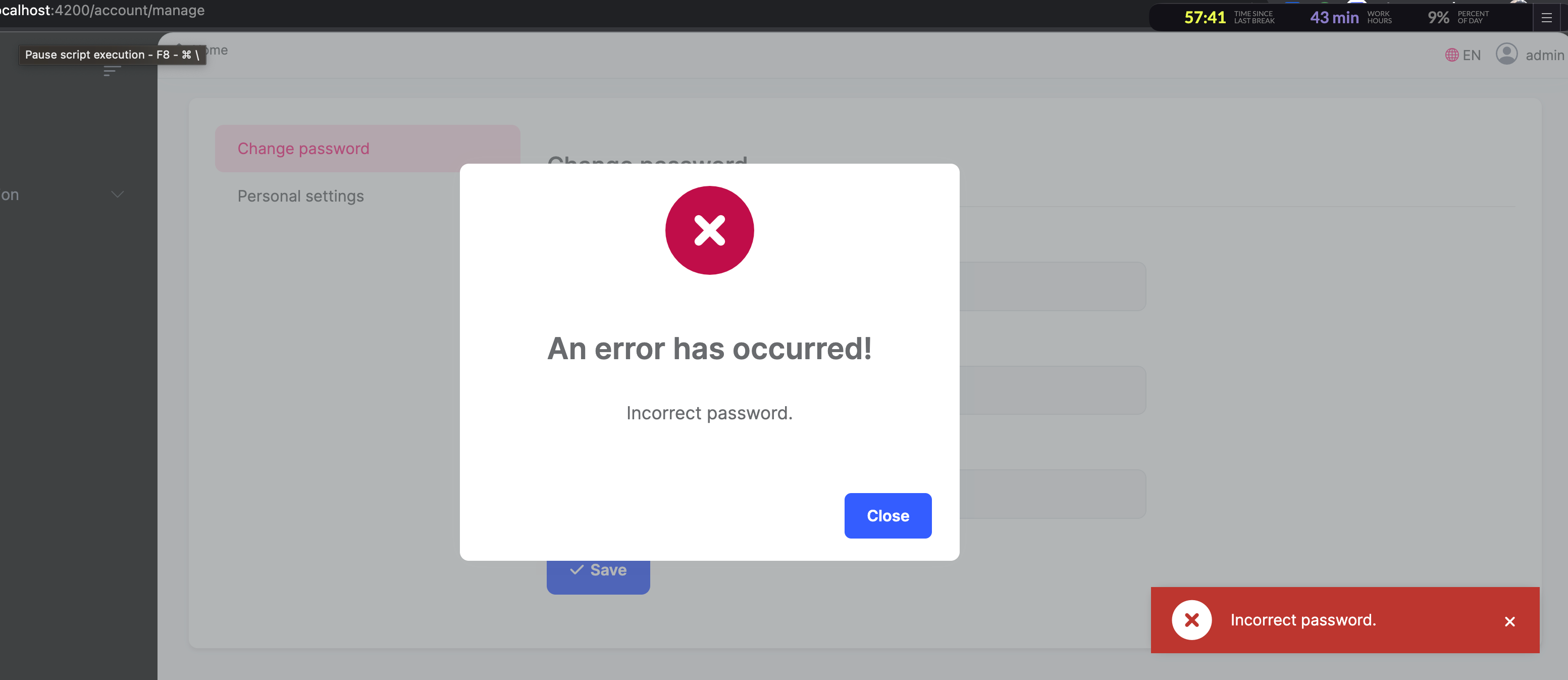
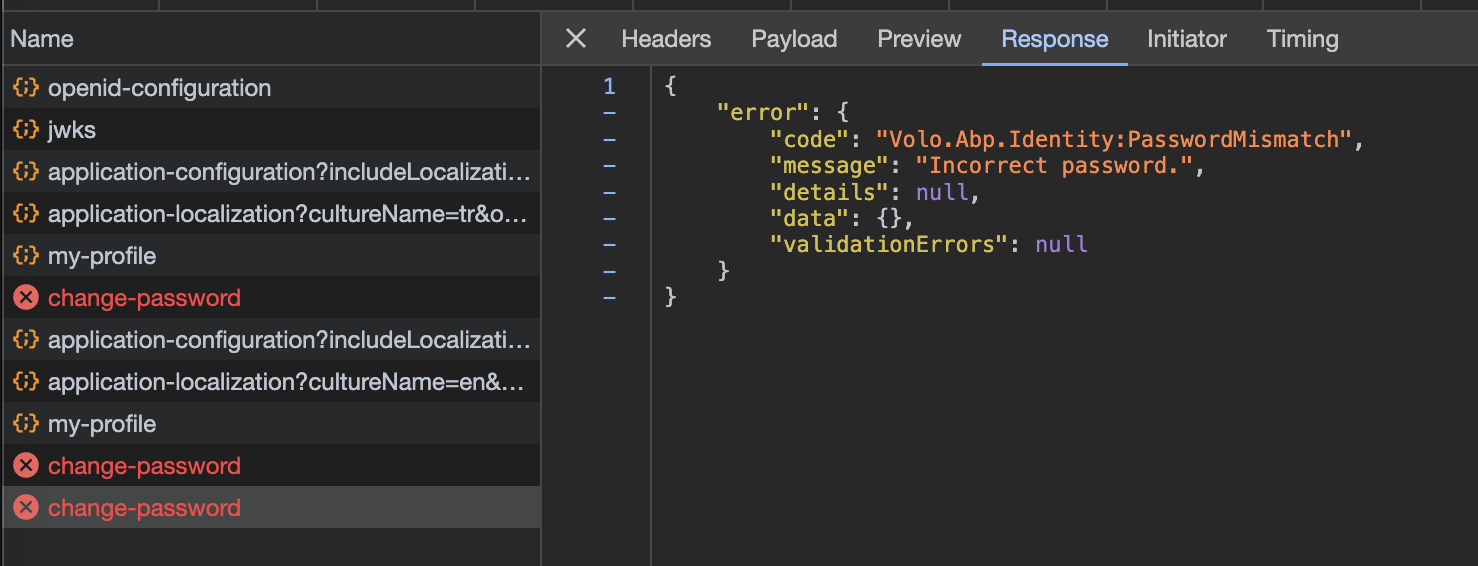
Could you share response of change password of your code ?
 Markdown supported.Copy, paste, or drag & drop images and files (max 100 MB per file, 100 MB total per post)
 -
0
I couldn't produce in my local.
Could you share response of change password of your code ?
Thanks Mahmut for your reply, here is what I got when I used the wrong password.
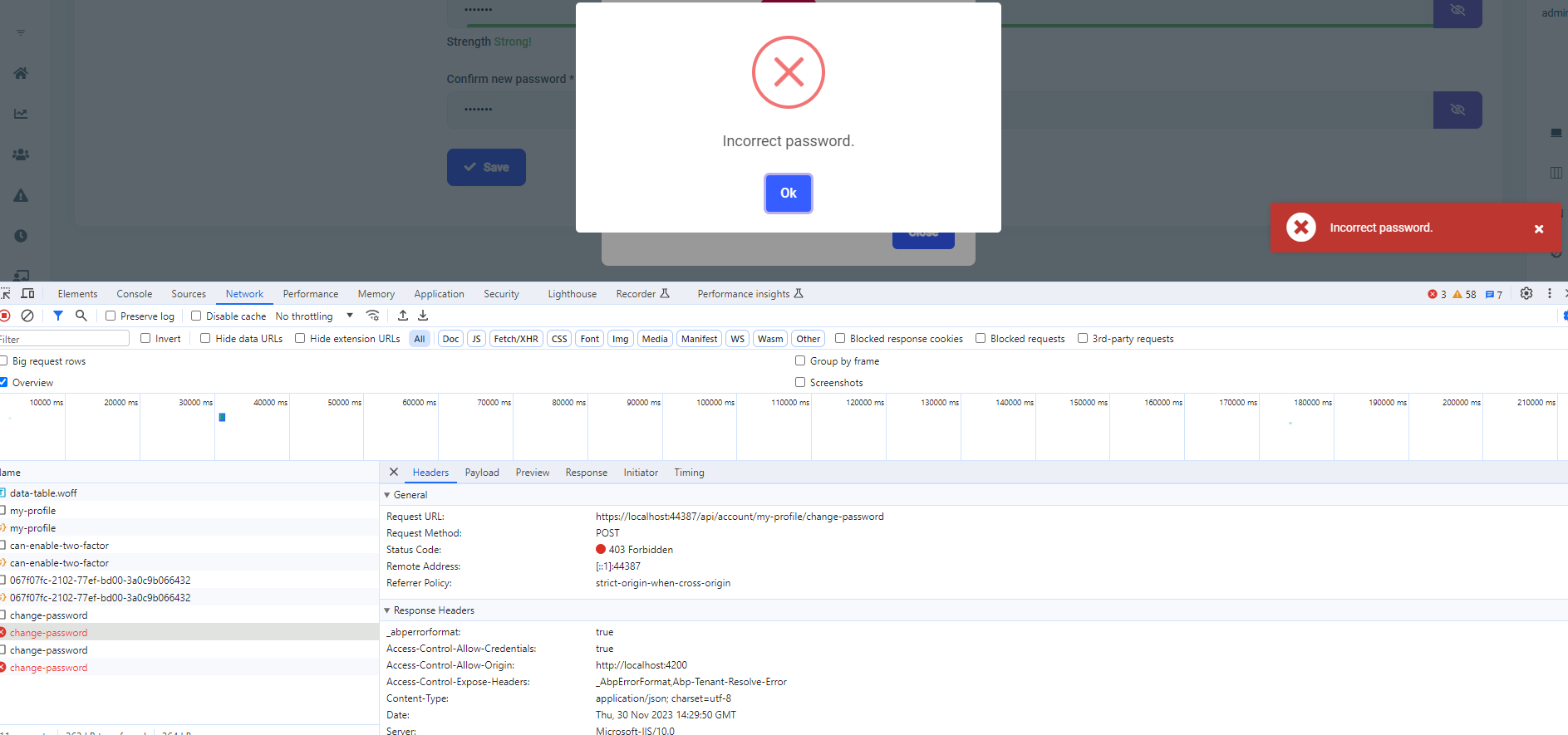
If I click on ok for the swal popup I get this
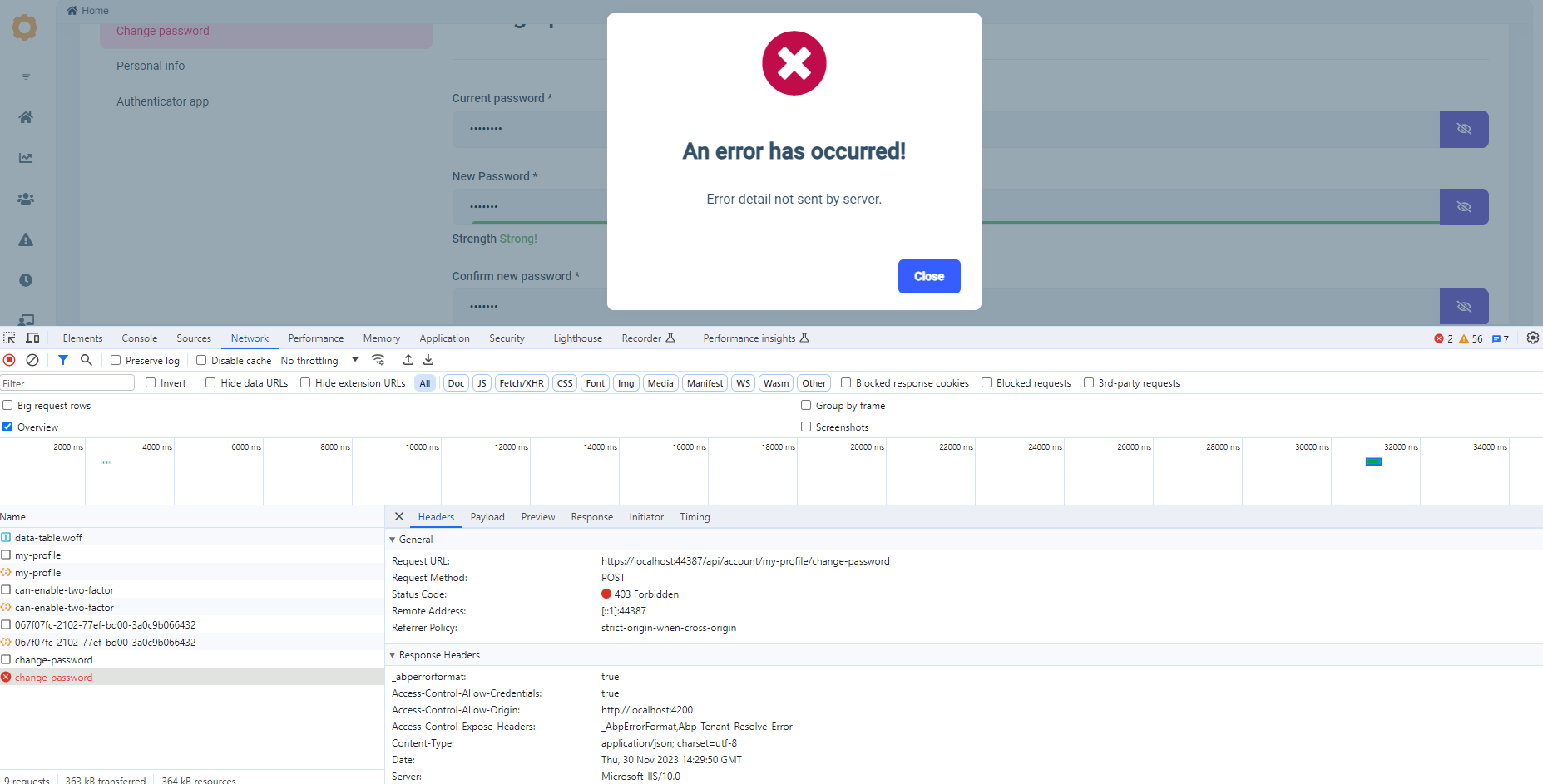
The response matches yours:
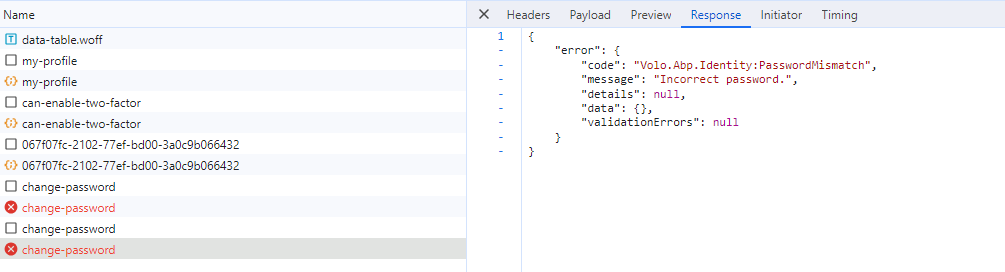 Markdown supported.Copy, paste, or drag & drop images and files (max 100 MB per file, 100 MB total per post)