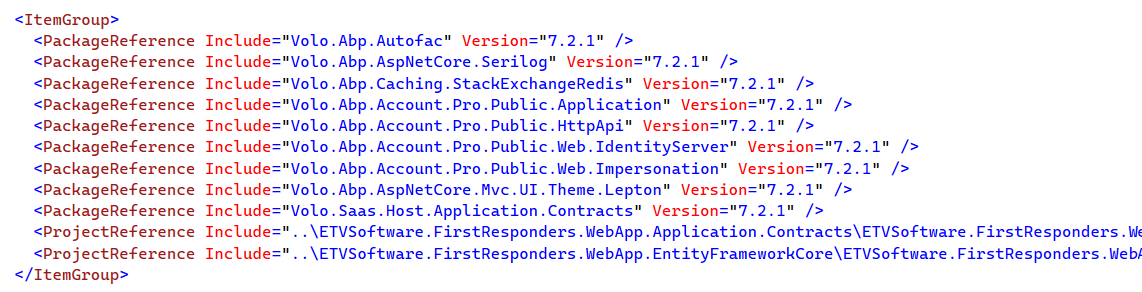
When a user reset the password there is a button showing from Identity server that redirect the user to Login page. So when we try to login it is showing 500 error. Then we found out the URL of login is different with normal Login page URL. We can't find any way to solve it. If anyone faces this same issue and have a solution please share with us. Thanks.
For reference both Login URLs:
Normal Login URL:
https://frps-web-app-identity-dev.azurewebsites.net/Account/Login?ReturnUrl=%2Fconnect%2Fauthorize%2Fcallback%3Fclient_id%3DWebApp_BlazorServerTiered%26redirect_uri%3Dhttps%253A%252F%252Ffrps-web-app-blazor-dev.azurewebsites.net%252Fsignin-oidc%26response_type%3Dcode%2520id_token%26scope%3Dopenid%2520profile%2520role%2520email%2520phone%2520WebApp%26response_mode%3Dform_post%26nonce%3D638348676073138173.NjU3NTI5NGYtYTFjMi00MTRmLWEyZWUtMWZmN2I5ZmU5ODU4YjczZjQ0ODEtYzEyZi00Y2M3LTg5NjEtNjkyODhkZDg3MTRm%26state%3DCfDJ8N2DUOxYZZNHpRgbvwdIq-wFnAgHuyon2bIc5E1hzdEqX-hK6Jk3I9IWJMDAEkOvFlZgLVKPZckmOpPaSjEl1fx5WRESrxj1DiXrdEFQ1HSd7EhvLyaXtSa6W7yNCdRN5G4E-nYrCvDL2J2Tvm-xvPO-Jd1sxc39zIIlZa_ogB_b3-Ghaz3xNbskxQWE9Rey-woC-_j_TAVzRTC14UaRxiEH9i8LoyCzslMpACDNxZiYbyo6BUoUBrydX07bPanrlBjvfBZTSHevlS7Ck0c9HUQ3NLCfVWONVJ0UXXIx3LcZlfUQMWhja0NQ80MX-zaw-7WkLS3cTFbscbEGJgznlFM%26x-client-SKU%3DID_NETSTANDARD2_0%26x-client-ver%3D6.15.1.0
After Reset Password Login URL:
https://frps-web-app-identity-dev.azurewebsites.net/Account/Login?returnUrl=https%3A%2F%2Ffrps-web-app-blazor-dev.azurewebsites.net%2Fsignin-oidc
Video Link: https://www.loom.com/share/5b720a05f29649a5a34241f0f5a04c75?sid=03e80f20-3d68-4565-a389-ea8a4eb774be
6 Answer(s)
-
0
Hi,
May I ask what version are you using?
Markdown supported.Copy, paste, or drag & drop images and files (max 100 MB per file, 100 MB total per post) -
0
Hi,
I could not reproduce the problem.
- abp new Testapp -d mongodb -u blazor -v 7.2.1
- Reset password
I think this may be related to your email provider.
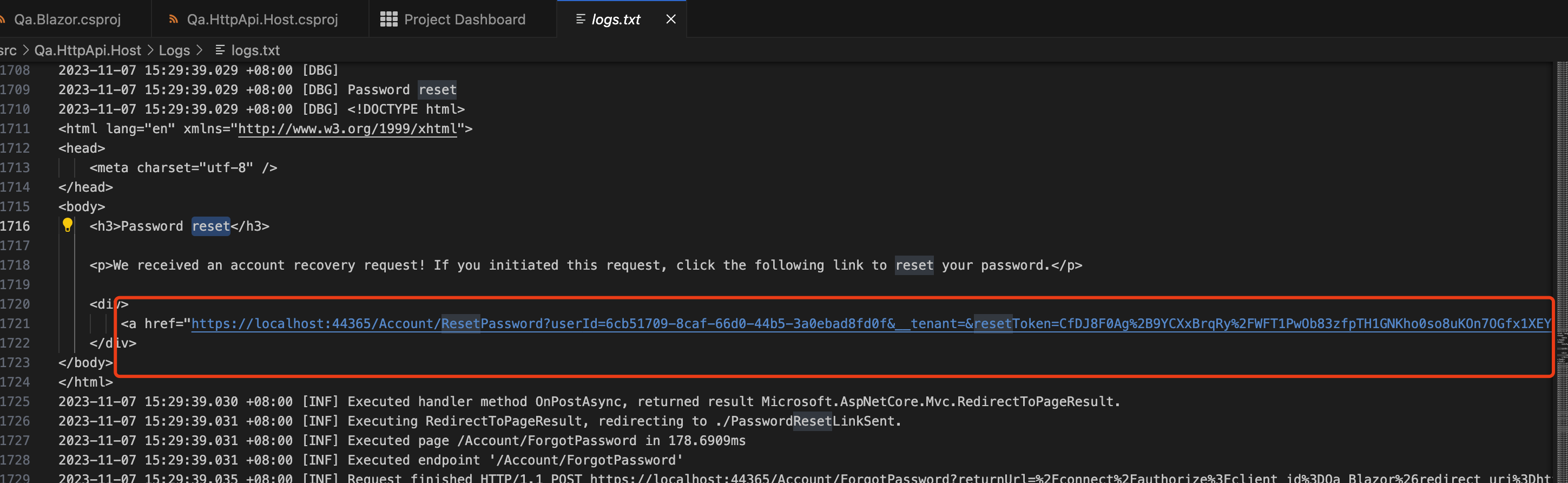
https://localhost:44365/Account/ResetPassword?userId=6cb51709-8caf-66d0-44b5-3a0ebad8fd0f&__tenant=&resetToken=CfDJ8F0Ag%2B9YCXxBrqRy%2FWFT1PwOb83zfpTH1GNKho0so8uKOn7OGfx1XEY8V5GUWf%2Fru9F%2BzzAkvQWgpnV%2BOIrw9ZS10o%2FYuJKRGVxCfNJSiZsAo%2FtI7ut%2Fl7QWQFFiG%2BxKWTgsZ5v9vGXdajuhtkbIWXeP2%2Fmr1KB2faai%2FSr3h2IC7ZL3vW%2B9MB9EVf02n3OcVlugGMhpL1BkMOa%2BSVe1fnWXc%2ByEaz1s3hiKGWC7nhqB&returnUrl=%2fconnect%2fauthorize%3fclient_id%3dQa_Blazor%26redirect_uri%3dhttps%253A%252F%252Flocalhost%253A44351%252Fauthentication%252Flogin-callback%26response_type%3dcode%26scope%3dopenid%2520profile%2520Qa%2520roles%2520email%2520phone%26state%3d577f62acb1654bb4b68bb833783987fb%26code_challenge%3da5VfcwyANEfbaFiBFrwm7GYldc3_Pi-i3GqXuBs8uc0%26code_challenge_method%3dS256%26response_mode%3dquery
Markdown supported.Copy, paste, or drag & drop images and files (max 100 MB per file, 100 MB total per post) -
1
If you can share a simple project to reproduce the problem with me, I will check it. my email is shiwei.liang@volosoft.com
Markdown supported.Copy, paste, or drag & drop images and files (max 100 MB per file, 100 MB total per post) -
0
Hi
I tried to create a project with the command: "abp new Testapp -d entityframeworkcore -u blazor -v 7.2.1". I found that there is no Identity Server project in the Solution
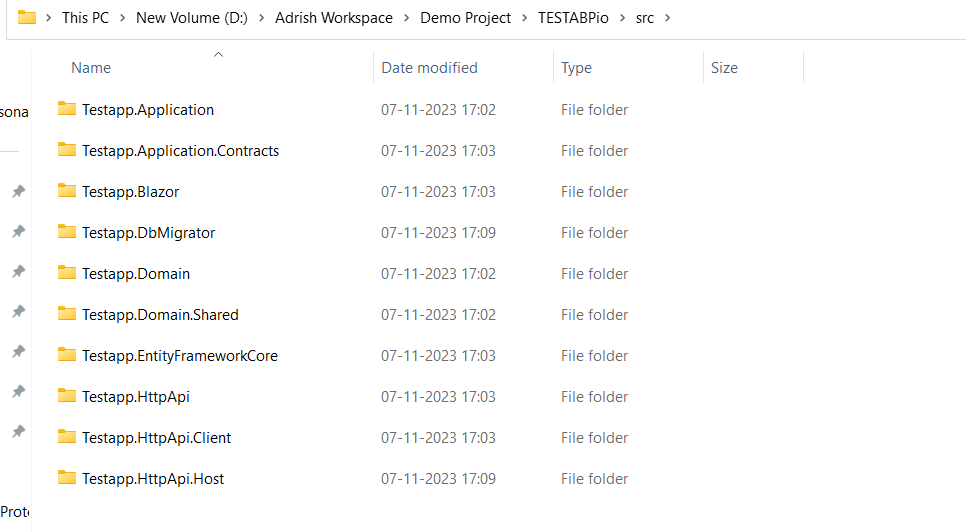 The project where we are working, consists a Identity Server
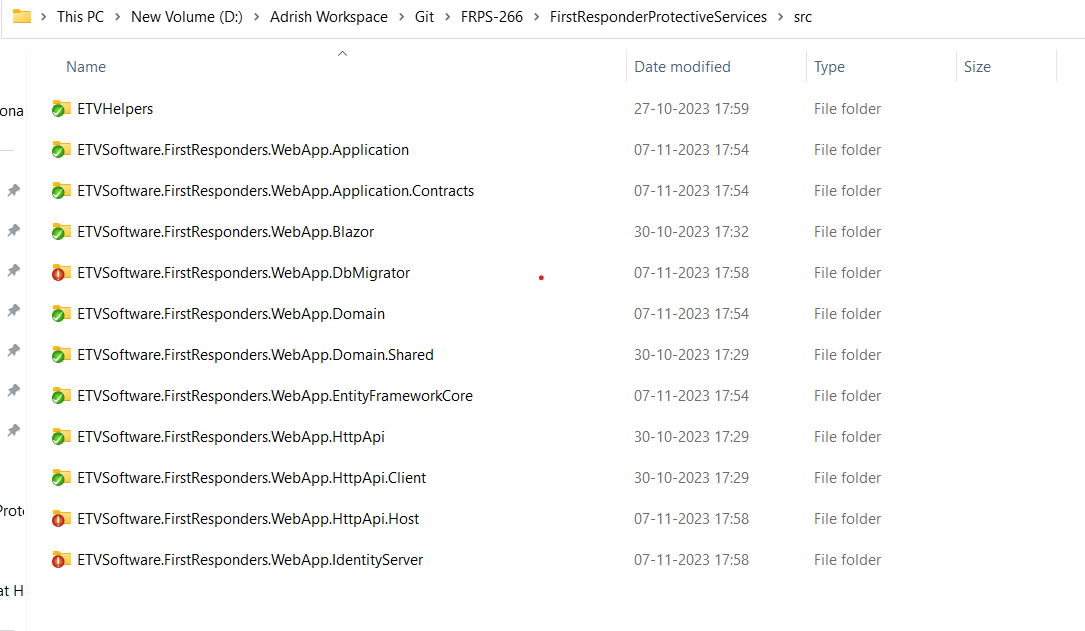
We are facing the issue from Identity Server
We tried to create a solution from ABP Suite. But we can't find any option to degrade the version to 7.2.1. The version we got 7.3.3 and if we tick on the checkbox where it show "Separate Authentication Server", we got a AuthServer project in the solution.
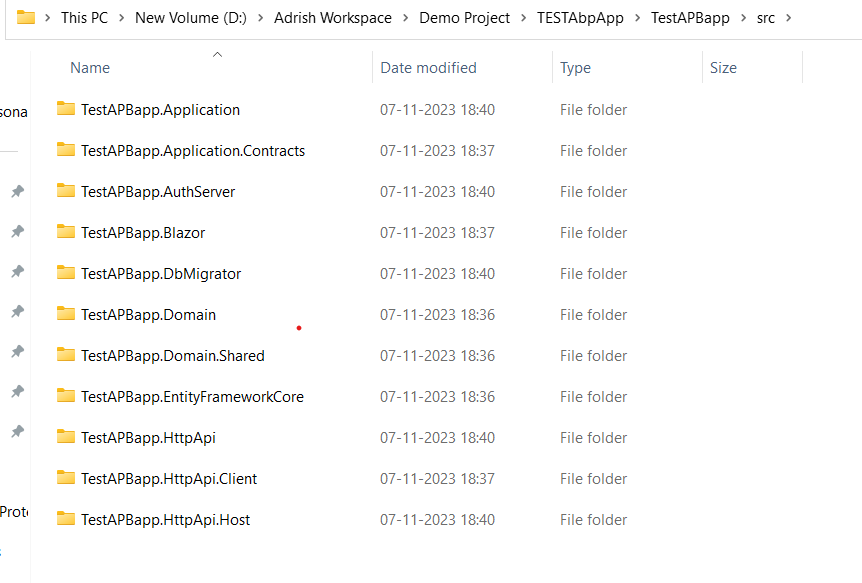
Please help me with it.
Markdown supported.Copy, paste, or drag & drop images and files (max 100 MB per file, 100 MB total per post) -
0
Hi,
Could you try to test it in your local environment?
Use debug mode and development environment, you will see a password reset email in the log file.
Markdown supported.Copy, paste, or drag & drop images and files (max 100 MB per file, 100 MB total per post)