






hello dear.
this problem solved when i access project in localhost by add some configuration like this.
  Configure<AbpDistributedCacheOptions>(options =>
{
    options.GlobalCacheEntryOptions = new DistributedCacheEntryOptions()
    {
        //AbsoluteExpiration =  DateTimeOffset.UtcNow.AddSeconds(60),
        SlidingExpiration = TimeSpan.FromSeconds(60)//20 mins default
    };

});
but when i access project from external api permissions does not updated without restarting bool why ?
11 Answer(s)
-
0
Hi,
May I ask your project type:
- ABP Framework version: vX.X.X
- UI Type: Angular / MVC / Blazor WASM / Blazor Server
- Database System: EF Core (SQL Server, Oracle, MySQL, PostgreSQL, etc..) / MongoDB
- Tiered (for MVC) or Auth Server Separated (for Angular): yes/no
Markdown supported.Copy, paste, or drag & drop images and files (max 100 MB per file, 100 MB total per post) -
0
Hi,
You can configure the
ApplicationConfigurationDtoCacheAbsoluteExpiration: https://github.com/abpframework/abp/blob/dev/framework/src/Volo.Abp.AspNetCore.Mvc.Client/Volo/Abp/AspNetCore/Mvc/Client/AbpAspNetCoreMvcClientCacheOptions.csBut it was added in version
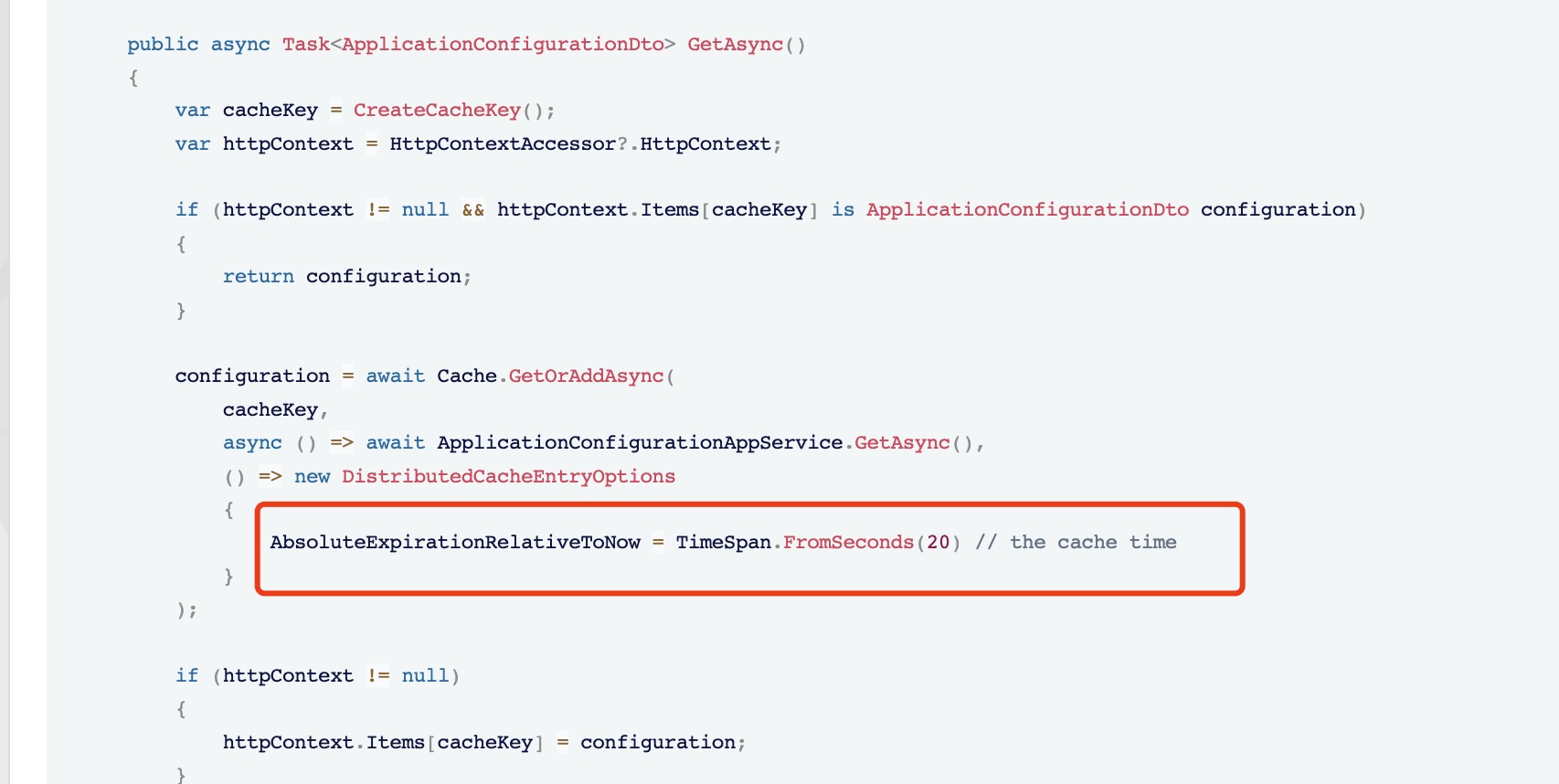
7.1, if you don't want to upgrade your project version. you need to replace theMvcCachedApplicationConfigurationClientservice:[ExposeServices(typeof(ICachedApplicationConfigurationClient))] public class MyMvcCachedApplicationConfigurationClient : ICachedApplicationConfigurationClient, ITransientDependency { protected IHttpContextAccessor HttpContextAccessor { get; } protected AbpApplicationConfigurationClientProxy ApplicationConfigurationAppService { get; } protected ICurrentUser CurrentUser { get; } protected IDistributedCache<ApplicationConfigurationDto> Cache { get; } public MyMvcCachedApplicationConfigurationClient( IDistributedCache<ApplicationConfigurationDto> cache, AbpApplicationConfigurationClientProxy applicationConfigurationAppService, ICurrentUser currentUser, IHttpContextAccessor httpContextAccessor) { ApplicationConfigurationAppService = applicationConfigurationAppService; CurrentUser = currentUser; HttpContextAccessor = httpContextAccessor; Cache = cache; } public async Task<ApplicationConfigurationDto> GetAsync() { var cacheKey = CreateCacheKey(); var httpContext = HttpContextAccessor?.HttpContext; if (httpContext != null && httpContext.Items[cacheKey] is ApplicationConfigurationDto configuration) { return configuration; } configuration = await Cache.GetOrAddAsync( cacheKey, async () => await ApplicationConfigurationAppService.GetAsync(), () => new DistributedCacheEntryOptions { AbsoluteExpirationRelativeToNow = TimeSpan.FromSeconds(20) // the cache time } ); if (httpContext != null) { httpContext.Items[cacheKey] = configuration; } return configuration; } public ApplicationConfigurationDto Get() { var cacheKey = CreateCacheKey(); var httpContext = HttpContextAccessor?.HttpContext; if (httpContext != null && httpContext.Items[cacheKey] is ApplicationConfigurationDto configuration) { return configuration; } return AsyncHelper.RunSync(GetAsync); } protected virtual string CreateCacheKey() { return MvcCachedApplicationConfigurationClientHelper.CreateCacheKey(CurrentUser); } }Markdown supported.Copy, paste, or drag & drop images and files (max 100 MB per file, 100 MB total per post) -
0
When the cache expires, it will get the latest permissions from the remote.
 Markdown supported.Copy, paste, or drag & drop images and files (max 100 MB per file, 100 MB total per post)
 -
0
i'm not sure if you put my question , but all what i mean to update cache to reflect my changes on permissions so what i can do this class to expire the cache and updated to latest version. ??
Markdown supported.Copy, paste, or drag & drop images and files (max 100 MB per file, 100 MB total per post) -
0
Hi,
For the
Tieredsolution:The MVC application loads the application configuration(permissions, settings... etc from remote(HttpApi.Host) and store it in the Redis cache. by default, the cache time is 5 mins.
That's why let you use this class because it changes the cache time to 20s(you can use any time span you want.)
Maybe I misunderstood something, please let me know.
Markdown supported.Copy, paste, or drag & drop images and files (max 100 MB per file, 100 MB total per post) -
0
hi i change AbsoluteExpirationRelativeToNow to 60 seconds (AbsoluteExpirationRelativeToNow = TimeSpan.FromSeconds(60)) it's works fine ,but i want to know if this configuration affect the performance of project ? and AbsoluteExpirationRelativeToNow refresh cache every 60 seconds or when i update permission it takes 60 seconds for the web to refresh ???
Markdown supported.Copy, paste, or drag & drop images and files (max 100 MB per file, 100 MB total per post) -
0
but i want to know if this configuration affect the performance of project
Yes, it may have some effect
and AbsoluteExpirationRelativeToNow refresh cache every 60 seconds or when i update permission it takes 60 seconds for the web to refresh
Yes, refresh every 60 seconds.
If you care about performance and want to refresh the web permission immediately, You can consider manually deleting the cache using Redis API.
In the HttpApi.Host project
public class MvcCurrentApplicationConfigurationCacheResetEventHandler : ILocalEventHandler<CurrentApplicationConfigurationCacheResetEventData>, ITransientDependency { protected IConfiguration Configuration { get; } public MvcCurrentApplicationConfigurationCacheResetEventHandler(IConfiguration configuration) { Configuration = configuration; } public virtual async Task HandleEventAsync(CurrentApplicationConfigurationCacheResetEventData eventData) { var redis = await ConnectionMultiplexer.ConnectAsync(Configuration["Redis:Configuration"]!); redis.GetDatabase().KeyDeleteAsync(...) // remove all application configuration caches. } }- In this way, you don't need to replace the
MvcCachedApplicationConfigurationClient
Markdown supported.Copy, paste, or drag & drop images and files (max 100 MB per file, 100 MB total per post) - In this way, you don't need to replace the
-
0
Hi,
For example:
var redis = await ConnectionMultiplexer.ConnectAsync(Configuration["Redis:Configuration"]!);

foreach (var endPoint in  redis.GetEndPoints())
{
    var keys =  redis.GetServer(endPoint).Keys(pattern: "*ApplicationConfiguration*").ToArray();
    await redis.GetDatabase().KeyDeleteAsync(keys.ToArray());
}
Markdown supported.Copy, paste, or drag & drop images and files (max 100 MB per file, 100 MB total per post)


